
Windows 11 is Just Out: What’s New?
Everything looks round.
After 10 long years, Microsoft releases a new version of Windows.
It brings cool UI and UX improvements that concert with our new expectations. Earlier when Windows 10 was released, Microsoft openly said, “This is gonna be the last version of Windows.” They lied.
“Windows 10 is the last version of Windows 10.”
Let’s see what’s new in the first version of Windows 11.
1. Support for Android apps
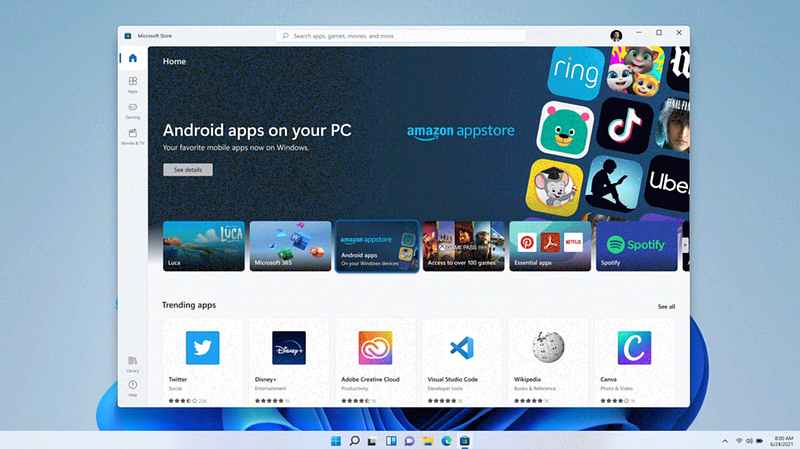
Sorry Bluestacks. Now I’ll use Android apps directly on Windows 11.
Microsoft made agreements with Amazon and Intel for this. Why? Amazon: Helps download apps from its App Store. Intel: Makes them compatible with various processors.
So you can now use Zomato, Ola, Uber apps directly in PC.
2. Widgets
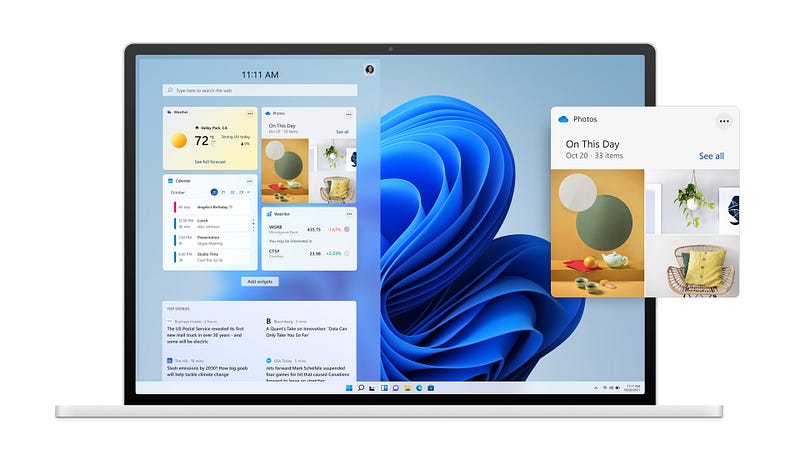
I’ve been missing widgets since Windows 7 died. They were cool. I used to know things directly from my home screen. Here comes my day again.
Windows 11 widgets enable you to view news, weather, calendar, to-do-lists, recently viewed photos, and many more. All updated real-time, just like in your phone.
3. Teams inbuilt
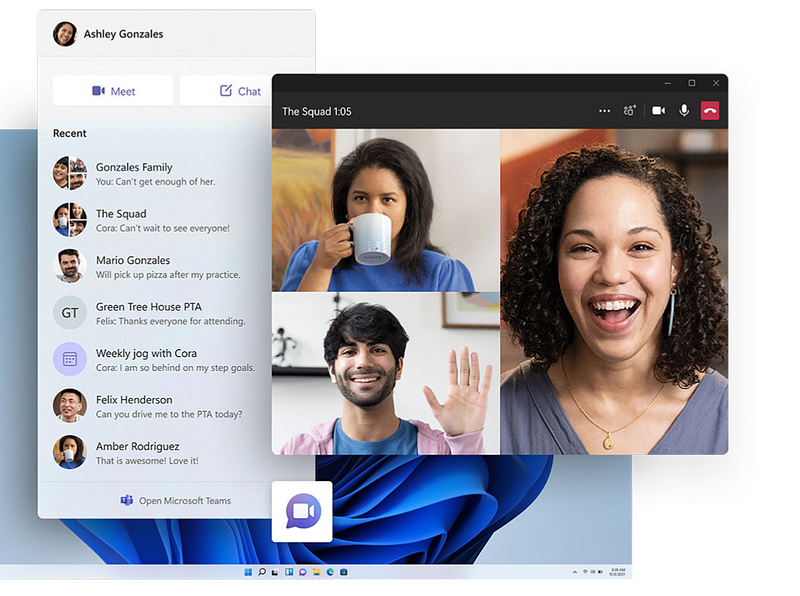
Microsoft’s version of pandemic meetings. Not Skype, but Teams. Now it’s integrated into Windows 11. We all know what Teams can do, I think I need not mention it.
But hey, here comes a cool feature – You can chat with people without opening Teams. Like you chat with fb friends on Messenger without the bigger Facebook.
4. All new Microsoft Store
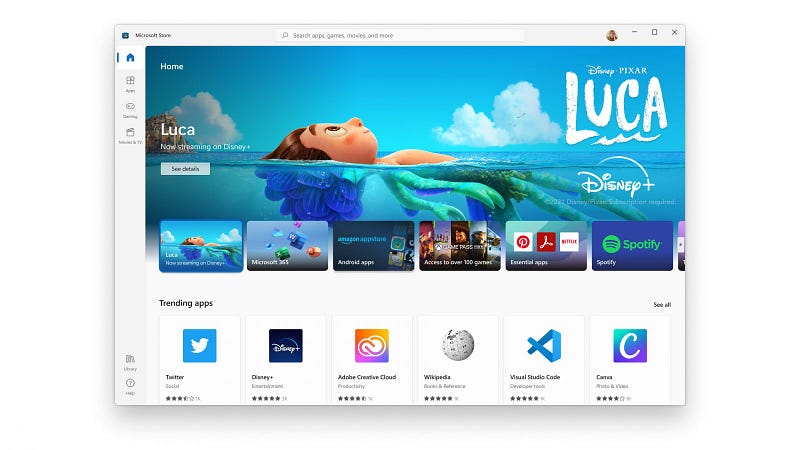
Microsoft Store gets a new UI. Looks glassy.
It supports more apps – Disney+, Adobe Creative Cloud, Zoom & TikTok, to name a few. It now allows developers to keep 100% of their revenue if they bring a third party commerce platform to their apps.
5. Multitasking
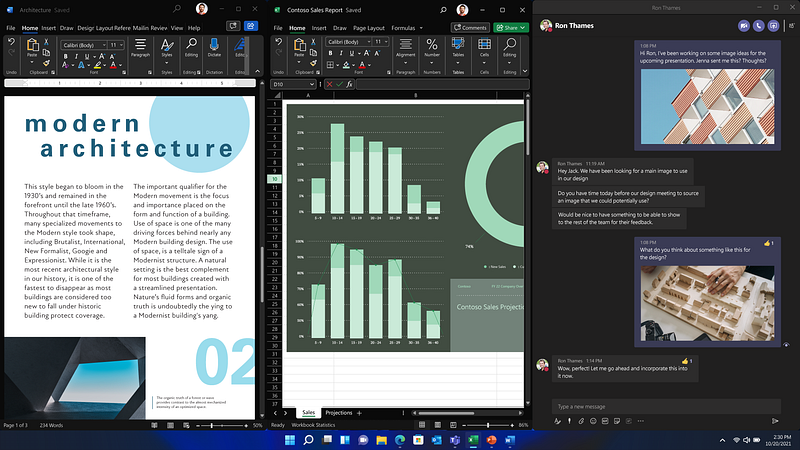
Windows 11 can arrange all your apps automatically, so you can work simultaneously. You’ve got new snap layouts, snap groups, and desktops.
You can keep separate desktops for every single thing. Studying and gaming, let’s say. But sadly, you only have one processor :(
6. Gamers, get ready
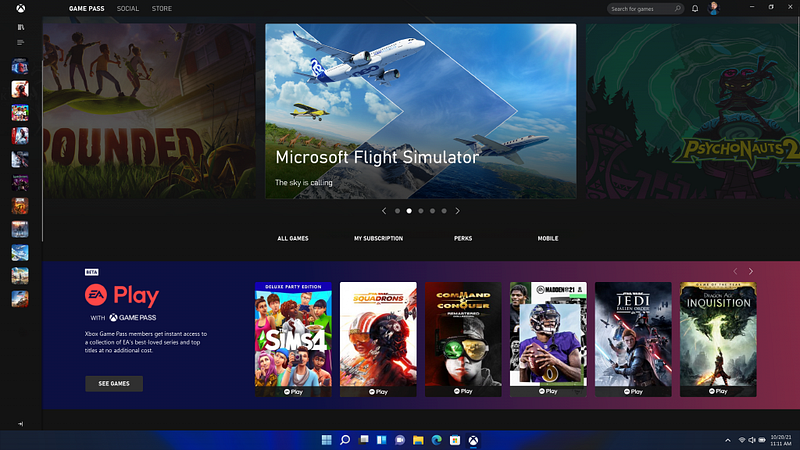
“If you’re a gamer, Windows 11 is made for you”, Microsoft says.
Windows 11 supports DirectX 12 Ultimate, which allows you to play games in high frame rate, wide-angle, and Auto HDR.
Additionally, games would load solely on graphics card. I can listen my CPU saying huff.
Is your PC eligible for the free upgrade?
Download and run the PC Health Check app to see if your PC is eligible for the upgrade. Here are the minimum system requirements it checks for.
Finally,
We got a handful of new features today, let’s wait and see what else Microsoft has to surprise us in the stable release.
More of my tech stories: