
Why Is No One Talking About This Insane Smartphone Addiction Hack?
Forget disabling notifications or screen-time blockers
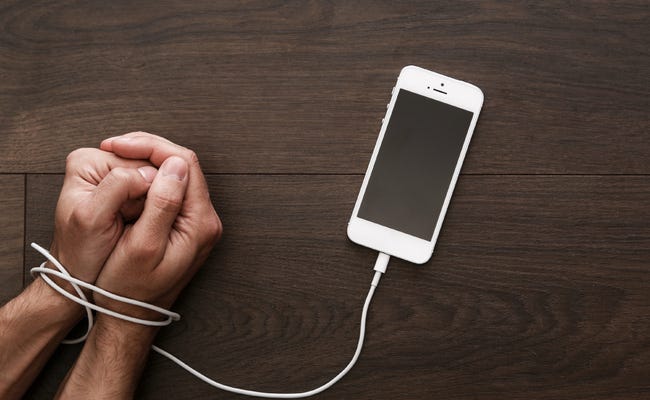
As Spidey’s uncle said, “With great power comes great responsibility”. But we’ve forgotten this with the gizmos we carry around in our pockets.
Smartphones are double-edged swords — you can either run a 6 figure business sipping Pina Coladas on a Bali beach or descend into the depravity of porn, social media, and video games.
The average person spends a good 4 hours glued to his phone — that’s 1/4th of our waking time.
If we live to 80, that’s 20 years of our life — spent staring at shiny pixels on an electronic contraption.
99% of us can’t even take a dump without thumbing our smartphones. An even scarier stat?
Around 66% of us check our phones up to a whopping 160 times a day!
No wonder we live in the era of 9-second attention spans — where garbage 10-second TikToks go viral and hour-long valuable podcasts sit in obscurity.
We’re in an epidemic of smartphone addiction — connected in a virtual world we’ve lost touch with the real one.
“The cell phone has become the adult’s transitional object, replacing the toddler’s teddy bear for comfort and a sense of belonging.”
Thankfully, there are tons of articles and videos on the internet suggesting countermeasures.
But most of them overlook one ingenious and effective hack.
This Under-Used Hack Takes a Mere Minute to Implement
I won’t keep you in the dark anymore, the secret is enabling grey-scale mode.
The delicious digital colors oozing out of screens are designed to keep you hooked.
The longer you’re glued to your phone, the more you use various apps, and the higher all those multi-billion dollar LLCs earn.
They squeeze dry your dopamine wells and keep you craving for more. I love how a Forbes article calls TikTok digital crack cocaine.
So cut the colors off — give your phone the 1950s retro vibe.
The effect will be instant. Everything will turn so drab that you won’t even feel like checking your smartphone — games and social media look like utter jokes.
The first day I tried grey-mode, my phone usage dropped by 50%.
For the first time in my life, checking my phone felt like a chore.
Going grey-scale has two more enormous benefits:
- Lesser Eye Strain: With none of the harsh blues and reds, the same screentime will cause lesser eye strain.
- Better Sleep: The blue light from electronic screens is notorious for its sleep disruption effect. With B/W mode? Forget blue, there’s no red or green light either.
But You Won’t Be Able to Do This Right Away
My smartphone has grey mode enabled 24/7. As for my personal laptop, I turn it off only when I’m selecting pictures for my articles.
But this didn’t happen overnight.
You have to ease your way in — start small and gradually “habituate” yourself to the feel of greyscale.
- Try greyscale for an hour a day. If you feel uncomfortable, switch back to color once the hour is up. If not, keep going till you feel the urge.
- Bump this up to 3 hours per day. During the duration, don’t switch back no matter how you feel — do it only for color-essential tasks.
- Then the weekends. The moment you wrap up your workweek on Friday, turn it on and don’t touch it till Monday.
- Make grayscale the default. Except for use-cases like snapping pictures, ordering food, or shopping online, do NOT switch back.
- Hard mode. Don’t ever switch back to color. Stick to this for at least a few months. This will initially feel frustrating, but you’ll soon get used to it.
P.S: Despite the camera looking grey-washed, the actual images and videos will be full-color. On a similar note, screen-sharing or casting will also be full-color.
Once your smartphone usage reaches a fraction of what it used to be, you can break hard mode and use color for the camera and a few apps.
“People who smile while they are alone used to be called insane until we invented smartphones and social media.”
— Mokokhoma Mokhonoana
If you found this valuable, consider joining Medium. You’ll get unlimited access to all my articles and a gazillion other writers. If you sign up using my link, I’ll earn a tiny commission. I appreciate your support!


