avatarThe Modern Scholastic

Free AI web copilot to create summaries, insights and extended knowledge, download it at here

1094

Abstract

t when I use vim, I maximise the window, and all I see is a single-colour background and a sea of tranquility.</p><figure id="3b07"><img src="https://cdn-images-1.readmedium.com/v2/resize:fit:800/0*5z7J-9RvwkN8k_bf"><figcaption>Photo by <a href="https://unsplash.com/@dorini_d?utm_source=medium&amp;utm_medium=referral">Dorini Damsa</a> on <a href="https://unsplash.com?utm_source=medium&amp;utm_medium=referral">Unsplash</a></figcaption></figure><p id="4335">Welcome to a zen-like experience.</p><h1 id="b5bb">2. Minimises Edits</h1><p id="6410">Unlike using Word or a text edition, you don’t get spell check on vim, at least not by default.</p><p id="9c9d">Also, the piece you’re working on looks so unlike the final product that you won’t be distracted by graphical concerns.</p><p id="a49f">You’ll simply let your flow of thought flow. Even as I type I feel like I’m just speaking to you, the reader. (Nice to meet you.)</p><figure id="4e90"><img src="https://cdn-images-1.readmedium.com/v2/resize:fit:800/0*HT-i5xhT0uCkS3cJ"><figcaption>Photo by <a href="https://unsplash.com/@solenfeyissa

Options

?utm_source=medium&utm_medium=referral">Solen Feyissa</a> on <a href="https://unsplash.com?utm_source=medium&amp;utm_medium=referral">Unsplash</a></figcaption></figure><p id="da7a">Leave all the editing and spellcheck at the end.</p><h1 id="32b6">3. Maximises Efficiency</h1><p id="f32f">Option + Delete deletes a word in the normal keybinding. Instead of typing backspace 10 times to delete the word ‘juggernaut’, option + delete cost two keys only.</p><p id="d8fa">But on my keyboard, it costs me three keys, and they’re set quite far apart from each other.</p><p id="5819">‘db’ does that in vim.</p><p id="3294">If I want to delete three words backwards, simply ‘3db’.</p><p id="34c3">If I want to delete three lines, 3dd.</p><p id="9033">If you vim, you know.</p><h1 id="fe75">Resources</h1><p id="0183">Simply enter vimtutor in your terminal and you’ll see a tutorial show up.</p><p id="b5ae">But first, please, read this: <a href="https://stackoverflow.com/questions/11828270/how-do-i-exit-vim">https://stackoverflow.com/questions/11828270/how-do-i-exit-vim</a></p></article></body>

Why I use vim to write articles — and you can too.
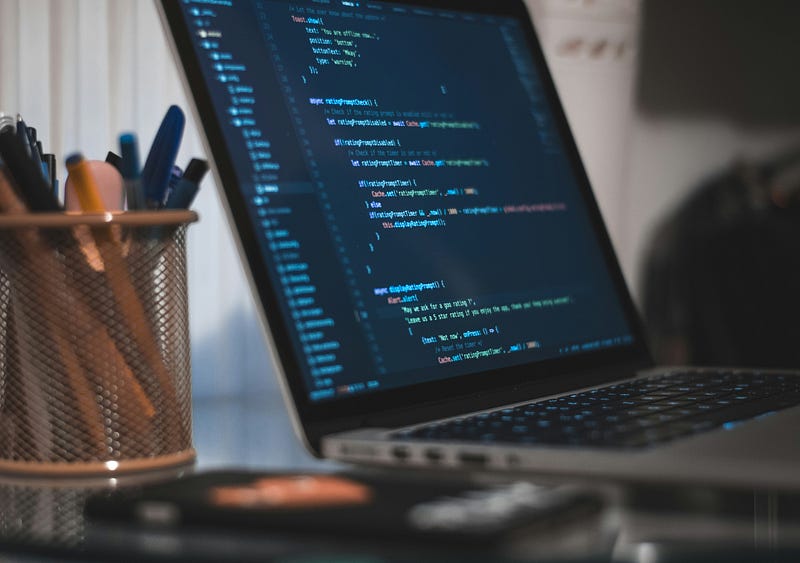
Photo by AltumCode on Unsplash

‘Do you even vim?’

I read this sentence as an affront to my ego, and so I decided to learn vim.

I started off here.

Since then, my life has changed for the better. I’ve started using vim as a generic efficiency tool.

One of the many things I use vim for is writing.

In this article I’ll share 3 benefits I gain from using vim for writing, and some resources at the bottom.

1. Minimises Distraction

When drafting an email, new emails may come in.

When you’re typing on the phone, new messages may pop up.

But when I use vim, I maximise the window, and all I see is a single-colour background and a sea of tranquility.

Photo by Dorini Damsa on Unsplash

Welcome to a zen-like experience.

2. Minimises Edits

Unlike using Word or a text edition, you don’t get spell check on vim, at least not by default.

Also, the piece you’re working on looks so unlike the final product that you won’t be distracted by graphical concerns.

You’ll simply let your flow of thought flow. Even as I type I feel like I’m just speaking to you, the reader. (Nice to meet you.)

Photo by Solen Feyissa on Unsplash

Leave all the editing and spellcheck at the end.

3. Maximises Efficiency

Option + Delete deletes a word in the normal keybinding. Instead of typing backspace 10 times to delete the word ‘juggernaut’, option + delete cost two keys only.

But on my keyboard, it costs me three keys, and they’re set quite far apart from each other.

‘db’ does that in vim.

If I want to delete three words backwards, simply ‘3db’.

If I want to delete three lines, 3dd.

If you vim, you know.

Resources

Simply enter `vimtutor` in your terminal and you’ll see a tutorial show up.

But first, please, read this: https://stackoverflow.com/questions/11828270/how-do-i-exit-vim

Technology
Python
Programming
Vim
Ideas
Recommended from ReadMedium