
Why I moved from OmniVore to Readwise Read
In search of the perfect read-later apps.

Omnivore initially caught my attention when I saw a mention of it on the Obsidian subreddit. I loved it. After using it for almost two months, I’m switching back to Readwise Read.
I’m writing this article after using Readwise Read for over a month now. Readwise Read is not free. It’s priced at $7 a month. This might deter some. But stick with me till the end and I’ll share a way to use it at no cost.
In the ever-evolving world of digital reading, finding the perfect ‘read later’ app can be a journey of trial and error. I’ve tried almost all apps on the market now. Pocket, Instapaper, Raindrop, and whatnot.
Previously, I wrote about Omnivore and how it’s a good read-later app. I thought Omnivore was a solid choice in this category, and it still is, but in many ways, Readwise Reader stands out.
Let’s talk about some features that made me switch my stance.
Smooth reading experience
Readwise Read works exceptionally well at converting articles and web pages filled with ads and other distractions into a clean and minimalist layout. It makes it easy to focus on the content you want to read.
Quick Article View
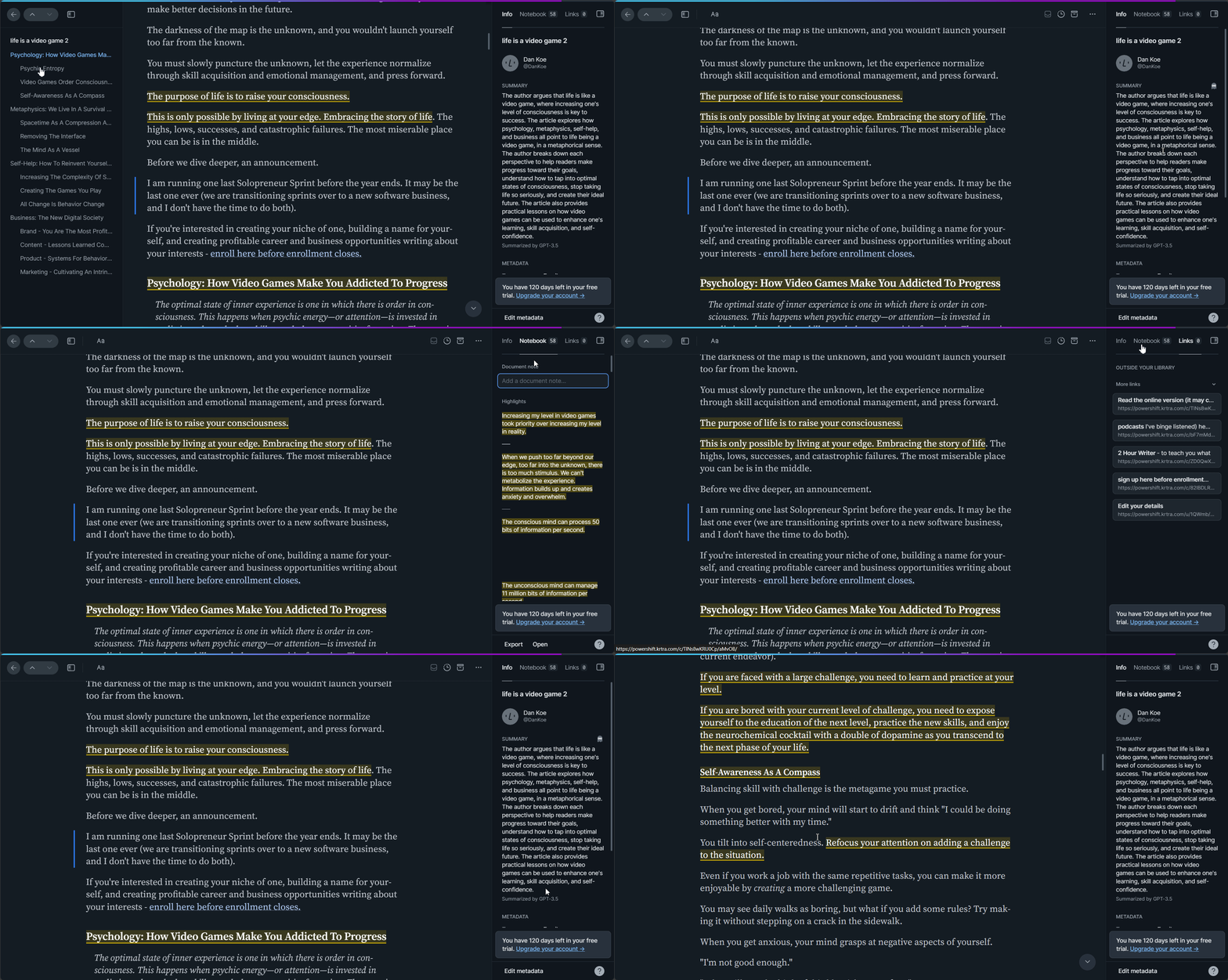
On one side of the screen, you’ll find a handy table of contents, and on the other, metadata about the article you are reading, along with all highlights, notes, and links present in the article.
This is incredibly useful to quickly navigate to specific sections and review highlights.
Article Summary
OpenAi’s ChatGPT is integrated into the app. With just a glance, you can get a concise overview of the article’s main points. This can be invaluable in saving your time to decide whether an article is worth diving into or can be skipped.
This feature can greatly save you time and effort.
Easy highlighting
Other read-later apps such as Omnivore and Pocket don’t have seamless highlighting feature. I mean it’s not bad, but they can improve.
Readwise Read employs the same intuitive mechanism as Kindle. All you have to do is select the text and you’ve got a highlight.
It may seem like a small detail, but it contributes to a frictionless workflow, making both reading and highlighting a breeze.
Quick Web Highlighting
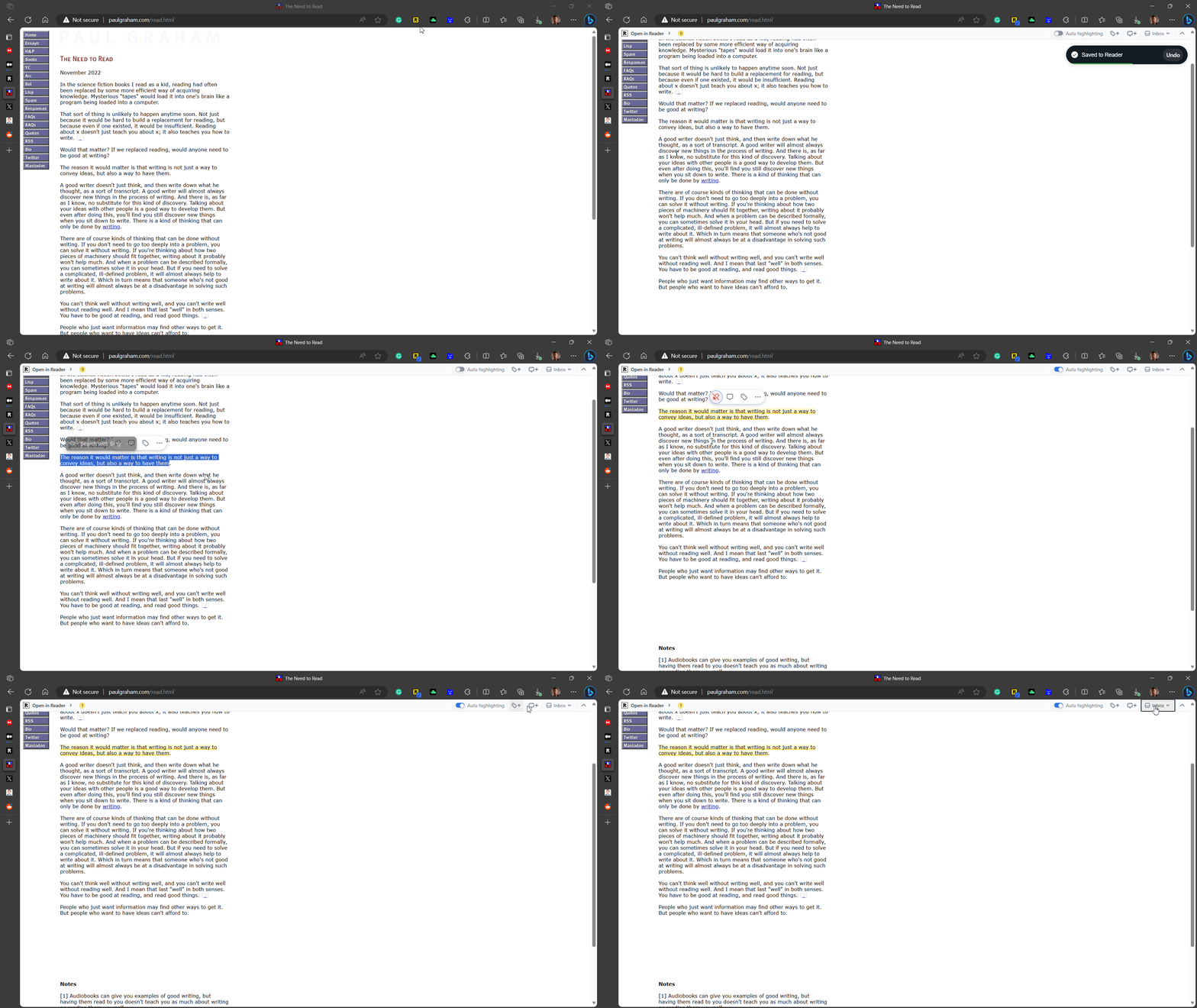
The Readwise Read Chrome extension also offers a few features. With a single click, the article is not only saved to the library, but you can also begin to highlight text within the web browser.
The Chrome Extension can make it easy to capture and highlight content as well as save pages to library.
Offline Reading Mode
Readwise Read doesn’t completely work offline. But if you’ve connected to the internet before closing the app, and all your data is synced, you can use it even in offline mode with your phone.
But on the browser, you need to have read.readwise.io open before you go offline.
Robust Syncing Features
Readwise initially made its mark as a service for consolidating your highlights from books and articles for easy access. What sets it apart is its ability to integrate seamlessly with a broad range of services you’re already using.
As a sister product, Readwise Read inherits all of these powerful syncing features, offering a unified experience across the reading and note-taking applications you use.
Quick Home View
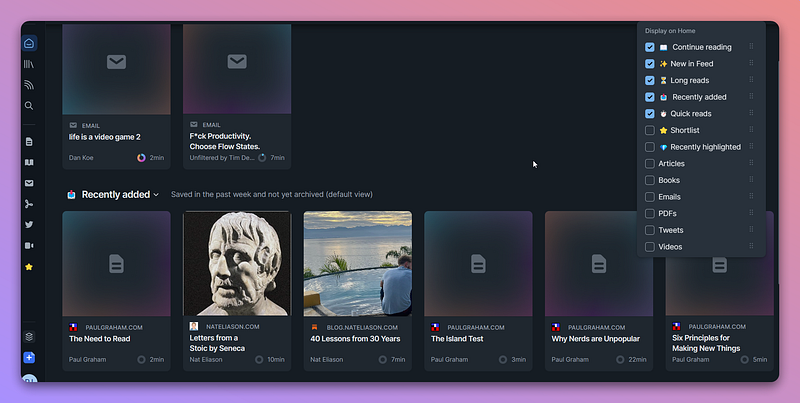
The home view is another standout feature.
This allows you to create what you want to read based on your moods and needs. Are you looking for a quick read? Or perhaps you want to pick up where you left off in a longer article? Maybe you’re in the mood for books over articles?
Highlight youtube videos
When you save YouTube videos, it will save the transcript as text. Then you can highlight important parts from the YouTube videos. Cool, right?
Get Extended Free Trial
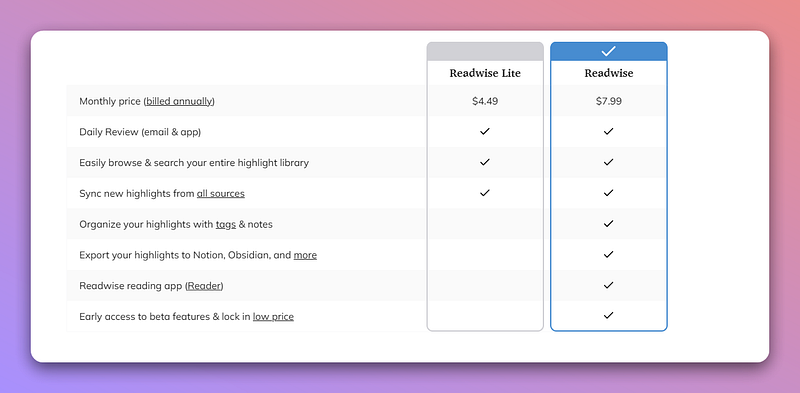
I know for most people, it's the price. If that’s a thing, I’ve got a solution. Obsidian is priced at $7.99/month. And the features it provides are worth every penny. But if you are not in a financial position to pay for it, I’ve got you covered.
Not me actually. It's readwise itself that covers you. Yes, I’m talking about its referral program.
For every friend you refer, you get a 30-day additional free trial. Your friend also gets an extended 60-day trial.
I referred Readwise to all of my classmates in college and 4 of them signed up for it. I got 120 days of additional free trial.
Refer to your friends interested in this space and you both can enjoy the benefits.
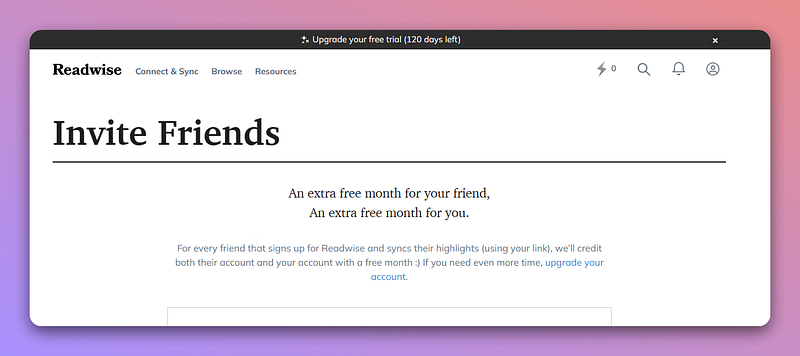
If you haven’t signed up for Readwise before, you can sign up through my referral link. This way you get a 60-day free trial instead of 30-day.
Reading on Readwise Reader is a joy. The clutter-free reading experience and all the features I talked about sell me. So, what’s stopping you from using Readwise now?


