
Why Apple Products are Perfect for Creative Projects
How I use Them for my YouTube Videos
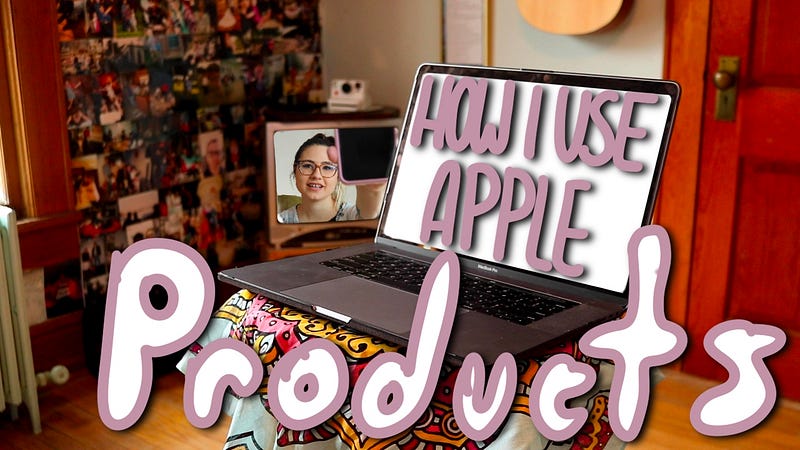
The battle between apple users and non-apple users has been ongoing, and while both sides have merit, I’m here to tell you why Apple products are the clear winner when it comes to creating content.
To give some context to my creative experience, I am a photographer, and I make videos on YouTube. I am by no means a professional YouTuber. I make videos because I find them fun, and I want to share my projects and knowledge with other people.
iPhone
I use my iPhone to film some of my video clips. It is the easiest device to just whip out when I need a quick shot of something. Plus, the iPhone camera has surprisingly good quality.
I also use my iPhone to take pictures for my video thumbnails. Taking pictures in portrait mode makes it easy to edit out the background in Photoshop or Procreate later.
MacBook
I use my Macbook Pro as the main hub for my projects. I have a folder system in place to keep all of my project elements organized.
I use my iCloud account to access pages to type out my scripts. I have the actual program on my MacBook as well, but I love using the website so I can access my documents on my iPad as well.
My video scripts serve two purposes. First, I use them as a guide while I’m filming to make sure I stay on topic. Second, I modify them to read well as Medium articles (Like this one!).
I edit my videos in Adobe Premiere Pro, and the newer Macbook Pros have the touch bar, which makes editing so much faster!
*Bonus Apple Product — Airpods* I use these in conjunction with my MacBook to edit if I am around other people. I don’t want them to have to hear my voice saying the same syllable over and over and over again.
I also use my Macbook to upload my videos to YouTube and to update my Facebook and Twitter to share my videos.
iPad
I use my iPad Pro to edit my video thumbnails. I mostly use Procreate, but sometimes I use Photoshop express as well.
In procreate, I also create all of my animated titles for my videos.
*Bonus Apple Product —Apple Pencil 2* I use this to draw and write in procreate. I have a rubber grip on my pencil, which makes it comfortable, and it works really well.
Putting it all Together
The beauty of Apple products is they are all connected! Different elements in my projects will pass through multiple devices. for example, my thumbnails start on my phone, with a picture.
Then, I airdrop the picture to my iPad. I edit it there in Procreate and airdrop it to my MacBook to upload with my video.
When I film on my phone, it is easy to airdrop the footage directly to my MacBook.
I’m sure that if I had other tech products, I would still be able to complete my projects, but the convenience of airdropping is huge for me.
Not to mention, everything can be backed up into my iCloud account.
All of this really comes down to personal preference. The magic of creating content is finding your own system and comfort zone. If you feel more comfortable using non-apple products, then you work your magic in your own way.