
What’s the Most Efficient Way to Check Medium Notifications?
A journey to Medium engagement
Listen, I love engaging with readers and other writers on Medium. It sparks joy when I get to see that someone else not only took the moment to read my post, but to stop by and share their thoughts.
It’s precious. It’s connection, amidst a time when it’s been so long since I’ve interacted with anyone.
That being said, Medium’s notification system is probably my least favourite. Relative to replying to twitter mentions or any other kind of notification, clicking on that Medium notification bell marks ALL as read, no matter how many notifications were there to begin with.
It’s actually built up this silly loop of anxiety for me, resulting in this colossal number the represents my avoidance:

In avoidance of clicking on it and realizing that I have to reply to all of the notifs immediately, I’ve actually sufficiently avoided them for several months now.
I now rely on Medium to notify me via email for any responses, because open those one at a time and mark them as unread again. I’m slowly realizing that this method means I’m actually missing quite a number of notifications, because Medium’s emailing system doesn’t notify for every single response.
When Rochelle Silva mentioned me yesterday on how I kept up with responses and notifications,
I had to come clean. I had to come to my senses and recognize that I am procrastinating into the never-ending void of avoidance.
Thankfully, other amazing writers weighed in on the matter. I learned. I grew.
Across Tom Handy, Agnes Laurens, Michael Burg, MD, Tom Fenske, Niru and Aimée Gramblin, the secret was out: these writers schedule a dedicated block and/or check notifications as they get them as a break from their other work.
These, I must say, are much more reasonable solutions than where my initial thoughts went:
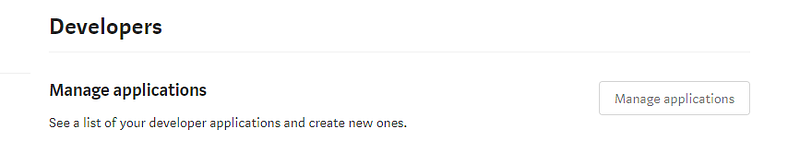
Once I realized that you could develop your own apps, my heart, soul and brain was there. I wanted to learn how to create an app that would grab Medium statistics exactly the way I wanted them. I wanted to develop an app that would display and organize notifications in the exact way I wanted them.
You know, the same way I didn’t like how I was manually creating threads on Twitter and I programmed my own app for organizing photos by theme/ caption to be threaded together like magic:
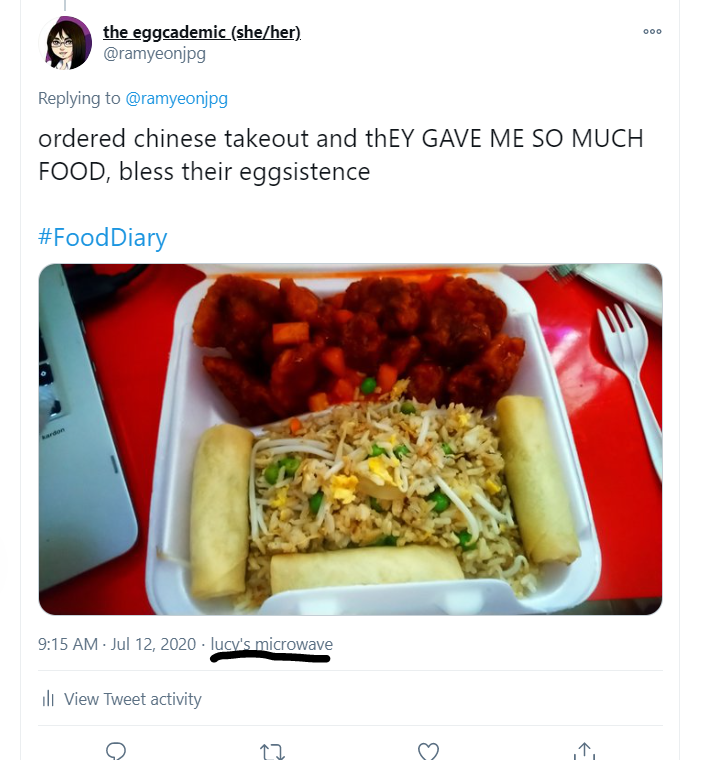
I named it Lucy’s microwave.
So if I do end up programming something for Medium, it’ll endearingly be called Lucy’s waffle maker, or something.
Lucy (The Eggcademic) [she/her] wants to know how you manage your notifications! She needs all the tips she can get, before she sinks 20 hours of programming into Lucy’s Waffle Maker.


