
What’s that ugly white space at the top of your “Designed for iPad” app when it runs on an M1 Mac?
It might be… the status bar! Here’s a small snippet to fix it for good.
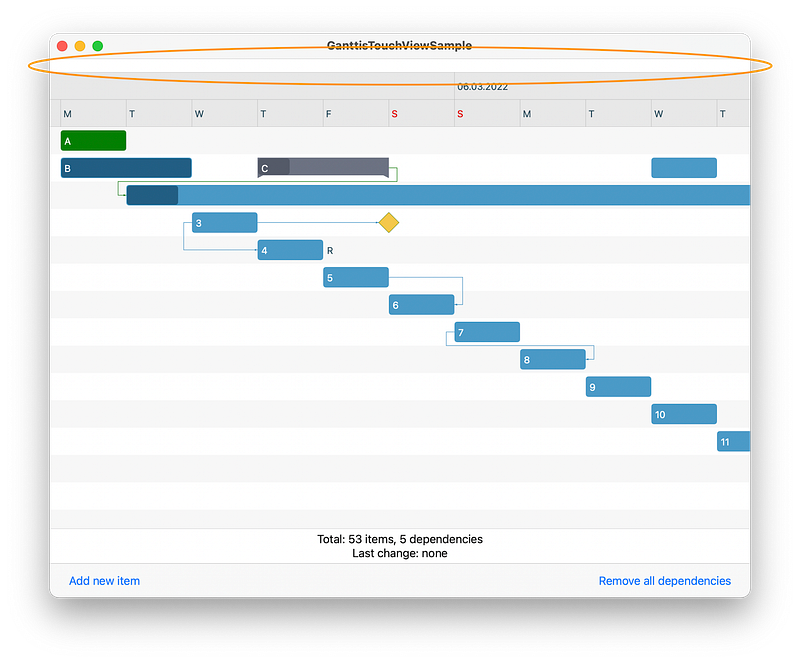
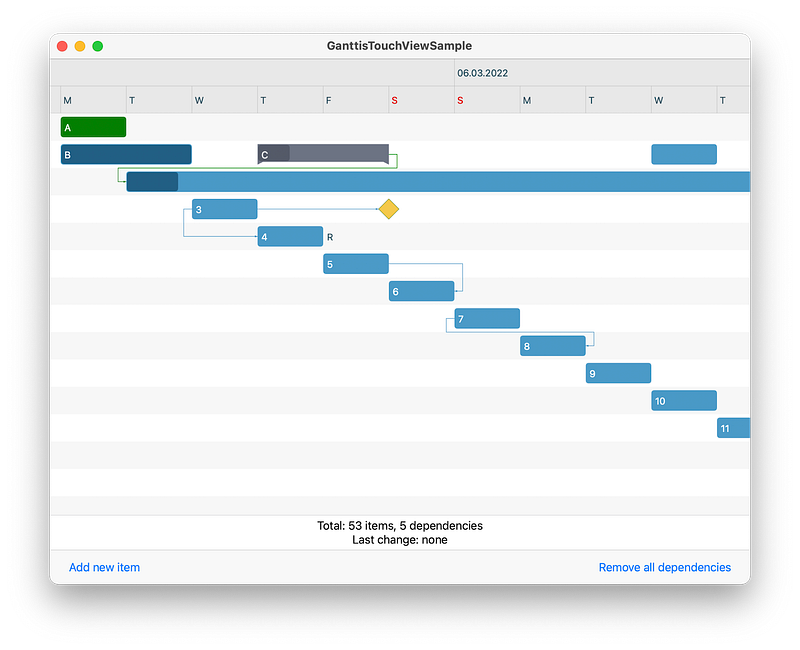
If you develop an iOS app and you run it on a Mac, you might see something like the first image above. Notice the white bar at the top. Indeed. It’s the empty-on-Mac iOS app status bar!
Naturally, if you don’t use the status bar at all, you want to correct this behavior, and — while still showing the standard status info on iPhones and iPads — adapt the app to look good on macOS as well.
It’s an easy fix, once you know what that white space actually is. But I did fight with it for an hour or so today, so (I guess) I should share! 😬
With or without SwiftUI: