
What’s New in The Brand-New Obsidian 1.0
Check out the new features
It’s a little late to write about obsidian 1.0 because it has been already around 15 days since it was released.
But I was on my 15-day educational tour so didn’t know anything about this update. So let’s see and talk about what’s new in the brand-new obsidian 1.0.
Calling Obsidian “1.0” is a scary thing. It comes with a lot of expectations and means both everything and nothing. It doesn’t mean Obsidian is feature complete, it doesn’t mean it’s bug-free. But it does still mark an important milestone. It means we’re proud enough to drop the word “beta”. — Developers
So you mean to say the app that we have been using for almost 2 years was in beta? That’s serious. This means there’s a lot we can expect from the developers in the future.
But for now, let’s look at the new features and updates of Obsidian 1.0.
Tabs
Just like the tabs you have in your browser, obsidian supports tab. You can open your notes in a new tab and explore multiple ideas at once.
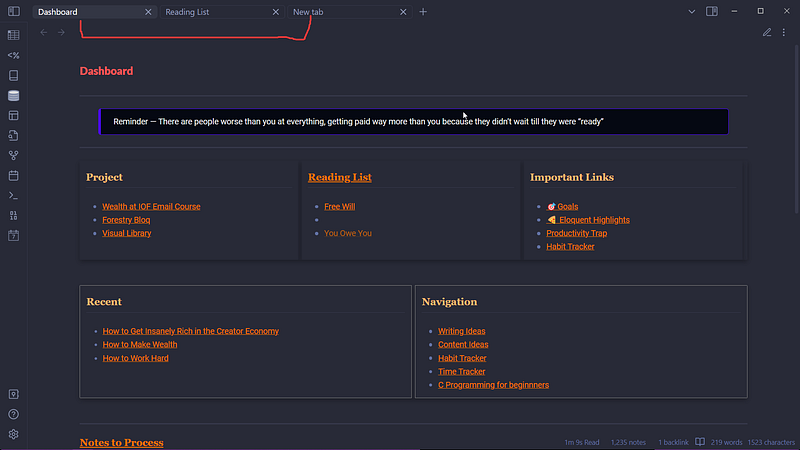
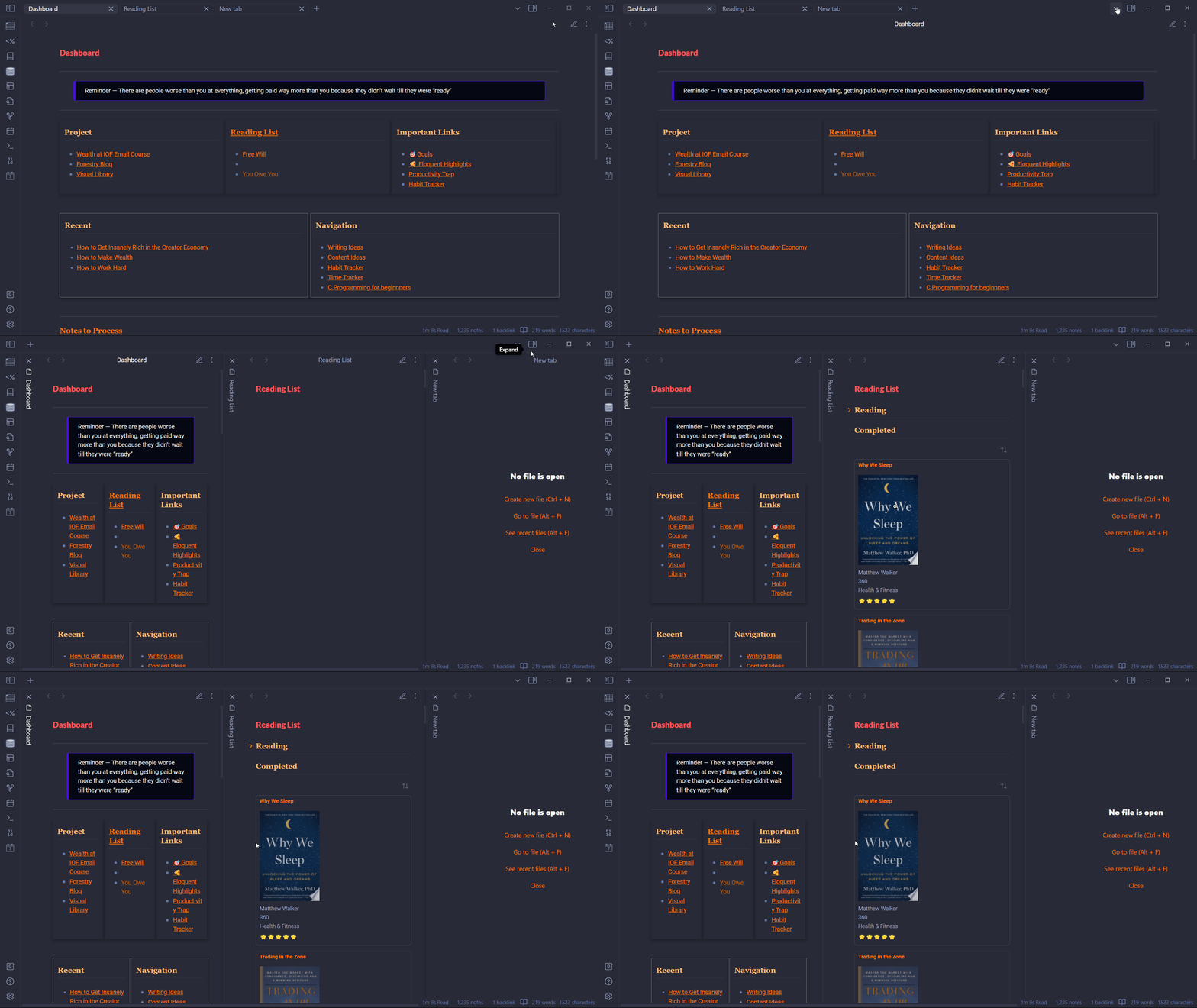
Where is the sliding pane plugin? Well, it has been added as a core plugin. So now you can either choose tabs or sliding panes format to see your notes.
Don’t like tabs? Switch to stacked tabs aka sliding panes. It’s easy. Just go to the down arrow on windows frame and click on stack tabs.
Changes in Appearance
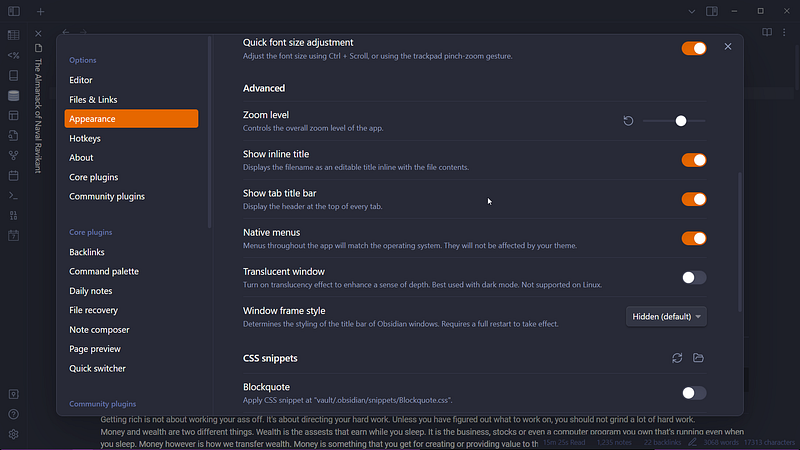
There are a few additional features in appearance features in obsidian 1.0.
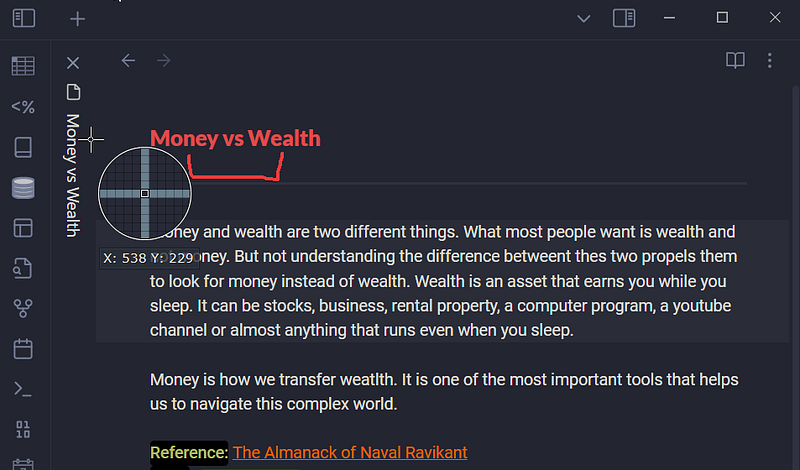
Inline title
The inline title adds the title of the note on the top section of your note. I find this quite distracting because I already know the title on the tab title.
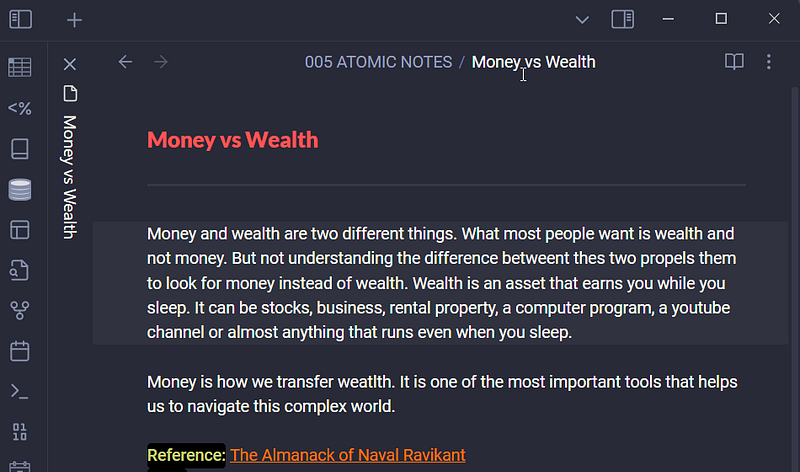
Tab Title bar?
The tab title bar is another feature that’s been added in the new version. When you hover on the top of your note, the breadcrumb of your note will be displayed.
Zoom Level
Zoom level helps you to set up the overall zoom level of the app. I like to keep it at 120%. 100% seems a little small to me.
Windows frame style
You can determine the styling of the title bar of obsidian windows. You have three options to choose from: Hidden(my preference), obsidian frame, and native frame.
Native menus
This will make all the menus throughout the obsidian app match your operating system.
Accent Color
Accent color helps you to choose a color that you can use throughout the app. No matter what theme you use, you can choose a different accent color.
Core Changes in Obsidian Mobile
I don’t use an obsidian mobile much. Most of the note-taking is done in the desktop app. But still, I can feel the massive changes in the mobile app.
The app is more user-friendly and responsive than the previous versions. Here are the major changes in the obsidian mobile app.
All new functionalities and bug fixes up to the obsidian desktop
All features that we previously discussed are available on the mobile app as well.
Tabs
I feel like tabs are a great addition to the obsidian mobile. Using obsidian on a small screen has a few constraints. But with tabs, some of it is solved.
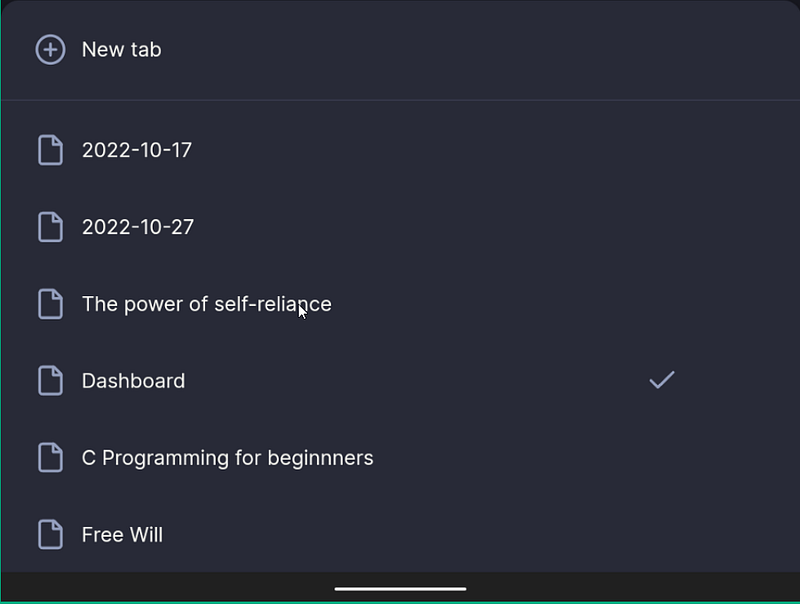
The new bottom navigation bar
The button navigation bar has a forward and back button to navigate between notes. A new tab option, tab menu, and quick access to your ribbon items.

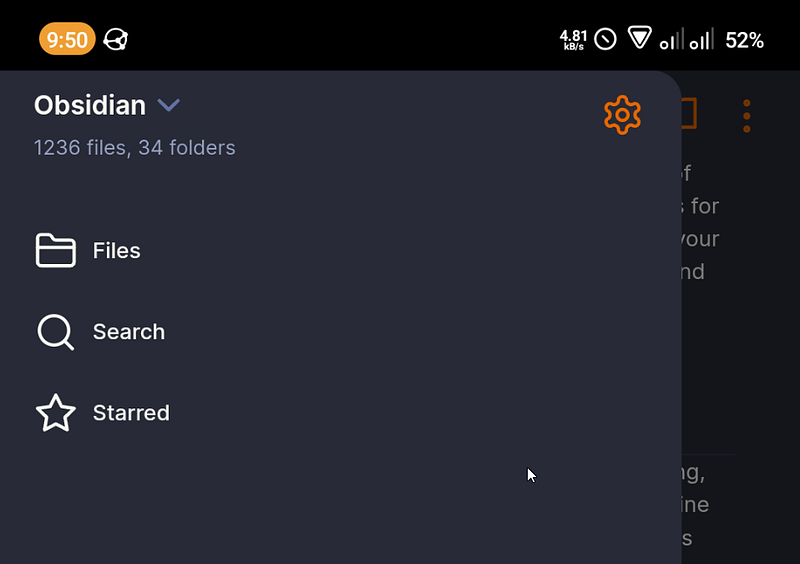
Changes in the left sidebar
The ribbon bar is removed from the left sidebar. It is accessible from the bottom navigation bar.
Did I miss any features? What do you feel about the new update to the obsidian app on both phone as well as desktop? Share your opinions.


