
What Every Writer Should Know About Navigating Medium
Tips and tricks for optimizing your Medium experience

Medium is a tricky platform, and there are lots of Easter eggs to discover as you develop your writing skills on this channel. Many new writers ask me how to understand their audience and improve their writing. This article shares some key insights that every writer should know about navigating Medium.
Your profile
Take some time to set up an attractive profile. When I am going to feature new writers, the first place I go after reading their compelling stories is their profile. I also make it a habit to check writer’s profiles before I follow and/or subscribe to get email notifications from them. I’m sure others do this too.
A compelling profile tells a bit about you, has a couple of sticky stories at the top of your page and your picture. A personal picture emphasizes they are interacting with a real live person. I want to interact with people, not memes.
Take the time to go through your page design, and each setting to make the profile represent you and your brand.
Before you finish writing
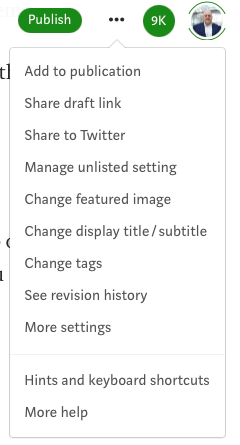
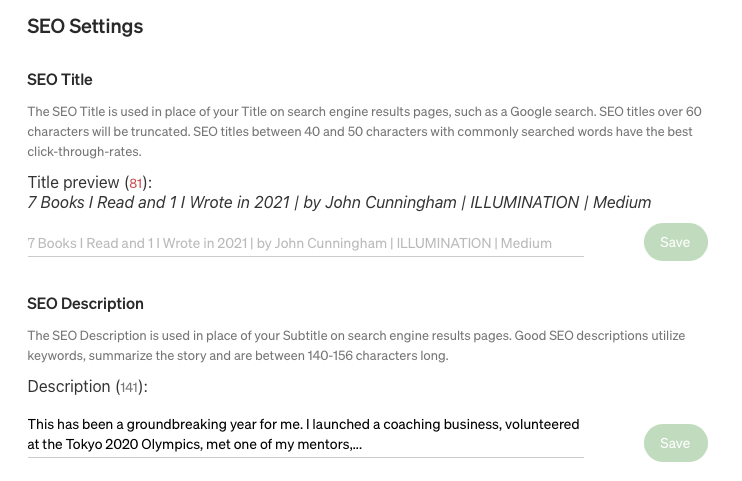
Go to the “More Settings” tab. You can find that under the ”…” at the top of the page. It includes many details you may want to customize before you publish. Did you know, for example, that if your title is longer than 60 characters it will be truncated? Medium recommends titles of 40–50 characters. I use this tool to improve my titles.
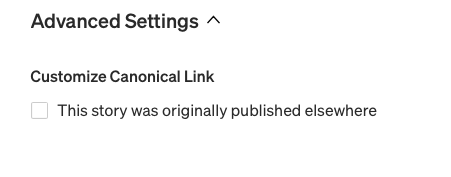
You can also edit your story’s description (156 words max) and add a Customize Canonical Link if your story was published somewhere else before it appeared on Medium. This is a great feature, as I know many of us share the stories we publish on Medium elsewhere on the web.
Understanding and interacting with your audience
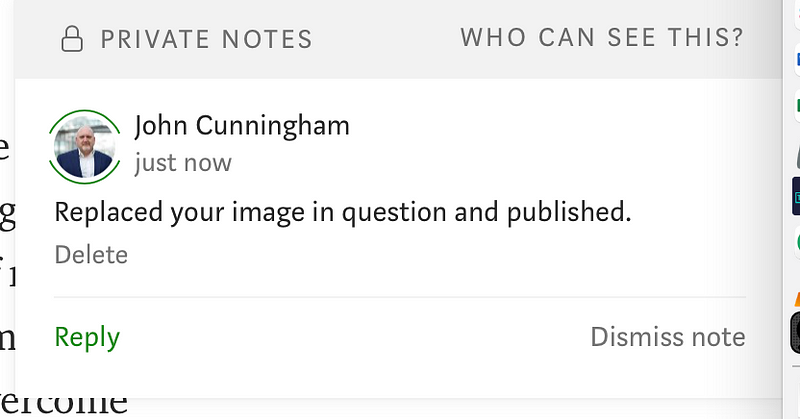
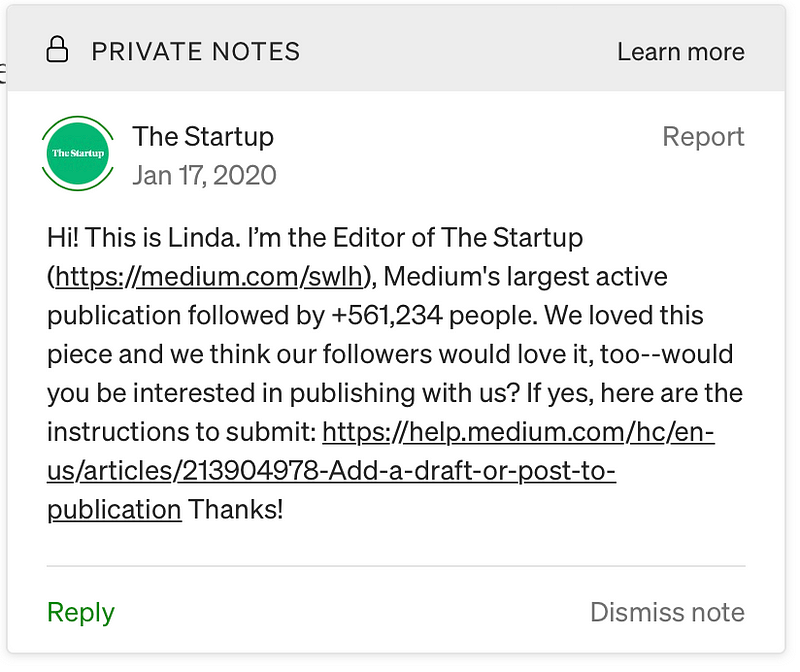
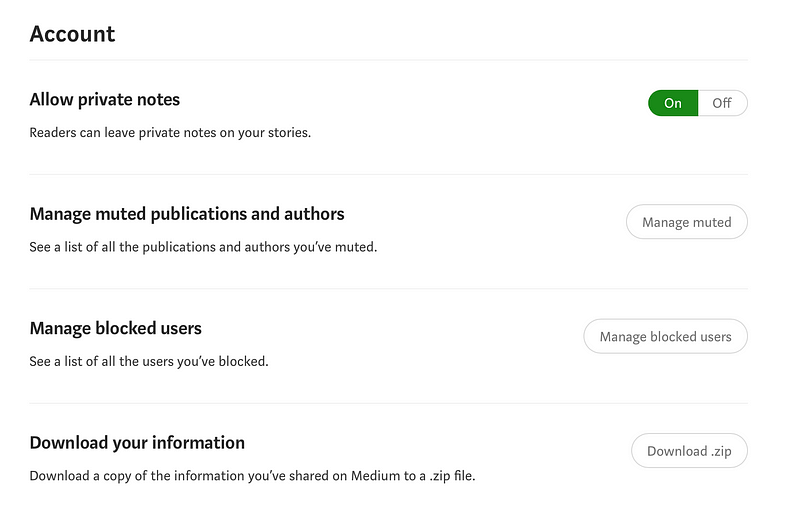
Once you’ve submitted to a publication or published your story, you may get notifications from editors or other readers directly in your story. These will be indicated with an asterisk (*). If you have enabled notifications on your stories in the settings, you will get an email when someone leaves one of these comments.
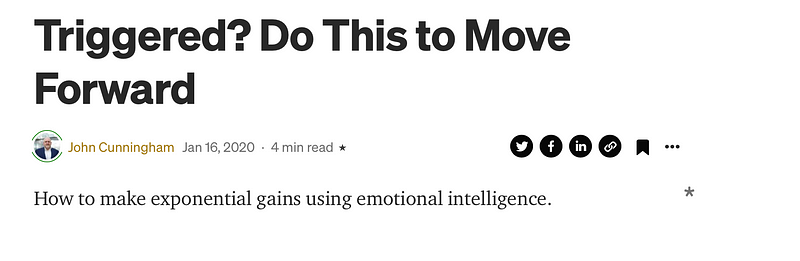
Editors often use this tool to communicate with writers that have submitted to their publication. Personally, I use these to provide feedback, ask questions, or comment on resolved issues. Publications may also leave you notifications if they are interested in publishing your stories. I received one of these on my second story and did not even know about it until months later. Opportunity lost!
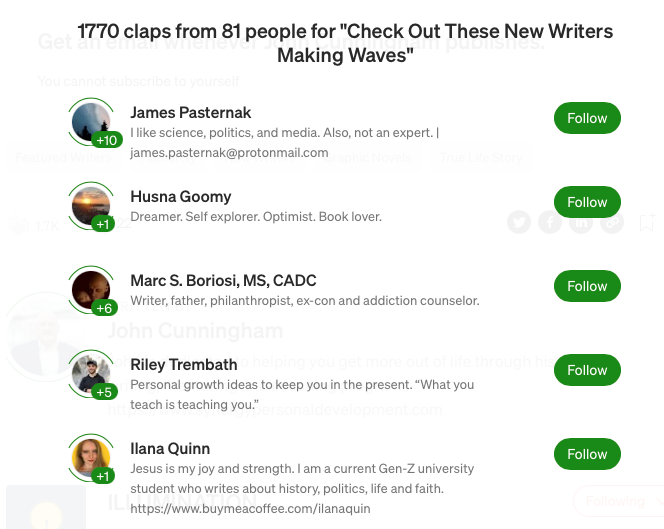
You can also click on the number of claps to see who has engaged with your story and how many claps (50 max) they have given it. And don’t forget to click the number next to the word bubble to see, clap for, and reply to the comments on your stories.
Navigating Medium effectively takes time to learn and experiment with. If you invest time in setting up your account effectively and developing a pre-publishing routine that includes checking the “More Settings” and when your stories are live engaging with your audience, you will most likely see increases in your followers, subscribers, and opportunities to write for other publications. Aren’t those some of the reasons you are here?


