
What Developers Must Know About Creating a UX Design
It’s easier than you think!
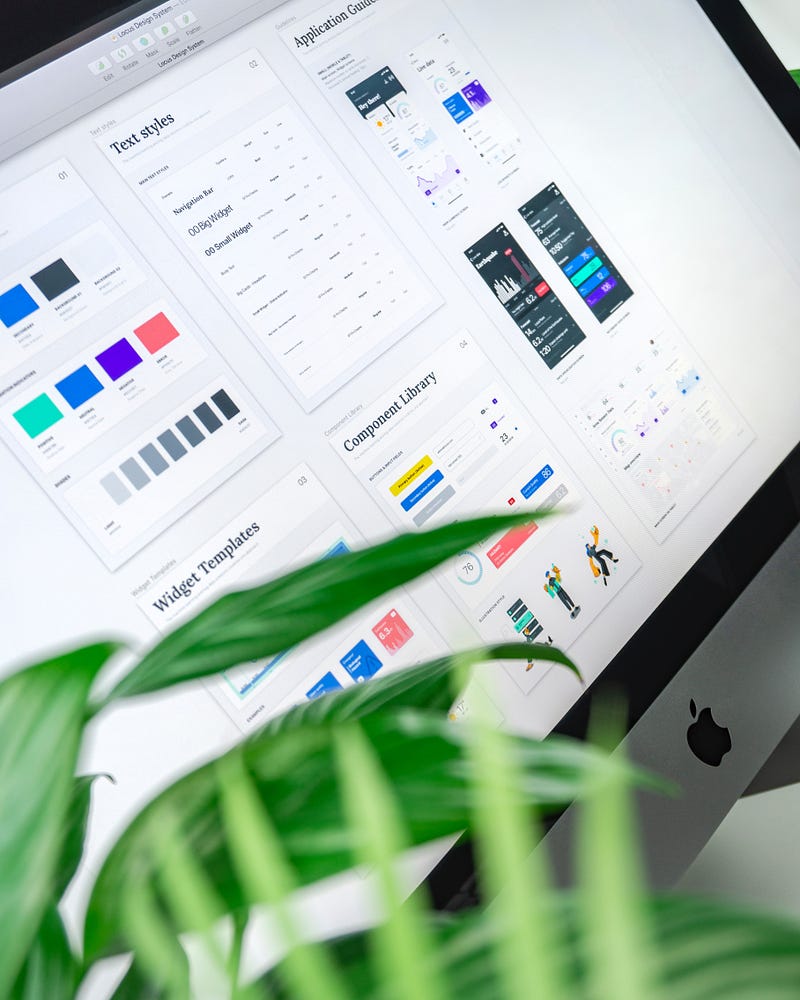
In my previous post , I described few reasons on Why Developers Must Learn to Design. In this article, I will continue to share What Developers Must Know to create consistent and beautiful application designs.
If you have no past experience with application design, look no further than a using a Design System. But, what is it?
A Design System provides 3 elements for your application design
- The principles behind the Design System
- A style guide which consists of theme, colours, typography among other things.
- A set of reusable components that could be used in the application design such as Text Fields, Buttons, Radio Buttons and lot more
This may sound foreign if you have not designed before, but let me give you a quick summary of each item
Principles of Design System
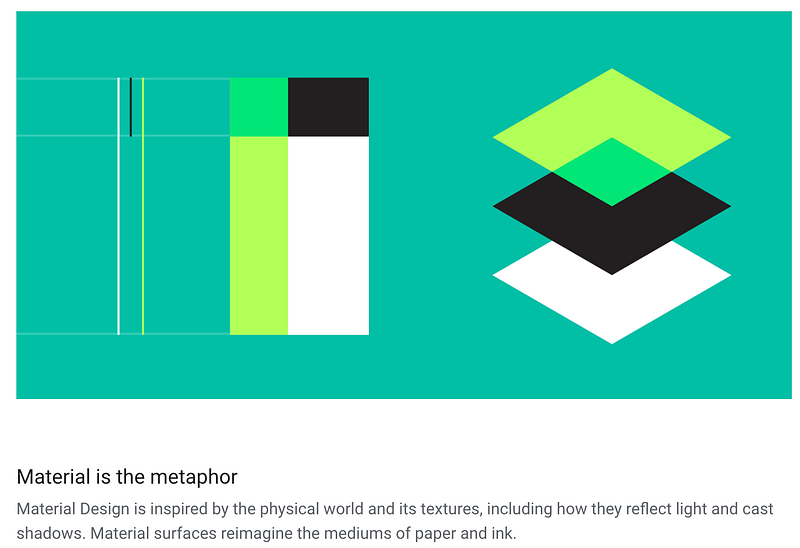
The design is a subjective topic and each person may have their own sense of a good design. It becomes difficult to agree to what a Good Design is when it comes to designing an application.
The process of establishing design principles involves multiple designers in a team or a company come together and agree on what design best describes the product and its offerings.
Once completed, these principles serve as guidelines for further communication and collaboration with other teams.
These guidelines serve as a living document that evolve with time is used by the development teams to update the application design as needed.
Style Guide
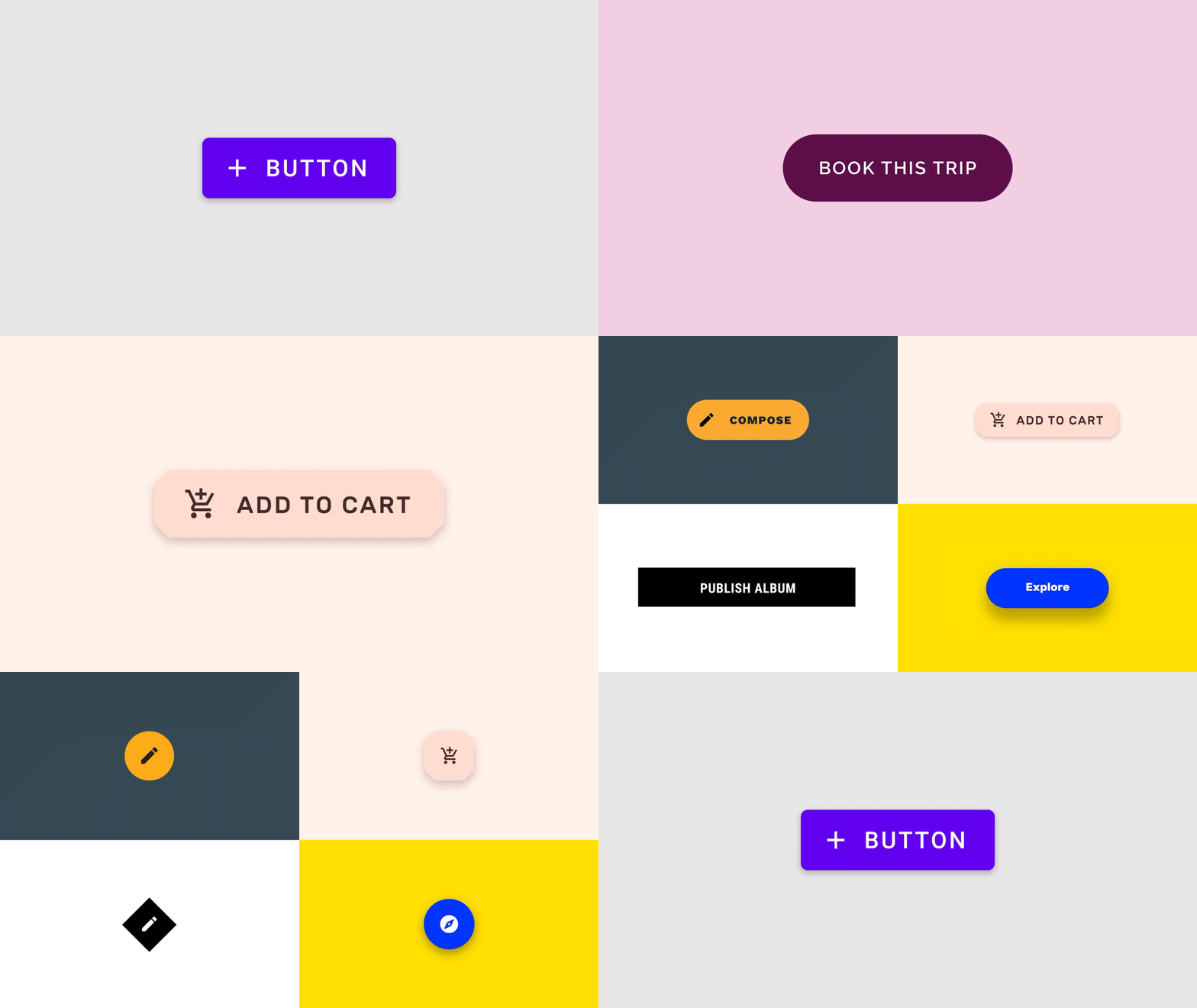
A Design System also provides a guidance on the look and feel of a product that is developed based on the system. Some of the things that it includes are
- The primary, secondary, and tertiary colour of the application. This is also known as the setting up a theme for your application.
- The range of colours that could be used based on the colours provided in the theme.
- The typography which includes different font styles, sizes and letter-spacing
A style guide helps to keep design consistent when implemented. This is extremely important as there are various channels through which users can come to your application including Web, iOS or Android. Having a consistent design across all these channels communicate your brand and build trust among your users.
Reusable Components
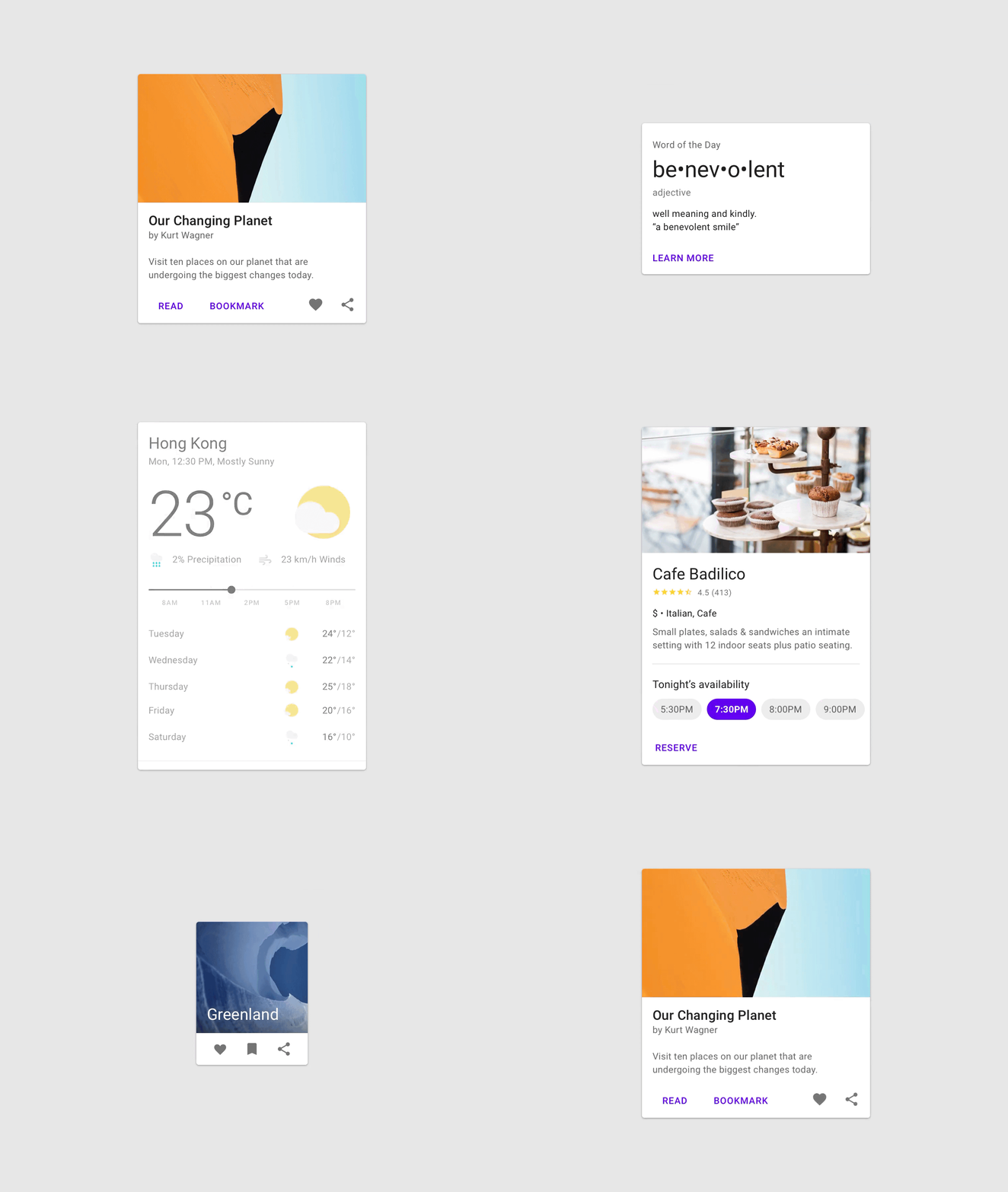
Having a consistent design is not enough. An application should also look and behave consistently across different pages or views when a user interact with the application.
A Design System provides a set of reusable components for an application. These include
- Text Fields
- Buttons
- Cards
- Chips
- Menus
- Tabs
- Toolbar
- Dialog
and many more.
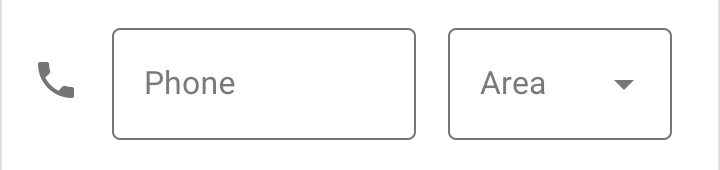
These components could then be further combined to develop higher level components that include one or more Text Fields, Buttons, Radio Buttons among other things

These higher level components, then, combine with other components and embed in the Page which is what a user sees as a whole.
Learning to dissect the views as a whole to component level helps you see how Design System drives the consistency all across the application design.
But as developer, you may have the following questions popping up in your head
- What do I need to get started?
- Do I need to build my own Design System from scratch?
- Let’s say I manage to design successfully, how to I implement the exact same design into a working application?
All great questions!
The good news is that you, as developer, do not need to go through all of this process to develop your own Design System. Today, there are many companies and communities who have open-sourced their Design Systems for developers to use, absolutely FREE.
Here is the list of some popular Design Systems which are coming from some of the best companies in the world such as Google, Uber, GitHub, Atlassian, and Heroku
I covered the overview of a Design System so that you appreciate the hard work of these teams and what a wonderful world they are creating by enabling others to develop great products.
The best thing about these Design Systems is that these companies are using it themselves for their products. So, as developer you have the entire UX Design Team right next to you, for the Design System you wish to use for your application.
My personal favourite one is the Google Material Design
The availability of documentation, tools and tutorials makes life so much easier for a developer who has no experience in UX Design at all.
This short video summarizes what all you can do with Material Design
How to create your own theme with Google Material Design?
There are 2 ways to get started
Using Sketch (paid)
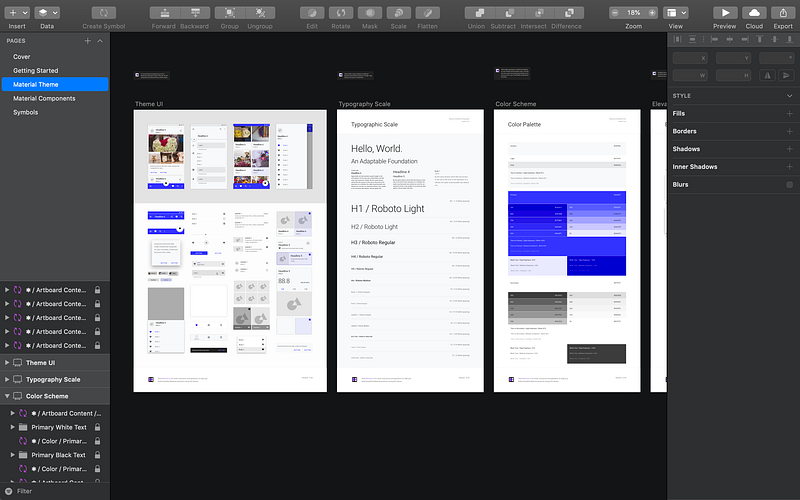
If you are on Mac, and prefer to keep the design files on your machine, the best tool out there is to use Sketch. This is a paid product with free 30-day trial.
There is a codelab created by Google on how to use Sketch with Google’s Material Components
Glitch (free)
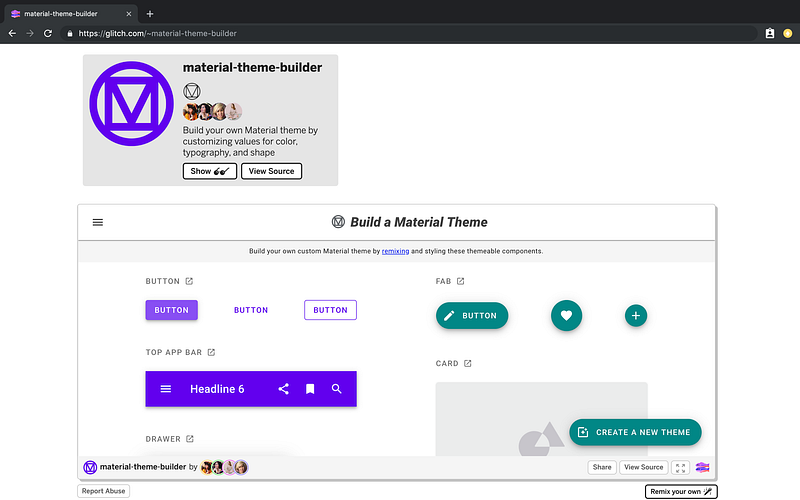
The another online tool that you can use to create your own theme is by using Glitch. You can find the details on how to use it on Google’s Material Website
There is also a conference video from Google I/O’19 that explains how to use Glitch. You may find this video useful
Using these tools, you could have your own Design System that matches your application’s brand.
I would encourage to spend some time in playing around with these tools to get a sense of what you could design using the Google Material Design System.
Once you have a Design System for your application, you can start designing your application using these components.
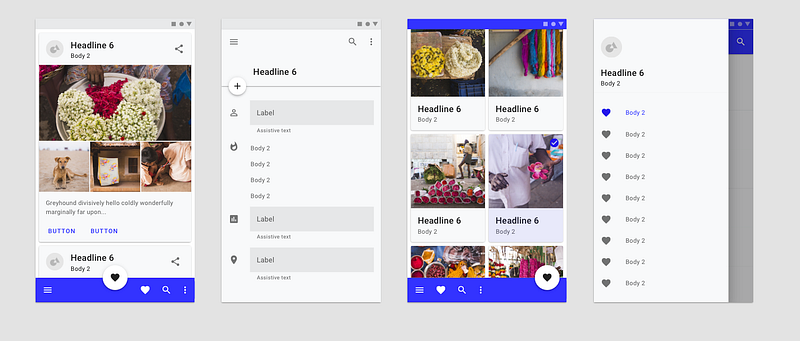
Now, let’s say you have your Design System, and a few application views designed using the Design System, how do you implement them in code?
Stay tuned for my next article, where I will share how Google Material Design can be easily implemented using Material-UI and ReactJS.


