
Webflow basic guide, Create Websites within minutes.
Webflow is the future for creating a website and you have to use it.
Want to know about Webflow or work on it, then this article is for you. You may hear about Webflow but don’t know about it then just read it.
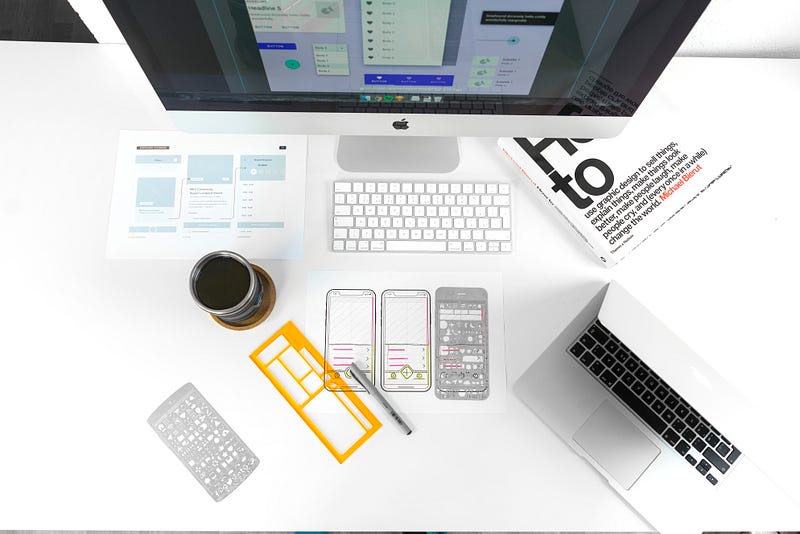
Webflow is an American company that provides software named Webflow. It is a responsive web design tool, CMS(Content Management System), and hosting platform for a Web developer or Web Designer. It is a great way to design and then make a Website.
It works as a drag and drops method to create a website. It is generally made available for noncoders who want to build their Website without coding. Not only that, but you also don’t have to learn HTML, CSS, JavaScript, and all boring stuff because for a noncoder HTML, CSS is like boring stuff only.
Creating a website from scratch with code requires too much time, but after using Webflow, you can create an essential portfolio within 10–20 minutes to an advanced website within hours. Yeah, you heard it right. Now enough talking about an introduction to Webflow.
Let’s dive into Using Webflow.
Webflow easy your work not only for making websites but also you don’t need to write any code. You don’t have to learn HTML (HyperText Markup Language), CSS (Cascading Style Sheet), and JavaScript for creating a Website.
Yeah, you read it right. Creative and innovative design, make a responsive website, add 2D, 3D animation easily to your websites easily using Webflow.
There are prebuilt layouts in Webflow for making websites features such as
1. Sticky Navbar: For a beginners, required at least one to two hours for creating just a responsive navbar but in Webflow it is just be made within seconds. You have to just drag it for the sidebar and used it where you want.
2. Cards Section: In Coding, we have to learn about div its display property and then shift to flex-box and grid which in web flow you can create within seconds. Properties of div, flex, and grid require time but after dragging it from Webflow sidebar you can use it within seconds.
3. Gallery: The best layout made in Webflow for making a gallery of images.
4. Call to Action: This section uses a container element to ensure the content looks right in every device.
5. Subscribe Form: The best layout for creating a Subscription form just by drag and drop.
6. Footer: There is a layout for footer too which you can use for making a better footer for your website.
And many more. This can be visible in the sidebar when creating a website or project. This is a pre-made layout in Webflow, which you can use directly with drag and drop. These are the features that you have to create necessarily for making websites.
Using it.
You don’t have to download it. Just go to Webflow’s official Website and make an account. It’s Free, learn it. You can create only two projects for free; afterward, you have to pay.
So Webflow gives only two projects to start free, but with this, you can access 100+ hours of tutorials, full design control, publish it with “webflow.io,” many ebooks as well for designing purpose.
You can learn it from the tutorial and ebooks as well. Here publish it to “webflow.io” means you can create your Website on Webflow and distribute it inside Webflow to showcase your Website to others.
You can also export code to other platforms. But for that, you have to purchase a premium plan. There are mainly two types of projects.
In this, there are various plans to purchase. Purchase according to your need. Creates multiple pages on the Website. Upload your photos/logo directly by uploading files in the Asset section.
Using Animation: Animation here are of two types
1. Element trigger: Use any element and provide it animation as you wish. There is various element trigger animation to use like as Mouse click, Mouse hover, scroll into view, slider view, and many more.
2. Page trigger: Provide animation when the Page is a trigger such as Page load, Page scrolled, While the Page is scrolling and Mouse view in the viewport.
CMS (Content Management System): Webflow provides its own CMS. So What is CMS? CMS is basically prepared for customers who don’t know how to upload content into their website without the help of Web developers.
For Example, a Blogger needs to upload content so a Web developer prepares a page (basically a dashboard) from where he/she can upload it directly without knowledge of Website coding or Webflow. You can also share projects where anyone can view projects via your link but they can’t edit it.
Also, invite collaborators so they can also make changes to your website. View directly your website from any devices view in Webflow only, how the website is looking in different sizes.
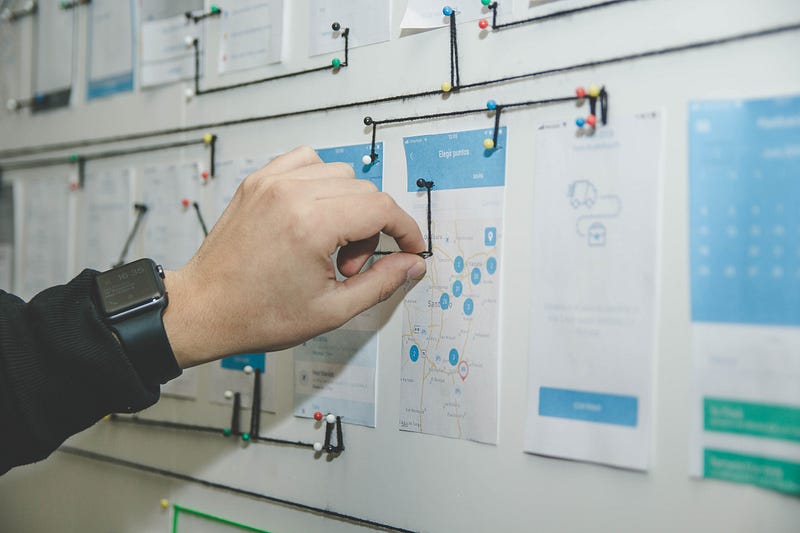
If you are a Web developer or want to become a Web developer, then this is the best place to get started. Using Webflow is a great way to earn money. Starting as a Web Developer from writing code from scratch is a little bit overwhelming process, and if you are passionate about learning HTML, CSS, JavaScript, Reactjs, Nodejs, and much more such stuff then go ahead. Still, it requires time, hard work, practice, and patience.
Also, you have to showcase your skills in various platforms, and it may be intimidating after getting a client too. They are a different issue as well for writing code from scratch.
Due to all such issues, WordPress is on-demand, but now Webflow is just a revolution for creating websites. Now, how can you earn from it? For that, you have to learn Webflow. Learn Webflow is just like playing a game to make a design on Figma or any other software. You can too design on paper. And then make this design on Webflow. No need to learn HTML, CSS, JavaScript, PHP, and all that boring stuff.
There are two ways to earn money:
1. For Self: Create a blog website or a website that provides services to a particular industry. You can also make a website to sell your products and many more.
2. For Clients: Now, as you are a Web developer by learning Webflow. So now you can create a Website for Clients. You can be a freelancer too. Now for building a website, you don’t have to consume the whole month. Create a Website within a day or two for an essential webpage like a portfolio. For an excellent website, you can take a week or two.


