
watchOS 9.4 Is An Awesome Update — Here’s Why
“You’ll love it.” That suffices.
(All the unattributed images below are by the author.)#1. 21 New Emojis
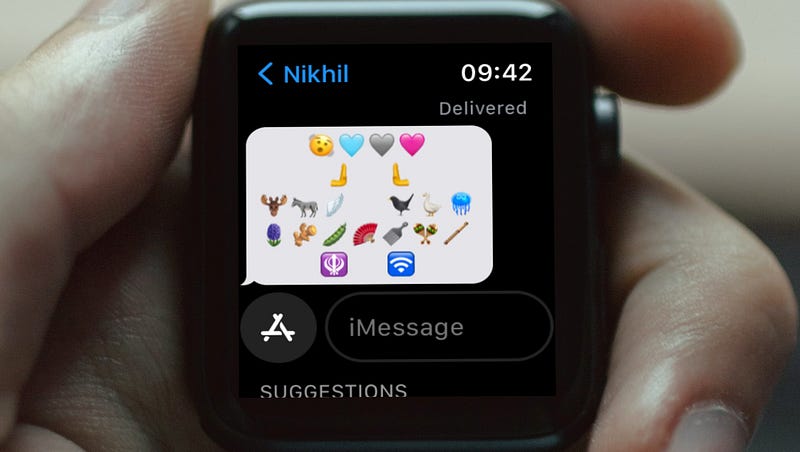
Complying with the Unicode 15.0 Standard, Apple introduces 21 new emojis in the next iOS, iPadOS, macOS, and iPadOS updates.
(I’ve first covered about the news in #1 of this article →
These are the 21 emojis.
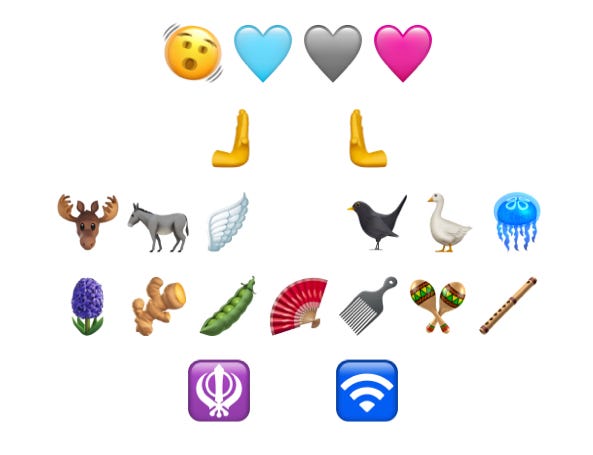
I’m typing below all the emojis — in order — if you wanna copy.
[If you’re not on i(Pad)OS 16.4, macOS 13.3, or watchOS 9.4 yet, you can’t see them. Come back after you update.]
- 🫨 — Shaking face
- 🩵 — Light blue heart
- 🩶 — Grey heart
- 🩷 — Pink heart
- 🫸 — Righwards pushing hand
- 🫷 — Leftwards pushing hand
- 🫎 — Moose face
- 🫏 — Donkey
- 🪽 — Wing
- 🐦⬛ — Black bird
- 🪿 — Goose
- 🪼 — Jellyfish
- 🪻 — Hyacinth flower
- 🫚 — Ginger root
- 🫛 — Pea pod
- 🪭 — Folding hand fan
- 🪮 — Hair pick
- 🪇 — Maracas
- 🪈 — Flute
- 🪯 — Khanda sword and shield symbol
- 🛜 — Wireless network symbol
#2 Health Tracking features extend to more countries
(1). Women’s health features
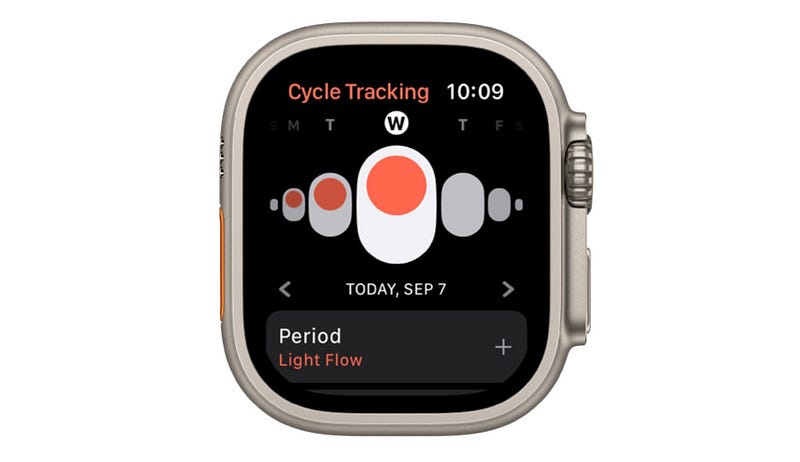
Cycle Tracking with retrospective ovulation estimates and cycle deviation alerts were a part of the latest Apple Watches, thanks to their temperature sensors.
These features now extend to Moldova and Ukraine.
(2). AFib History 🫀
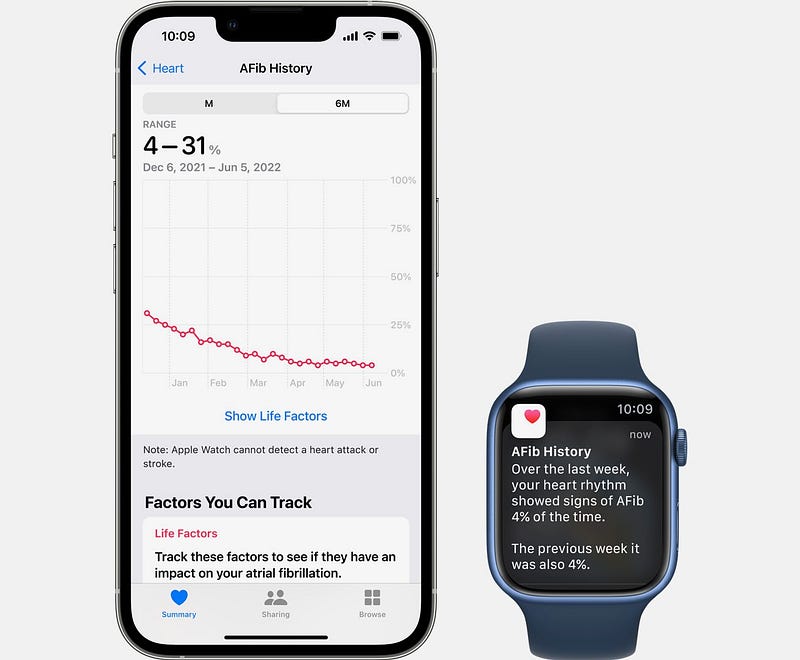
AFib (or Atrial Fibrillation) is a type of treated heart arrhythmia — when the heart beats too slow, too fast, or in an irregular way.
watchOS 9 brought a feature called “AFib History” — which estimates how often the user’s heart state stays in AFib condition, and delivers a weekly report of their heart health.
(I’ve first covered it in #6 of this article →
The feature now extends to Colombia, Malaysia, Moldova, Thailand, and Ukraine.
#3 New Colours for Colour Watch Face
In case you didn’t know, this is how the Colours Watch Face looks.
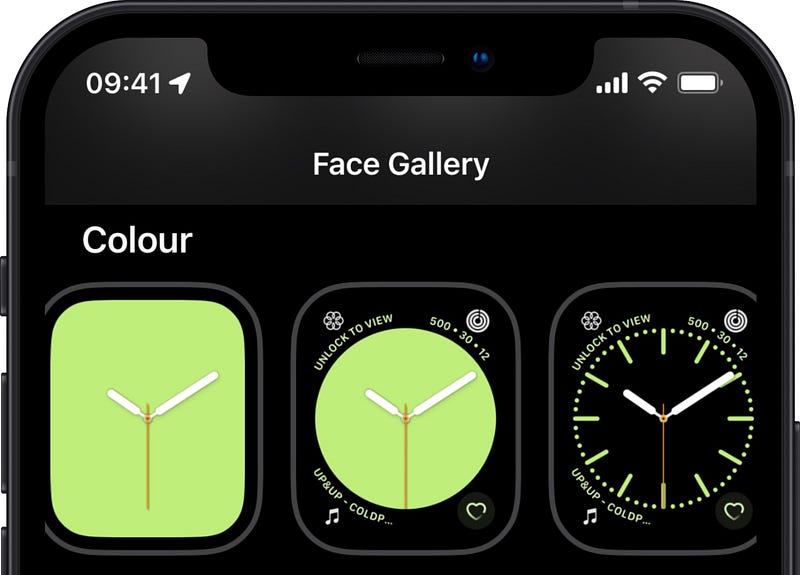
It’s a simple watch face that features three dials and dozens of colours. And you choose to have your preferred colour and dial.
It now gets three new colours under the name Spring 2023.
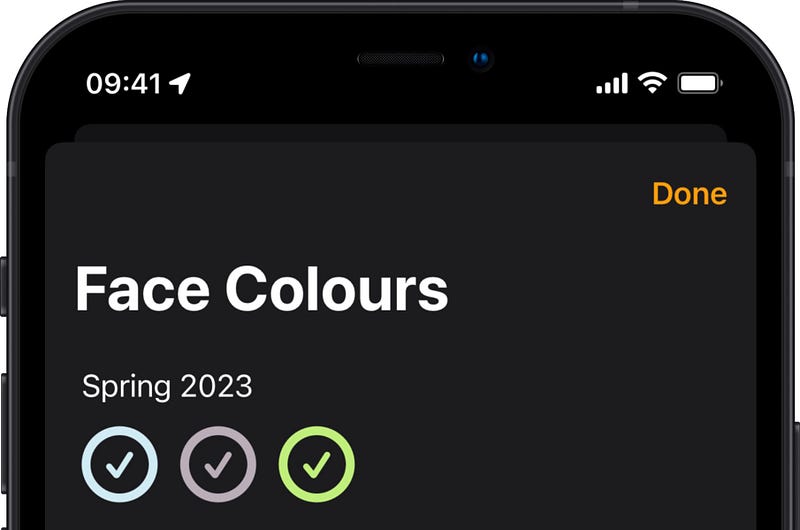
(In order, )
- Sky
- Purple Fog
- Spring Green
#4. This changes how you turn off Wake-Up Alarm ⏰
Till now, you could silence your wake-up alarm simply by covering your palm over your Watch’s display — without needing to look.
However, due to concerns of accidental cancellations, Apple removes this gesture for silencing wake-up alarms — starting watchOS 9.4.
For more great Apple Watch-related stuff, read these.
Join 295+ others to get notified whenever I publish a new story.


