avatarthecoderhaven

Free AI web copilot to create summaries, insights and extended knowledge, download it at here

1925

Abstract

90e.js" allowfullscreen="" frameborder="0" height="undefined" width="undefined"> </div> </div> </figure></iframe></div></div></figure><p id="ccc9">This code above is considered to be just as complex cognitively as the code written below.</p> <figure id="1905"> <div> <div>

            <iframe class="gist-iframe" src="/gist/thecoderhaven/3b8ac56e35f6c3677d5324b88a083392.js" allowfullscreen="" frameborder="0" height="undefined" width="undefined">
          </div>
        </div>
    </figure></iframe></div></div></figure><p id="cca0">Now that this is clear, let’s return to the two factors that make code more cognitively complex according to Cambell’s proposed measurement system.</p><h2 id="3e79">Breaks in Linear Flow of Code</h2><p id="ac04">The <b>linear flow of code</b> refers to when code flows seamlessly from top to bottom. Breaks in code can be caused by a variety of structures that make readers have to jump back and forth between lines, thus making code harder to understand. Below is a list of features that cause breaks in code:</p><ul><li>Loops</li><li>Conditionals</li><li>Catches</li><li>Switches</li><li>Sequences of logical operators</li><li>Recursion</li><li>Jumps to labels</li></ul><h2 id="2a94">Nested Flow-Break Structures</h2><p id="3500">Nested statements demand more mental capacity from a reader and so it should come as no surprise that they increment cognitive complexity. Conditionals, loops, and catch structures can all count as nested flow-break structures and thus increment cognitive complexity.</p><h1 id="b029">Extensions/Plugins that Calculate Cognitive Complexity For You</h1><p id="69af">Thankfully, you don’t have to slave away calculating the cognitive complexity of your code. Some plugins and extensions will do this for you, such as the one in the image below.</p><figure id

Options

="b3c5"><img src="https://cdn-images-1.readmedium.com/v2/resize:fit:800/1*sOBARzQESuD9NsGcOWS6Ww.png"><figcaption>Screenshot from <a href="https://plugins.jetbrains.com/plugin/13643-monokai-pro-theme">jetbrains.com</a></figcaption></figure><h1 id="ba58">Conclusion</h1><p id="97b3">To write better code, it’s important we try to minimize cognitive complexity. We can do this by making sure our code flows linearly and by limiting our use of nested structures.</p><p id="d824">That’s all! Thank you for reading :)</p><p id="4f12">To read further about cognitive complexity and gain a deeper understanding, consider visiting the following link to a document written by Cambell.</p> <figure id="28b3"> <div> <div> <img class="ratio" src="http://placehold.it/16x9"> <iframe class="" src="https://drive.google.com/viewerng/viewer?url=https%3A//www.sonarsource.com/docs/CognitiveComplexity.pdf&amp;embedded=true" allowfullscreen="" frameborder="0" height="780" width="600"> </div> </div> </figure></iframe></div></div></figure><p id="f02f">To read up about time complexity, consider visiting the following article :</p><div id="7212" class="link-block"> <a href="https://javascript.plainenglish.io/time-complexity-demystified-420761946aa1"> <div> <div> <h2>Introduction to Time Complexity and Big O Notation</h2> <div><h3>A crash course in time complexity and working with Big O Notation in preparation for your next technical interview or…</h3></div> <div><p>javascript.plainenglish.io</p></div> </div> <div> <div style="background-image: url(https://miro.readmedium.com/v2/resize:fit:320/0*KPnAU9dhrDFzuuck)"></div> </div> </div> </a> </div></article></body>

Want to Improve Code Quality? Focus on Cognitive Complexity.

The overlooked metric that is crucial to crafting quality code.
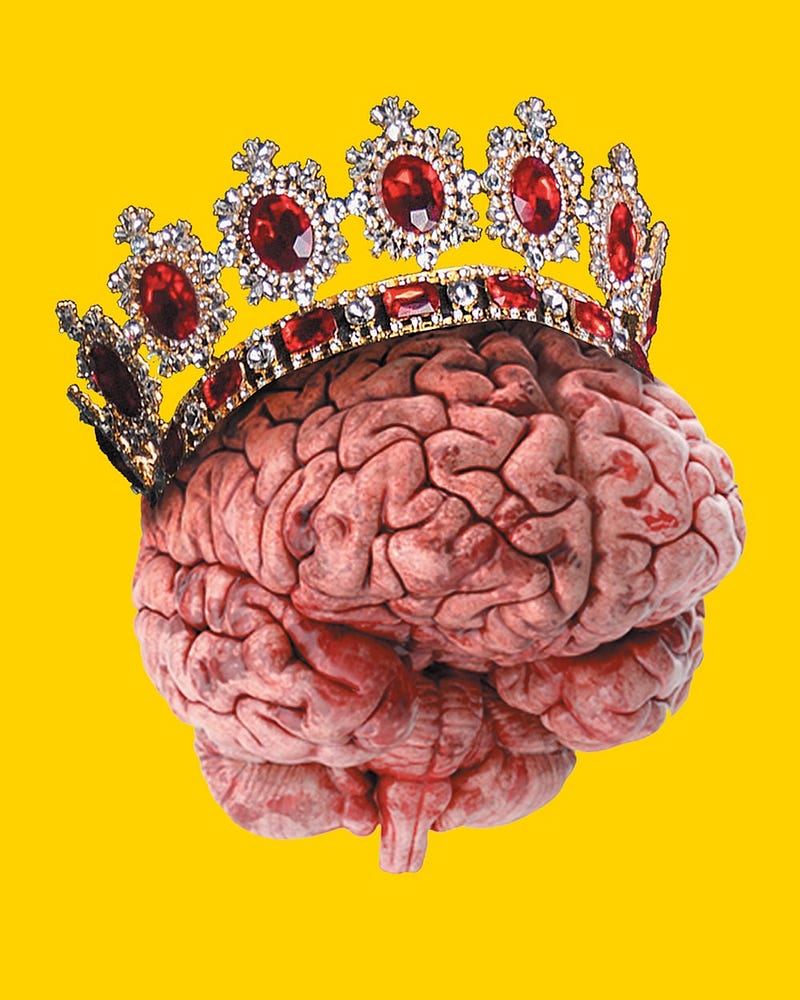
Photo by Gaspar Uhas on Unsplash

We’ve all, to some extent, measured the time it takes to run code and the space our code occupies in memory, but how often have we measured how easily understood our code is by the human mind? Probably not as much.

However, higher-level programming languages were created because they’d be understandable to humans. Logically, the understandability of our code is then crucial. But how do we go about measuring such a thing?

G. Ann Campbell of SonarSource has proposed a way of measuring a code’s understandability through a measure she calls cognitive complexity.

Measuring Cognitive Complexity

Code can become hard to intuitively understand for several reasons. The main reasons highlighted by Cambell are as follows:

  1. There are breaks in the “linear flow of code”
  2. “Flow breaking structures” are nested

We’ll look into what each of these points means in just a bit.

Before we do, we should note that according to Campbell’s definitions, code is not to be considered more (or less) complex for using shorthand commands that a language provides.

For example, consider the following Python code for determining which number of a given 2 is greatest.

This code above is considered to be just as complex cognitively as the code written below.

Now that this is clear, let’s return to the two factors that make code more cognitively complex according to Cambell’s proposed measurement system.

Breaks in Linear Flow of Code

The linear flow of code refers to when code flows seamlessly from top to bottom. Breaks in code can be caused by a variety of structures that make readers have to jump back and forth between lines, thus making code harder to understand. Below is a list of features that cause breaks in code:

  • Loops
  • Conditionals
  • Catches
  • Switches
  • Sequences of logical operators
  • Recursion
  • Jumps to labels

Nested Flow-Break Structures

Nested statements demand more mental capacity from a reader and so it should come as no surprise that they increment cognitive complexity. Conditionals, loops, and catch structures can all count as nested flow-break structures and thus increment cognitive complexity.

Extensions/Plugins that Calculate Cognitive Complexity For You

Thankfully, you don’t have to slave away calculating the cognitive complexity of your code. Some plugins and extensions will do this for you, such as the one in the image below.

Screenshot from jetbrains.com

Conclusion

To write better code, it’s important we try to minimize cognitive complexity. We can do this by making sure our code flows linearly and by limiting our use of nested structures.

That’s all! Thank you for reading :)

To read further about cognitive complexity and gain a deeper understanding, consider visiting the following link to a document written by Cambell.

To read up about time complexity, consider visiting the following article :

Programming
Software Development
Technology
Coding
Python
Recommended from ReadMedium