avatarTari Ibaba

Summary

The web content provides an overview of five methods for rapidly creating files in Visual Studio Code to enhance productivity.

Abstract

The article discusses various techniques for creating files in VS Code, ranging from the traditional "File > New File..." menu option to more efficient shortcuts. It highlights the inefficiency of the first method due to the multiple steps involved, including navigating menus, entering filenames, and selecting folders. The article then introduces the Command Palette's "Create: New File" command as a slightly faster alternative. It also covers less commonly known methods such as double-clicking the tab bar or using the "Ctrl + N" keyboard shortcut, which allows for language selection or auto-detection. The article rates the "New File..." icon button in the File Explorer Pane as a popular method, and double-clicking in the file explorer pane as great for creating top-level files. The fastest method, according to the article, involves using a keyboard shortcut to open a prompt where files can be created with a single key press. The article emphasizes that while these methods vary in speed, they all contribute to the versatility of VS Code.

Opinions

  • The traditional "File > New File..." method is considered slow and cumbersome.
  • Using the Command Palette is seen as a marginally quicker way to create files compared to the menu option.
  • "Ctrl + N" is presented as a faster, keyboard-centric approach, with the added benefit of language auto-detection.
  • The "New File..." icon button is noted to be popular among users for its convenience within the File Explorer Pane.
  • Double-clicking in the file explorer pane is recommended for efficiently creating top-level files.
  • The fastest method, involving a customizable keyboard shortcut, is highly praised for its speed and efficiency.
  • The article suggests that the versatility of VS Code's file creation methods is unmatched, catering to various user preferences and workflows.

VS Code: 5 Rapid File Creation Tips For Greater Productivity
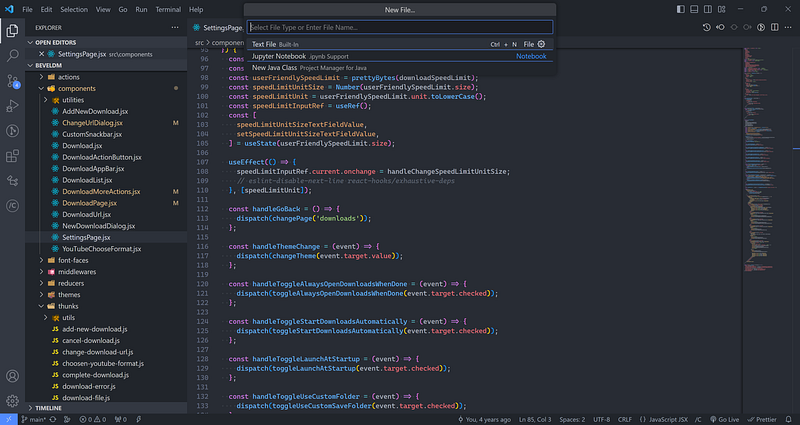
From painfully slow to lightning-fast, let’s look at all the 5 ways to create a file in VS Code.

And fastest way adds new files without having to use your mouse at all! We’ll see…

5. File > New File…

I’m pretty sure very few people use this apart from those who are new to text editors.

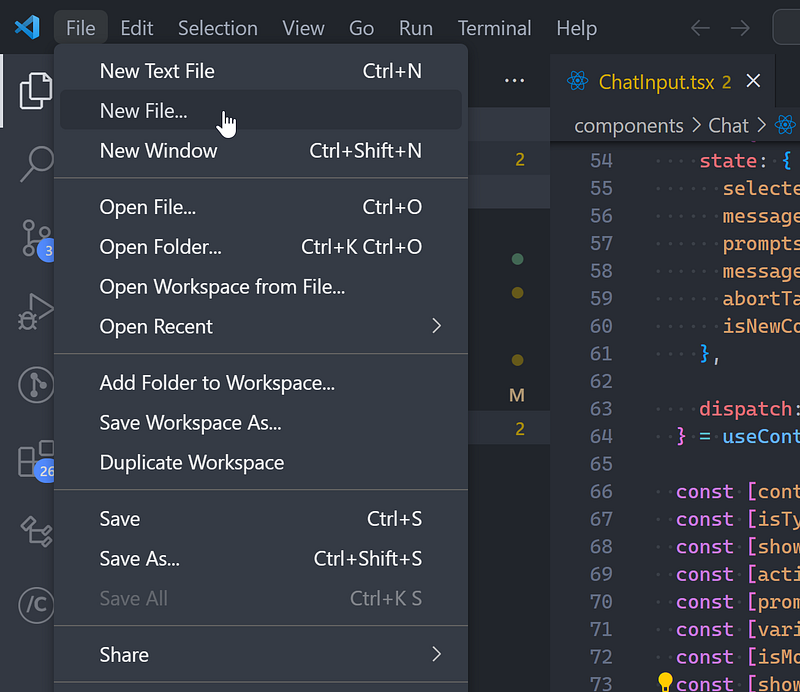
You move your mouse all the way up to File then click New File…
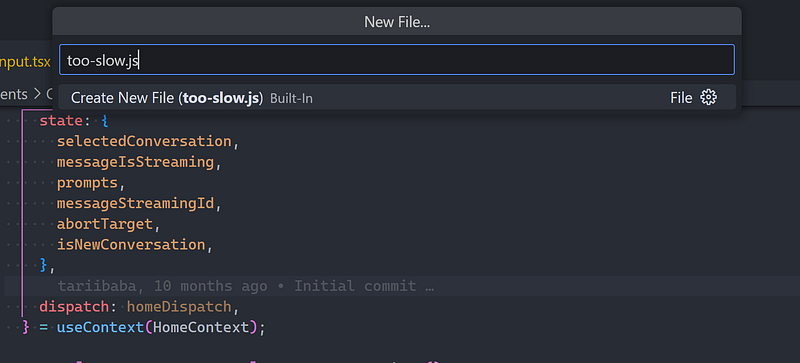
Then you’ve still got to enter the filename:
THEN, a file picker dialog for you to choose the folder — never mind VS Code having its own built-in file manager.
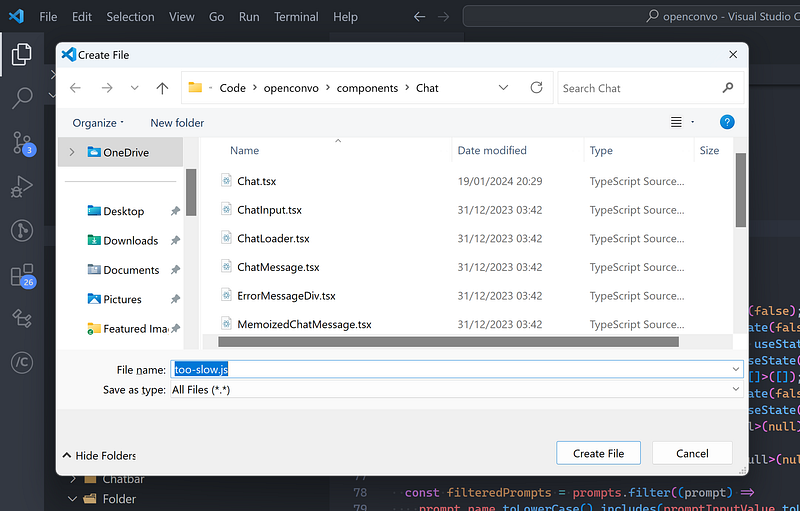
Before finally:
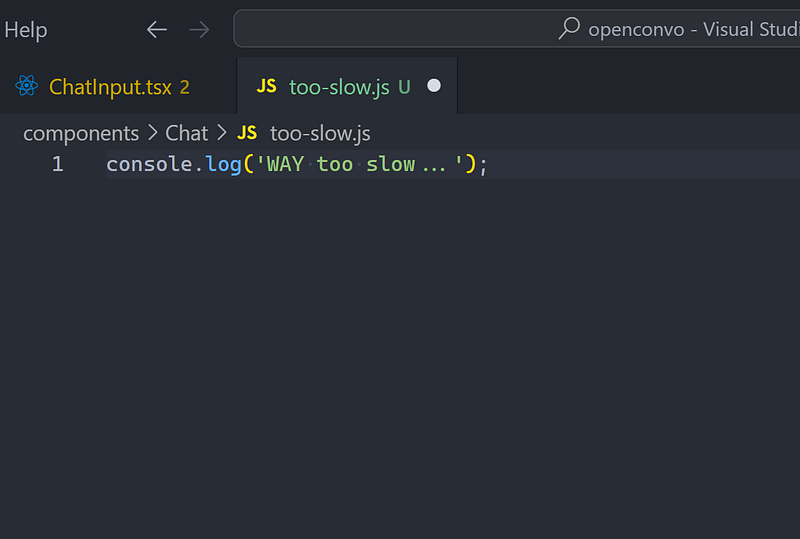
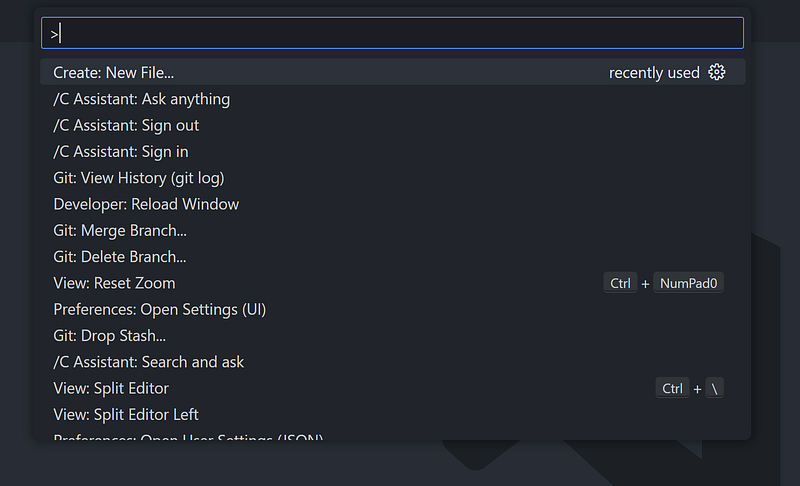
Create: New File

This is almost like the first, except you use the Create: New File from the Command Palette.
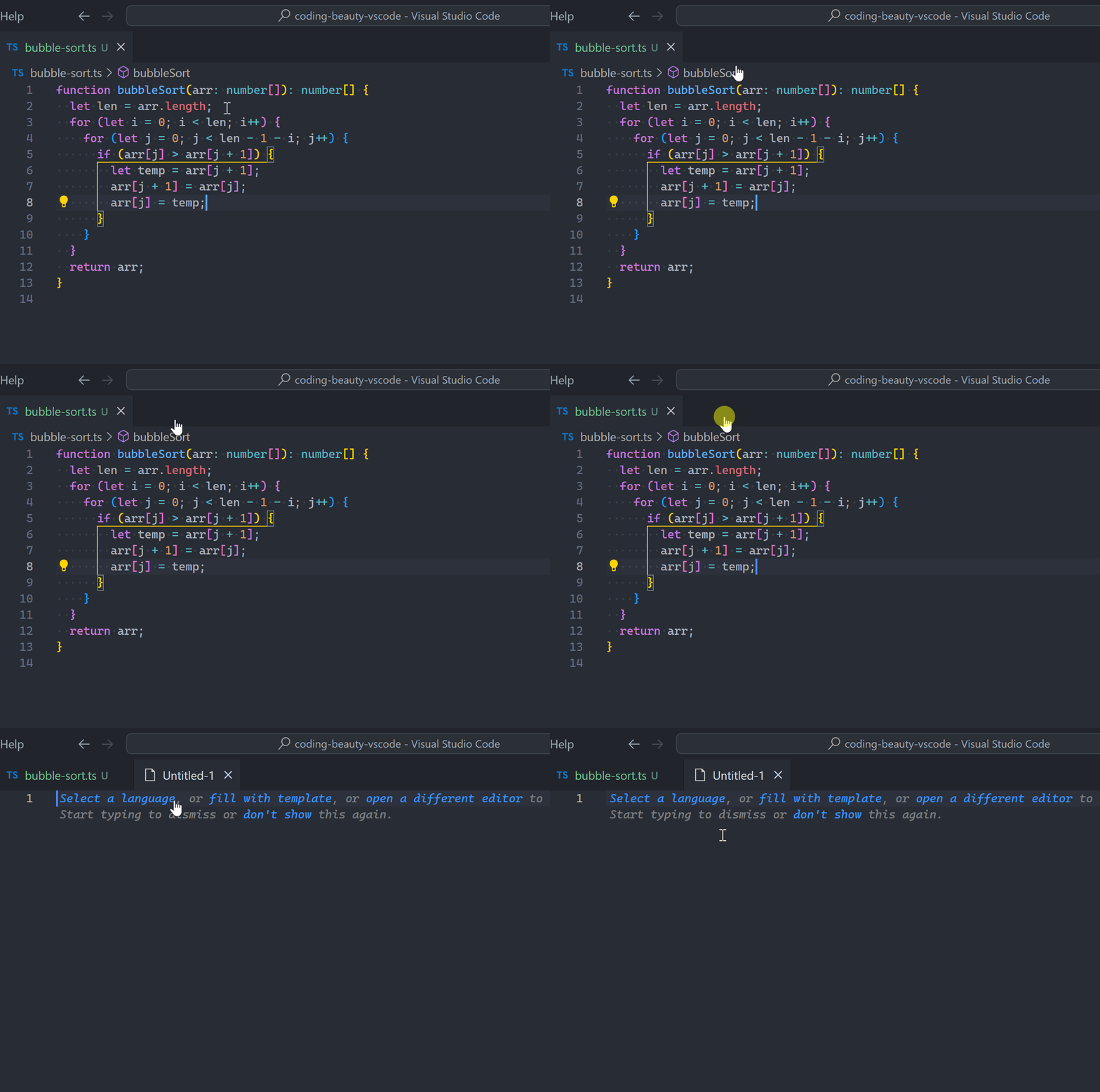
4. Double-click tab bar

Not many know about this method… double-clicking the file tab bar:
Ctrl + N

Or use the faster Ctrl + N keyboard shortcut.
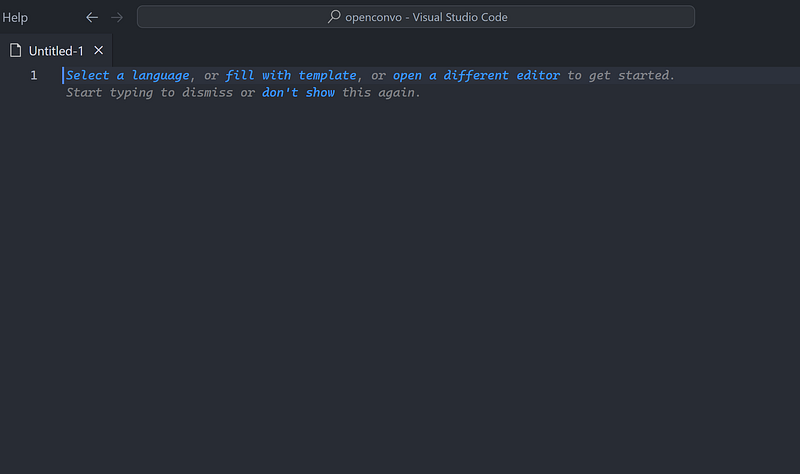
So after Ctrl + N you either manually select a language:
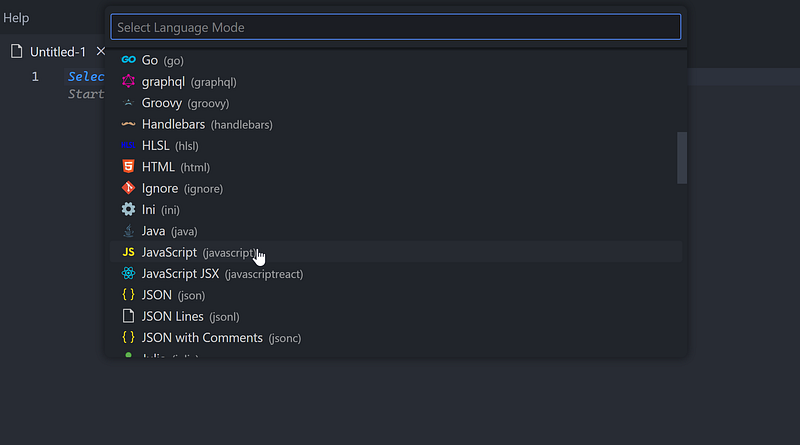
Or you just start typing and wait for language auto-detection:
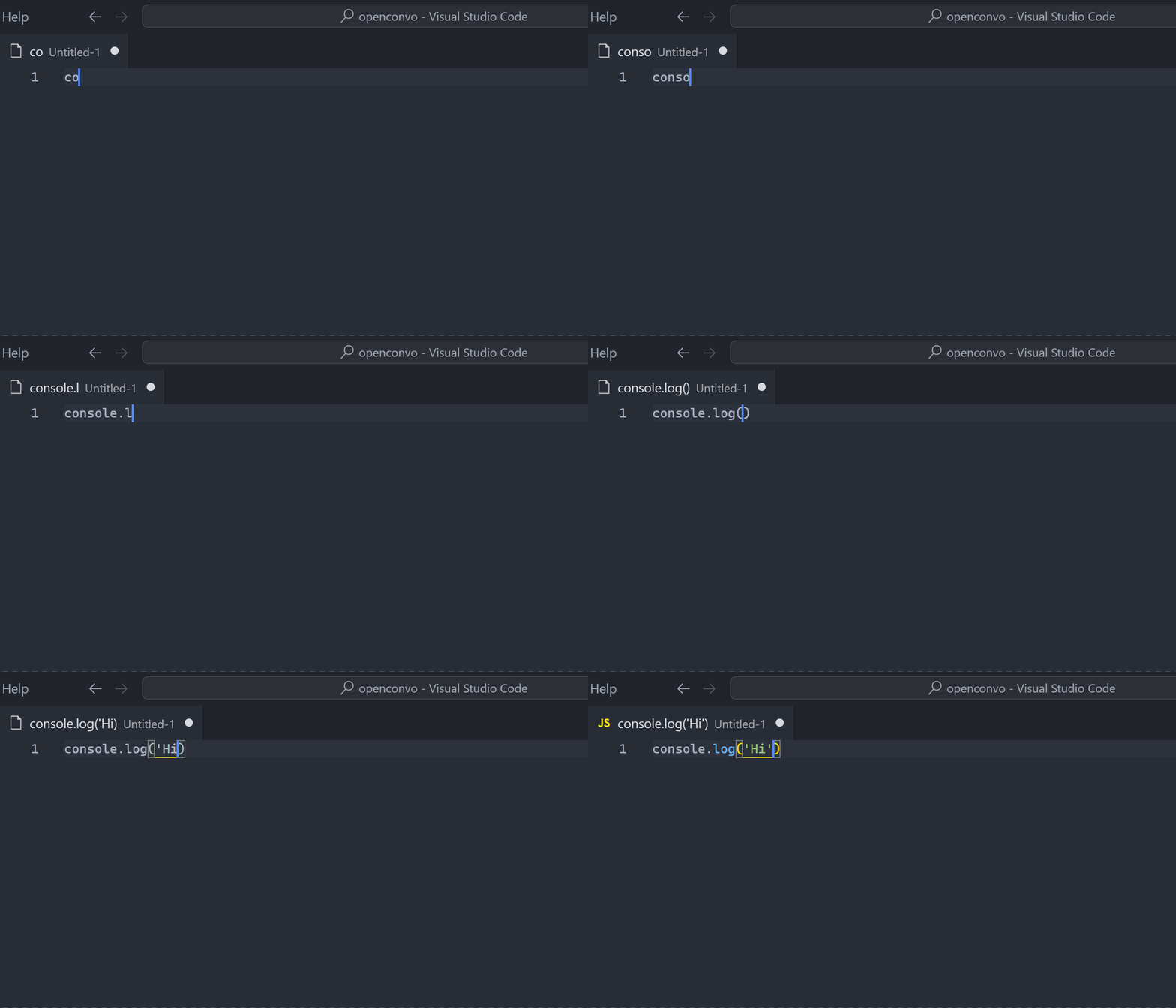
It’s useful when you don’t have any open project and you just want a quick file to work on.

You’re still got to save it though:
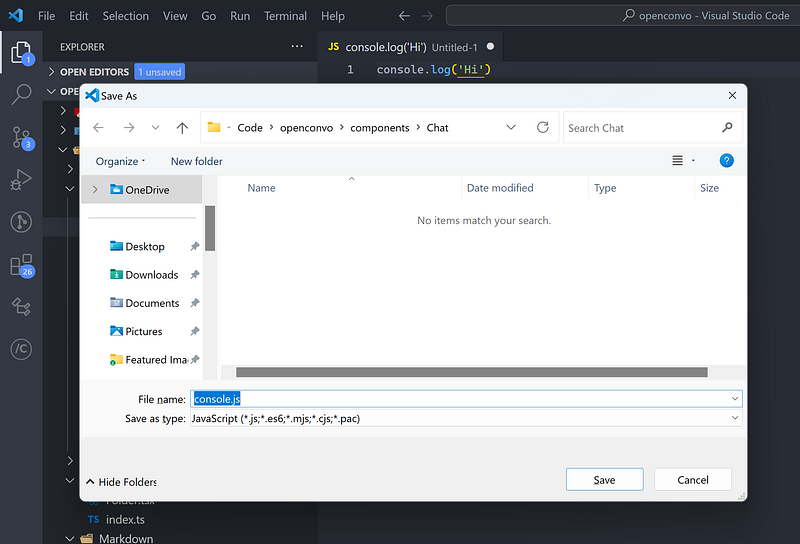
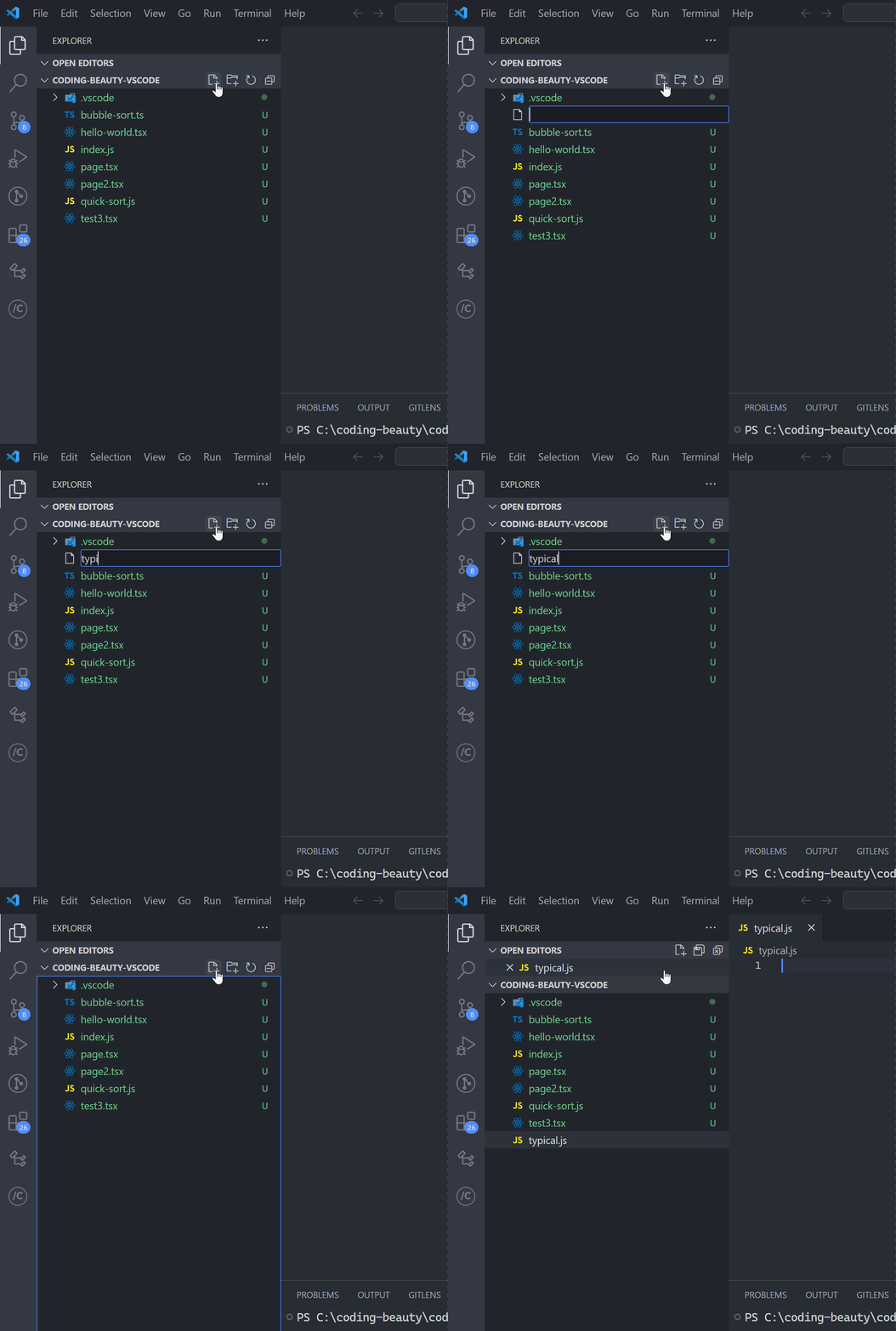
3. New File… icon button

This is one of the more popular ways; clicking the New File... icon button in the File Explorer Pane:
2. Double-click file explorer pane

This works great for top-level files.
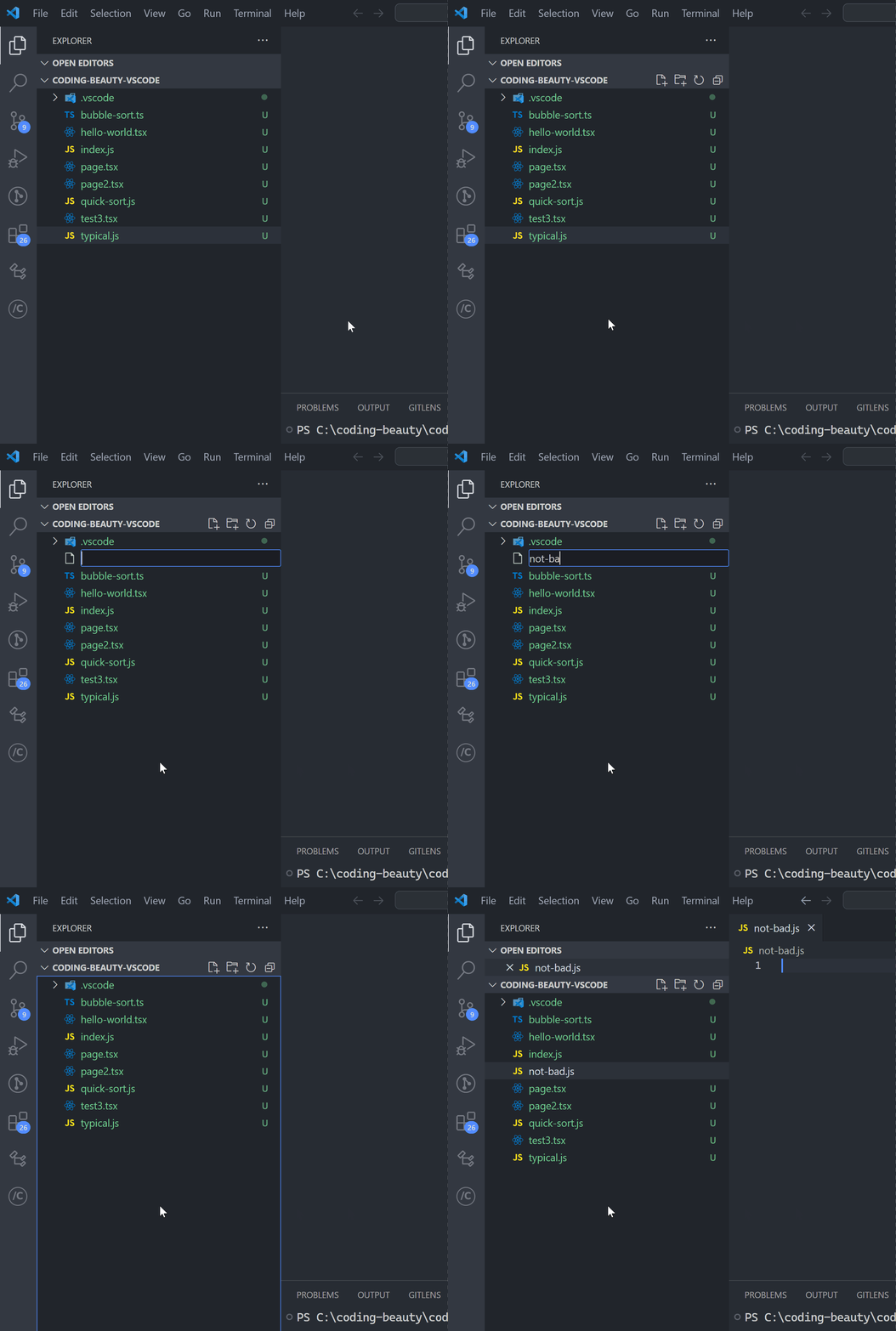
1. A

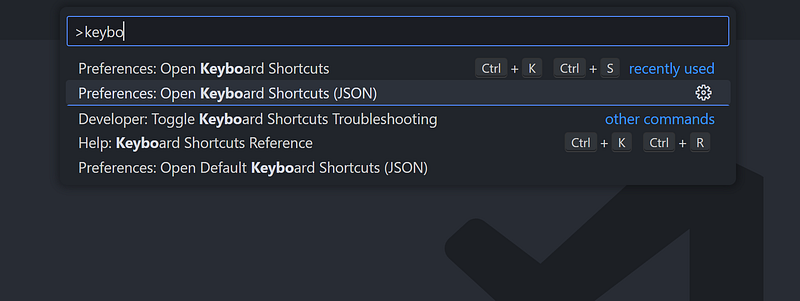
Opening keyboard shortcuts like this:
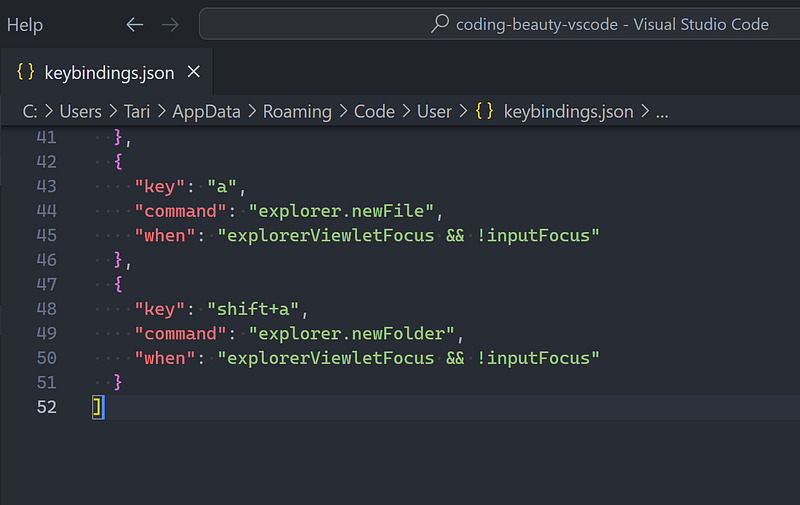
And editing it like this:
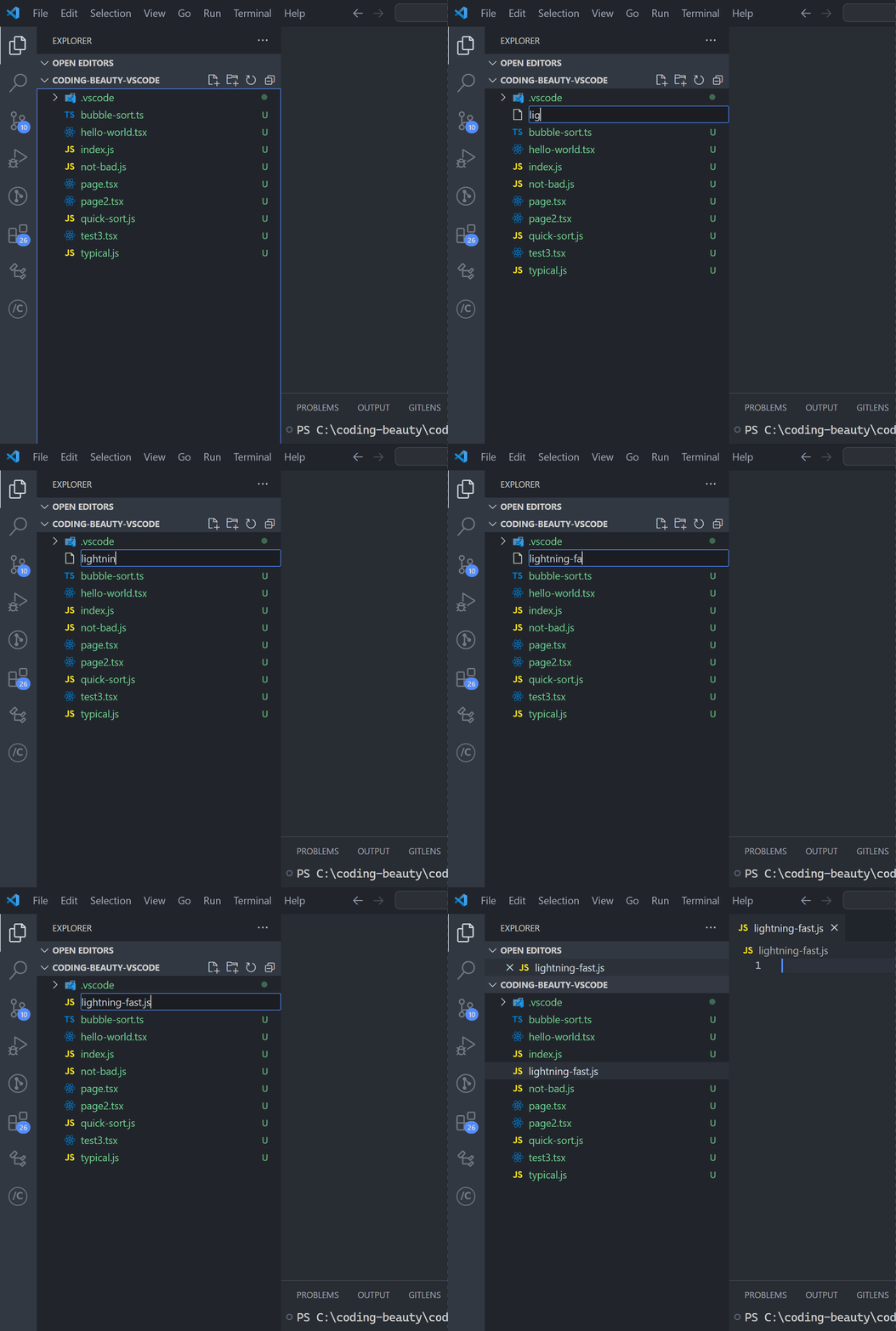
To create files faster than ever at the single press of a key:
They all have different speeds but they’re all useful. VS Code’s vast versatility is unmatched.

Every Crazy Thing JavaScript Does

Just when you thought you knew all the quirks. Avoid painful bugs and save valuable time with Every Crazy Thing JavaScript Does, a captivating guide to the subtle caveats and lesser-known parts of JavaScript.

Get a free copy here today.

Technology
Software Development
Software Engineering
Programming
Vscode
Recommended from ReadMedium