
PRODUCTIVITY
Voice Dream Reader: My Go-to App to Read Books Crazy Fast
I’ve been using it since June 2015!

[iOS only]
Do you wish you could read more books? Books are the cheapest way to learn from the world’s most brilliant minds. It’s also one of the most concentrated sources of knowledge. So yes, there’s a big payoff if you can increase the number of books you read. Fortunately, I’m here to introduce you to an app that will help you do just that. I’ve been using it since June 2015 and it has been a blessing. I must have read at least a hundred books using it. Let me show you its power…
A robot whispering in your ears
How does Dream Reader make you read more books? Simple: it reads books to you. In practice, you must upload the ebook file. Then a synthetic voice will read it to you. This is a feature called text-to-speech.
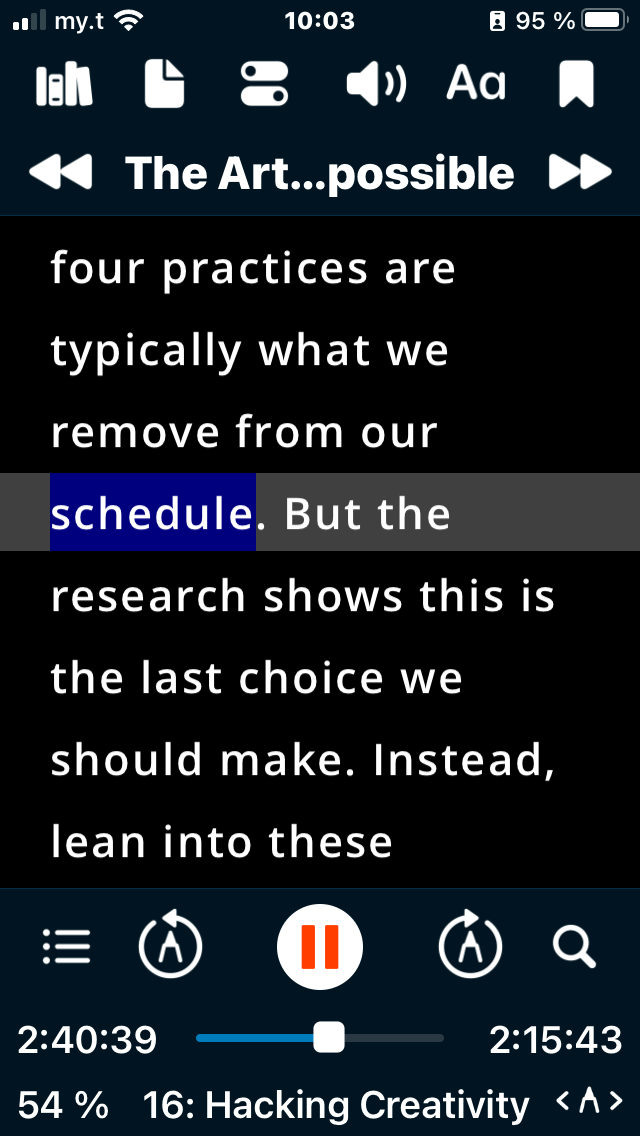
I know, it does not look that sexy. But bear with me. For one, the synthetic voice used in this app is very human-like. It also has great advantages over a classic audiobook.
It’s easier to understand
First, it is easier to understand than a human voice. At least, this is my experience. As a French, my ear is not that great to detect nuances in the English language. But here, the pronunciation of the voice is always the same. It might look boring, but for me, it’s perfect, as I’m not confused. I can usually understand most of what is said while listening to it. So I even use the app while doing my jogging. But sometimes, there’s a hard part with complicated jargon. Fortunately, you can follow the text on the screen while it is spoken. And there’s a cursor showing you at all times where you are.
You can finely tweak the reading speed
I also enjoy the fact that you can finely tweak the speed of the voice. It can be set precisely, as you can choose how many words are spoken per minute. In the beginning, I was barely doing 180 words per minute. Now, it’s 300 words per minute.
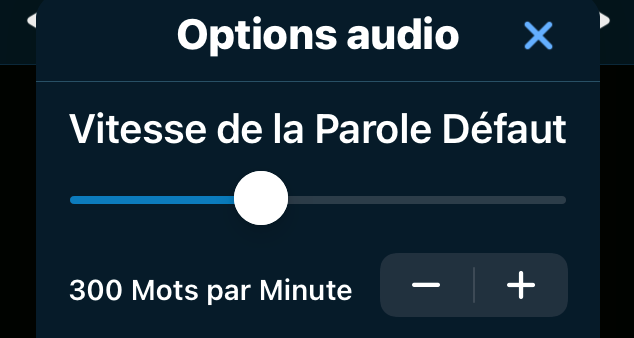
Such a dramatic improvement might be hard to believe. However, according to a recent study, you can double the speed of videos with minimal costs to your performance. It turns out the average speaking rate is 150 words per minute for a real human. So when you put 300 words per minute on the app, it’s like playing a video at 2x. Also notice that compared to a book, you are less tempted to reread parts of the book endlessly. As the voice plays without pausing, you will miss some bits here and there. But you will understand the overall meaning. So the result is a great compromise between understanding everything perfectly at a slow pace and understanding most of the book at a faster pace.
Powerful highlighting
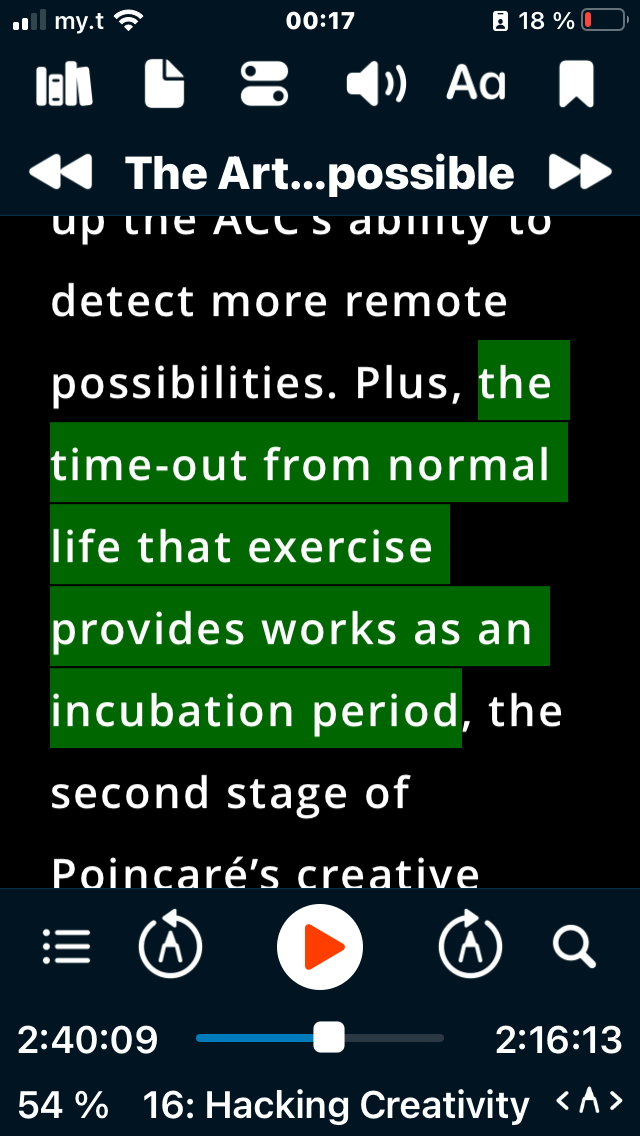
Also, highlighting in this app is a breeze. I tried other apps, but this one is my all-time favorite. Just press your finger on a word and slide, and it is done. There’s also a function that allows you to export everything in a plain text file.
You can also easily browse the text. Just slide the text up and down, and double-tap on a word to resume the reading there. Of course, it’s harder to skim a book with this app than with a physical book. But it has a search feature, which is priceless compared to a physical book.
Getting started with Voice Dream Reader
Ok, let me finish with a couple of instructions to get you started. There are a couple of quirks you need to know while using this app. First, you will need to buy voices. This is because the best ones are coming from external suppliers. There are different ones, including Acapela, NeoSpeech, and Ivona. Just try them and choose the one you prefer (eg: man/woman, English/American accent, etc). Secondly, while it’s possible to read PDF ebooks, it’s better to use ebooks in epub format. This is because PDF books usually have additional text that is not part of the book, such as page numbers. Also, DRM-protected epubs don’t work. If you have an epub protected by DRM, you need to use a DRM Removal tool to make it readable with Voice Dream Reader. Importing a book in the app can be done using various options. Personally, I load ebooks from my Dropbox account. But you can also load an ebook or article from other sources like Pocket, Instapaper, Google Drive, or Evernote.
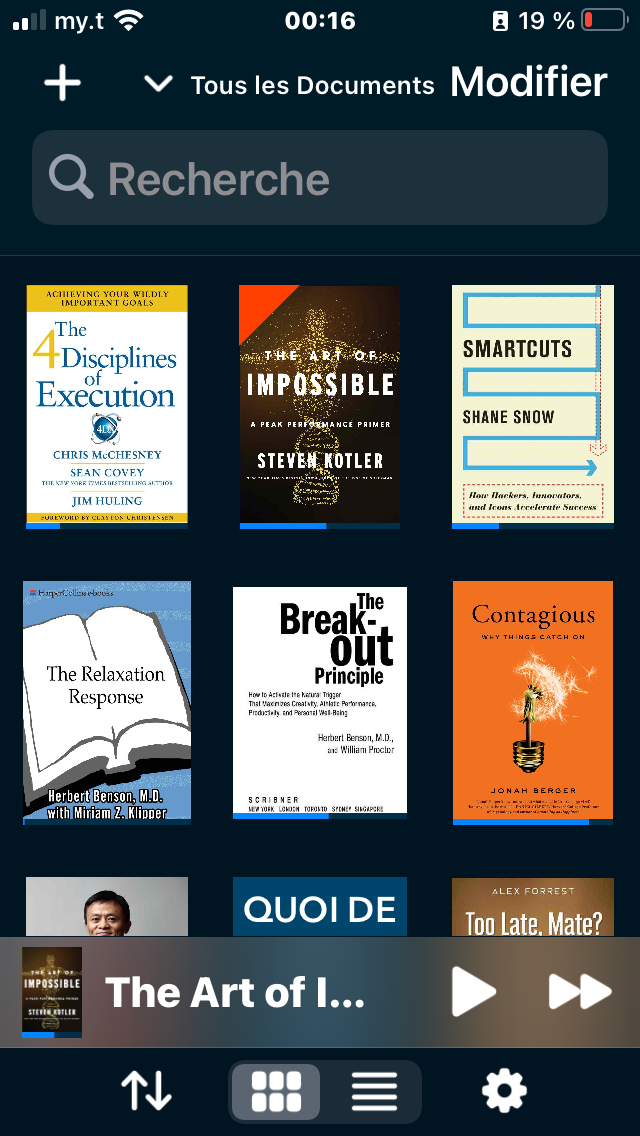
Also, I would strongly advise you to synchronize your library with iCloud so that you don’t lose it while changing phones.
If you want to give this app a try, here’s the link to this app: Voice Dream Reader.
—
Today I showed you a time-proven way of reading books fast using an iPhone app called Voice Dream Reader. This is a text-to-speech app that reads you the text contained in an ebook or web article.
I find it great to read while I’m away, such as while commuting, while queuing at the shopping center, or even while I walk or do my jogging. It is very well designed and I warmly recommend it to you!
On February 1st, 2022, I embarked on a 100 days writing challenge. This is post number 73.
Originally published at https://alexphili.com on April 14th, 2022.


