
Vector Art and Vectornator: a Review on a Free App for Graphic Artists
Hello! Welcome to my second review in my series where I will be exploring and giving initial thoughts on a few apps for digital artists as I go along my own journey of exploring digital art. As mentioned before, I recently got into digital art and navigating this world has been a fun and exciting challenge. This past week I have been exploring the app: Vectornator which is a digital art app specifically geared towards vector art.
What is the difference between vector art and pixel art? Why does this distinction matter?
Before exploring the digital world, I assumed iPad artists and those who do graphic design are simply using tablets as another tool in their toolbox to show their creativity. I knew there would be a learning curve but I really assumed it was simply an advanced form of using Microsoft Paint and that as long as I knew the textures and colors I wanted, with some help of pressure sensitivity of a pen, I could draw whatever my heart desires.
However, I was wrong. And learned about this concept of vector art. This form of digital art is used by graphic artists that is most commonly used to create logos and t shirt graphics but can be used to create anything.
The unique aspect of it is that the work is high quality in terms of resolution with clearly defined lines and shapes. The lines and shapes are drawn on a Cartesian grid, so as the name suggests, every stroke is a vector defined in space defined by a mathematical formula. That’s crazy right?
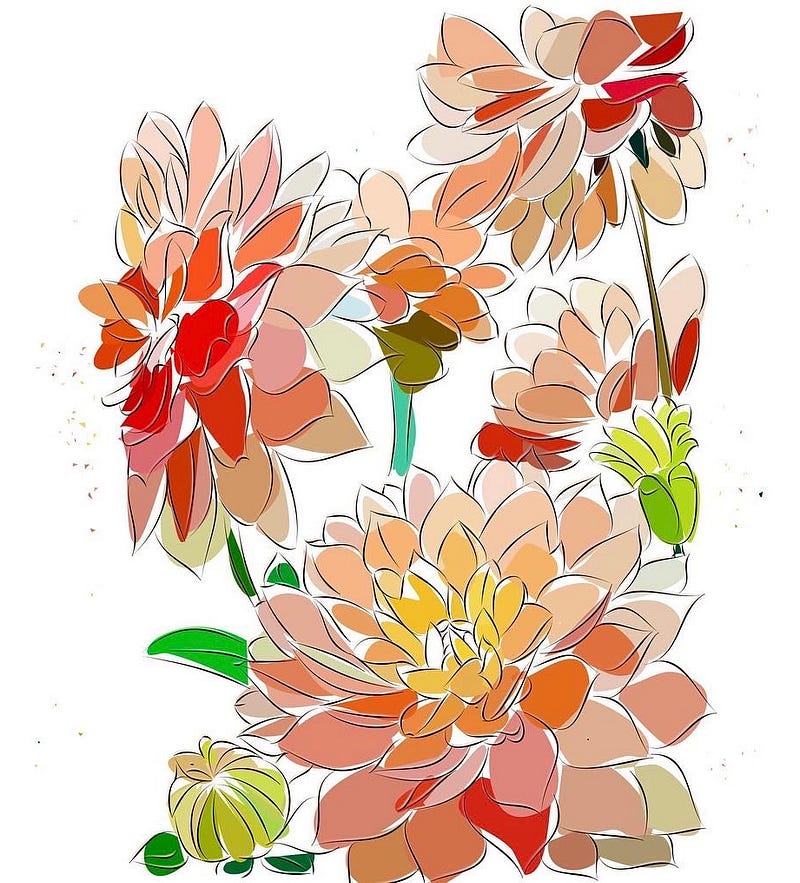
As you can see, this type of art visually looks much different as opposed to a piece drawn in other apps that use pixels.

The benefit of using vector art is that even if you zoom in or scale the art to another size, there will be NO loss in resolution or quality of the image. This makes vector art an excellent medium to use when it comes to graphic design such as designing a logo or a poster or a t shirt design because it can be scaled as small or large as you like without worrying about pixel resolution or other image formats when it comes to exporting your digital art.
For example, below is an image of a pixel based art. At first glance this looks alright in terms of resolution. But when zoomed in, the lines are jagged and pixelated because what is each paint “stroke” is actually just a line of pixels because it is digital.
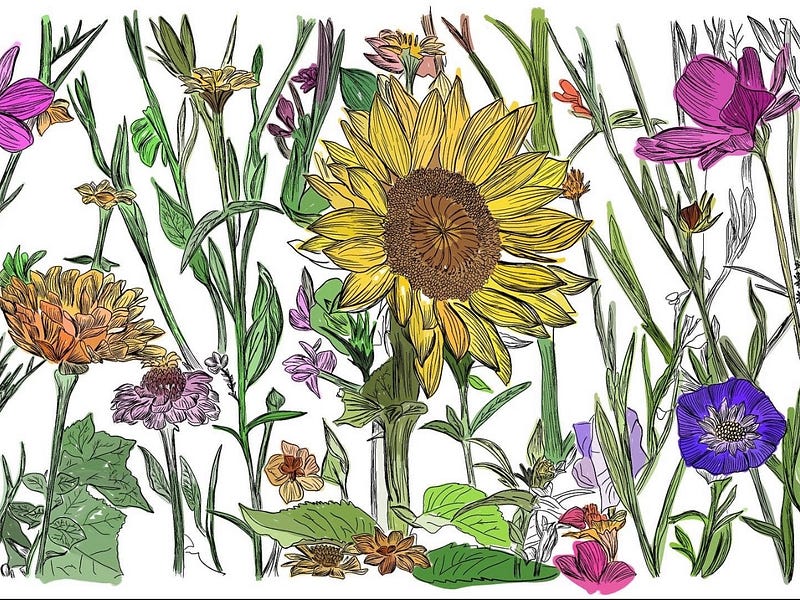
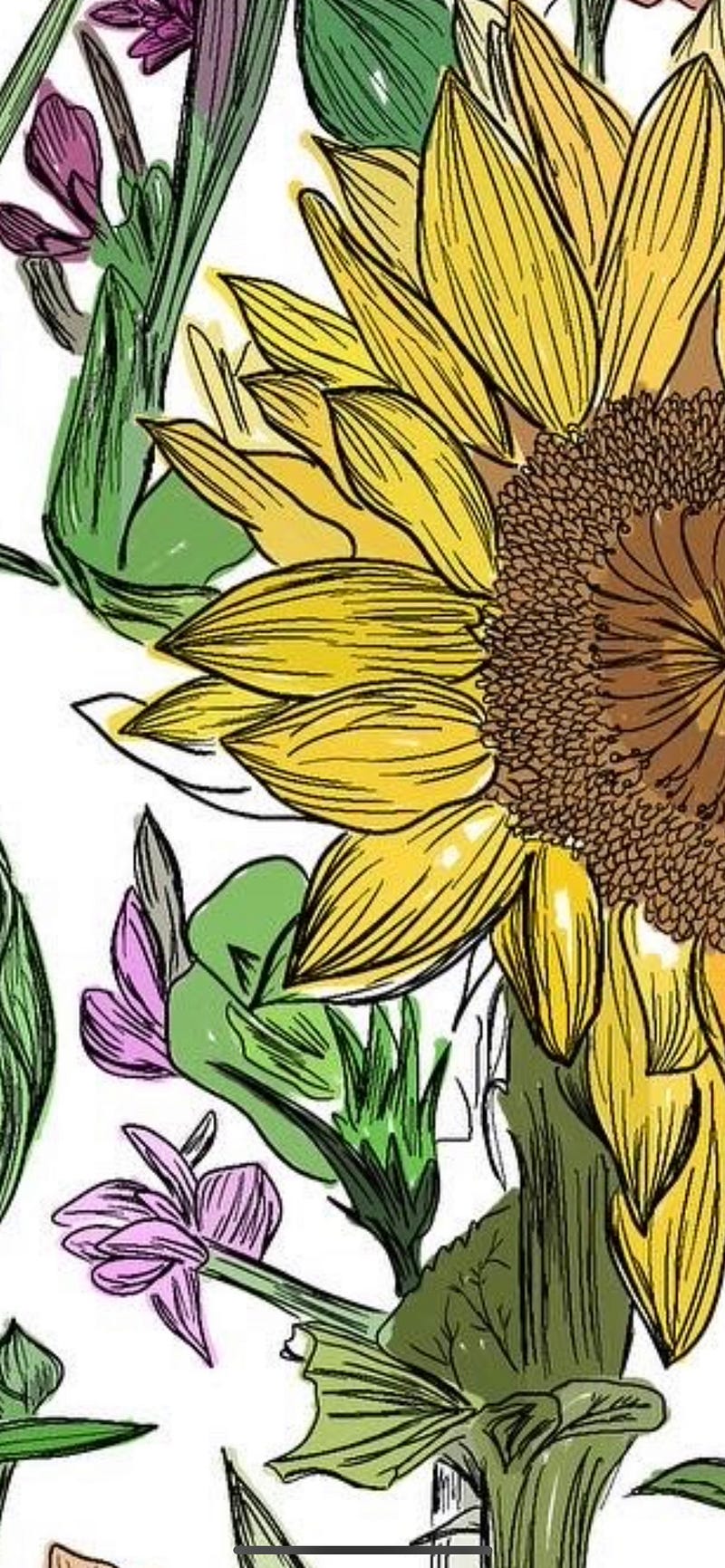
That being said, both are excellent mediums that can bring power to an artists artwork. The key is knowing when to use such tools.
Review: Vectornator
Back to my review on the app Vectornator. Now that you know the difference between pixel and vector art, one will come to appreciate this app despite being somewhat difficult to use.
The biggest learning curve is understanding what vector art is. The second is that this app while it has tutorials built in, it is difficult for an artist to execute their idea on the app because they have to learn the intricacies on how to angle their lines, knowing what points to use to draw the curvature they need. Usually in pixel art you can free draw. And in vector art you can too, but this app will take your freehand drawing and then compute a mathematical formula and define those pixels into an actual line which can change the way it looks because it is no longer free form.
For artists who enjoy autocorrection, Vectornator is the app to use. But if you are new to this then autocorrection can be a headache since the curve is not what you intended to be.
However, that being said, Vectornator is the best app for vector art due to its advanced tools. And while there is a lot of flexibility in creating different brushes and adjusting to your liking, there are so many adjustments to make that there are almost too many options and variety that it can get confusing and worrisome if you are using the app optimally. It is simply challenging to learn but once you do you will soar.


