
UX Volunteer Projects to Add to Your Portfolio, Get Experience and Land a Job

As I was nearing the end of my UX Bootcamp, my career advisor told me that my bootcamp certification, on its own, would not be enough to land me a job. She advised I continue my education and design practice and to find ways to freelance, volunteer, and add projects to my resume and portfolio.
I have previously written about how I applied this sage advice to volunteer and build my “real world experience.”
Today I want to go in-depth on the best projects on Catchafire.org, my favorite platform for UX and web design volunteering, to start gaining experience today.
The fantastic thing about volunteering for small organizations is that they will either have a lot of needs or not know what they need at all. Both scenarios will force you to stretch, either by doing research to support these organizations beyond your existing knowledge, or by getting really good at active listening and consulting.
First, let’s start out with the two most common projects I see:
Website: Phone Call

This is a great project to get your feet wet with low time commitment. Phone calls can be up to 60 minutes, in which you discuss a pre-determined topic about that organization’s website.
How I would approach this is to research the topic in advance, and after the call to provide additional resources that would be helpful based on what additional questions come up during the call.
About the time I send those additional resources, I might solicit a review on the platform (or at least hope for one, assuming I’m being as helpful as I can!) You can use those reviews, as I have, in your portfolio, to support your application package. This will impress prospective employers that you are great at listening to stakeholders, collaborating, delivering on requirements, etc.
Website Audit

With this project, you’ll assess a website and typically have a deliverable, like a deck or report, to explain your findings.
The one thing all of these projects will have in common is to find out if a website is meeting organizational goals. How you approach this is entirely up to you. You can explore usability, accessibility, visual design, content strategy and SEO. You can leverage analytics data, user research, and heuristic evaluations.
Sometimes organizations will provide detail guidance one what aspect of their website they want to improve, in which case try to align with your stakeholder (contact person at that organization) on where to focus.
I created a template that I generally followed. I would also share this template with my “clients” so they knew what to expect from my report.
Other Projects
Less frequently used projects that I have personally done:
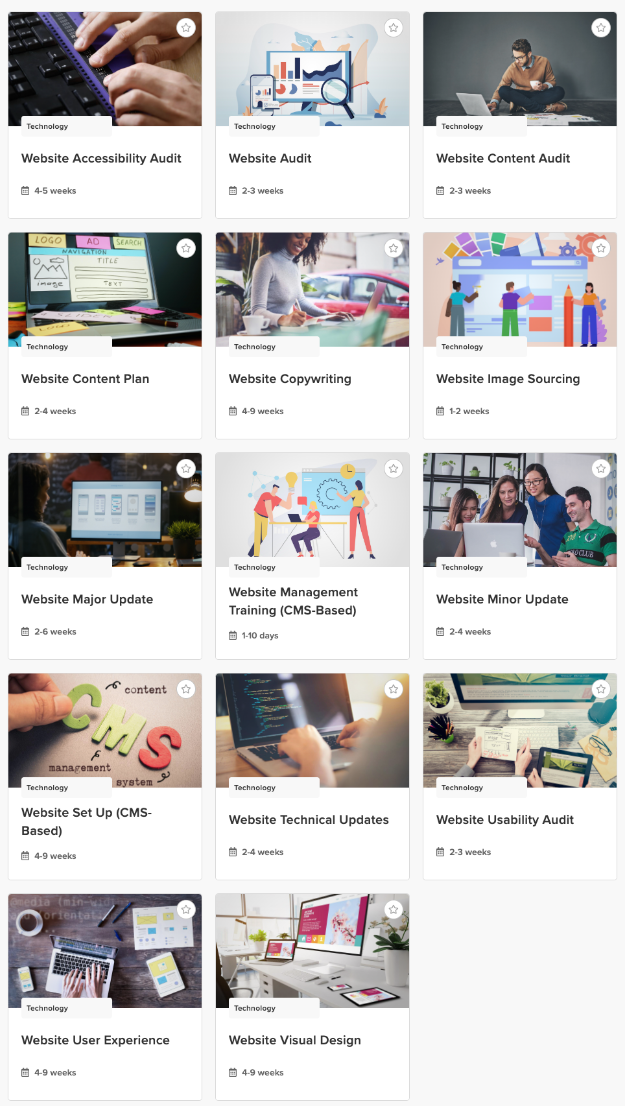
Website Usability Audit
Website Accessibility Audit
The important thing to understand about Catchafire.org projects is that they are merely templates. An organization will try to pick the best template to fit their unique project. This can result in projects of the same type being quite different in scope. It can also result in many “website audit” projects that would be better named “website usability audit” or “website accessibility audit” for instance, because the stakeholder simply doesn’t see a difference.
Keep a look out for the following projects, as well:
Last Step: Add to Application Package
Finally, don’t forget to always use your projects and stellar reviews on your resume and in your portfolio. This is real world experience, and every bit of work you do showcases how great of a UX/Product Designer you already are!