
Using Python and Boto3 in AWS
ACM.55 Boto3 in a Lambda Function and later in AWS Batch
Part of my series on Automating Cybersecurity Metrics. Lambda. Application Security. The Code.
Free Content on Jobs in Cybersecurity | Sign up for the Email List
In the last post I started exploring how to request the capability to send SMS messages on AWS. If you’re embarking on that journey, you may want to read this first.
Sending an SMS Message from a Lambda Function
ACM.54 Getting a phone number from Pinpoint
medium.com
Before we jump into the next section of posts implementing some Lambda functions with Python to interact with AWS services I just wanted to quickly explain what Boto3 is for anyone who is not familiar.
AWS has a number of software development kits (SDKs) for different languages.
As you may recall when we created a Lambda function in prior posts, both in manual and automated formats, we chose a runtime. That runtime specified that we wanted to use Python and which version of Python.
I already wrote about why Python here:
Prior to that we’ve been using the AWS CLI to create resources used in this series of blog posts. The AWS CLI is basically calling APIs to interact with the AWS platform. As I explain in my classes, everything on AWS almost is an API call behind the scenes. Even if you push a button in the console it calls the AWS APIs to take the actions you see on the screen. It’s no different when we use the AWS Python SDK.
By the way there’s a reason everything is an API call. The infamous Bezos memo on the topic:
Using Boto3 in Python code
The first thing you need to do to use Boto3 in Python is to ensure you have credentials configured to call the AWS services. Since we are going to run our Python code in AWS Batch or AWS Lambda primarily, that consists of defining a role with appropriate permissions and assigning it to the resource. I’ve already explained how to do that in this series.
Add the following to your Python import statements at the top of your code to include the Boto3 library in your code. This makes the functionality in the boto3 library available to you in the code that you are writing.
import boto3You can find the boto3 API documentation here:
The list of AWS services appears on the left:
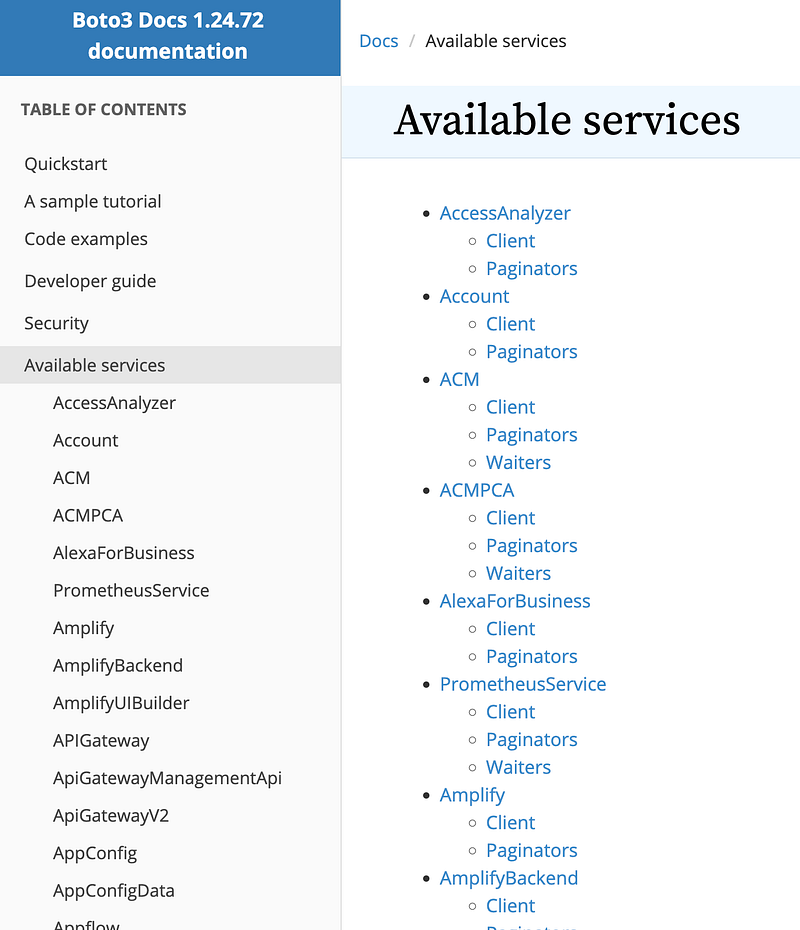
In the next post I’m going to use AWS Systems Manager (SSM). Scroll down to SSM in the list and click on it.
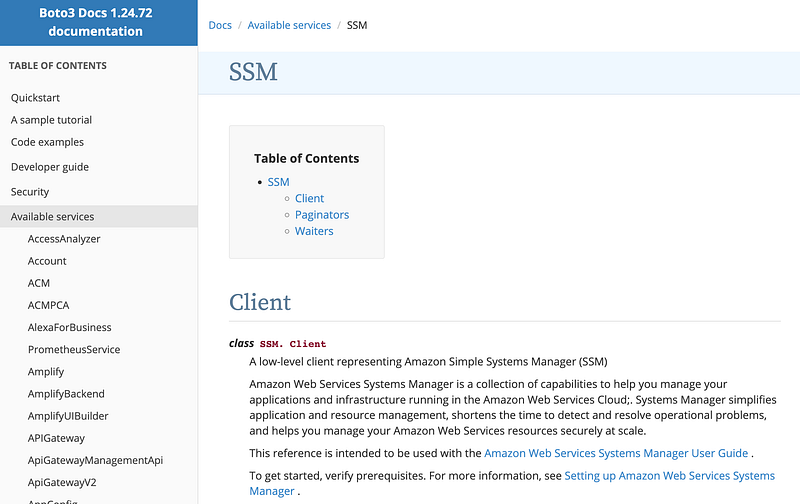
Whenever we use a service in Python with Boto3 generally the first thing to do is a create a client. That client allows you to call the methods related to that service. In this case we would establish a client like this:
client = boto3.client('ssm')Next take a look at the documentation for the method you want to call. I want to store a value in AWS Parameter Store. If I scroll down the list I can see that there is a method called put_parameter.

Click on it and take a look at the documentation:
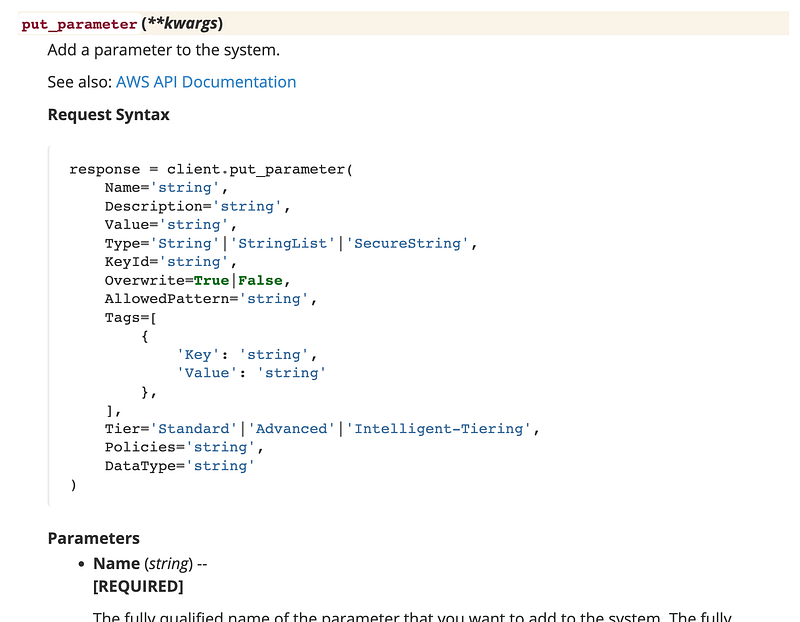
That tells you which values you can pass into this function and if they are required or not.
client.put_parameter( Name='name', .... )You can find a lot more information in the documentation including code samples and the types of errors an API returns. In some cases, when retrieving large amounts of data you will need to use a Paginator to get all the data or get it efficiently:
Now that you have the basics as we take a look at not just how to add a parameter to SSM Parameter Store, but some of the security controls available as we do so. Remember, the code is simple. Adding security controls to ensure your company doesn’t end up in the news with the latest data breach is another matter.
Follow for updates.
Teri Radichel | © 2nd Sight Lab 2022
The best way to support this blog is to sign up for the email list and clap for stories you like. That also helps me determine what stories people like and what to write about more often. Other ways to follow and support are listed below. Thank you!
About Teri Radichel:
~~~~~~~~~~~~~~~~~~~~
Author: Cybersecurity for Executives in the Age of Cloud
Presentations: Presentations by Teri Radichel
Recognition: SANS Difference Makers Award, AWS Security Hero, IANS Faculty
Certifications: SANS
Education: BA Business, Master of Software Engineering, Master of Infosec
Company: Cloud Penetration Tests, Assessments, Training ~ 2nd Sight Lab
Like this story? Use the options below to support this blog.
~~~~~~~~~~~~~~~~~~~~~~~~~~~~~~~~~~~~~~~~~~~~~~~~~~~~~~~~~~~~~
❤️ Clap
❤️ Referrals
❤️ Medium: Teri Radichel
❤️ Email List: Teri Radichel
❤️ Twitter: @teriradichel
❤️ Mastodon: @[email protected]
❤️ Facebook: 2nd Sight Lab
❤️ YouTube: @2ndsightlab
❤️ Buy a Book: Teri Radichel on Amazon
❤️ Request a penetration test, assessment, or training
via LinkedIn: Teri Radichel
❤️ Schedule a consulting call with me through IANS ResearchMy Cybersecurity Book: Cybersecurity for Executives in the Age of Cloud
