Using OADP to backup and restore your applications on OpenShift

OpenShift API for Data Protection (OADP) offers a range of features designed to facilitate the backup and restoration of applications. Through default plugins, OADP enables seamless integration with specific cloud providers, allowing for the backup and restoration of OpenShift Container Platform resources.
The process for backing up and restoring applications using OADP generally involves the following steps:
Backup: Create a Backup custom resource (CR) to initiate the backup process. This can involve specifying the resources to be backed up, such as filtering by type, namespace, or label.
Restore: Utilize OADP’s capabilities to restore applications from the previously created backups. This may involve using specific APIs provided by OADP to customize and execute the restoration process.
It’s important to note that these steps may vary based on the specific requirements of the applications and the environment in which OADP is being utilized. Such as stateless or stateful and different storage providers.
So let’s take a tour on that.
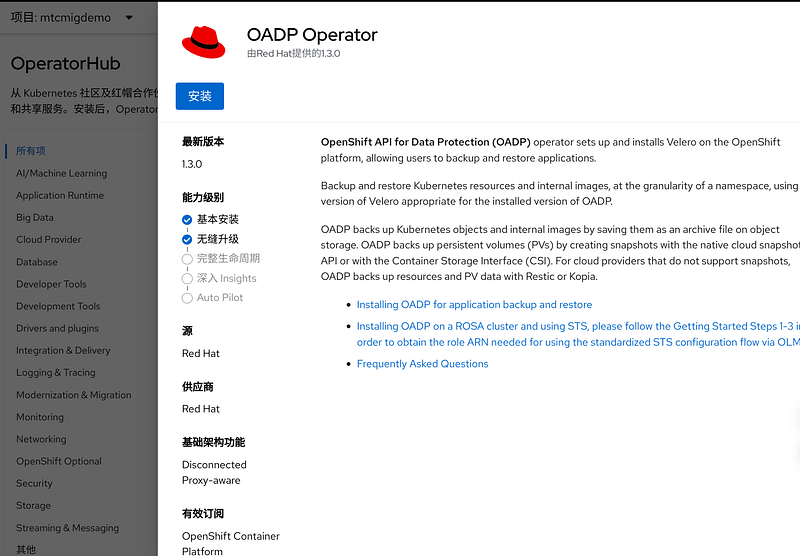
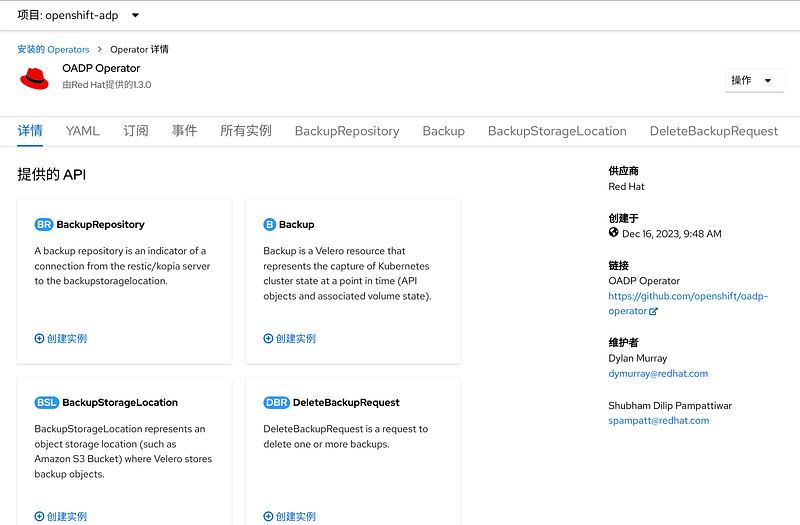
First, install the official OADP operator. Do not need to creat any instance after installation.
Then you we deploy a Minio for demo purpose. In real scenario, you can connect to any of your S3 storage.
oc apply -f https://raw.githubusercontent.com/jaysonzhao/OpenShift-PoC-Scenario/main/01_Admin/02_quay_minio_install/yaml/minio-dev.yaml
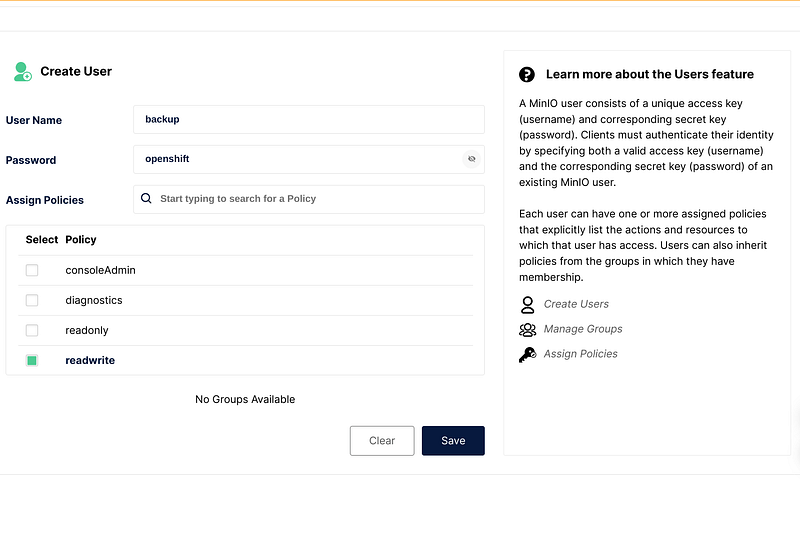
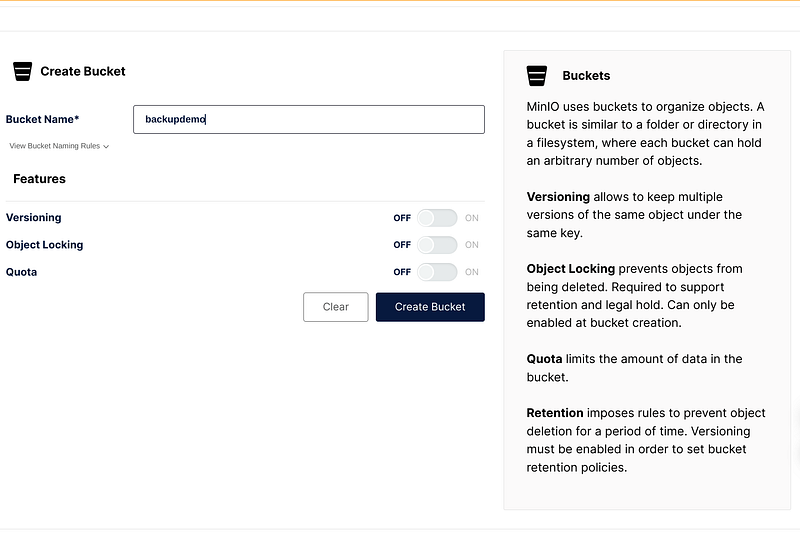
oc get route minio -n minio-store -ojsonpath={.spec.host}Create bucket and user credential in the Minio UI. Then creat a secret for access by OADP.
cat <<EOF > credentials
[default]
aws_access_key_id=backup
aws_secret_access_key=openshift
EOF


Then creat a secret for access by OADP.
oc create secret generic cloud-credentials -n openshift-adp --from-file cloud=credentials
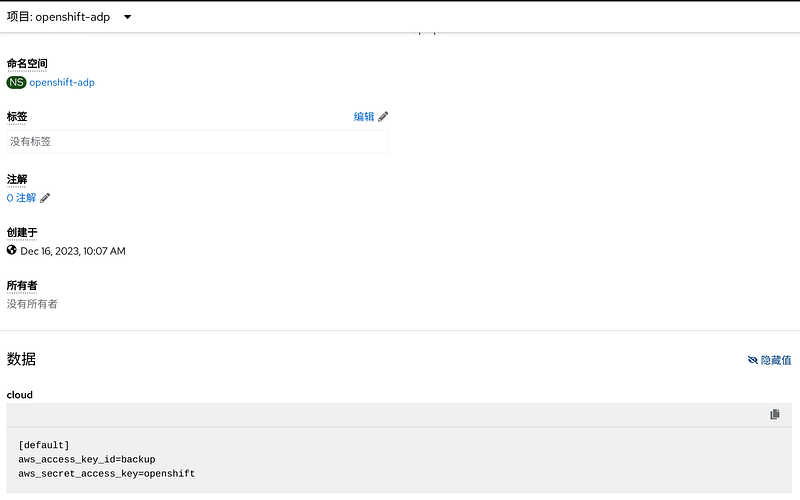
Remember to get the minio svc url in console or by CLI.
http://minio-svc.minio-store.svc.cluster.local:9000
Now we create a project for backup demo purpose.
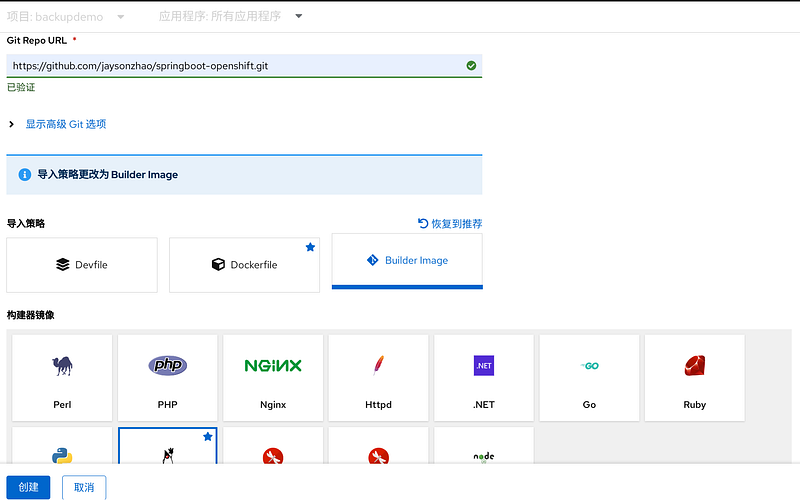
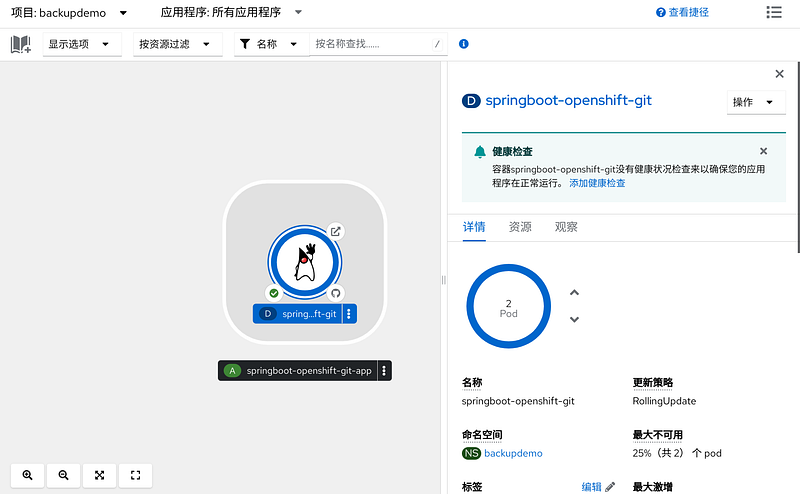
Now we turn to backup the application by creating a logical OADP instance.
apiVersion: oadp.openshift.io/v1alpha1
kind: DataProtectionApplication
metadata:
  name: app-backup
  namespace: openshift-adp
spec:
  configuration:
    nodeAgent:
      enable: true
      uploaderType: restic
    velero:
      defaultPlugins:
        - openshift
        - aws
        - kubevirt
  backupLocations:
    - velero:
        config:
          profile: default
          region: test
          s3Url: http://minio-svc.minio-store.svc.cluster.local:9000
          insecureSkipTLSVerify: "true"
          s3ForcePathStyle: "true"
        credential:
          key: cloud
          name: cloud-credentials
        objectStorage:
          bucket: backupdemo
          prefix: velero
        default: true
        provider: aws
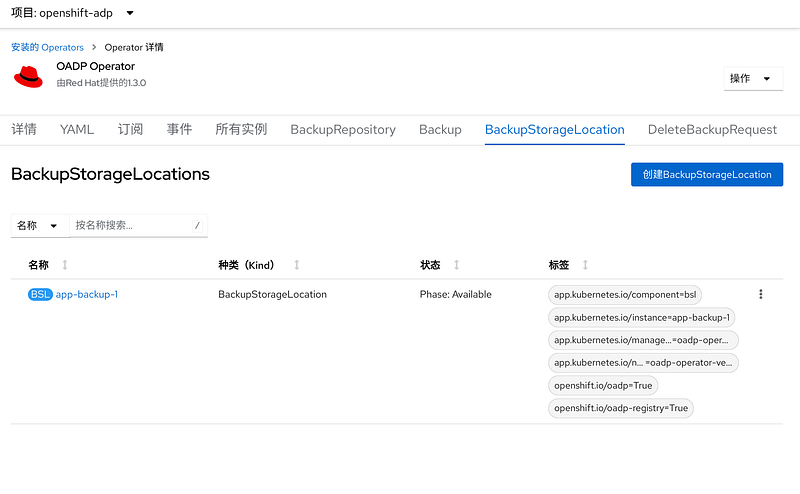
Then check the status of the storage check. If it fails, check the logs of the velero pod for infomation.
apiVersion: velero.io/v1
kind: Backup
metadata:
  name: backup-demo-instance-1
  labels:
    velero.io/storage-location: default
  namespace: openshift-adp
spec:
  defaultVolumesToRestic: true
  hooks: {}
  includedNamespaces:
  - backupdemo
  storageLocation: app-backup-1
  ttl: 720h0m0s
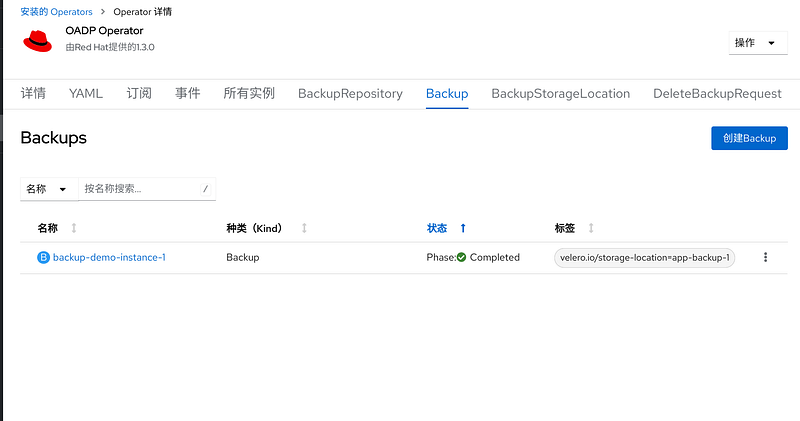
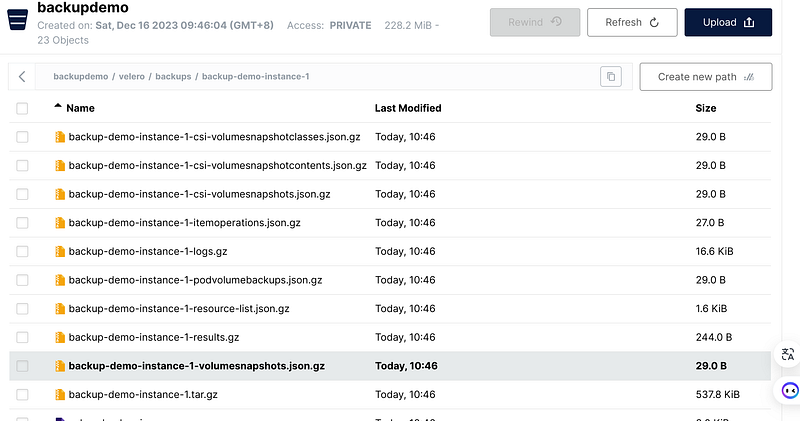
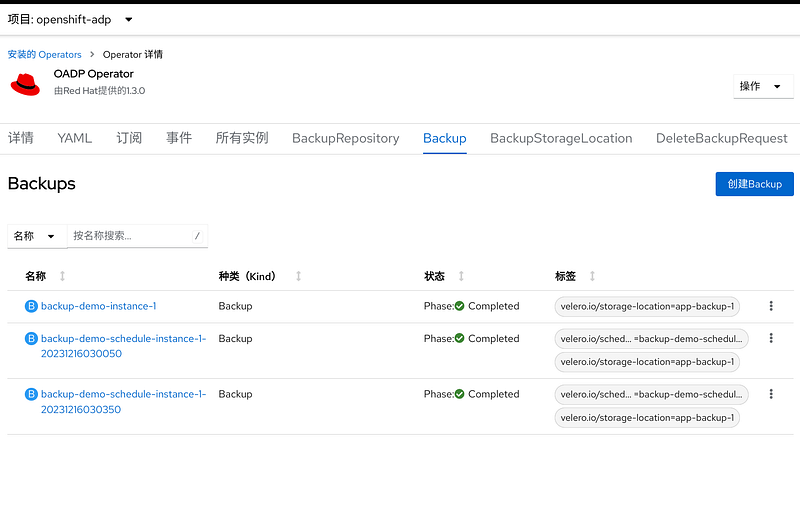
Then check the backup status in UI and also you can see files stored in S3.
apiVersion: velero.io/v1
kind: Schedule
metadata:
  name: backup-demo-schedule-instance-1
  namespace: openshift-adp
spec:
  defaultVolumesToRestic: true
  schedule: "*/3 * * * *"
  template:
    hooks: {}
    includedNamespaces:
    - backupdemo
    storageLocation: app-backup-1
    defaultVolumesToRestic: true
    ttl: 720h0m0s
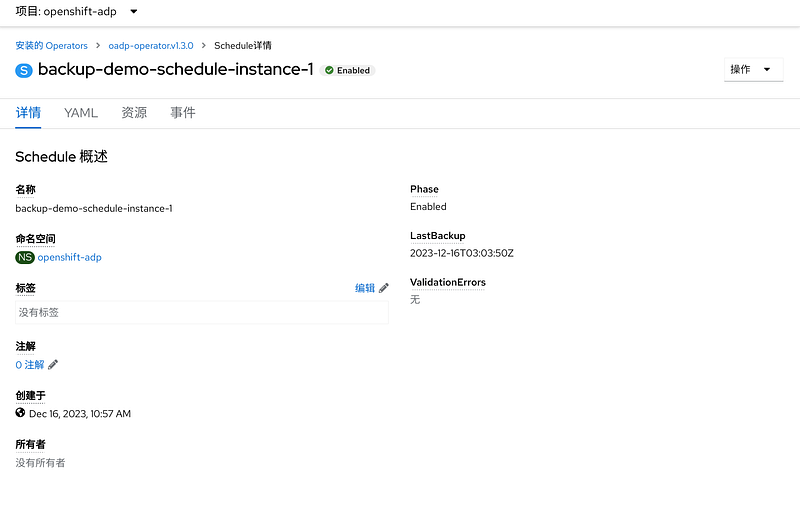
You can also create a backup schedule for your critical applications. For demo purpose we make it every 3 minutes here to demo the capabilities.
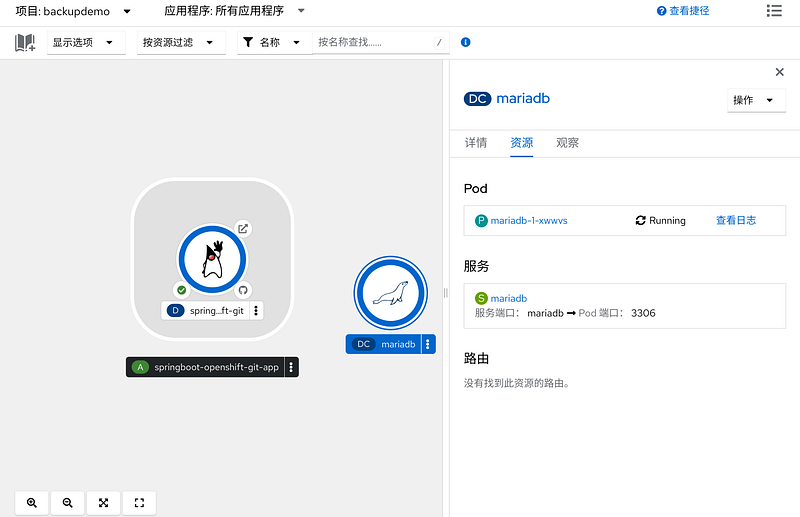
Now we deploy one more database to see if the backup is scheduled.
Ensure the backup is done by checking the CR detail page.
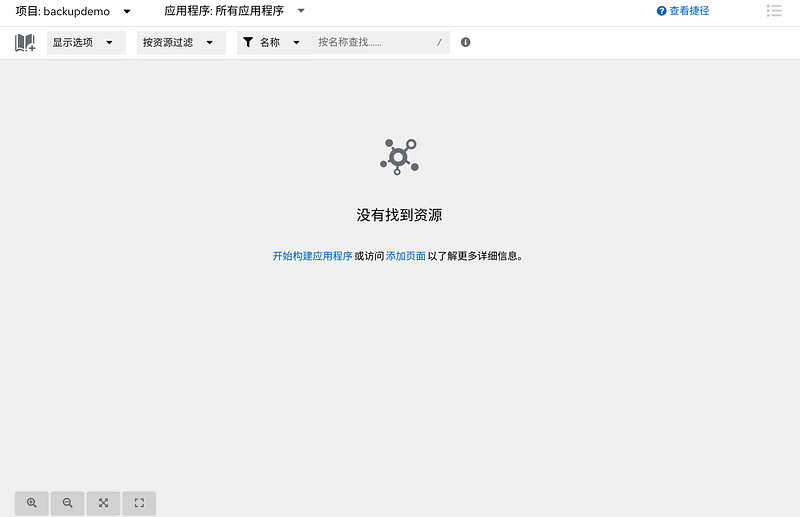
Now delete everything in the project to demo a disaster scenario. Then find the proper backup to restore in the OADP Backup CR UI. Of course you can logically well arrange your backup with different applications. And then create a Restore CR according to the backup you choose to restore.
apiVersion: velero.io/v1
kind: Restore
metadata:
  name: backup-demo-restore-1
  namespace: openshift-adp
spec:
  backupName: backup-demo-schedule-instance-1-20231216030350
  excludedResources:
  - nodes
  - events
  - events.events.k8s.io
  - backups.velero.io
  - restores.velero.io
  - resticrepositories.velero.io
  restorePVs: true

Everything is back now.
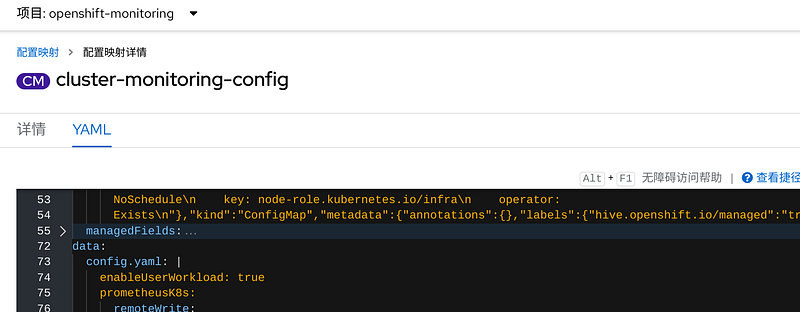
Moreover, you can enable the monitoring for Velero to have a rough look at the status of your backups.
apiVersion: monitoring.coreos.com/v1
kind: ServiceMonitor
metadata:
  name: openshift-adp-velero-metrics
  namespace: openshift-adp
  labels:
    app.kubernetes.io/component: server
    app.kubernetes.io/instance: app-backup
    app.kubernetes.io/managed-by: oadp-operator
    app.kubernetes.io/name: velero
    openshift.io/oadp: "True"
spec:
  endpoints:
  - interval: 30s
    metricRelabelings:
    - action: keep
      sourceLabels:
      - __name__
    port: monitoring
    path: /metrics
    scheme: http
  selector:
    matchLabels:
      app.kubernetes.io/component: server
      app.kubernetes.io/instance: app-backup
      app.kubernetes.io/managed-by: oadp-operator
      app.kubernetes.io/name: velero
      openshift.io/oadp: "True"
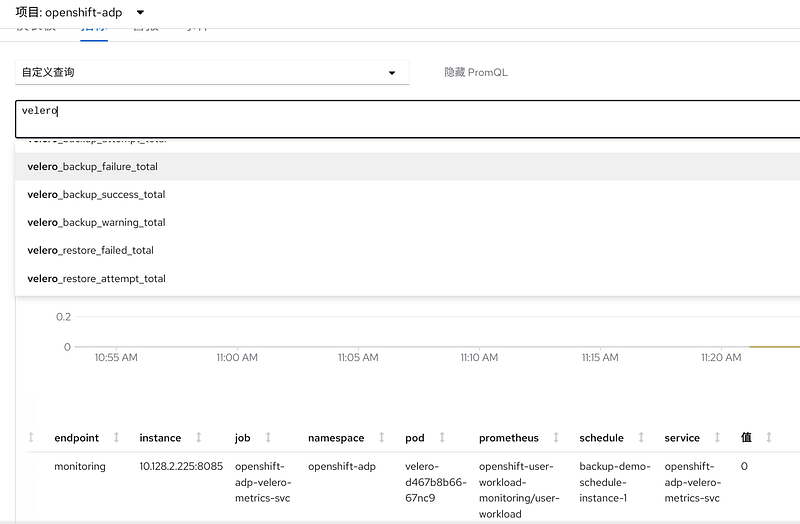
The monitoring is simple though. we still can check the stuff in Operator pages. OADP is a built-in feature of OpenShift for backup and restore requirements. It’s a must have feature for those who put critical applications in production. Despite the fence UI, we still can rely on the core features to backup our stateful container applications.


