
Using leanback’s DiffCallback
The difference between the DiffUtil callbacks
A class called DiffUtil was introduced in version 24.2 of the support library that trivialized updating a RecyclerView.Adapter. In version 27.0 of the leanback support library an abstraction of DiffUtil has been added that supports ArrayObjectAdapter.
ArrayObjectAdapter has a new method called setItems(final List itemList, final DiffCallback callback) that accepts a new class called DiffCallback. DiffCallback looks like DiffUtil.Callback with a few methods missing.
The list size methods are gone! The setItems() method in the adapter knows about the old and new items. When the adapter creates the DiffUtil.Callback, it overrides getOldListSize() and getNewListSize() allowing you to focus on comparing the items in the list.
val diffCallback = object : DiffCallback<DummyItem>() {
    override fun areItemsTheSame(oldItem: DummyItem,
                                 newItem: DummyItem): Boolean =
        oldItem.id == newItem.id
override fun areContentsTheSame(oldItem: DummyItem,
newItem: DummyItem): Boolean =
oldItem == newItem
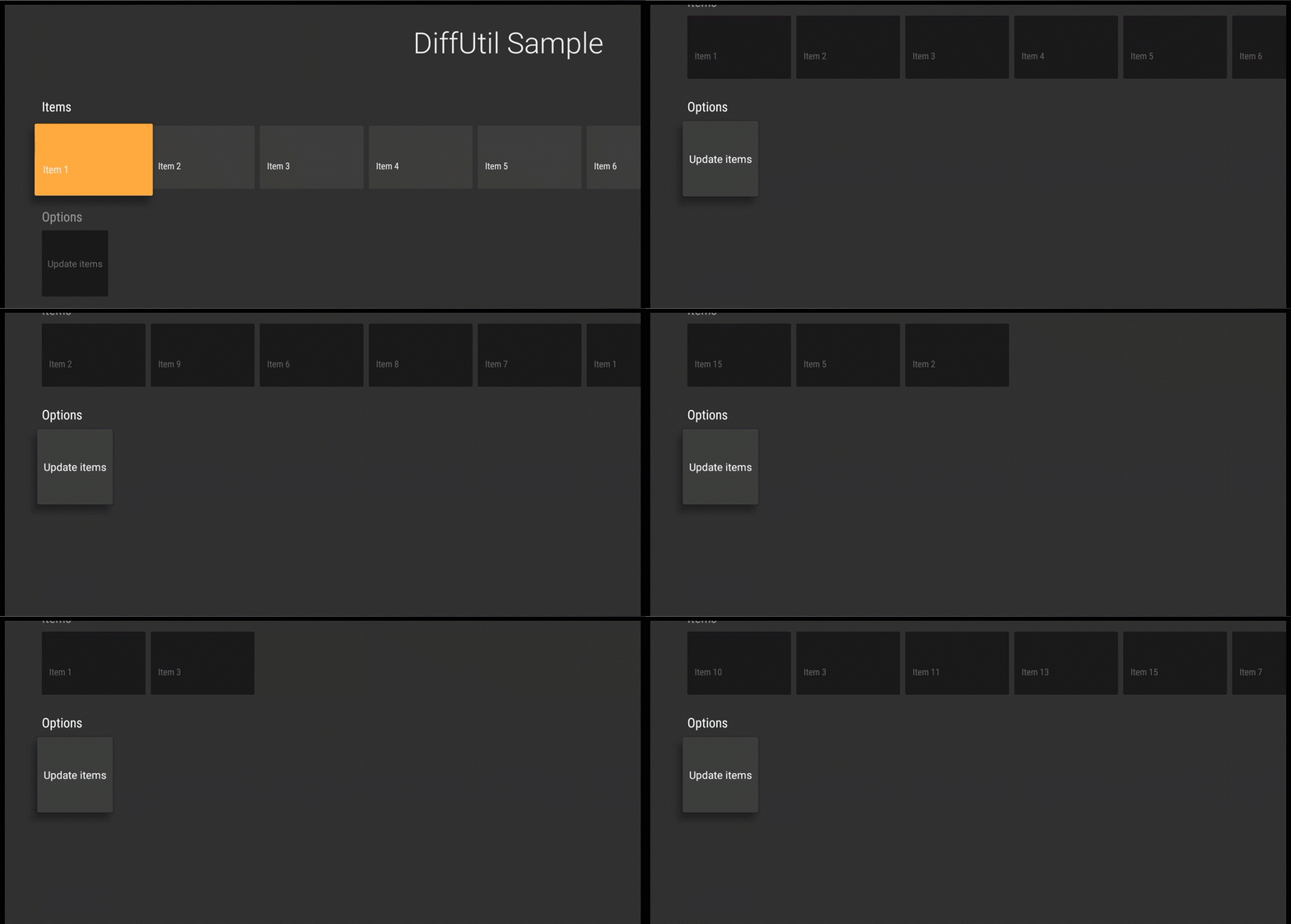
}itemsAdapter.setItems(randomItems(), diffCallback)The adapter updates the items and dispatches the animation.
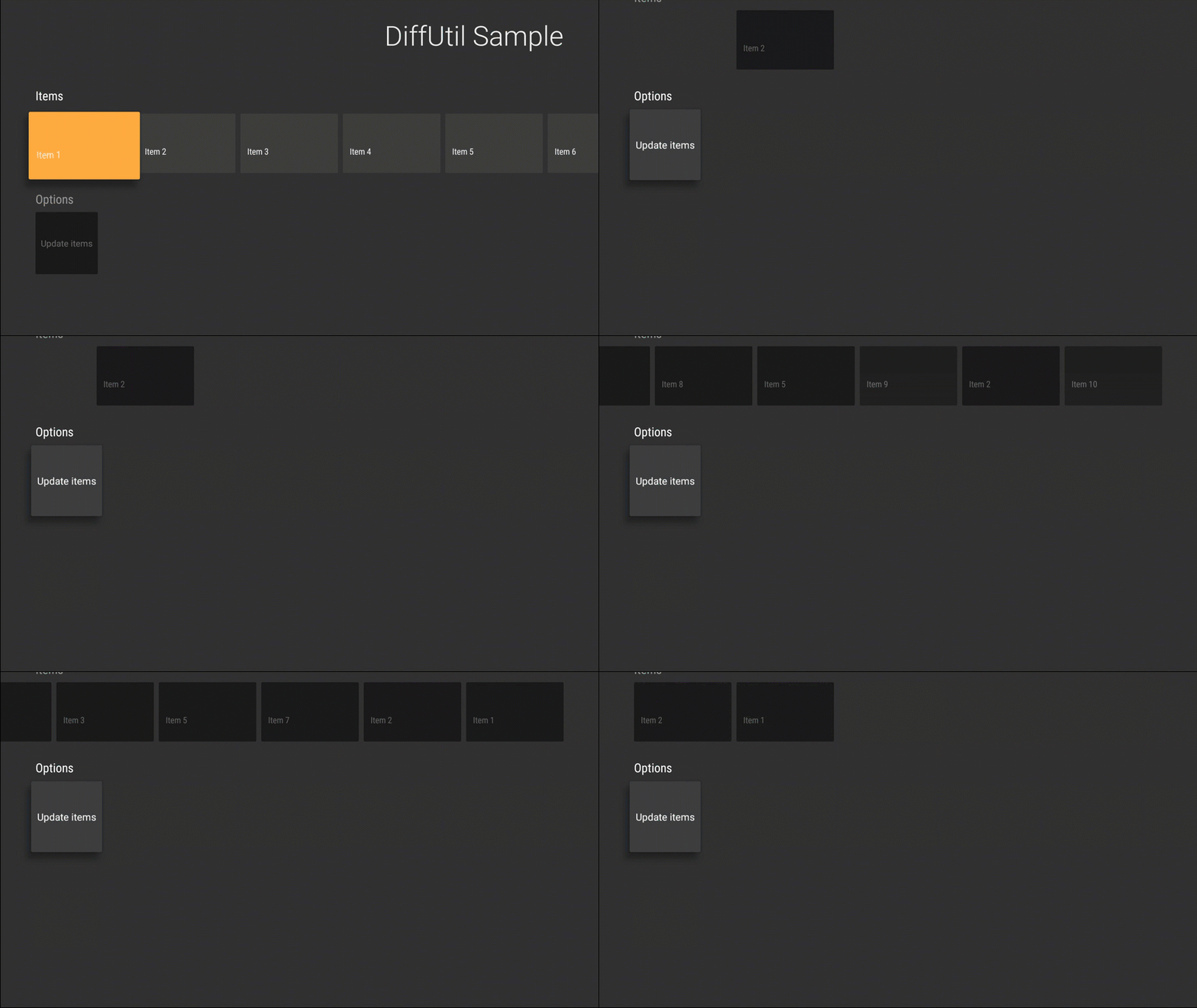
You do not have to call setItems() with a DiffCallback. If you do not supply DiffCallback, the adapter clears the current items and adds all of the new items which may lead to your content flashing on the screen.
Looking at the source code of setItems(), we see how ArrayObjectAdapter abstracts the boilerplate from DiffUtil — giving developers a cleaner API.
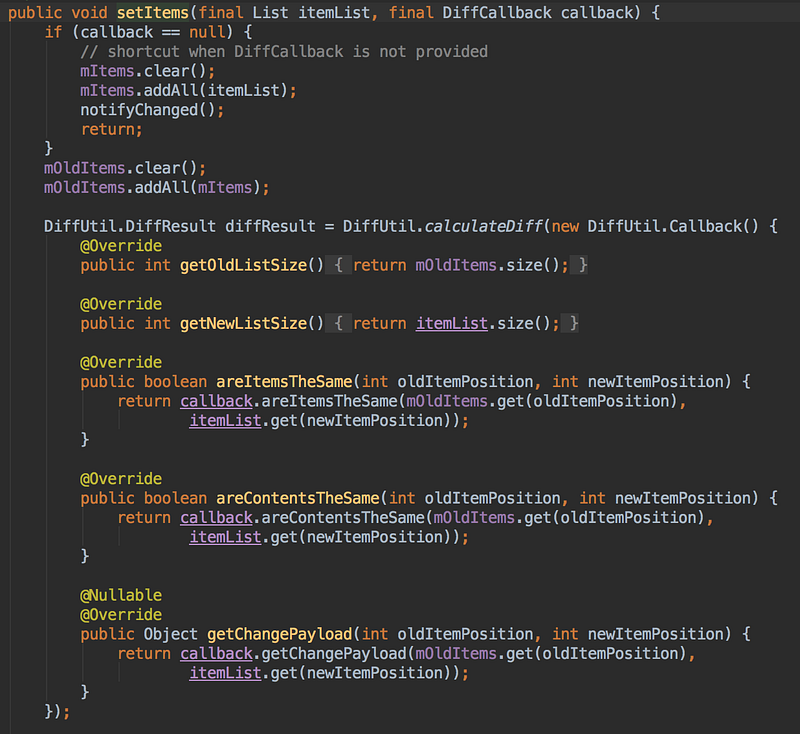
setItems() in ArrayObjectAdapterIf you want to experiment with DiffCallback, check out this gist to get started.
If you are working on an app for Android TV, I would love to hear about what you enjoy and what are your pain points. If you would like to continue the discussion, leave a comment or message me on Twitter.


