
Using AI to Create Art for Your Stories
Top three free tools ranked
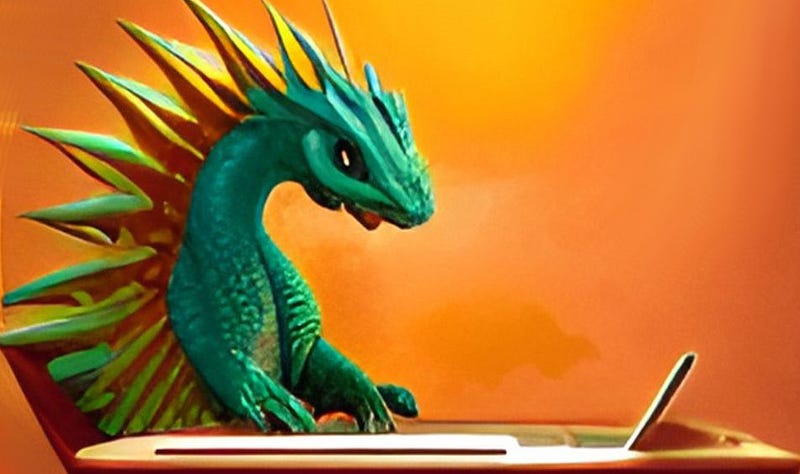
As a writer, I specialize in words, not pictures. My art skills peaked just after kindergarten. This caused a problem when I posted one of my fiction stories about a dragon.
Because it was a fairly long read (around 4500 words, or 30 of my Daily Cuppa short-form articles strung together), I decided to break it up with illustrations. But I wasn’t going to find photos of dragons using computers on Pexels or Unsplash. I was going to have to create those illustrations somehow.
The new crop of AI text-to-art tools came to my rescue. Of the three I used, here is how they rank from first to last. I give examples of the sort of output you can get from them. Also, I explain how easy they are to use, and what I liked and disliked about them.
#1 — StarryAI
The best tool for my purposes was StarryAI. It created consistent artwork in the same style for every prompt. (You select the style or styles you want.) It also gave 4 different options for each prompt, which was good, since it wasn’t very accurate in depicting what I was asking for. Usually, I could make one of the provided illustrations work. The downside is that they cost credits. You start with 5 free credits, but I didn’t want to pay for more.
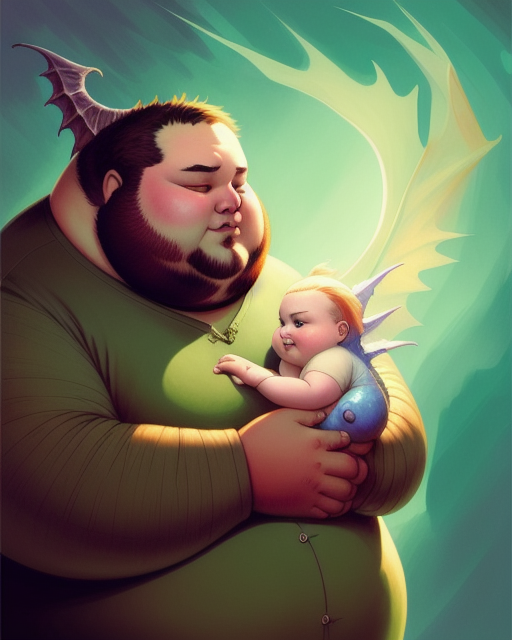
The above graphic shows how the AI doesn’t quite understand what you’re asking for. I asked for an image of a fat man holding a fat baby dragon. It gave me a fat man holding a fat baby, both of whom are at least somewhat dragonish. (I assume the dark grey wing is meant to be coming out of the back of the man’s head, not part of an otherwise invisible dragon standing behind him.)
When I asked for an image of four dragons hatching from eggs in the sand, watched by humans, I got egg-shaped humans, surrounded by dragons. The art I eventually used had four dragons watching four eggs. I just clipped off the part with the eggs, and used the part with the dragons.
You can specify what aspect ratio you want for the artwork, but only if you’re a premium member. The free version gives you a portrait format. If you want different aspect ratios, you’ll need to use an additional image manipulation tool, such as GIMP or Canva.
Also, it works on one prompt at a time. You’ll have to let it complete what it’s doing for you before you can ask it to do something else. Fire it off, then come back and check on it in fifteen minutes or so.
#2 — Dream
My second-choice tool was Dream by Wombo. Artwork was in every style imaginable, and it took a lot of tries to get something usable. Even then, I had to be willing to do some image manipulation to get exactly what I wanted. You could iterate on an image you liked that was close, but only if you wanted to pay for it. I didn’t.
Here are some of the extremely dissimilar pieces that Dream came up with for “cute dragon working on a computer”. The first is the source image that became the title graphic for this article, with a little help from Canva and GIMP. And these are only the ones that I thought might possibly be usable. There were 30 or 40 others that weren’t even close.
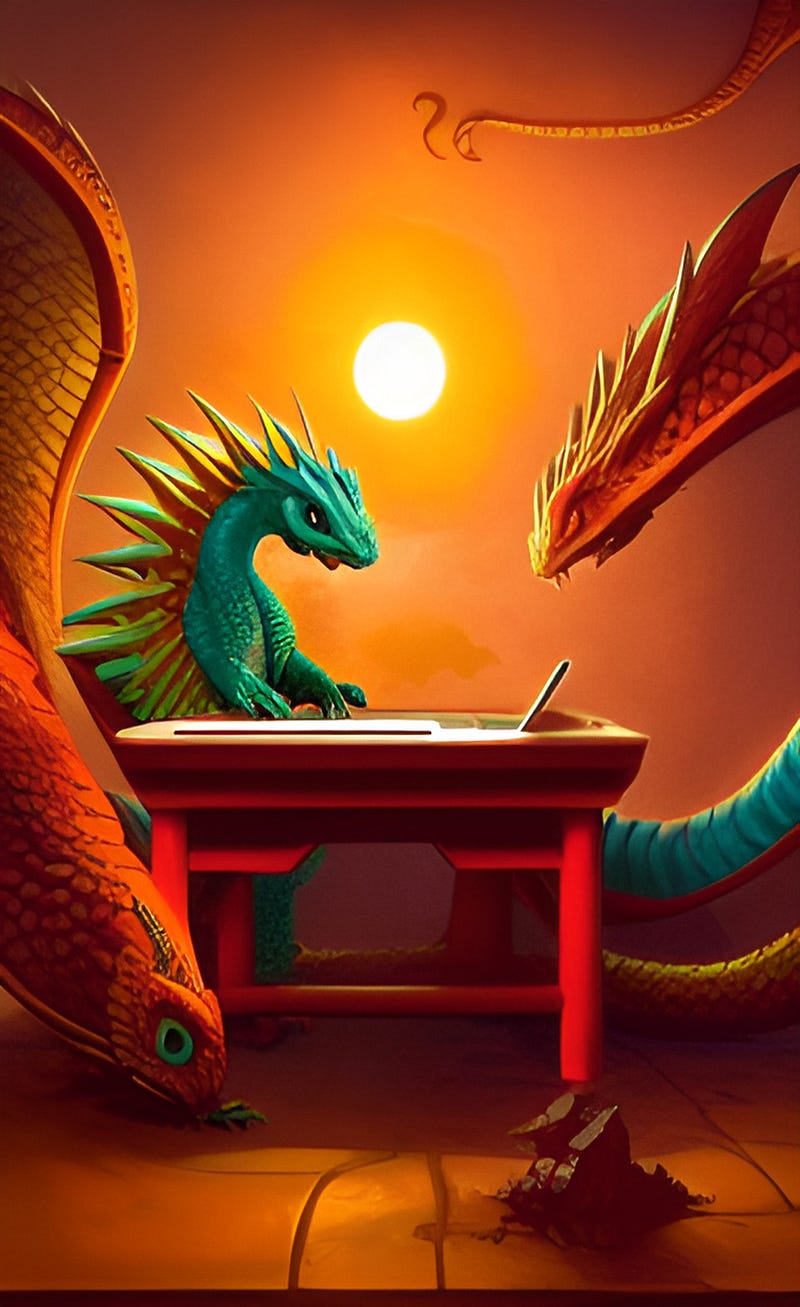
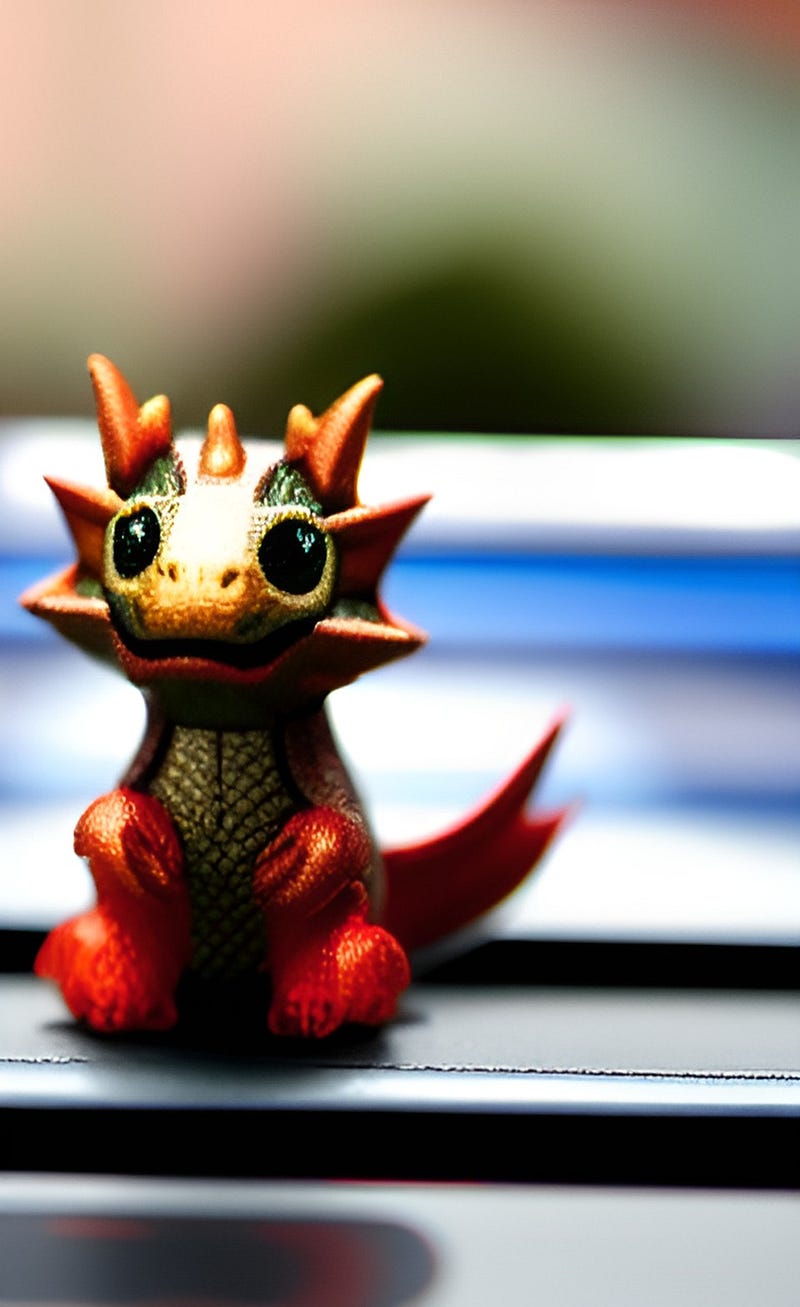
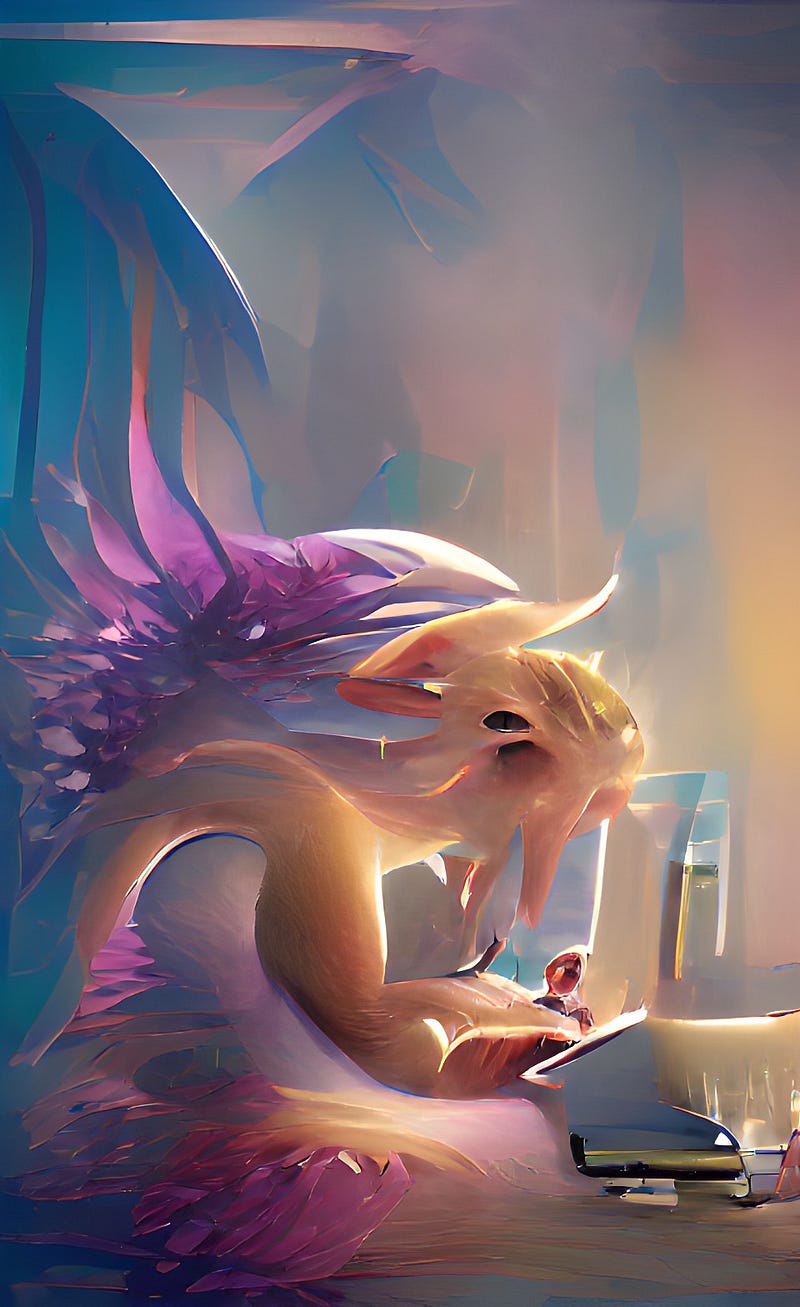
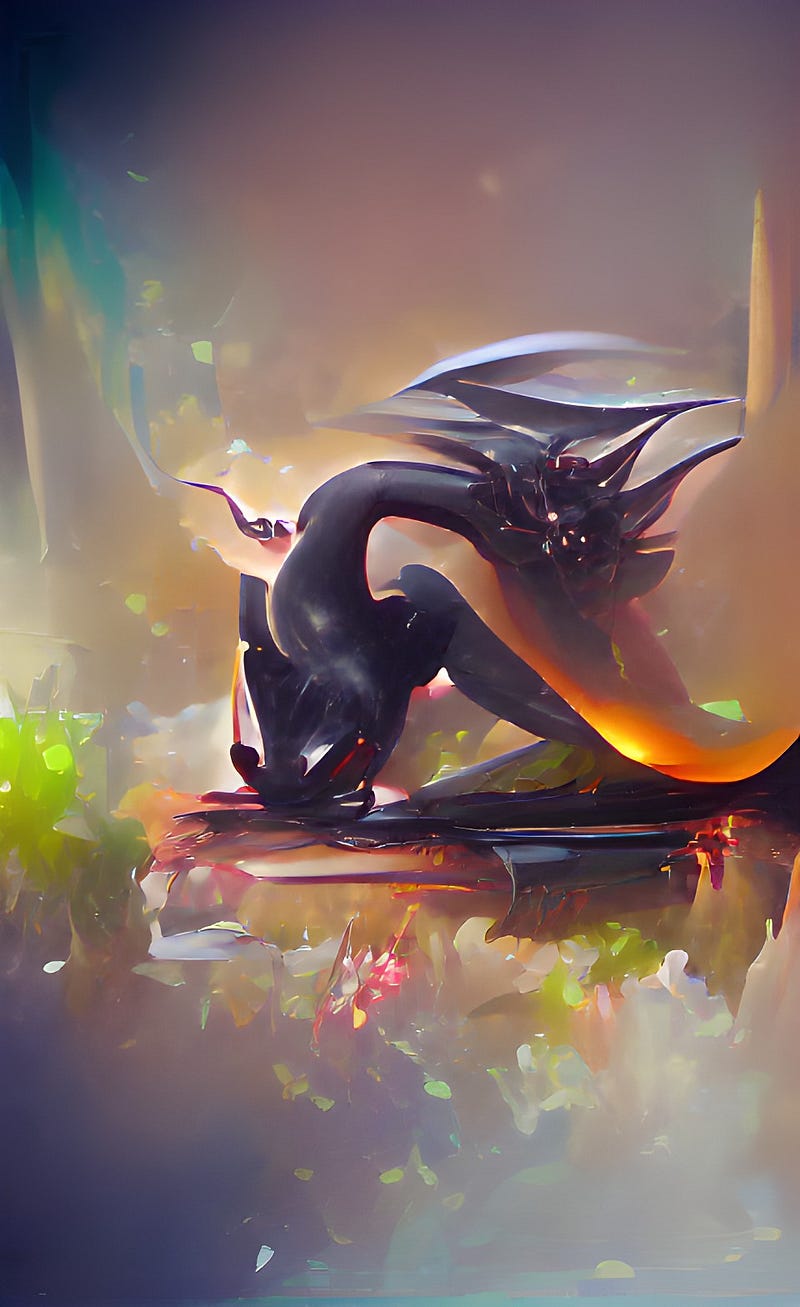
As you can see, the four pieces I included were a fairly standard style of fantasy art, a photorealistic piece, and two paintings of various levels of abstraction. That fourth one looks kind of like it was based off of how Picasso might have painted a deconstructed dragon — all the right features, in all the wrong places.
The art is generated in seconds, not minutes. Which is good, because you’ll have to generate a lot of it to get anything you can use.
#3 — DALL-E
The worst tool, surprisingly, was DALL-E. My husband had an account, so he used a couple of credits to try and create a cute dragon working on a computer for me. The AI created photorealistic images that looked like plastic dragon toys sitting on keyboards. Or abstract images that hurt my eyes to look at, let alone try and figure out what was supposed to be the dragon and what was supposed to be the computer.
There is a free version of DALL-E. It used to be called DALL-E Mini, but is now called Craiyon. Judge for yourself regarding the results.
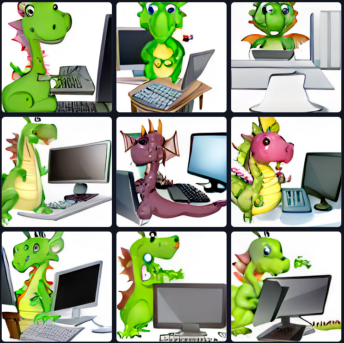
This AI was clearly the best at understanding what I was looking for — a cute dragon that was working on a computer. But the art skills are…not good. The images are just subtly wrong, like the laptop keyboard that is offset from the screen. The franken-dragon that seems to have been stitched together from pieces of other dragons. Or the computer screen that appears to be folded.
Conclusion
If you have a concept you want illustrated that you don’t think you can find stock photos for, you can try having an AI text-to-art program create illustrations for you.
I tried three free AI art programs, and rated them on ease of use and applicability to my needs. Whatever program you use to create the art, you’re probably going to need to do additional image manipulation in another program, such as Canva or GIMP.
The AI artists are roughly comparable to the AI article writers. They produce something that is in the ballpark of what you wanted. But it’s up to you to craft it into something you can actually use.
I write articles on self-improvement, writing, positivity, and living in the Caribbean. If you enjoyed this article and you’re not already a Medium member, please consider joining ($5/month for all you can read) with my referral link.




