
Using a single RecyclerViewAdapter for every RecyclerView in your Android Application

If you have worked on android apps in the past, you must be aware of the crucial role that a RecylerView plays in the whole application. I have used this widget in all the applications that I have worked on until now and if I have learned anything about mobile apps, it is, lists are inevitable.
If the UI design requests multiple lists on multiple screens, the same number of RecyclerViews and hence, RecyclerViewAdapters, would be needed to develop this design. This might lead to a whole bunch of complex adapters for quite a large application. This article addresses these issues
Consider a survey app that demands various kinds of question sets (Single choice, Multichoice, Descriptive, etc) where the visibility of one question is dependent on the previous one. Something like this
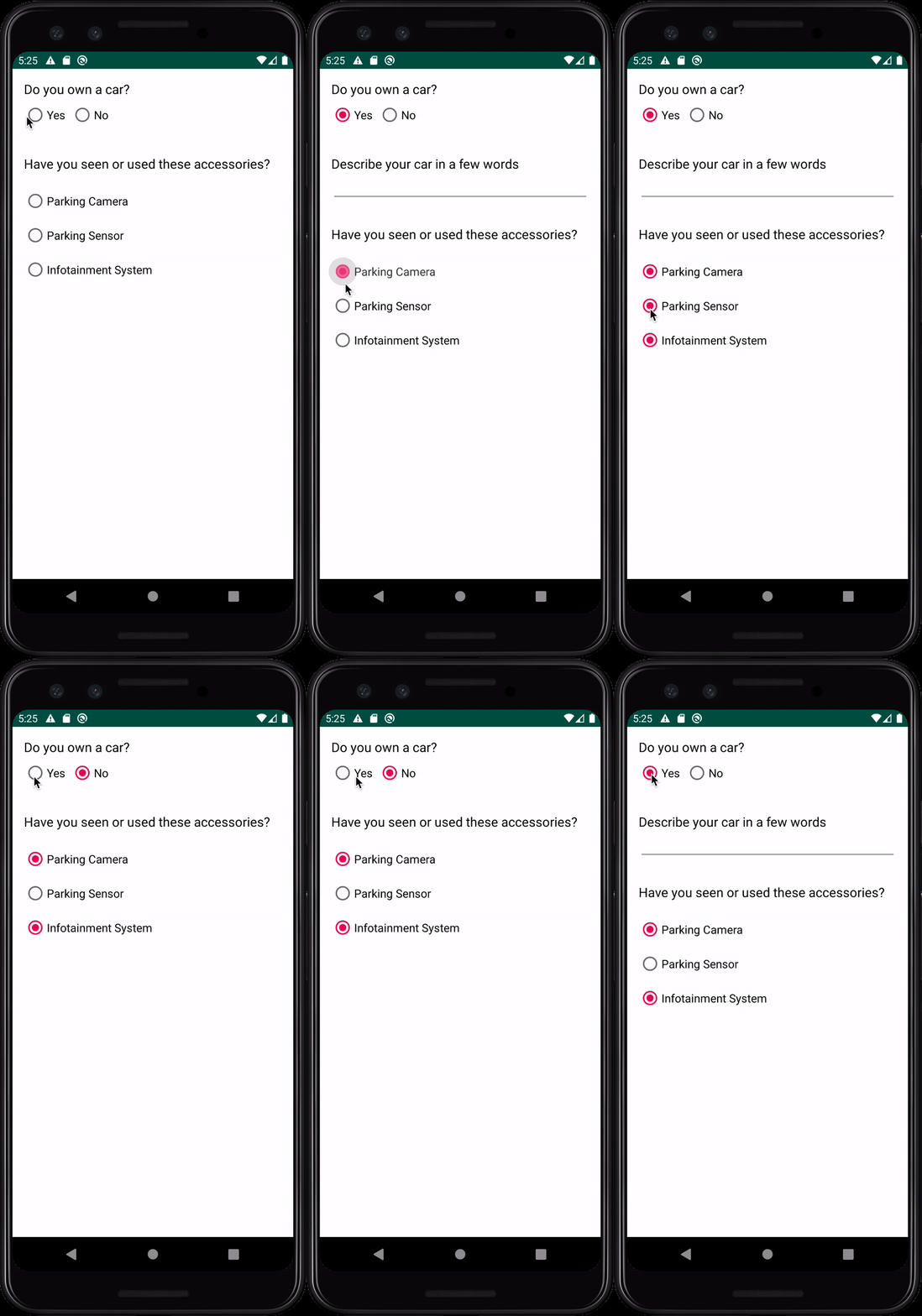
This kind of requirement could be dealt by implementing the business logic in the adapter itself. However, that might cause laggy scrolling issues if not implemented properly. This is where our generic adapter comes to the rescue
Here, we are passing a list of different ViewTypes to the adapter. The adapter is only responsible for displaying this list on the screen. All the business logic required to display the views, is now present in our view model. (Explained further in this article)
Now, ‘ViewType’ is an interface with two abstract methods, layoutId() and data().
All we need is a data class that would implement this interface and provide a layout id and model class required to populate the view.
SingleChoiceViewType represents this view from the survey app that we saw earlier
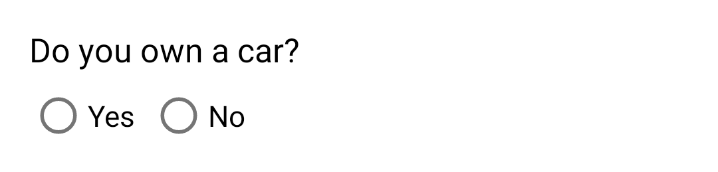
We have broken down the UI design into multiple views, we then decide when/how to show these views based on user input. The business logic behind this is written in our ViewModel class in the getList() function:
In this example, we have hardcoded the data in our VM but the data can flow from any medium: an API Call, user input, or any other field that is accessible in the VM.
Using DataBinding, we have set model classes and click listeners in our View and implemented the same listeners in the ViewModel
This is how the XML file looks like
This approach helps in confining business logic to ViewModels and keeping RecyclerViewAdapters as dumb as possible.
You can find the complete code on GitHub. This example is developed in MVVM architecture using Kotlin and Koin as the dependency injection framework
Let me know your thoughts on this approach.


