
Unwrap the Future of Creativity: Midjourney AI Art Generator V6 Unleashes a Blizzard of Festive Masterpieces Just in Time for Christmas
Here is a sneak peek at the new features and how to use them, including accurate Text!
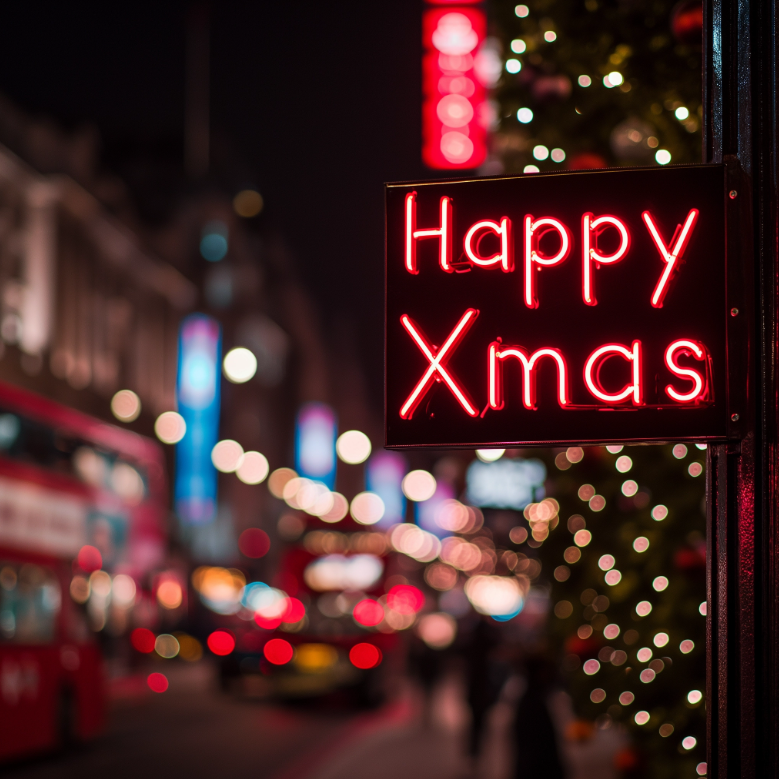
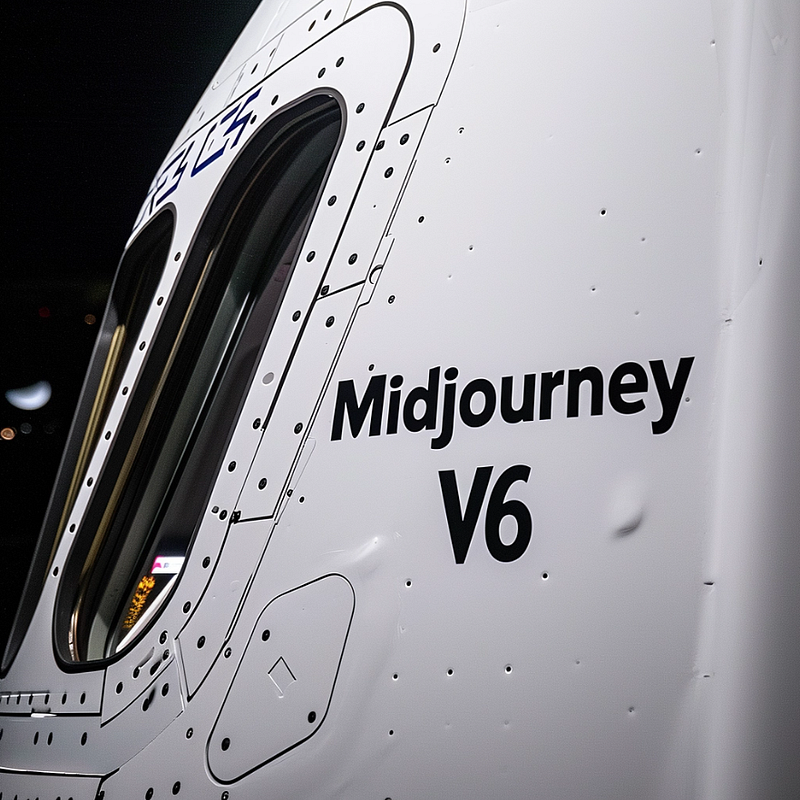
The ability to create text accurately within an AI Image has levitated Midjourney back to the top of the league if it ever dropped below. I will show examples of using text and highlight other new features.
The guidance for all new updates is to keep your prompts simple and forget all the prompt fluff that people have gotten used to. Just say what you want to see.
I found it helped me to pop between Discord and the web app because each has different functionalities. Below are the settings I used in both.
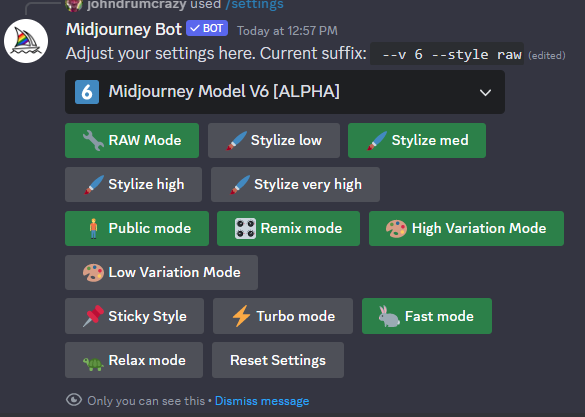
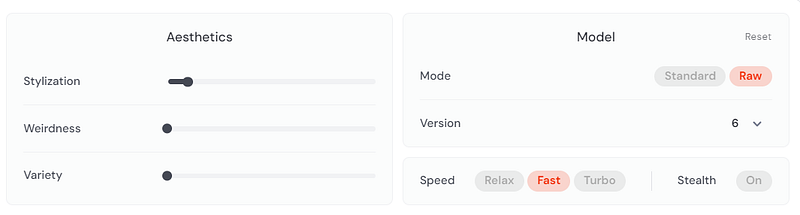
In Discord I also found that I needed to specify V6 in the prompt because it was not automatically using the new model even though I had that specified in my settings. I am sure this will soon be resolved. I soon gave up on Discord and moved to the web.
Prompt: /imagine a photo of the text “Happy Xmas”
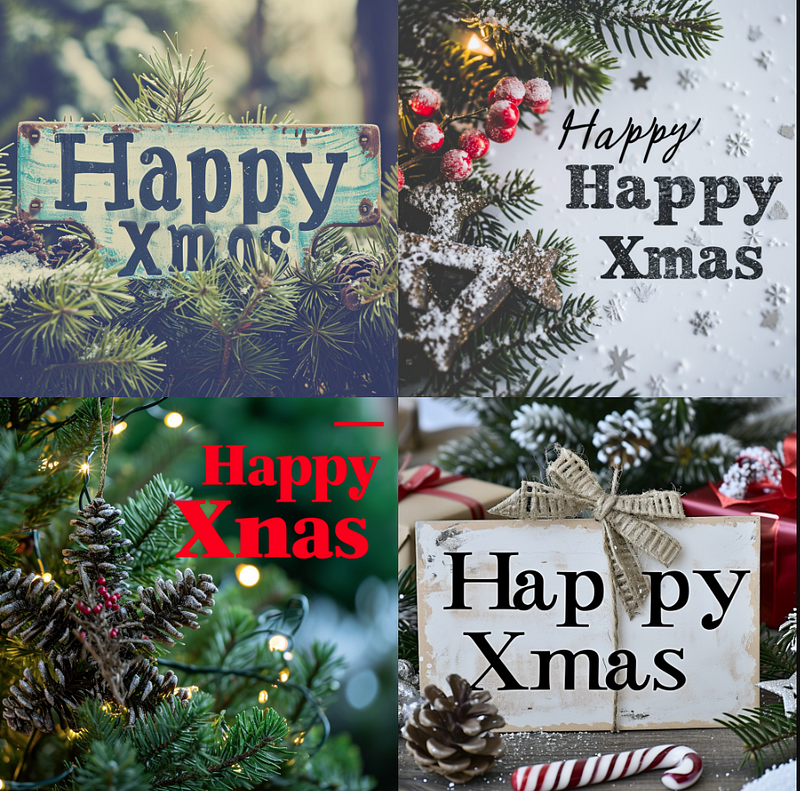
This was my first grid, and I got 3 out of 4 with accurate text. My experience so far is that the longer you make your prompt the less accurate the text will be.
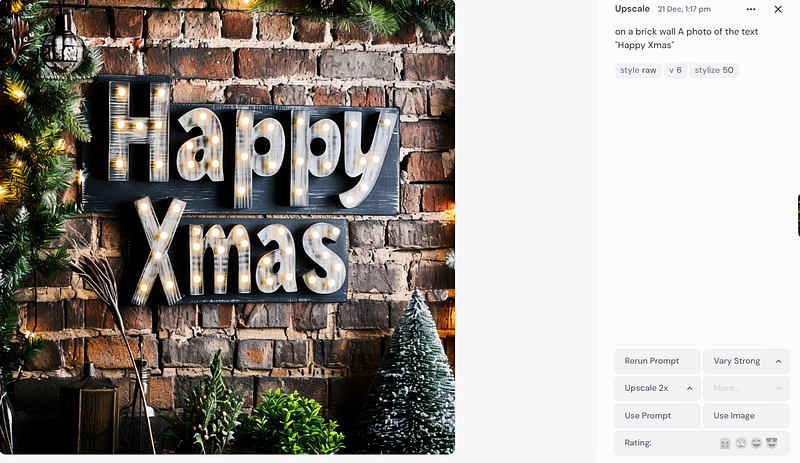
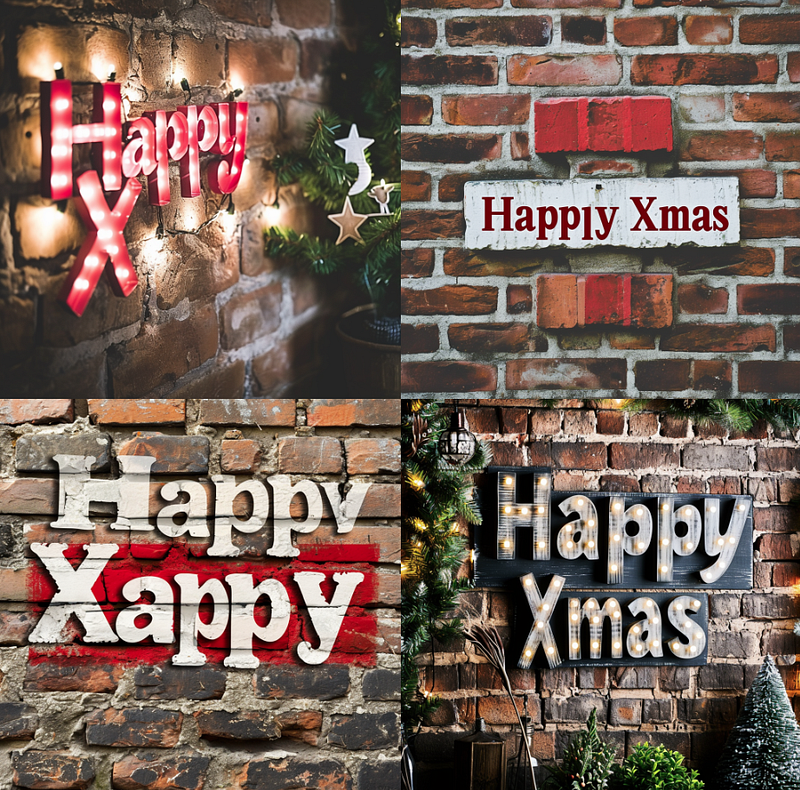
Adding in On a brick wall Reduced it to 1 out of 4
Then when I tried getting “Midjourney V6” on the window of a spacecraft the reliability dropped again. However, rerolling a few times got me what I wanted.
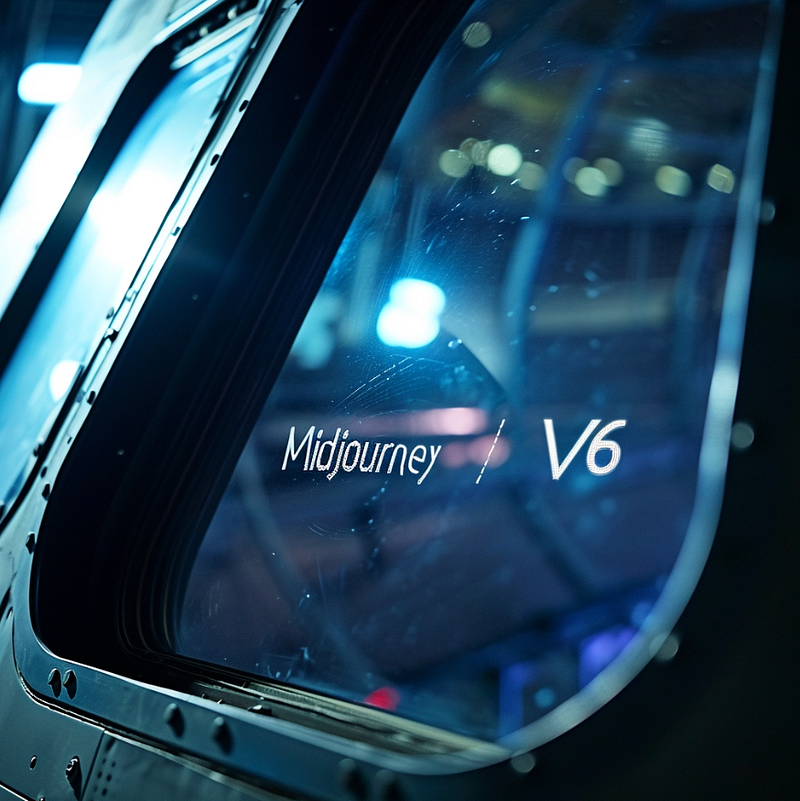
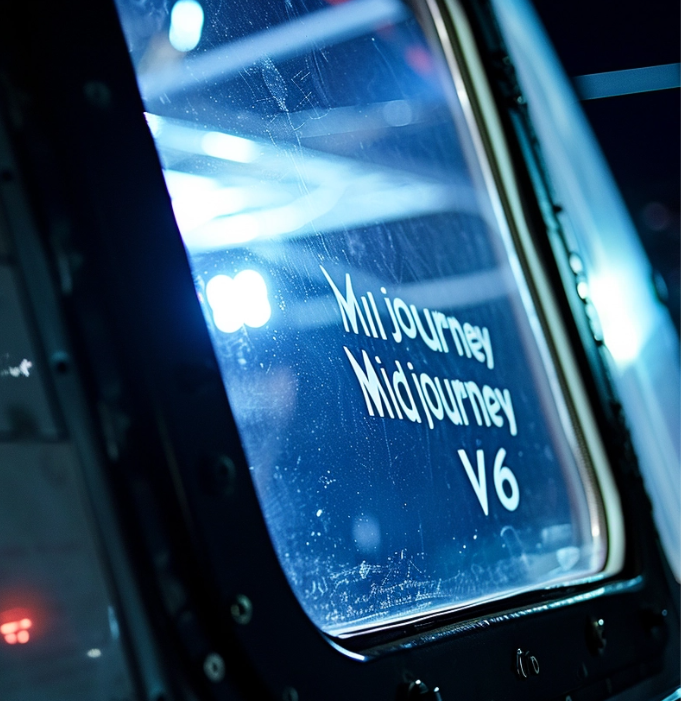
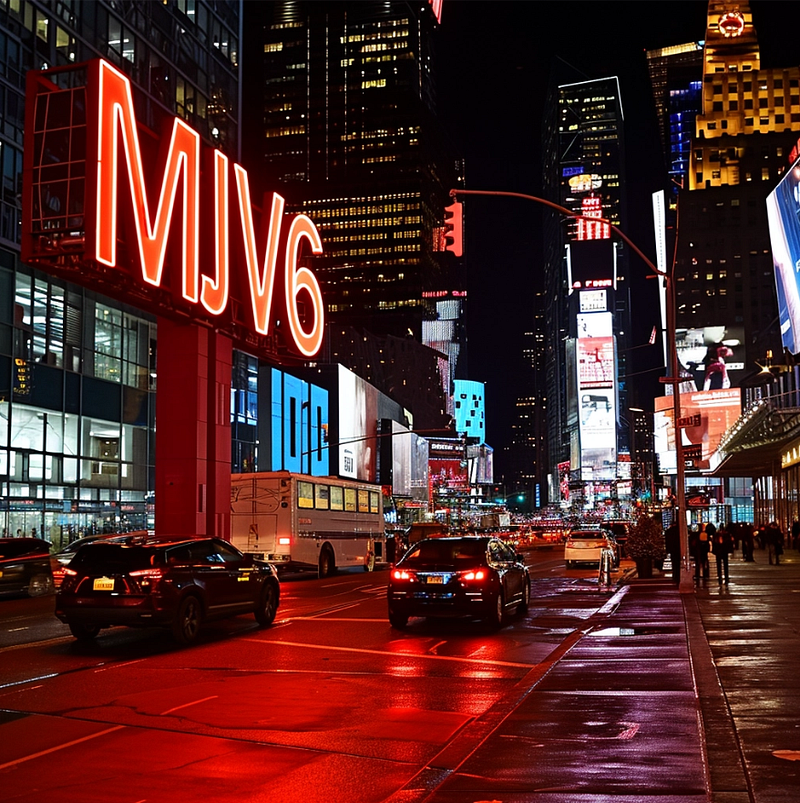
Abbreviating it to MJV6 made quite a difference in the ratio of success
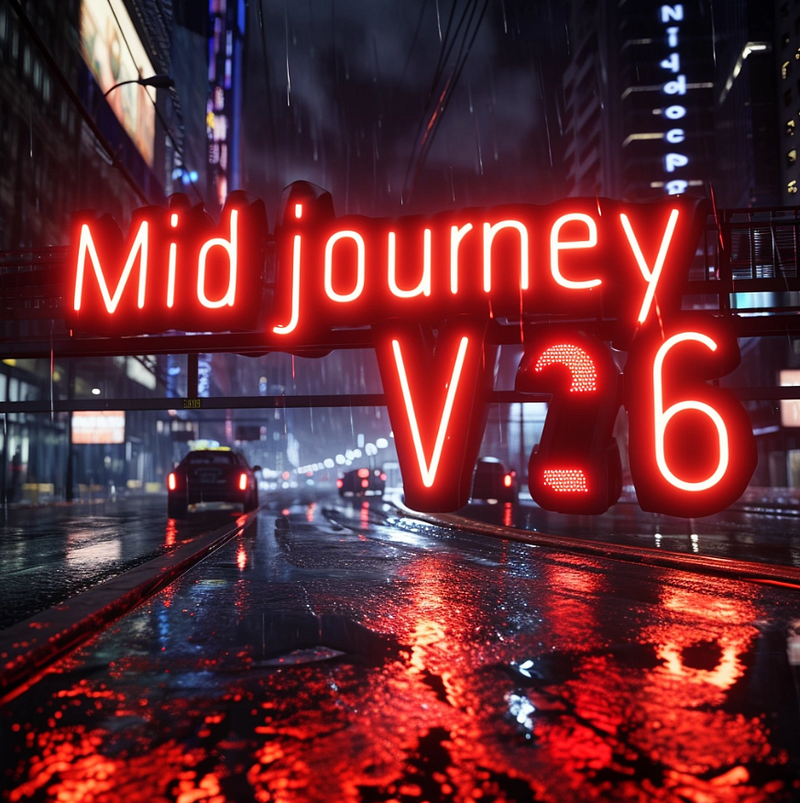
Another new improvement is to be able to upscale in two different ways: Subtle and creative.
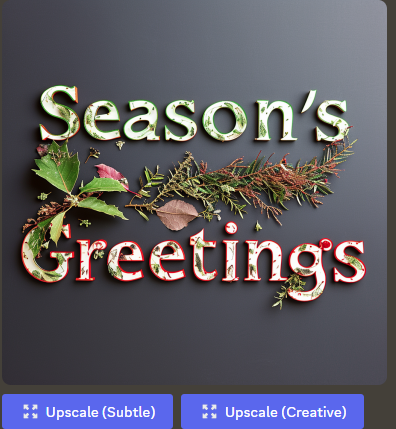
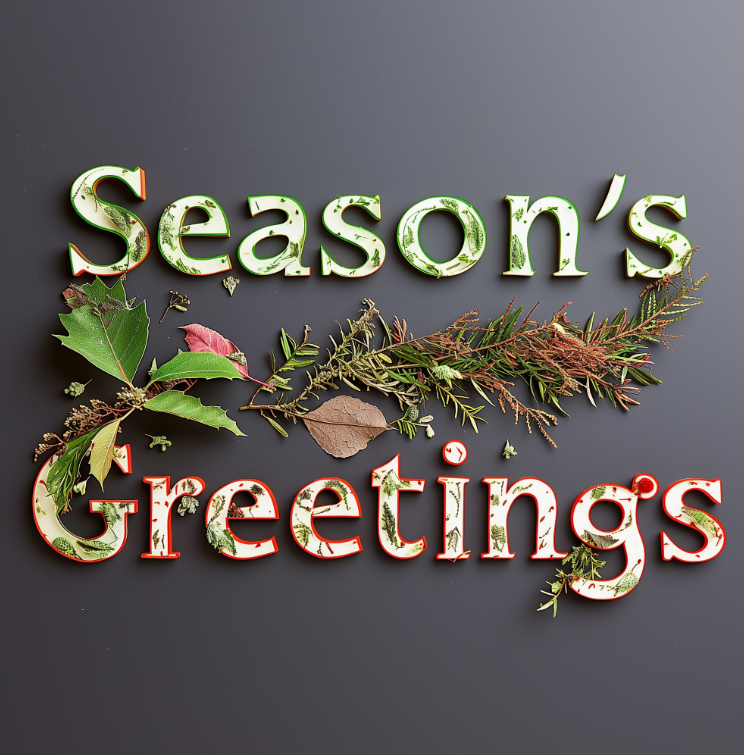
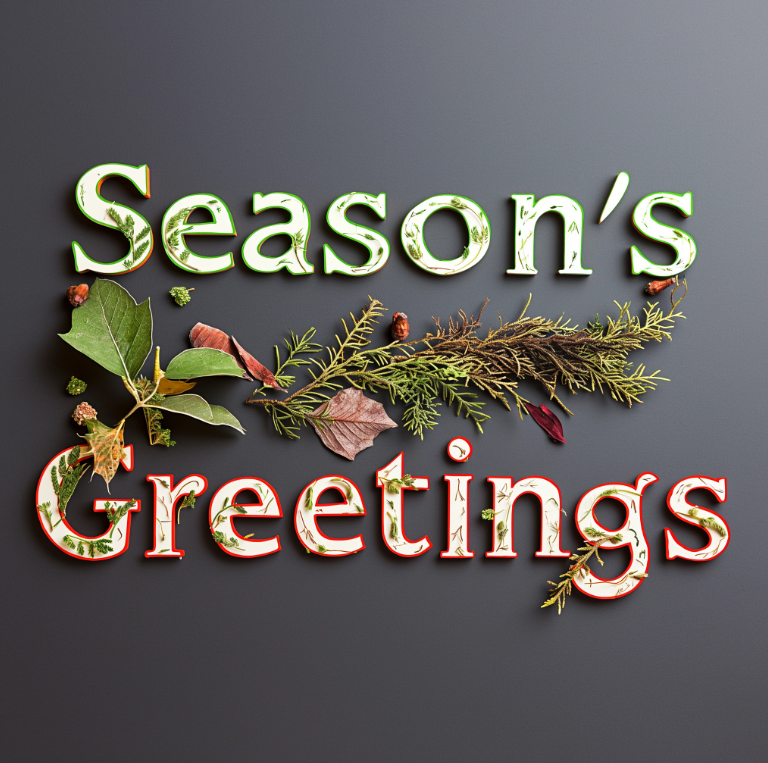
There seems to be a chance that the creative version will make some minor improvements.
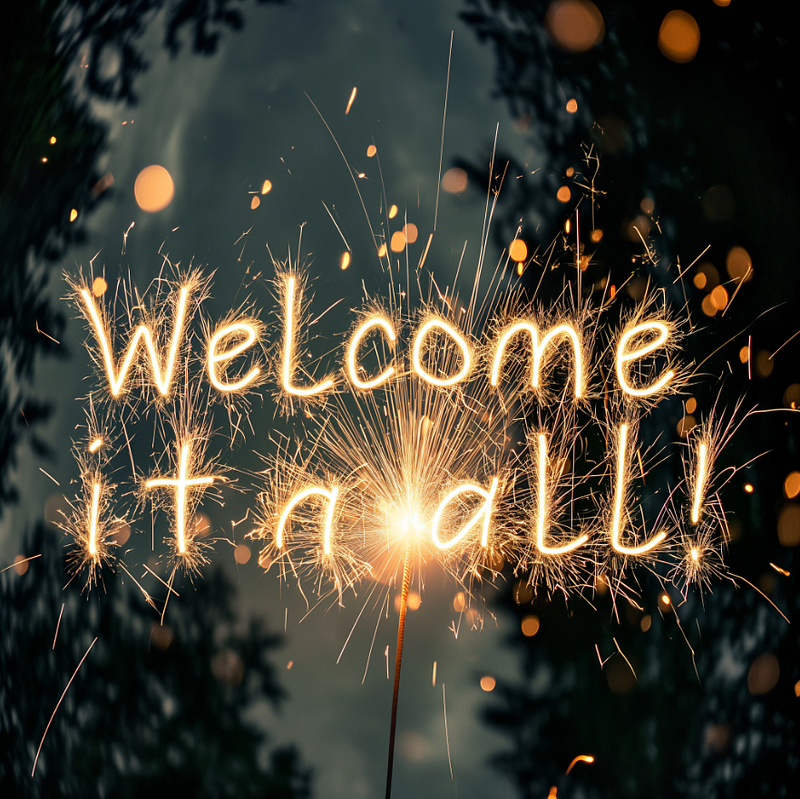
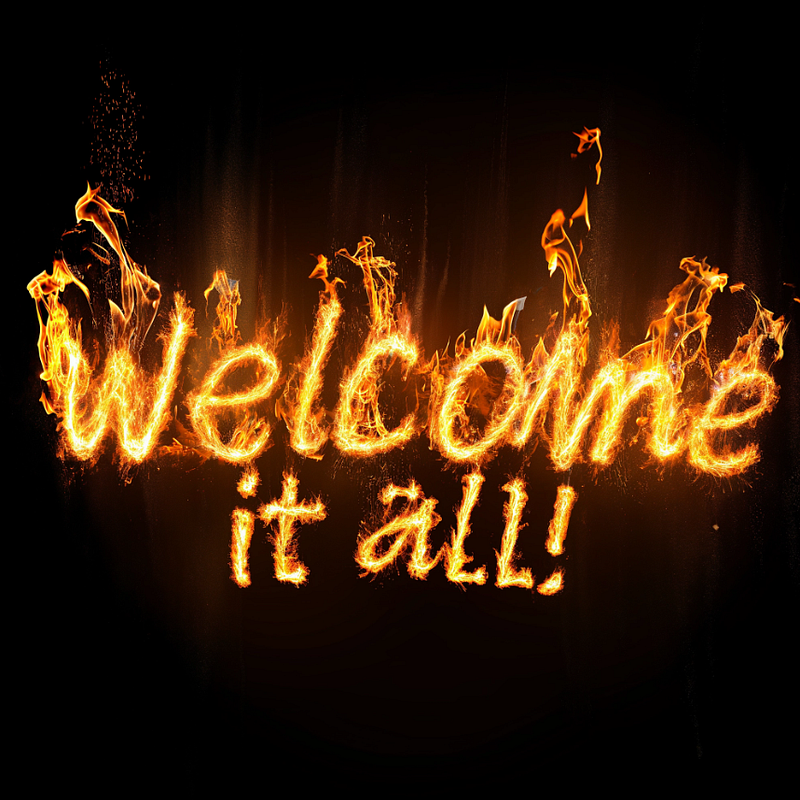
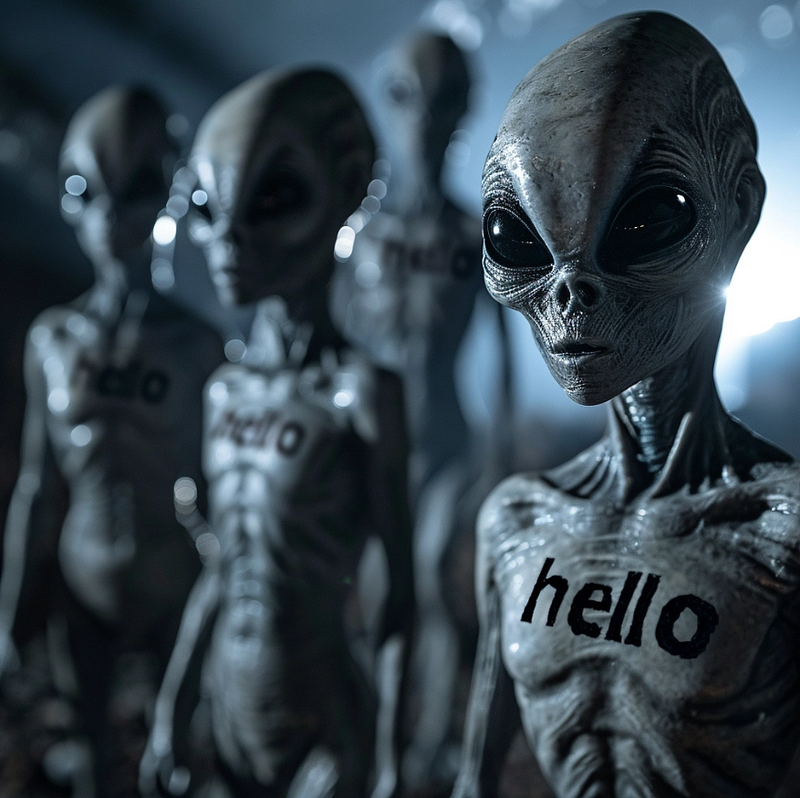
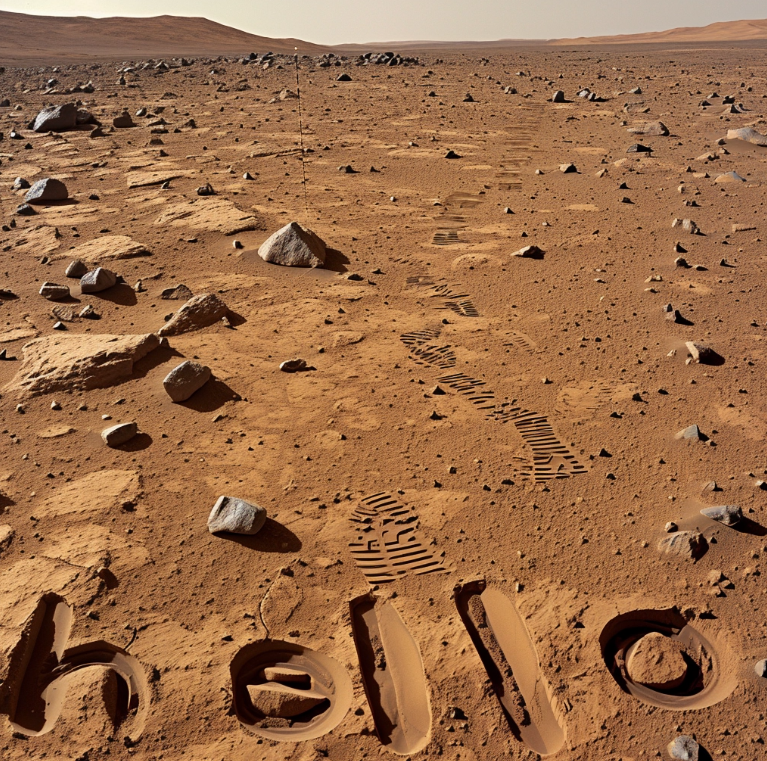
I next tried writing in different mediums to see how far it would stretch.
Written in light and fire: both of these were given a 2x creative upscale, which improved the quality considerably.
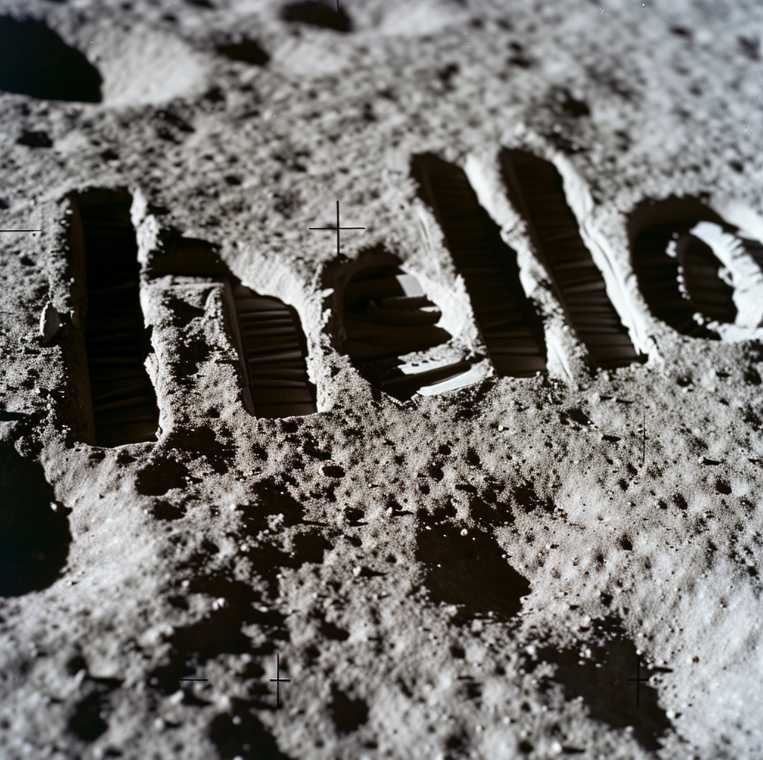
On aliens, in the dust on Mars and the Moon
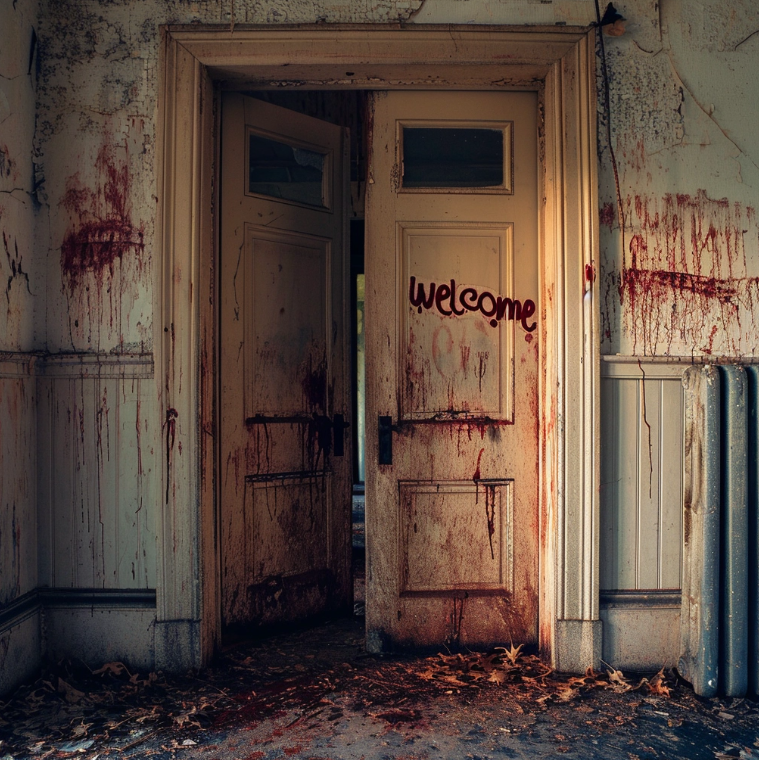
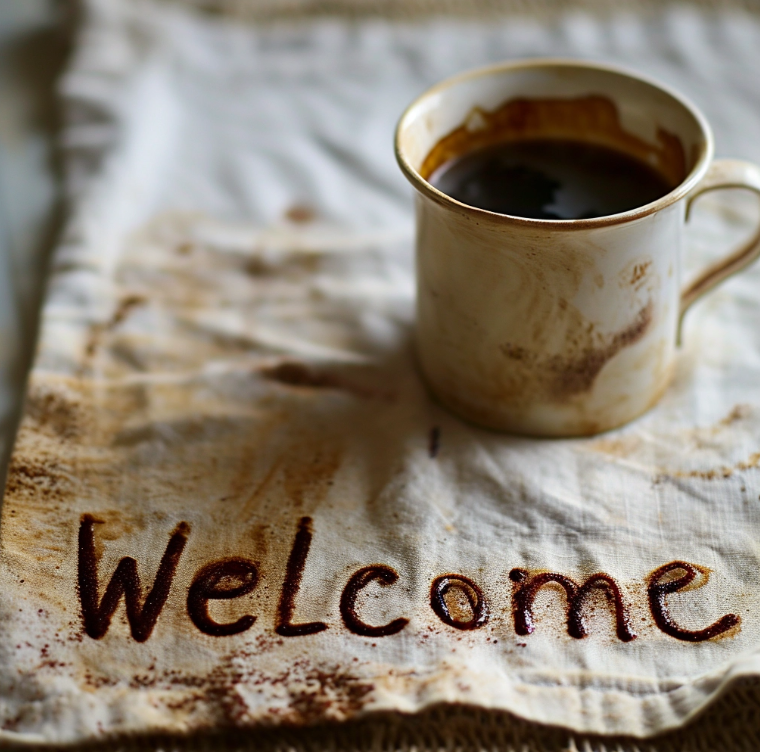
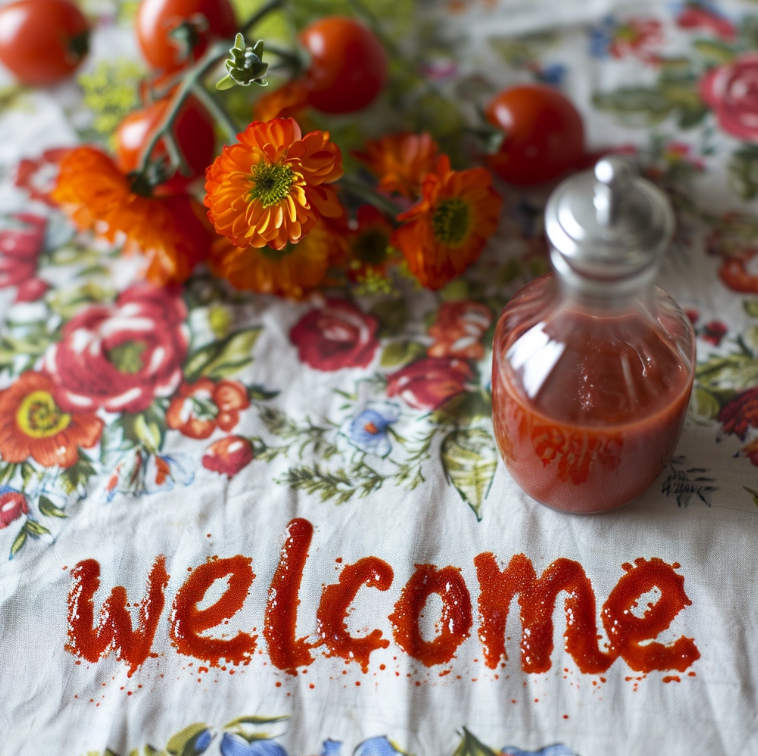
In blood, coffee and ketchup
sand, a painting, scribbled on a watercolour
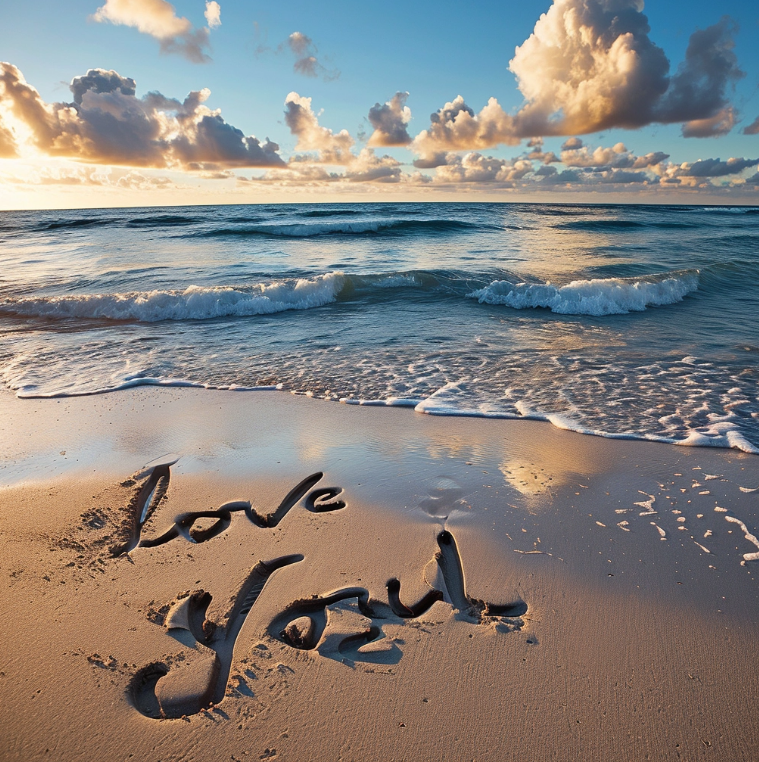
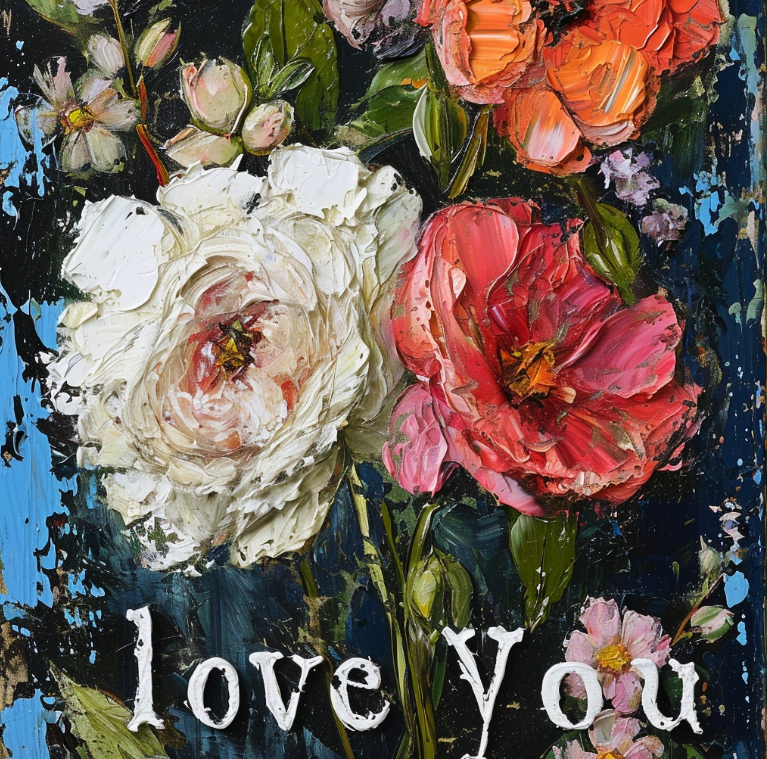
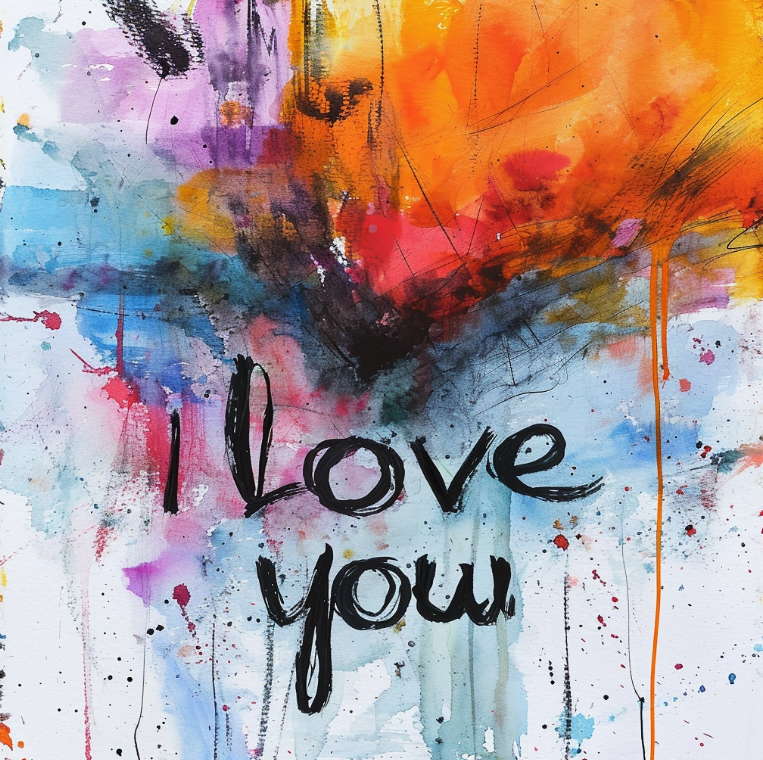
I tried other prompting approaches
A watercolour painting with the text “I love you” scribbled over it.
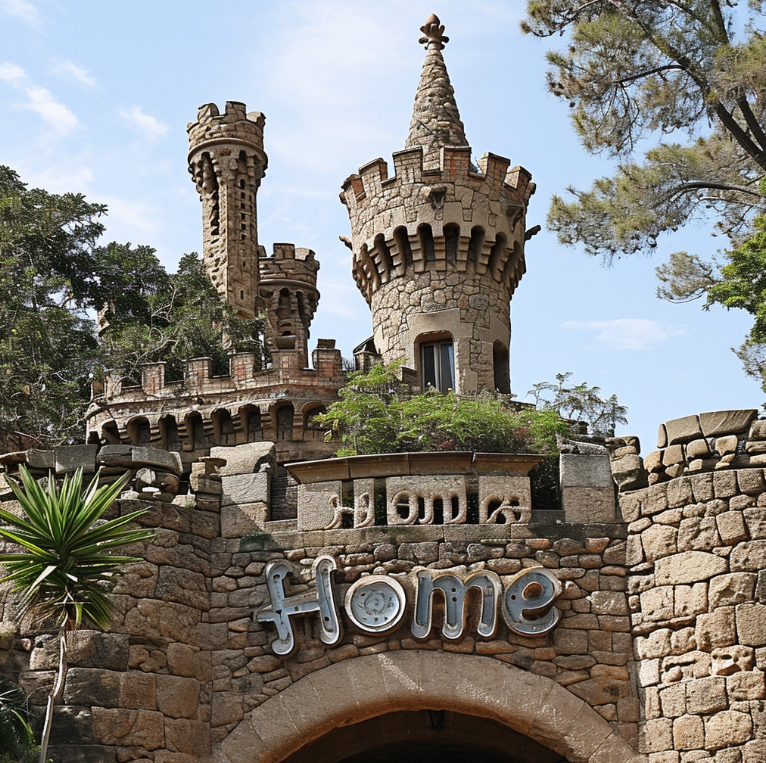
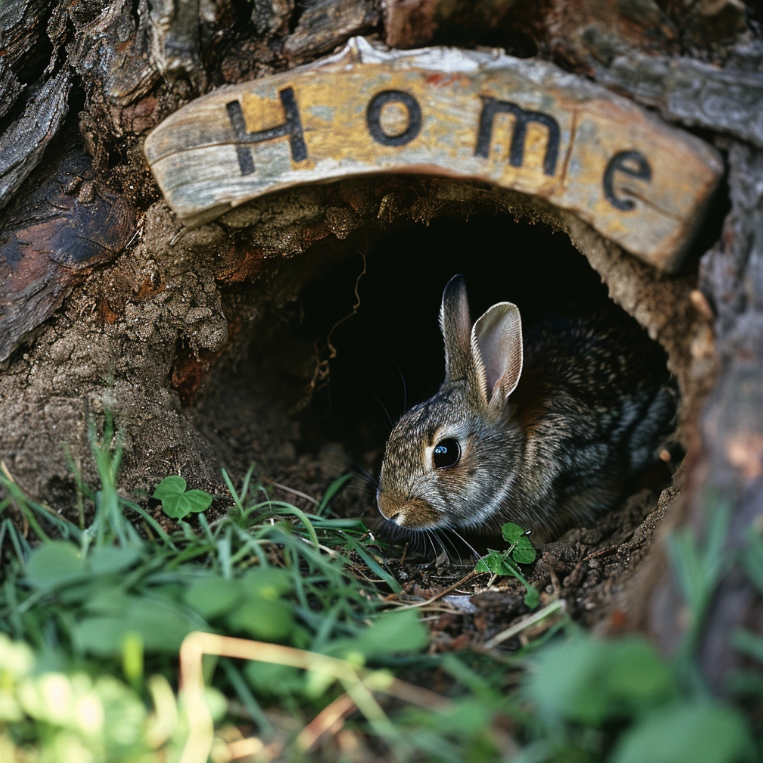
A [type] building with the word “HOME” embedded in it
Lego, Gaudi-inspired castle, a rabbit hole
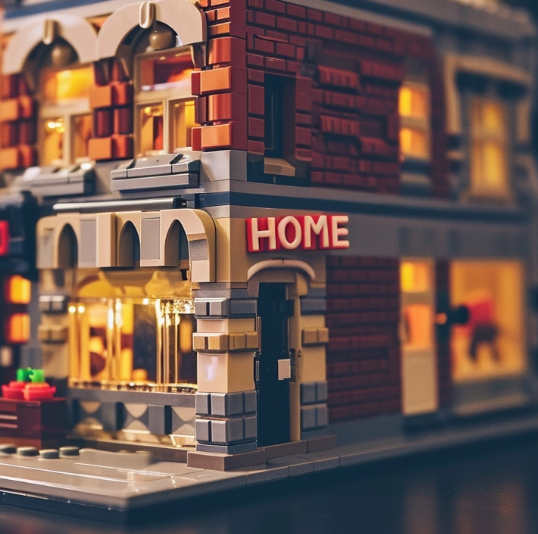
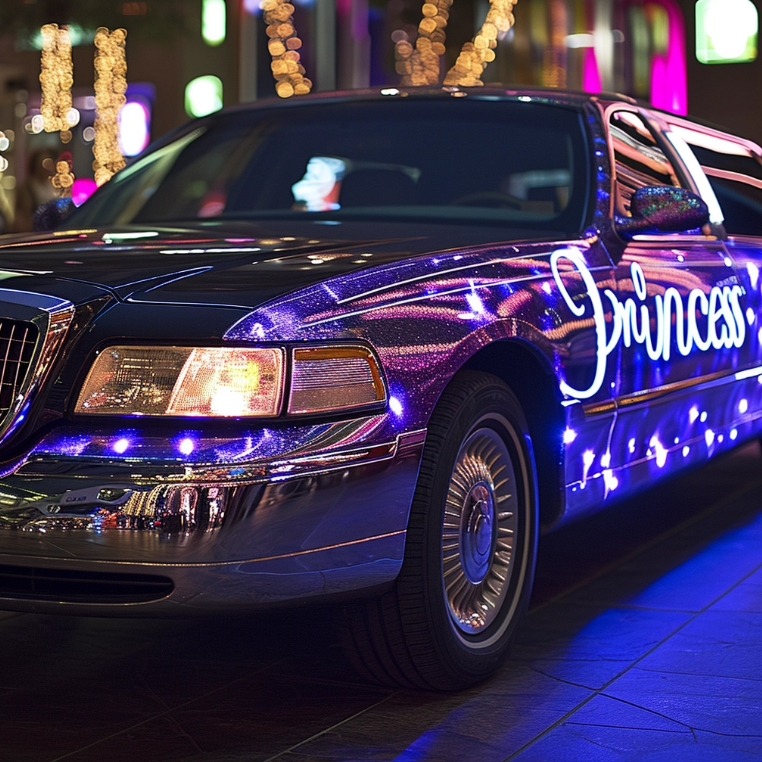
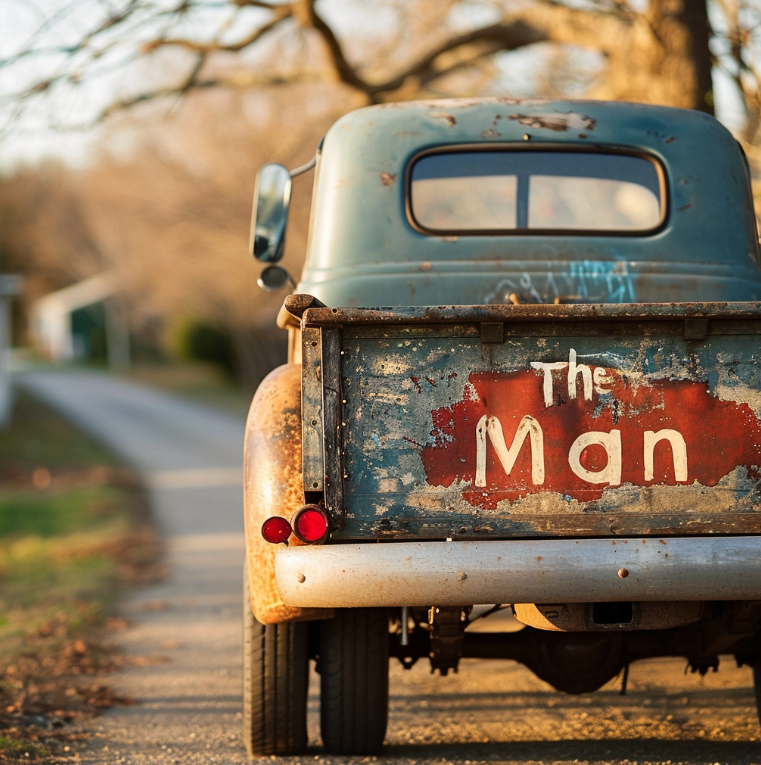
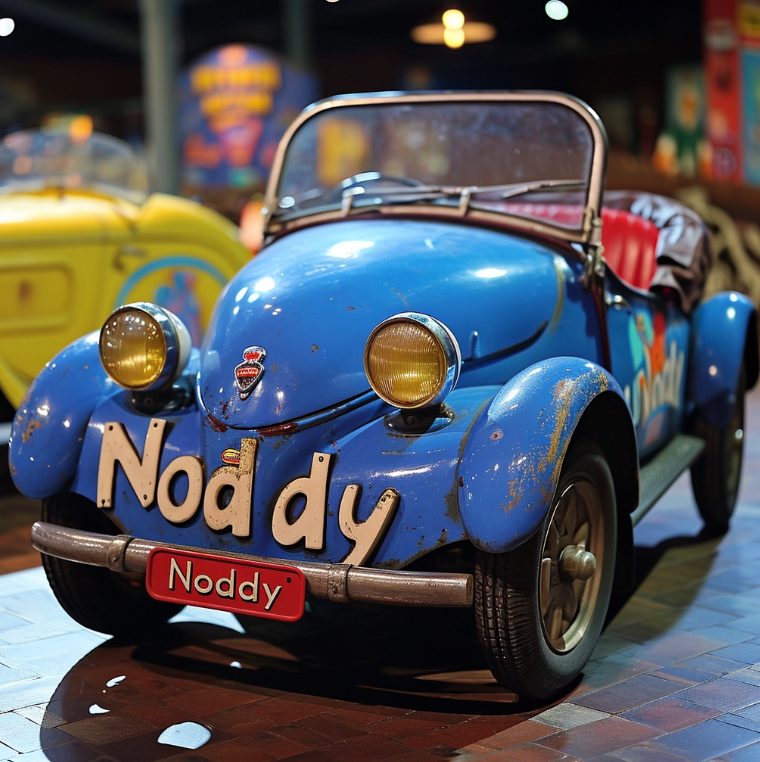
Custom sign-written vehicles.
And for Star Wars Fans
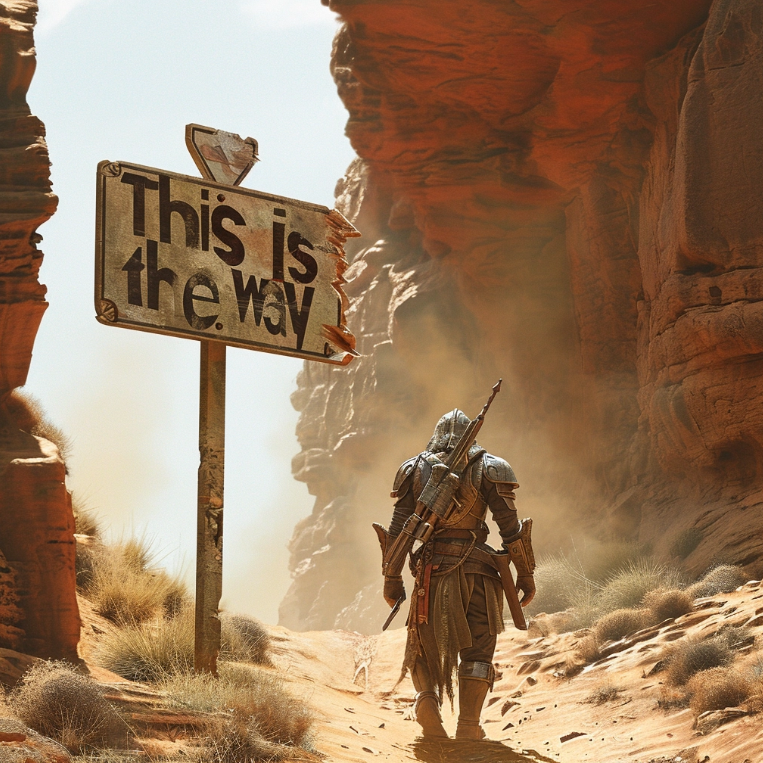
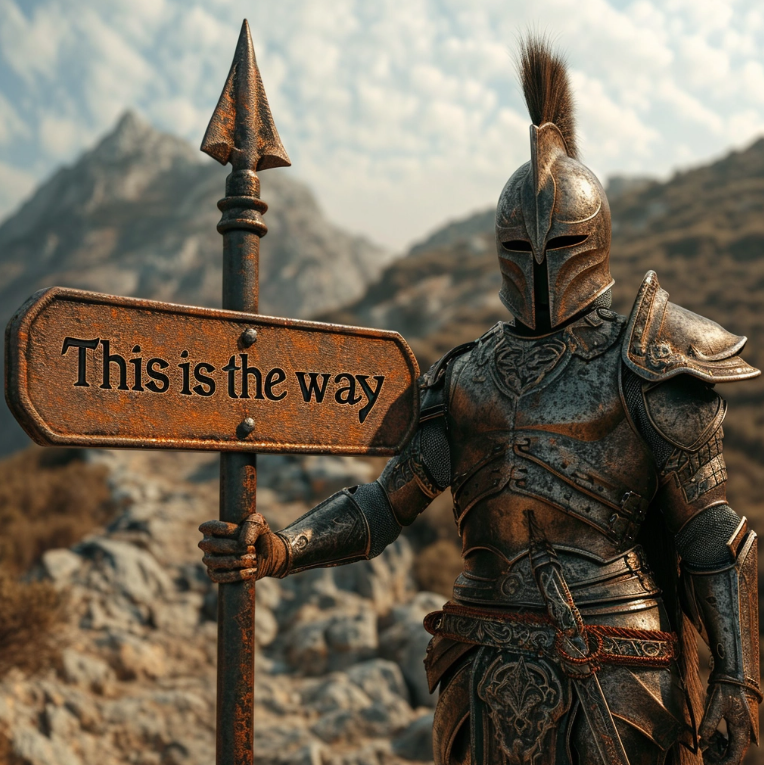
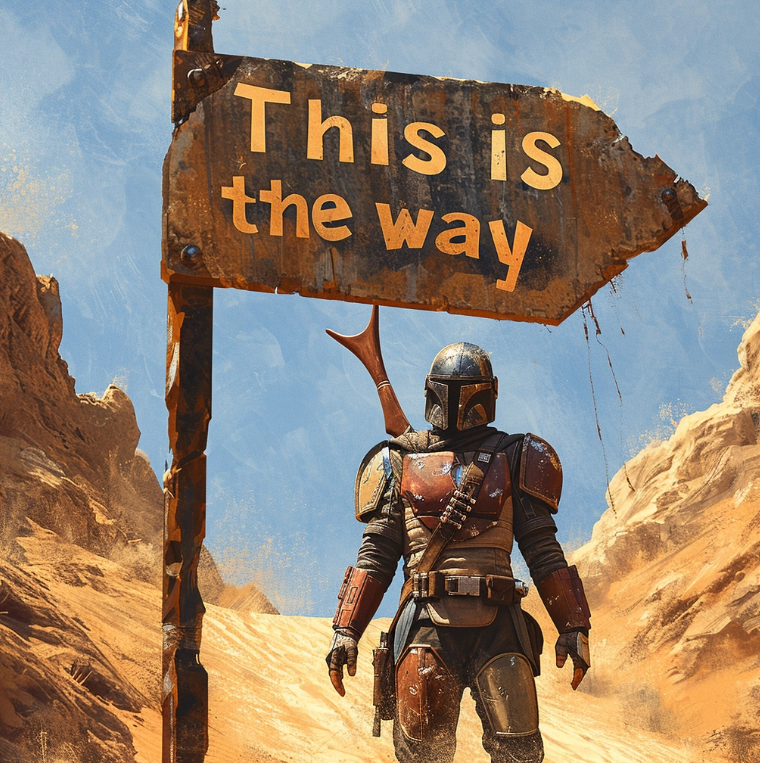
Some fine tattoos and maybe some fine tuning on the moderation front are needed. To be clear I did not ask for nudity that was MJ’s idea.
A beautiful muscular woman tatooed with the words “No means No”
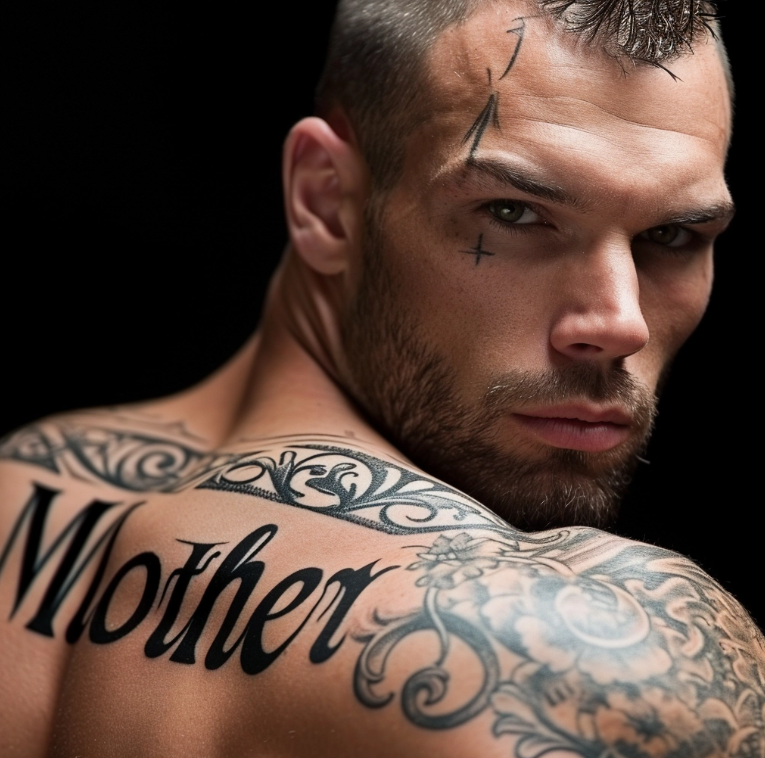
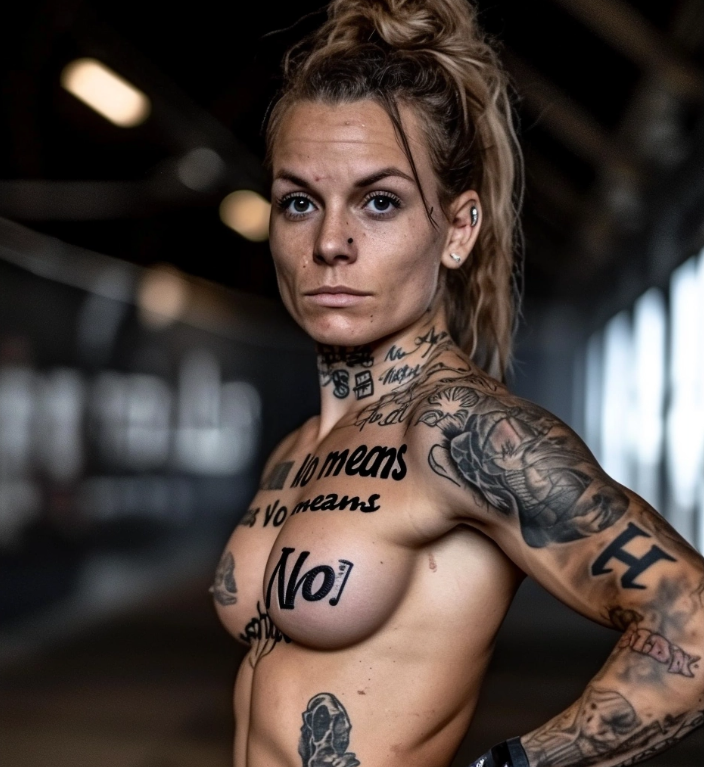
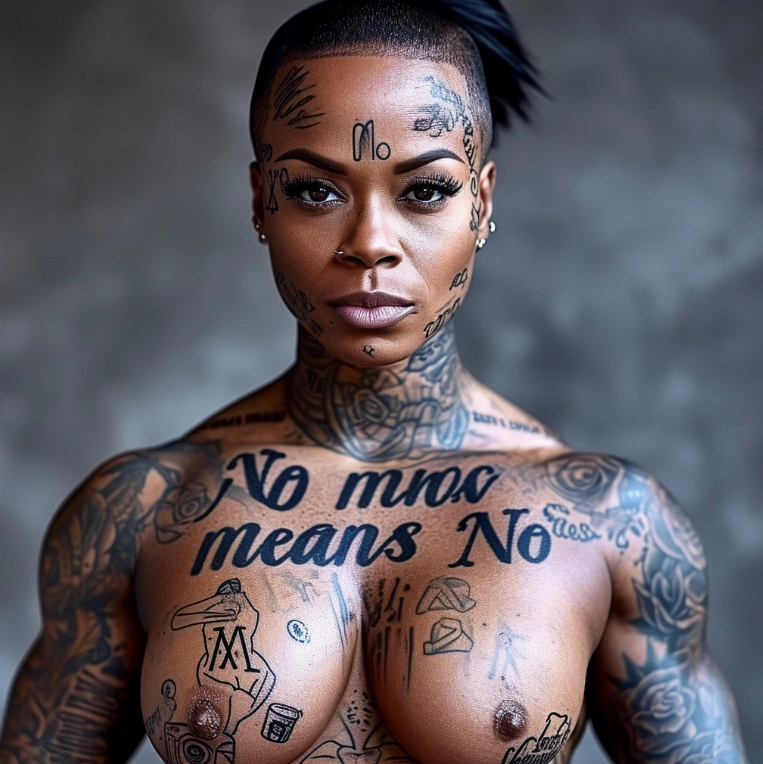
I think I should probably stop there
Please comment with anything you have discovered and clap, subscribe, or follow to support me in producing these gems.
CONCLUDING COMMENTS
The full announcement is copied below. I would highlight this phrase:
Prompting with V6 is significantly different than V5. You will need to ‘relearn’ how to prompt.
Pan, Zoom and a few other things are not yet integrated, be patient
Experiment with Creative Upscale. That seems like a major improvement.
Text in Midjourney is in its early stages, experiment to see what works and the things that don’t.
BELOW IS THE FULL ANNOUNCEMENT
Hi @everyone we’re gonna let the community test an alpha-version of our V6 model over the winter break, starting tonight (i mean now) To turn it on select V6 from the dropdown menu under /settings or type --v 6 after your prompt What's new with the V6 base model?
- Much more accurate prompt following as well as longer prompts
- Improved coherence, and model knowledge
- Improved image prompting and remix
- Minor text drawing ability (you must write your text in “quotations” and
--style rawor lower--stylizevalues may help)
/imagine a photo of the text "Hello World!" written with a marker on a sticky note --ar 16:9 --v 6
- Improved upscalers, with both
'subtle' and'creative' modes (increases resolution by 2x)
(you’ll see buttons for these under your images after clicking U1/U2/U3/U4) The following features / arguements are supported at launch: --ar, --chaos, --weird, --tile ,--stylize, --style raw , Vary (subtle) ,Vary (strong), Remix, /blend ,/describe (just the v5 version) These features are not yet supported, but should come over the coming month: Pan, Zoom, Vary (region), /tune, /describe (a new v6 version) Style and prompting for V6
- Prompting with V6 is significantly different than V5. You will need to ‘relearn’ how to prompt.
- V6 is MUCH more sensitive to your prompt. Avoid ‘junk’ like “award winning, photorealistic, 4k, 8k”
- Be explicit about what you want. It may be less vibey but if you are explicit it’s now MUCH better at understanding you.
- If you want something more photographic / less opinionated / more literal you should probably default to using
--style raw - Lower values of
--stylize(default 100) may have better prompt understanding while higher values (up to 1000) may have better aesthetics - Please chat with each other in prompt-chat to figure out how to use v6.
Please note
- This is an alpha test. Things will change frequently and without notice.
- DO NOT rely on this exact model being available in the future. It will significantly change as we take V6 to full release.
- Speed, Image quality, coherence, prompt following, and text accuracy should improve over the next few weeks
- V6 is slower / more expensive vs V5, but will get faster as we optimize. Relax mode is supported! (it’s about 1 gpu/min per imagine and 2 gpu/min per upscale)
Community Standards:
- This model can generate much more realistic imagery than anything we’ve released before.
- We’ve turned up the moderation systems, and will be enforcing our community standards with increased strictness and rigor. Don’t be a jerk or create images to cause drama.
More about V6:
- V6 is our third model trained from scratch on our AI superclusters. It’s been in the works for 9 months.
- V6 isn’t the final step, but we hope you all feel the progression of something profound that deeply intertwines with the powers of our collective imaginations
Show us your images in v6-showcase or let us know what you think in ideas-and-features Please use these incredible powers with joy, wonder, responsibility and respect Have fun and happy holidays!