
Unlocking Ease: The Power of Learnability in UX Design
In the dynamic user experience (UX) world, one trait often overlooked yet essential for user satisfaction is learnability. At its core, learnability is about how easily and quickly users can grasp the use of a product or interface. The more learnable a design, the faster users feel comfortable navigating and achieving their goals, creating a magical experience.
In this article, we’ll explore the concept of learnability, why it matters, and how you can implement it effectively to delight your users.
What is learnability in UX?
Learnability measures how quickly a new user can become proficient with your product. It’s a subset of usability, focusing on the user’s first-time experience and early interactions. Imagine opening a new app and instinctively knowing what to do without a tutorial or guide—that's a triumph of learnable design.

Key Attributes of Learnability:
- Simplicity: Designs with minimal complexity are easier to pick up.
- Intuitive Interfaces: Leveraging familiar patterns ensures users feel at home.
- Consistency: Uniform design elements reduce the learning curve.
Why Does Learnability Matter?
- First Impressions Count Users often decide whether to continue using a product within seconds. A steep learning curve risks driving them away.
- User Retention An easy-to-learn interface increases the likelihood of repeat use, fostering loyalty.
- Positive Feedback Loops Users who feel competent quickly are more likely to explore advanced features, driving deeper engagement.
Strategies to Enhance Learnability in UX
- Leverage Familiar Patterns Use standard UI components and interaction models that users are likely familiar with. For instance, a hamburger menu for navigation or a search icon with a magnifying glass are universally recognized.
- Provide Immediate Feedback Clear feedback helps users understand the result of their actions, minimizing confusion.
- Progressive Disclosure Don’t overwhelm users with all the features at once. Introduce complexity gradually as they become comfortable.
- Iterative Testing Conduct usability testing early and often. Gather insights from real users to refine the learnability of your design.
- Minimize Cognitive Load Reduce the amount of information users need to process at one time by presenting content in digestible chunks.
- Interactive Onboarding Provide a brief walkthrough or tooltips that guide users through the main functions without being intrusive.
Learnability in Action: Real-World Examples
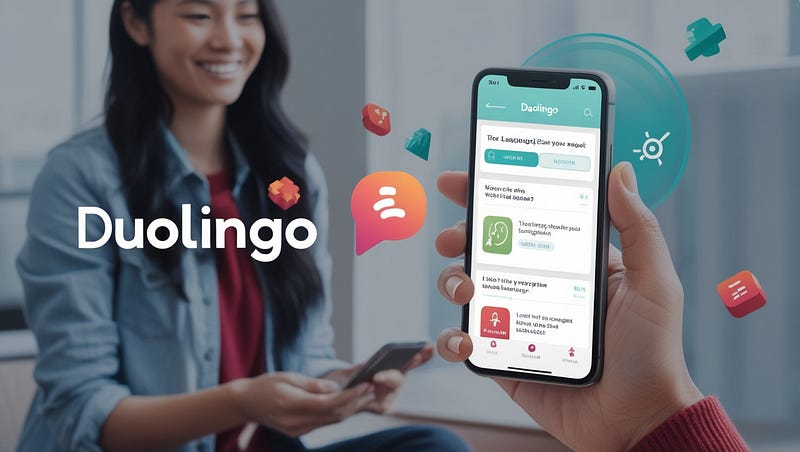
1. Duolingo:
With its gamified approach, Duolingo makes language learning intuitive and fun. The app uses visual cues, bite-sized lessons, and progressive challenges to help users learn without feeling overwhelmed.
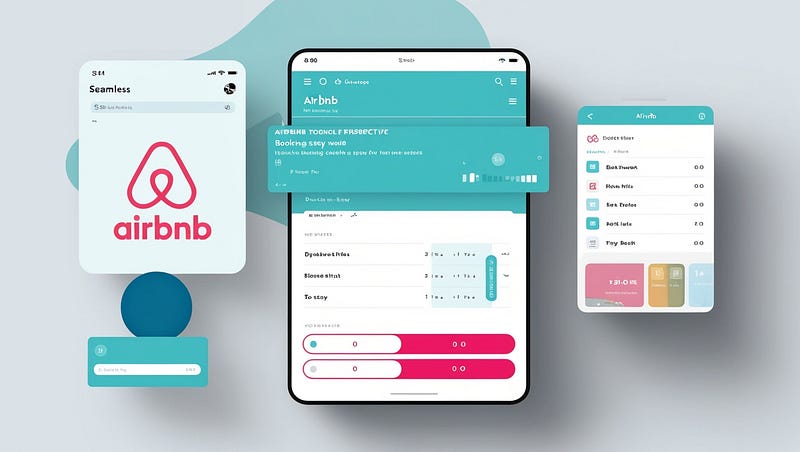
2. Airbnb:
Airbnb’s design makes booking a stay seamless for new users. Its interface leverages familiar patterns like filters and lists, combined with visual feedback such as progress bars.
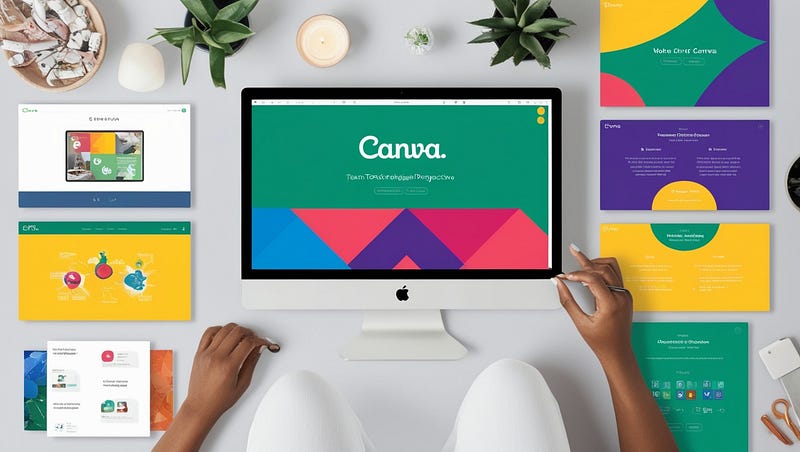
3. Canva:
Canvas’s drag-and-drop interface and consistent design across tools ensure even non-designers can create stunning visuals with minimal effort.
Measuring Learnability
To assess learnability, focus on metrics such as:
- Time on Task: How long does it take new users to complete core actions?
- Error Rate: Are users making mistakes, and if so, are they recovering easily?
- Task Success Rate: How often do users successfully complete a task on the first try?
- User Satisfaction Surveys: Ask users how easy they found the interface to learn.
The Magic of Learnable Designs
A design with high learnability feels magical because it allows users to focus on their goals, not the tool. By creating intuitive, consistent, and user-friendly experiences, designers empower users to unlock the full potential of a product without frustration.
Remember: the best designs are those where users forget they are interacting with an interface because it feels second nature. That’s the magic of learnability in UX.
What do you think? Let’s continue the conversation. Share your thoughts and experiences on designing for learnability in the comments below!