
How to Unity
Unity UI — Animated Buttons
Button Animation Transition in Unity
As summarized in a previous article, Unity has several ways to implement button transitions, such as “what happens when the button is pressed”.
In this article, I will show you how to implement animation transitions in the easiest way possible so that, instead of just changing colours when your Unity UI buttons are interacted with, you may have animations!
It is unbelievably simple: in the Unity Editor, first set the animation transition in the button component inspector view.
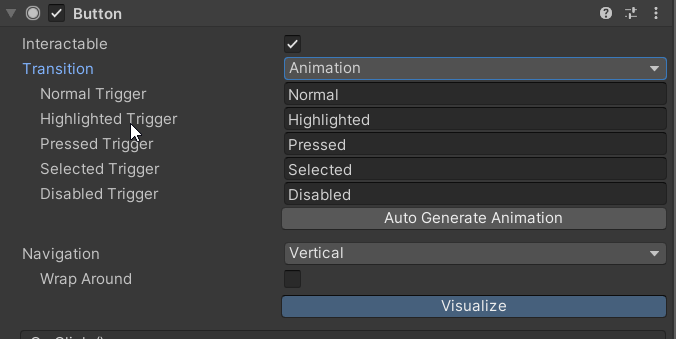
Click the Auto Generate Animation button now. This will generate a new Animator, with the same name as your button, which contains the default animations for the button. One for each transition.
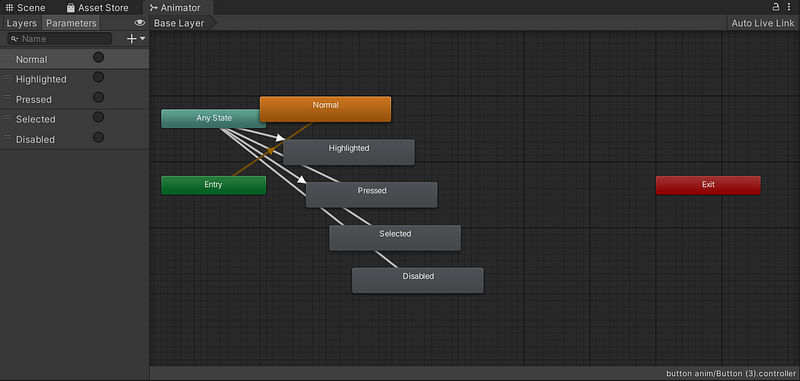
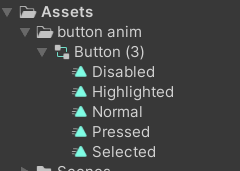
You’ll be asked to choose a path to save those clips. As you can see from the Animator, each state corresponds to a button transition, for example, Selected.
Let’s have some fun now.
The easiest way to bring life to your buttons is to “record” your animations, so select one clip (I chose Highlighted) and click the red record button above.
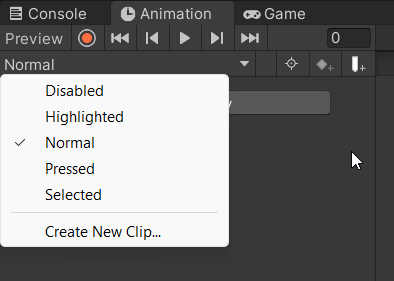
You are now in the record mode of the Unity Editor: any change you make to any property will be counted as animation.
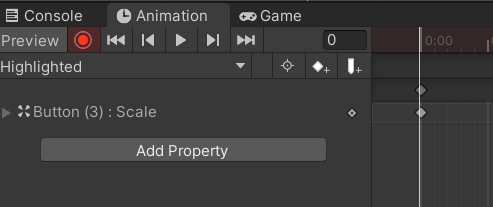
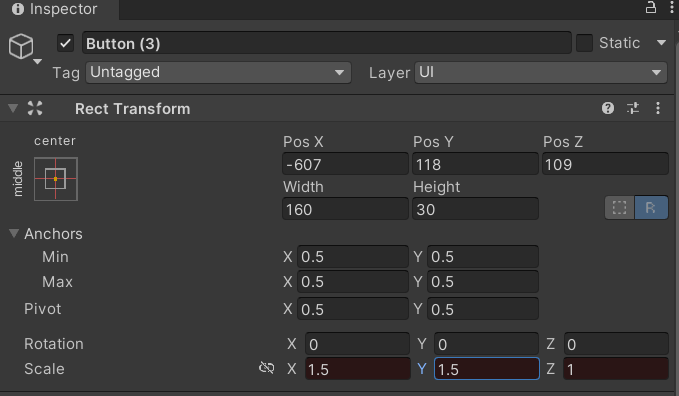
For the Highlighted transition, I changed the button scale to 1.5. Click again the record button to end the record mode and bring back to normal any changed property.
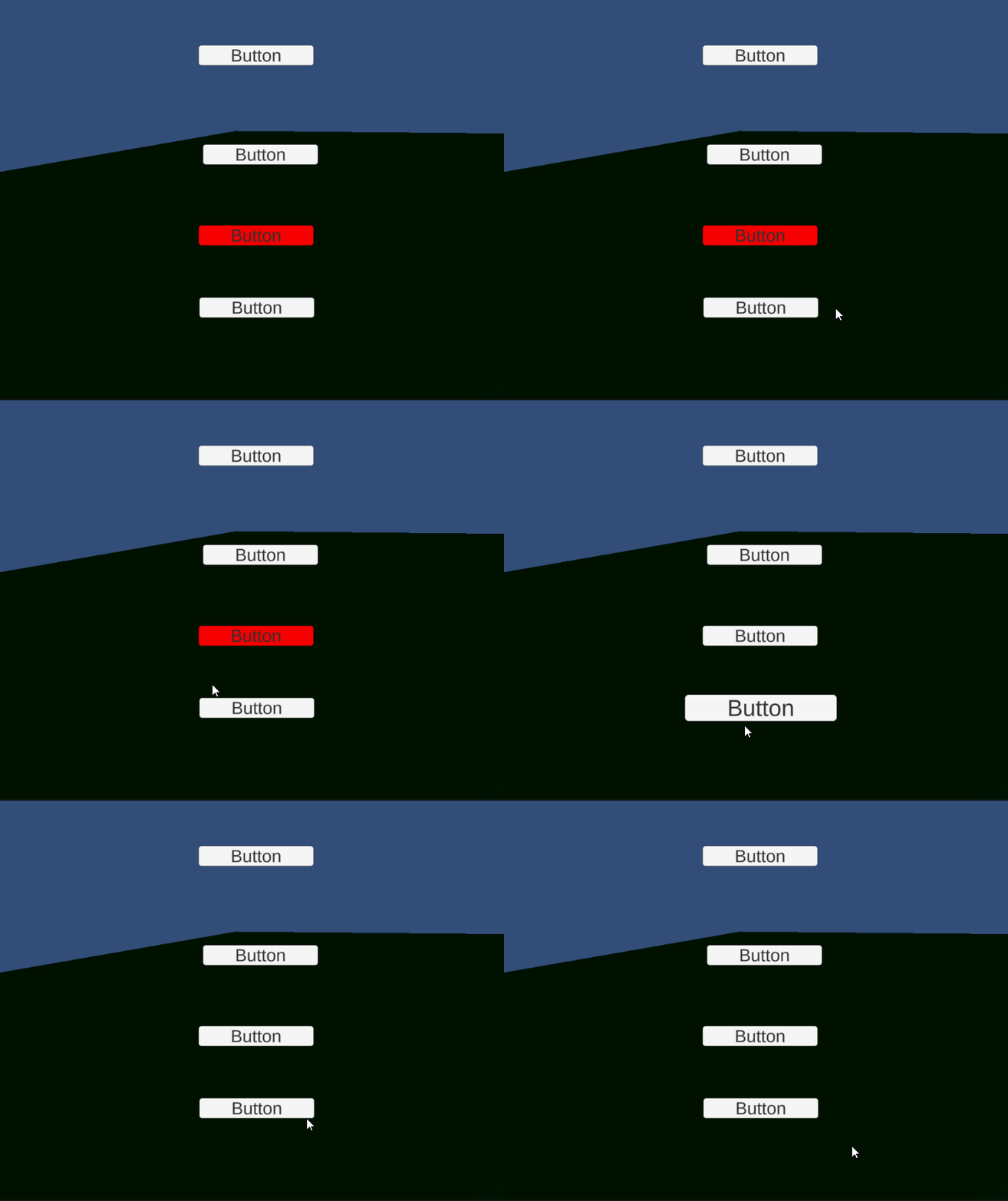
Cool, huh?
But let’s see what happens in the Animator view!
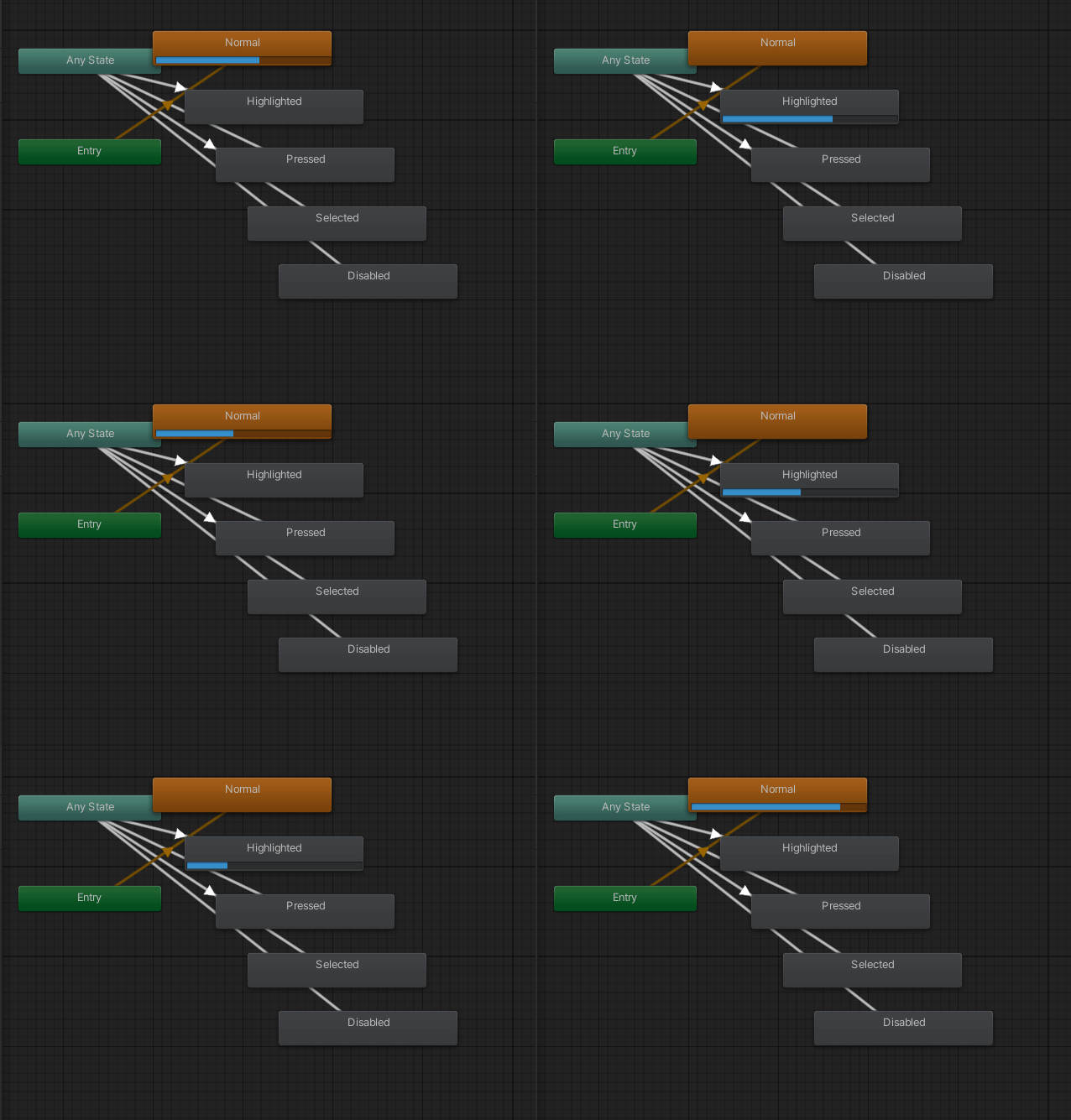
As you can see, the button is idling in the Normal state, until I highlight it by hovering with the mouse pointer. At this point, an animation transition from Any State brings it to the Highlighted state and back to Normal when the mouse is away.
You can animate it as you like! You can change scale or position or colour. Everything! This is what I did for the Pressed state:
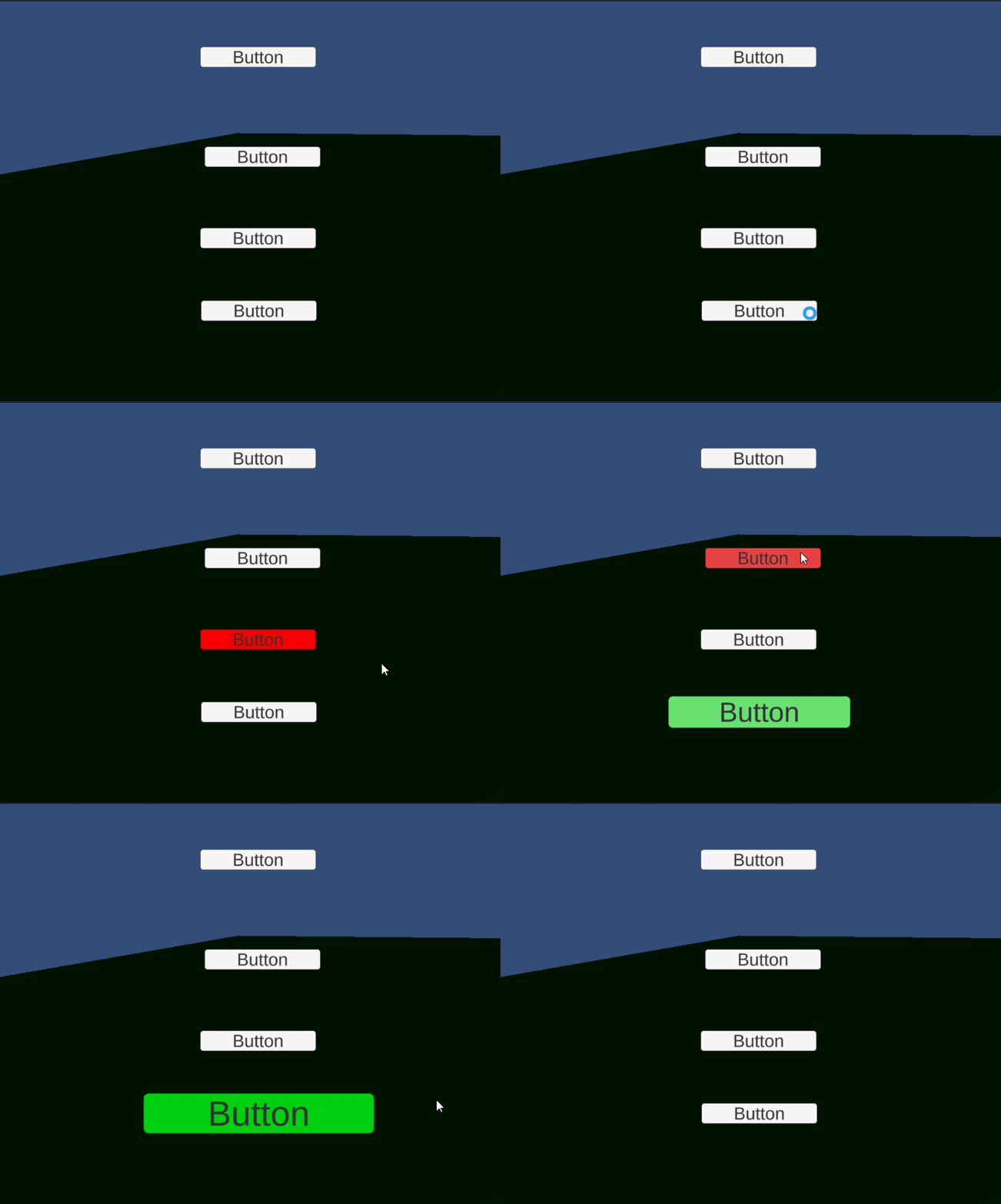
But what’s truly powerful is that you can also manipulate the transitions within the Animator, creating very complex and articulated button animations!
If you liked the article, please clap to it and share it! Also, take a look at my games!

Access my stories and those of other Medium writers for just $5 a month. With no additional cost to you, I will receive half of your payments as a commission: it’s a great way to support me!
Join my newsletter and receive regular notifications when I post.


