
Turning Pencil Sketches into Photographs Using MidJourney
I tried to revive some of my old ideas.
When I’m working on a serious “fine-art” photo shoot, I usually do a lot of sketching in advance. I want to try out these ideas as much as possible to filter out garbage and save time on set. Therefore my sketchbooks are filled with ideas that, for some reason, I didn’t execute.
So with the release of MidJourney version 5 earlier this week, I decided to try them and see if they could be turned into photographs, but without the hassle of organizing a proper photoshoot. The results are somewhat mixed, but be your own judge.
I scanned the sketches, uploaded them, and this is the first one:
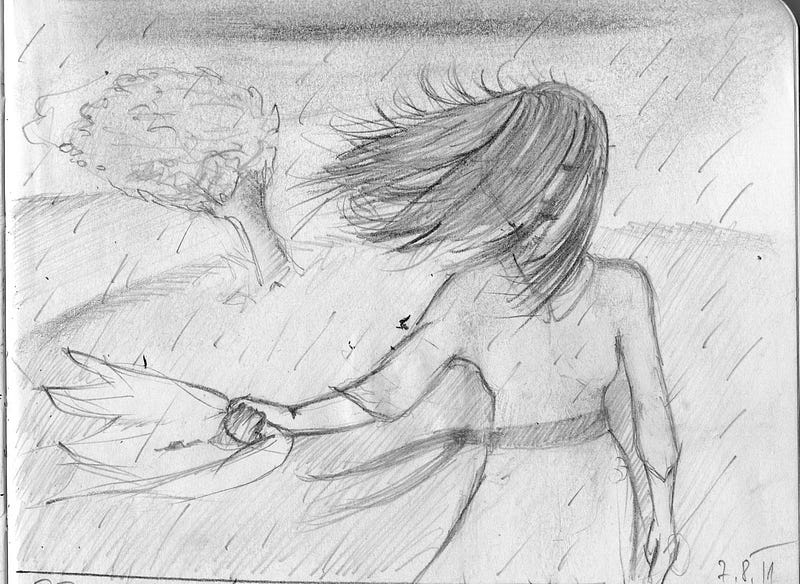
It is a girl in a white dress, standing in heavy rain with the wind blowing through her hair. In the background are a landscape with grass, a bent tree, and stormy clouds. She holds a scarf or some sort of decorative fabric in her hand, and I thought it should be red.
So how did MidJourney v5 perform? At first, I left it with open hands and just said, “Turn this sketch into a photograph,” and this is what came out:
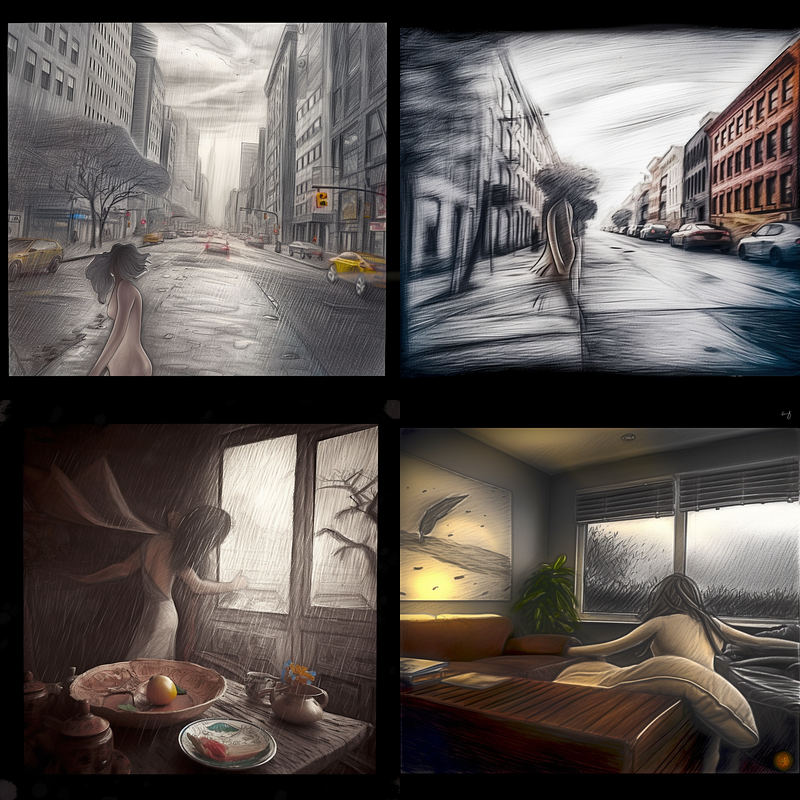
Not very good, right? It did manage to recognize a female figure and bad weather (which — OK — is impressive), but the rest is entirely off.
So I decided to help it with the description in the same words as for you above. The prompt was:
https://s.mj.run/OHeXvq9HXB4 this sketch as a photograph, a young attractive female standing in heavy rain, wind is blowing from the rihgt side through her hair, white dress, a red scarf in her hand, behind her a landscape with grass and a tree, storm clouds in the background, raindrops falling all over her, octane rendering, modern photography, Annie Liebowitz style, — v 5
Then I got this result:
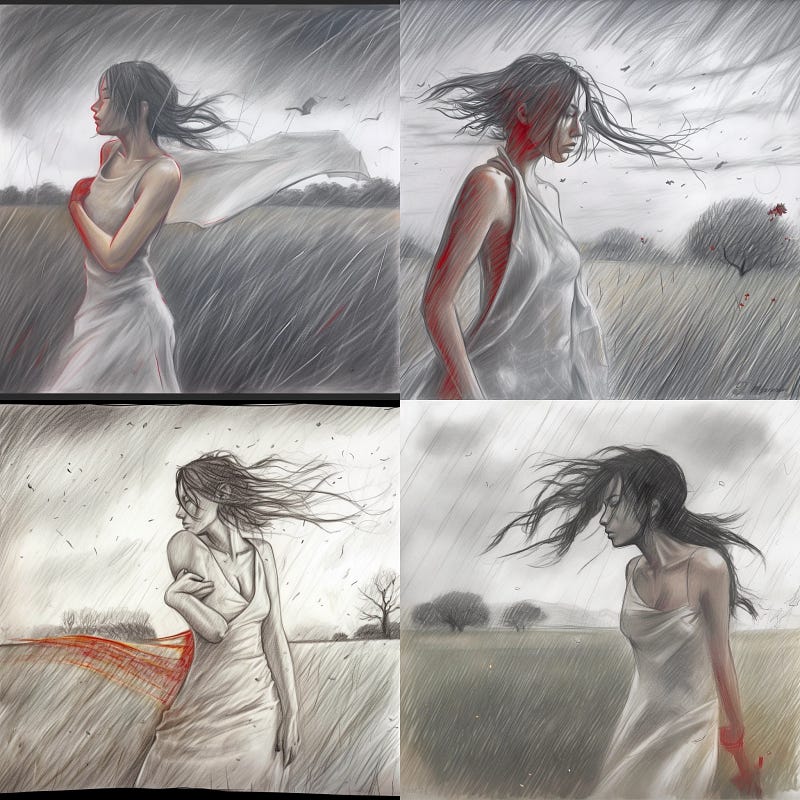
Somewhat better. But for some reason, it still sticks to pencil sketch style. What surprised me is that it ignored the suggested pose of the model. The ones that it did invent look great, though (except for the number 3 with the twisted arm).
Perhaps the word “sketch” got it off the rails. So to make a somewhat controlled experiment, I used the same prompt without referencing the original pencil sketch. Here’s what I got:
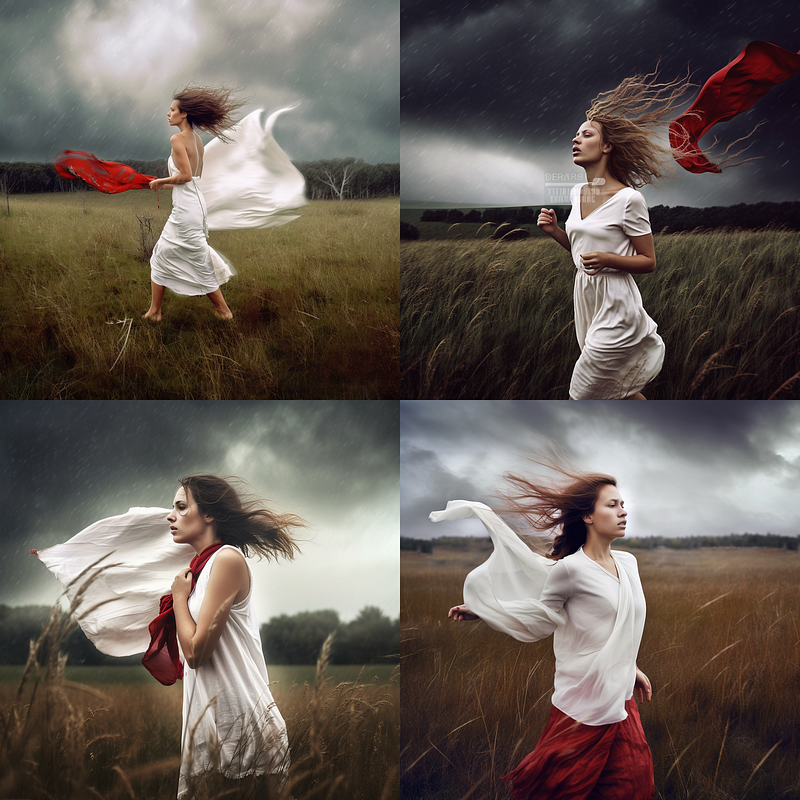
This is pretty good (and it is beginning to look surprisingly a lot like something coming from Annie Liebowitz) and almost as close to the proposed idea as possible. I am almost sure that at least one of these would happen in the actual photoshoot. However, the idea was not to generate a photograph from scratch but from a sketch.
My first solution to this problem was to iterate the results and make new images based on a previous generation, to eliminate pencil strokes gradually. This is what came out:
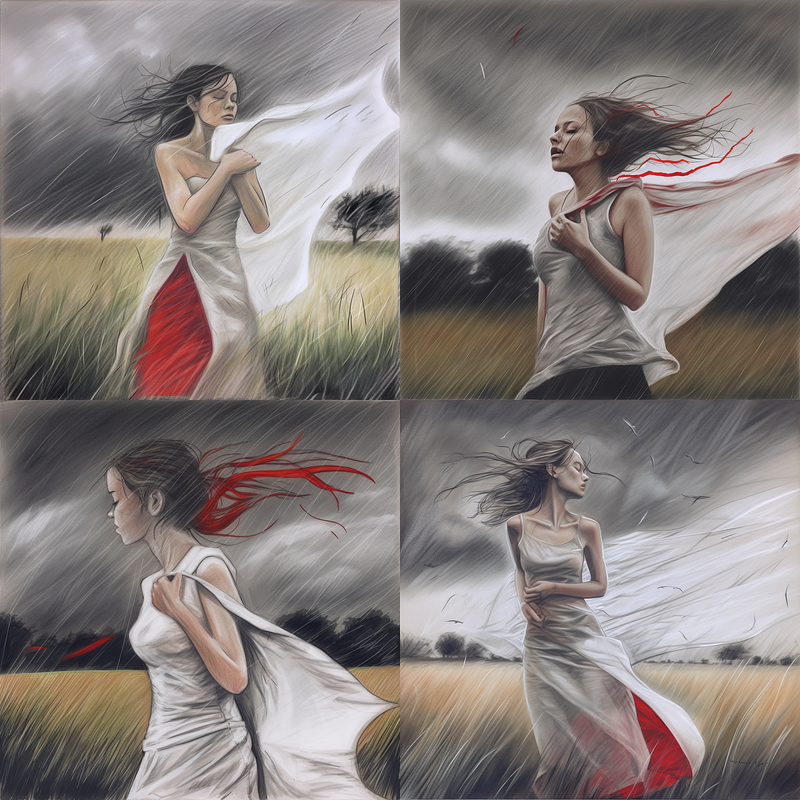
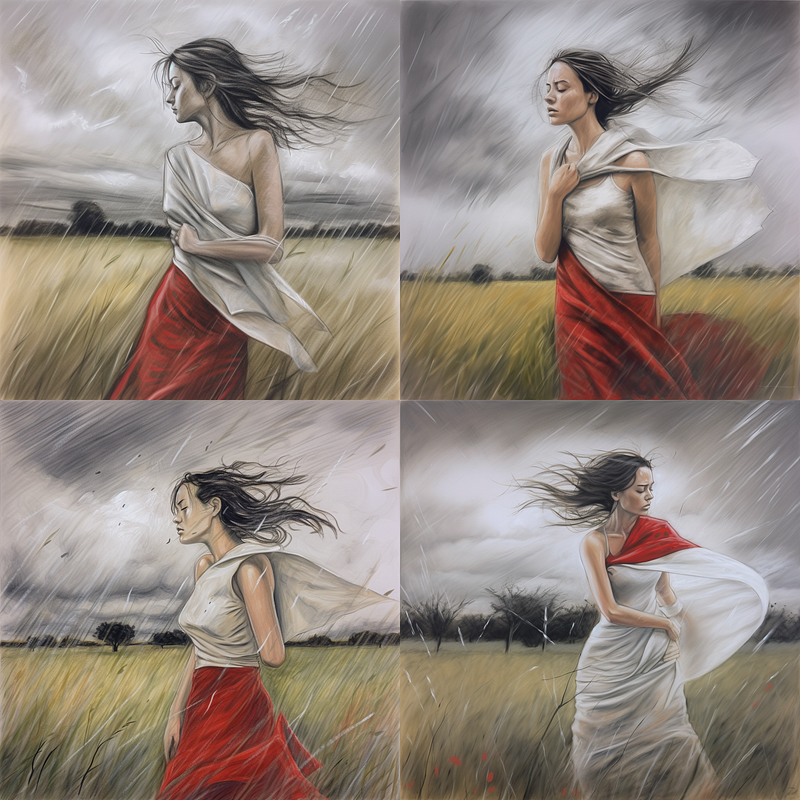
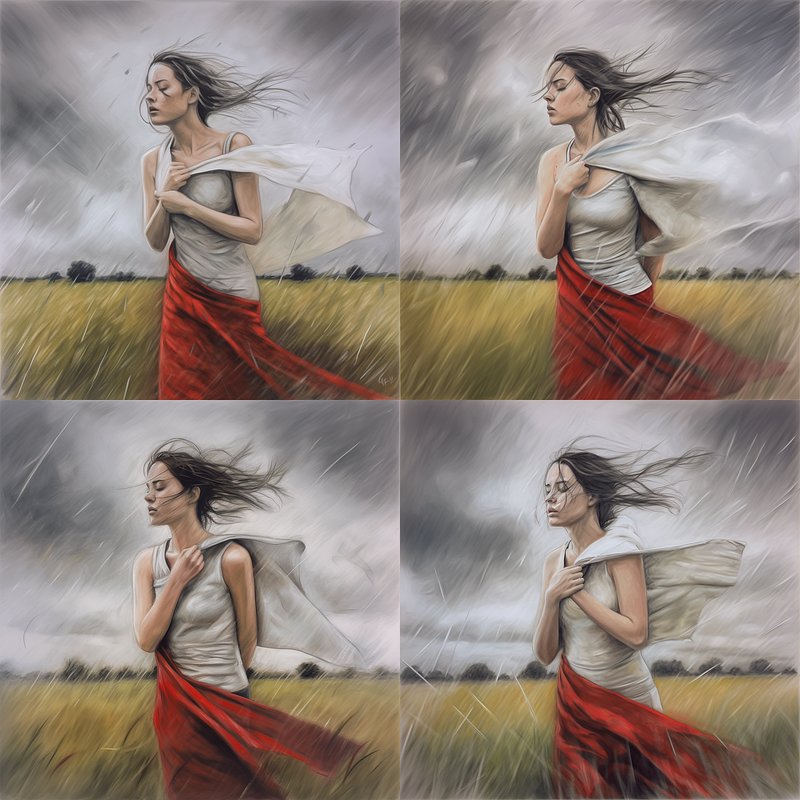
Images are slowly losing the pencil look, but it would take us a lot of time to ultimately reduce it and arrive at a photorealistic image. So this is not the way to go.
I tried to avoid using the word “sketch” in the prompt and utilizing other verbs (like “convert this image into a photograph,” and the like), but it didn’t help. The image still came out looking like an improved pencil sketch. Increasing the Image Weight parameter didn’t help either. Adding the negative command “ — — no pencil sketch” didn’t help much either. So I tried to be more specific with that and ordered “ — — no pencil strokes” with an additional stylize parameter cracked up to 1000. And now it worked.
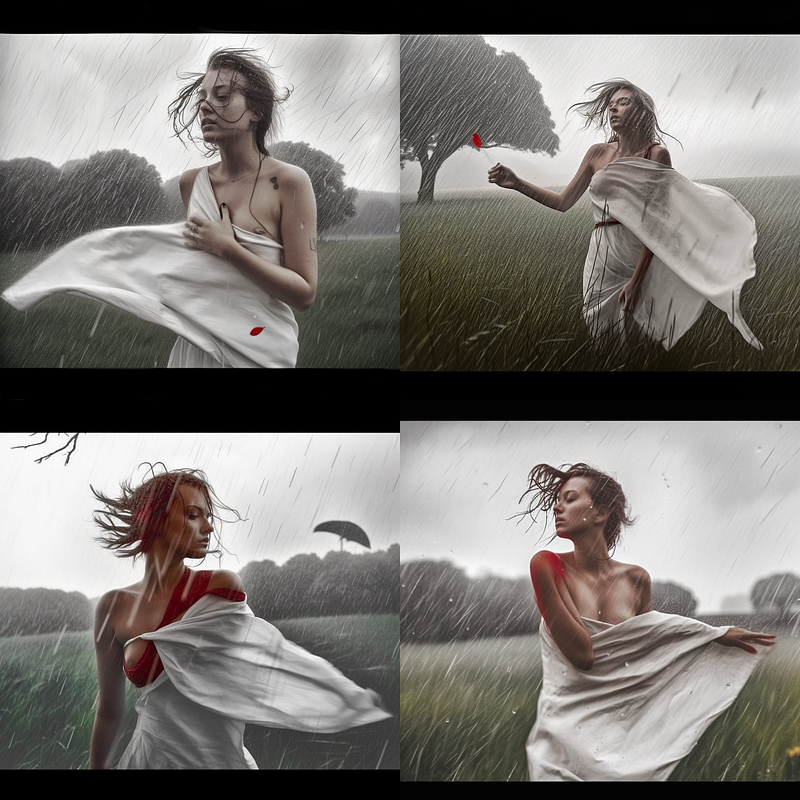
The image still looks a bit hand-drawn, but it is a lot better than before. №2 is almost exactly as in the original sketch. The stylize parameter does the trick, it also introduces a bit of her nipple into the image, which is also something that can happen with a bit of bravery on the part of the model, but sadly her hands go a bit too crazy too.
How about the “chaos” parameter, pushed to its maximum value (100)? Artistically this is much less satisfactory for my taste, but the pencil look is now completely gone:
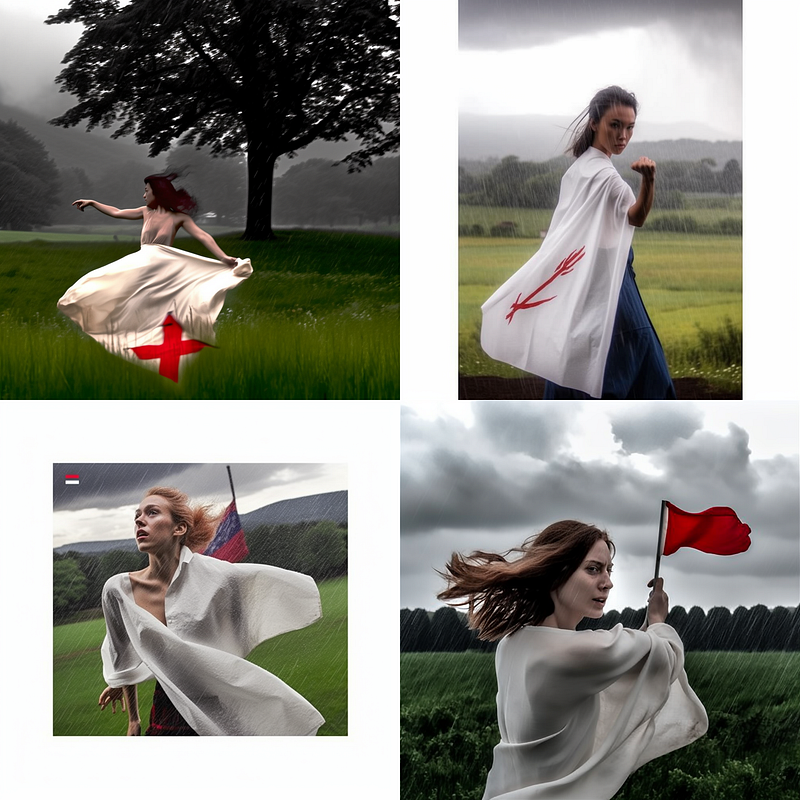
What about both parameters at their maximum value?
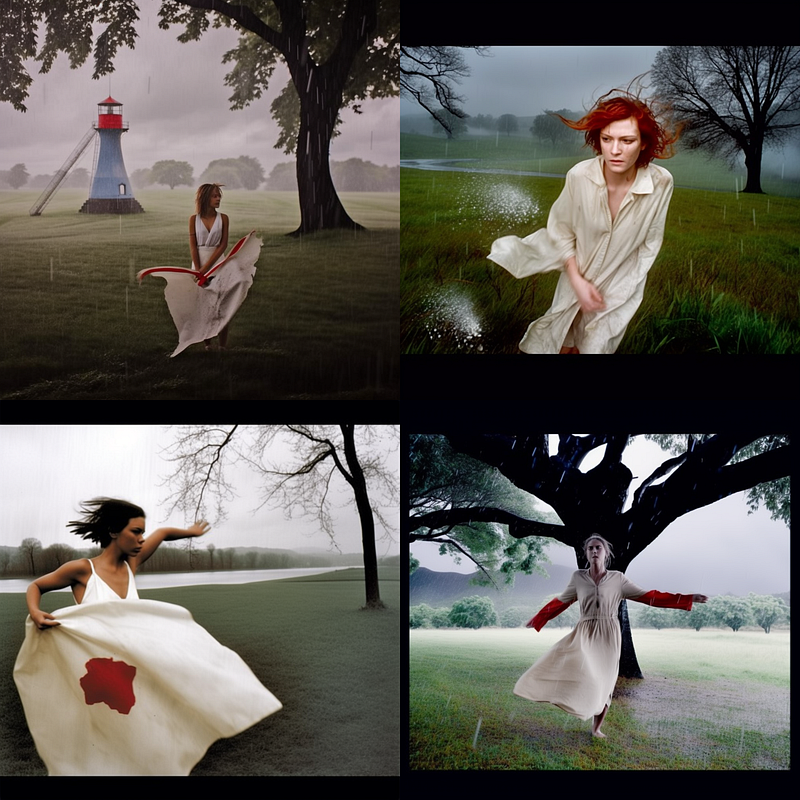
Well, no signs of a pencil, but this is now too far removed from the original idea. I wouldn’t use it to pitch it to a client or a model. I tried to use chaos and stylize in moderation for my last attempt. Here is the result:
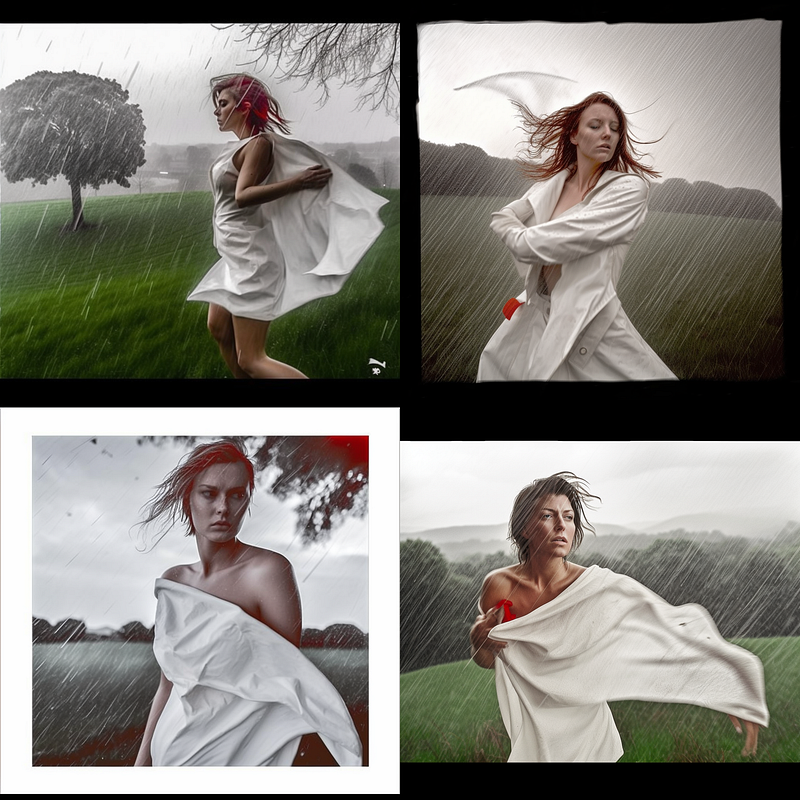
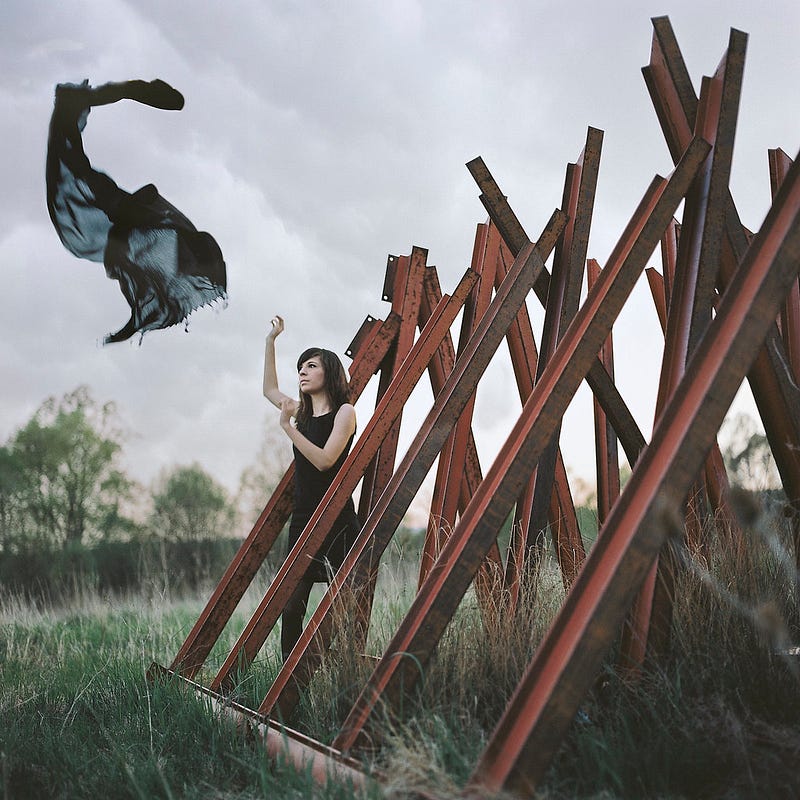
Close, but I reckon not close enough. You be the judge. At the end, this is a similar concept I ended up shooting back in 2011. It is shot on Kodak Portra 160ND using a good old Hasselblad 500 cm with 80mm 2.8 lens.
Moving to another idea and an even smaller sketch:
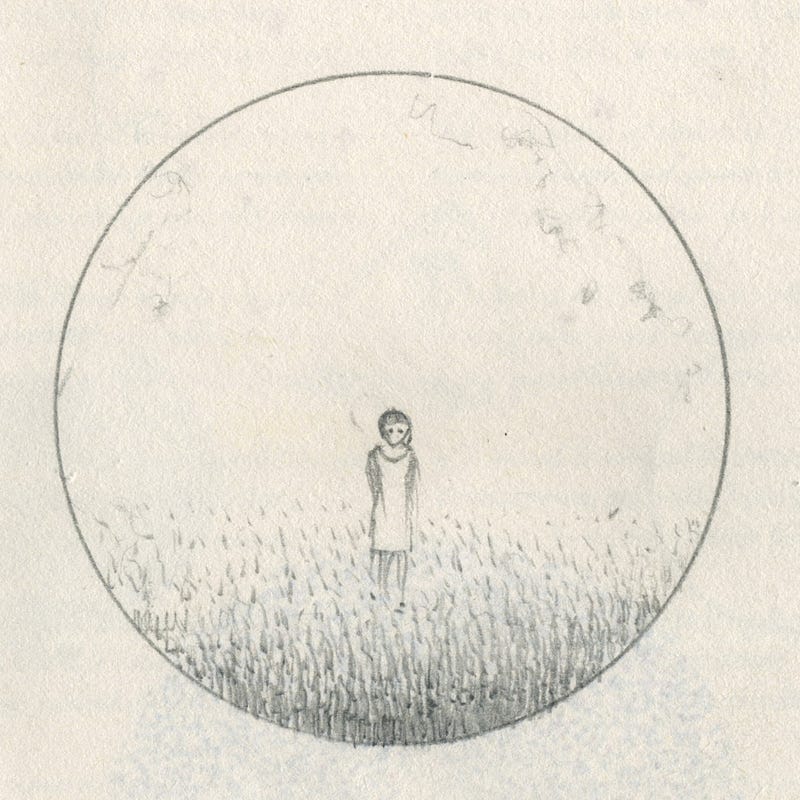
The prompt goes:
https://s.mj.run/oMYK6QRObWg this sketch as a photograph, a girl in a white robe standing on a meadow, morning light, fog, minimalist photography, symbolism, — v 5
This was indeed inspired by a symbolist painting (by Alphonse Obert, Vision). I didn’t want to include that in the prompt, but I did reference symbolism. Here is the first generation of results:
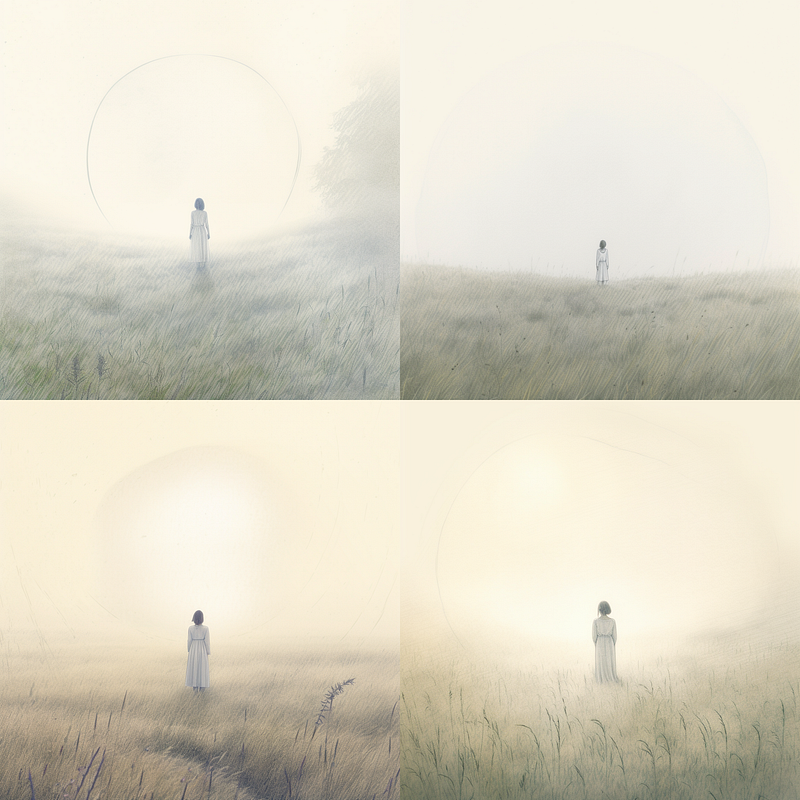
I think it nailed it. Still a bit pencil-like, but OK. Then I added “circular photograph” into the prompt:
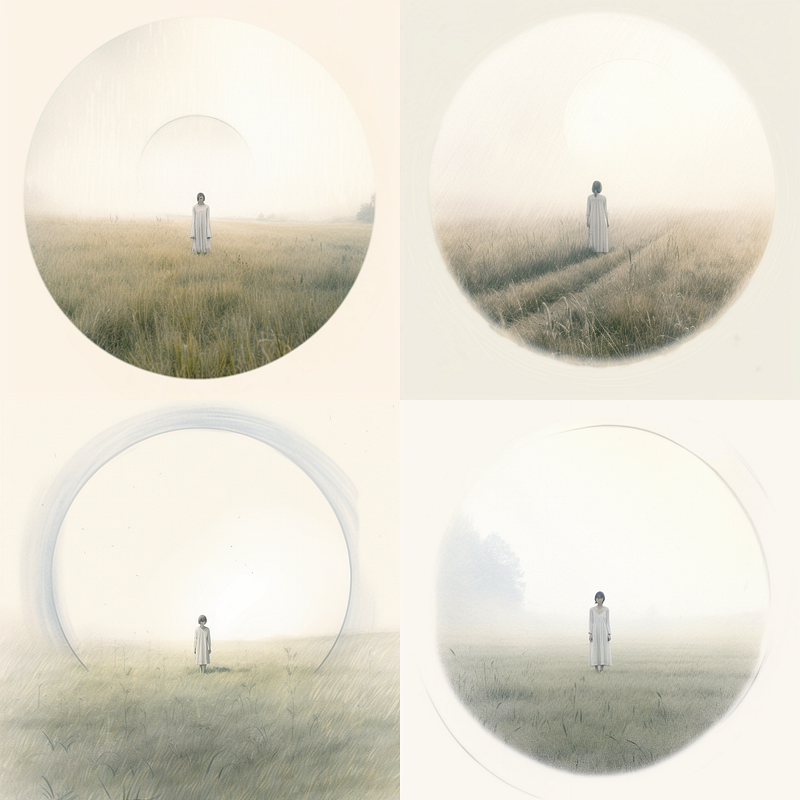
Cranking up stylze and chaos didn’t help much this time (based on no. 4 from the above):
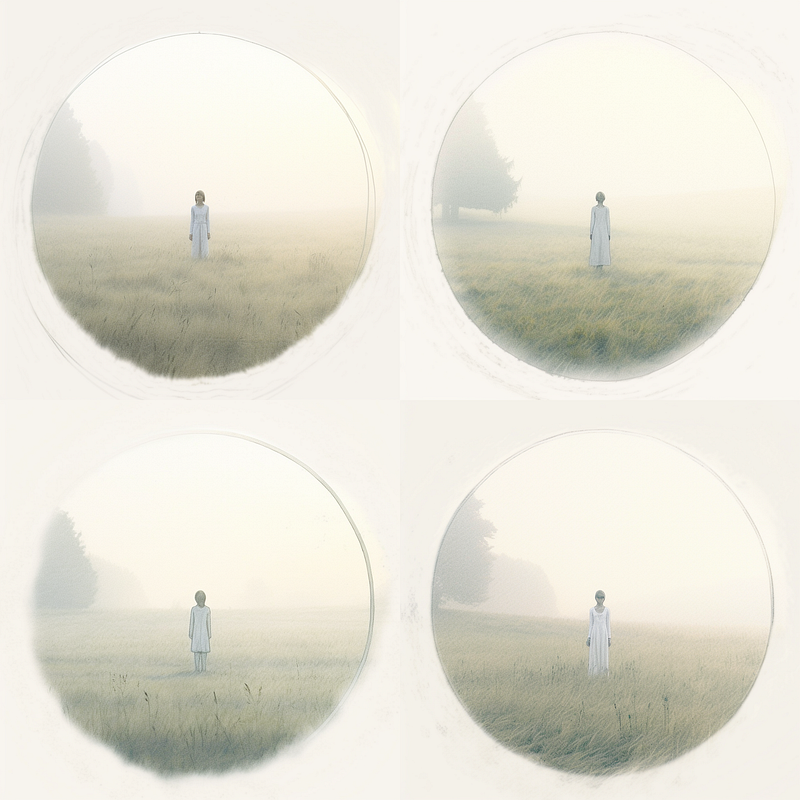
And again, using merely a description without any reference to the sketch (a circular photograph, a girl in white robe standing on a meadow, morning light, fog, minimalist photography, symbolism, — v 5):
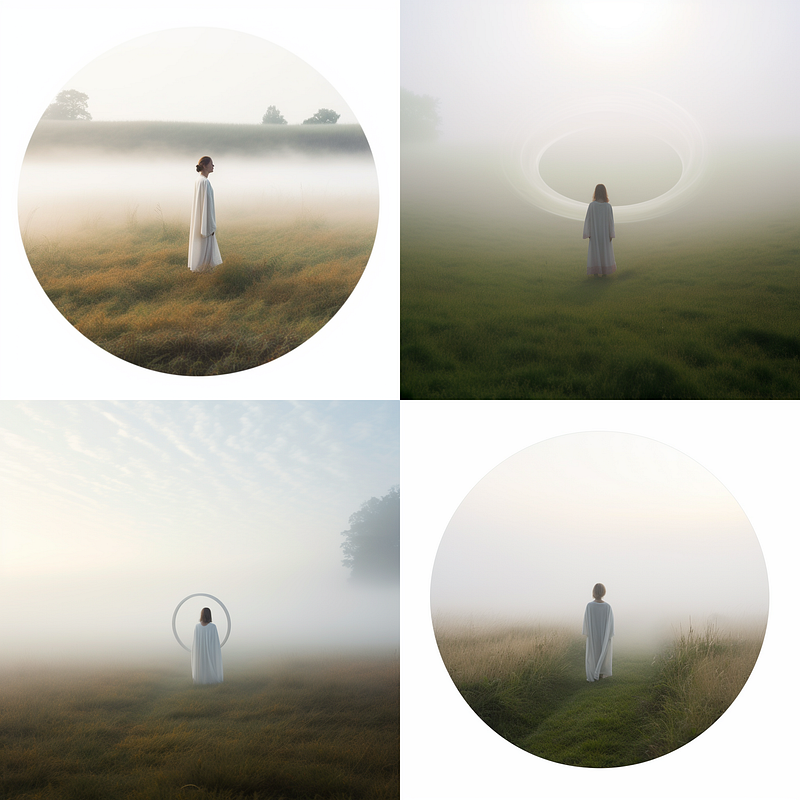
In conclusion, is turning pencil sketches into photographs possible using MidJourney in March 2023?
Well, yes and no. It takes much messing around with prompts, trigger words, and parameters. The results are usually much better if one describes the idea in a prompt and avoids using the sketch at all, and that kinda defeats the purpose.
Perhaps some new tool will come along, specialized for this purpose only. But MidJourney is not it at the moment.
Support this blog by subscribing to Medium below:


