
Top 7 Platforms for Freelancers to earn money in 2024
Freelancing in the age of AI is not about competition; it’s about collaboration. Embrace the synergy of human creativity and machine intelligence
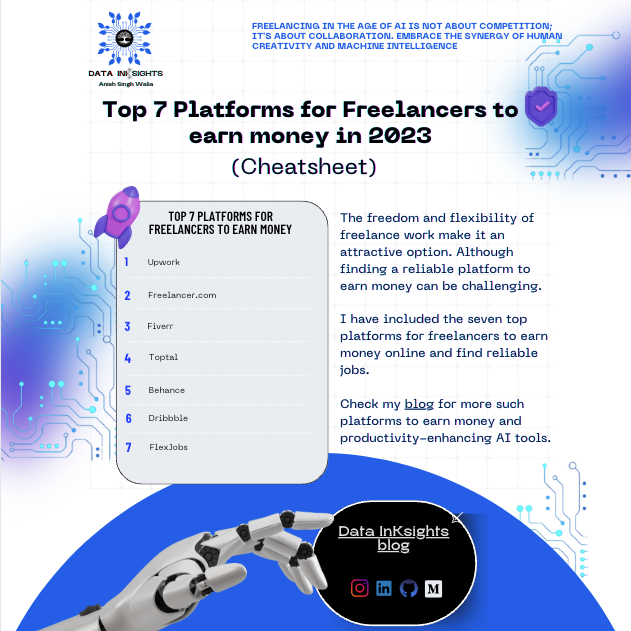
The freedom and flexibility of freelance work make it an attractive option. Although finding a reliable platform to earn money can be challenging.
I have included the seven top platforms for freelancers to earn money online and find reliable jobs. I have also included their pros, cons and freelancing type and which platform is suited for what kind of freelancing job.
NOTE: To add more value and as a USP of my blog, at the end of this blog post, I have designed and attached a cheat sheet/carousel of the secret websites discussed here for you to use and share.
Also, I’ll share this month’s bonus tip or best productivity tools that are cheap, effective, and a game changer, which I personally use, prefer, and insist you all try. So do check them out and use them.
Here is the Bonus tip for you all:
1) NOTION:
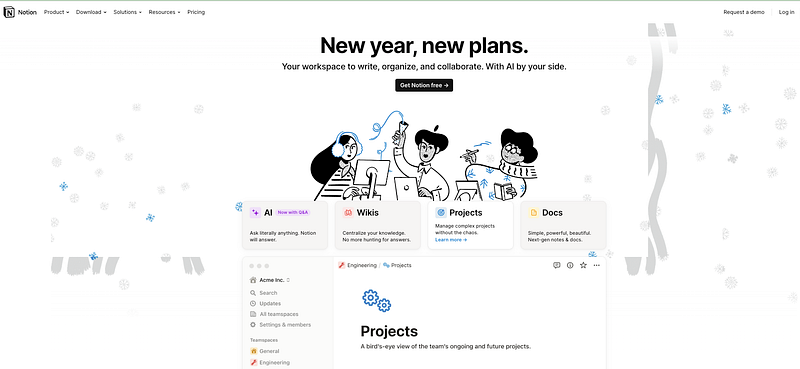
Bonus Tip 1: One great AI all-in-one Productivity/Task management tool I recently started using is Notion. Over the past few months, Notion has become famous and my absolute favorite.
If you’re like me, Juggling work, daily tasks, notes, and projects is tough. Multiple tabs for email, Slack, and Google Docs make it overwhelming. I personally use Notion AI, which streamlines everything in one place. It’s a game-changer, and you won’t regret using it.
I’ve been using its PRO version for a while now, and I must say, it’s been a complete game-changer for me. With almost every online co-working tool integration you can think of, it makes my daily work routine a breeze.
Plus, the pricing is unbeatable/cheapest for the tonnes of features it provides compared to all other all-in-one AI productivity tools I have used. I have taken up the annual subscription for mere 8$/month. Another awesome tool which is litreally dirt cheap.
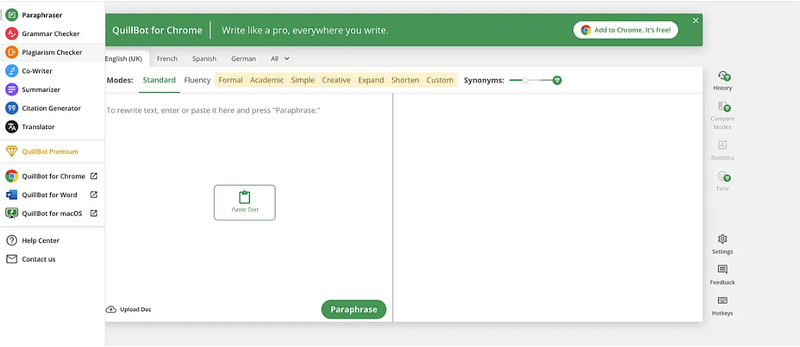
Bonus Tip 2: One great AI Productivity Writing tool I recently started using for day-to-day writing and tasks such as plagiarism checker, grammar checker, Quillbot-Flow , paraphraser, summariser, and translator is QuillBot .
I wanted to try something similar and cheaper than Grammarly.
I took up its yearly premium for around $4/month(58 % off). The price is literally dirt cheap compared to Grammarly(12$ per month) and other writing and productivity AI tools I have used in the past.
Personally, it’s UI and UX is very simple and easy to use. So I just wanted to share this awesome, productive tool with you all. Do check it out and use it in your day-to-day writing tasks.
INDEX
- Upwork
- Freelancer.com
- Fiverr
- Toptal
- Behance
- Dribbble
- FlexJobs
Let’s get started.
Upwork
Upwork is a platform connecting freelancers and clients, enabling them to collaborate on projects in various categories, including web design, software development, customer service, and accounting.
Pros: Payment protection, Credible clients, budget-based projects
Cons: lengthy selection process, high service fee
Freelancing Type: brand marketing, programming, website design
Freelancer.com
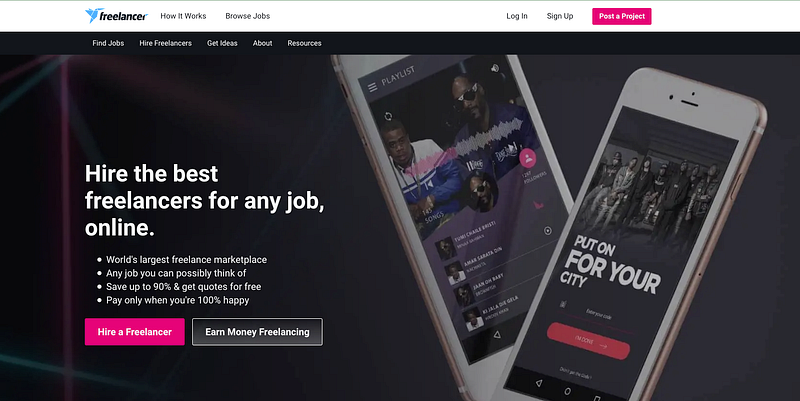
Freelancer.com is a global freelance website that connects professionals and companies. Clients can easily find experts of any type and sign up as freelancers or business owners. Freelancers can earn money and reviews by participating in contests. The platform takes a 10% fee for your earnings, and you can withdraw funds via PayPal or wire transfer.
Pros: progress tracker, live chat, 24/7 customer support
Cons: complex interface, spam applicants, and fake clients
Freelancing Type: content translation, web development, social media marketing
Fiverr
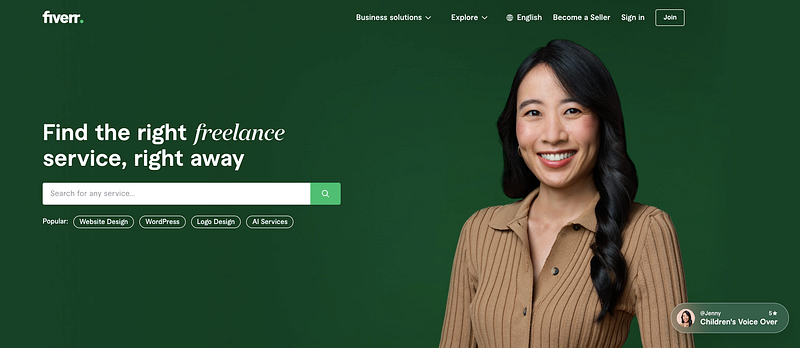
Fiverr connects freelancers with business owners for digital projects. The platform charges buyers, takes a commission, and sends 80% to freelancers. Payments can be withdrawn via debit card, PayPal, and wire transfer. There are 3.42 million active buyers and project-based pricing. SSL certificate protects billing and personal info; customer support is available 24/7.
Pros: diverse category, free registration, online courses
Cons: high commission charge, long payment process
Freelancing Type: digital marketing, web development, social media
Toptal
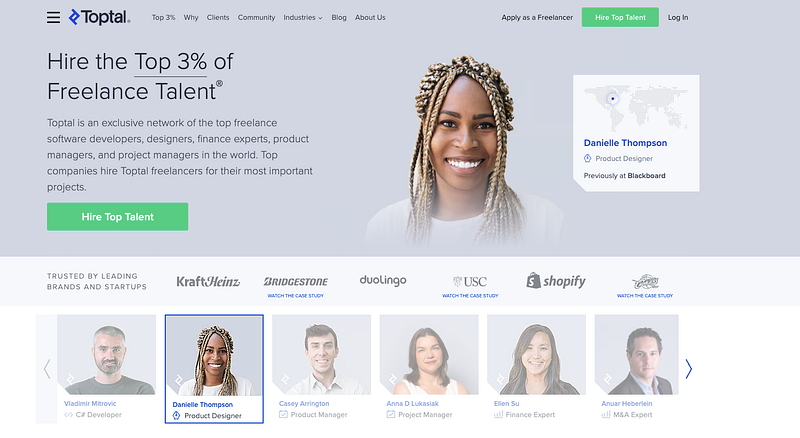
Toptal connects top-notch freelancers with companies across various industries. Toptal’s screening process ensures only the top 3% make it to the platform, giving freelancers access to high-quality job postings. Freelancers can use TopTracker for time tracking and invoicing, and choose from Payoneer, PayPal, or direct bank transfer for payments.
Pros: top-tier companies and talent, free invoicing and payments
Cons: extensive screening process, big projects only
Freelancing Type: Software development, financial consulting, interim management
Behance
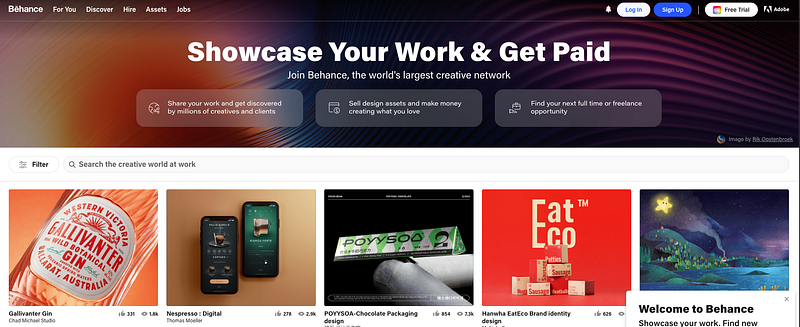
Behance is a social network for creative talents to showcase their work and build portfolios. It offers personalized job recommendations based on skill-sets and categories, making it easier to find freelance work. The more profiles you follow, the more posts you’ll see on your feed, allowing you to discover more opportunities.
Pros: large audience, networking opportunities, personalized content
Cons: competitive environment, limited image file size
Freelancing Type: illustration, photography, web design
Dribbble
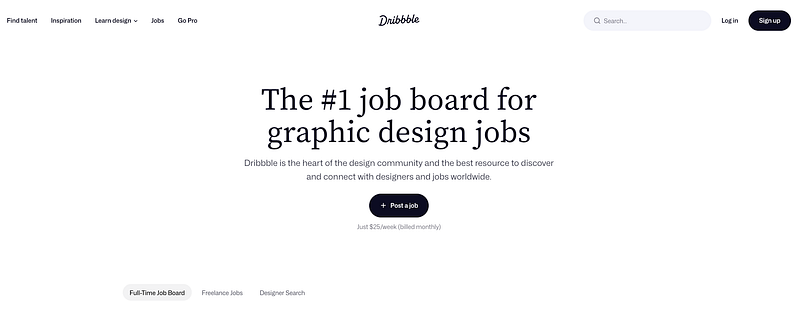
Dribbble is a popular platform for creatives to connect and showcase their work. Signing up and uploading your designs can increase your chances of getting hired. The website also has a job board with various opportunities, including UI/UX and content creation. Freelance job lists are limited to premium users, with plans ranging from $5 to $15/month. Premium accounts get priority placement on hiring search listings and the ability to upload videos and multi-shot images.
Pros: large network, global community, abundant design inspiration
Cons: lists of freelance jobs are only available with a pro version
Freelancing Type: mobile design, illustration, animation
FlexJobs

Flexjobs is a website specialising in flexible and remote job opportunities, including freelance, part-time, and full-time jobs. It verifies and screens all job listings to filter out scams and fake companies, and users need to sign up for a subscription to access the job listings starting from $6.95 per week, with unlimited access, a personalised work portfolio, career advice, and free skills testing. Users can pay with a prepaid card or PayPal, and Flexjobs offers a 30-day satisfaction guarantee with a full refund.
Pros: scam-free, 30-day money-back guarantee, reliable support
Cons: some premium jobs can be found outside the platform
Freelancing Type: writing, content marketing, transcription
Conclusion
I hope you enjoyed reading this blog about the top platforms for freelancers to earn money and find jobs.
Please Subscribe and Follow to get Free access to my newsletter and keep yourself updated on the latest AI and ChatGPT trends and technologies to make your lives easier and more productive, save money, and be effective at whatever you do.
Your support motivates me to keep researching, designing cheatsheets, and writing about such topics.
The cheat sheet, download it and keep it as a reference:
Check out my other blog posts for top tried and tested AI tools for different jobs and roles: https://medium.com/@anishsingh20.
Other blog posts I recently published that would be useful for every freelancer, writer and content creator, so make sure to give the below a read.
2. Top 7 Websites That Pay You to Write Blogs in 2023 — Part 2
3. Top 7 Must-have AI Tools for Every Freelancer in 2023
Please take something of value from this blog post and this cheat sheet. Don’t forget to follow my blog for more awesome cheat sheets and content.
For more exciting AI content and collaborations, follow me on GitHub, LinkedIn and Instagram.
Let’s harness the power of AI and create a better future.
Resources
- Top 7 Websites That Pay You to Write Blogs in 2023 — Part 2
- Top 7 Websites that Pay to Write — Part 1
- Top 6 Free AI Courses for Beginners in 2023
- One stop ChatGPT Cheatsheet
- Google Bard CheatSheet for Software Engineers
- Best AI tools to generate anything in 2023
- Github: Best AI Tools
- Top 8 AI Tools for Writing
- Best ChatGPT Extensions
- Top 10 AI Design Tools in 2023
- 8 Advanced ChatGPT Prompts
- Top 8 AI tools for Engineers and coders
- Top 8 AI SEO Tools
- Top 8 AI Tools that save 24+ hours every week


