
Top 10 Free Applications to Install on a new Mac

Mac has been a platform that I was using for more than a decade. Even though there have been some things that I don’t like about the Mac, I still think that this a capable platform and for many users, it’s going to work really well in boosting their productivity and workflows.
The recent transition on the Apple Silicon platform has raised many questions in regards to compatibility but seems like things are improving and this is essentially the platform of the future once all the software is ported on new Macs.
Keep in mind that the applications that you use might be different depending on your use case, but in the most cases, those should be good recommendations.
AppCleaner
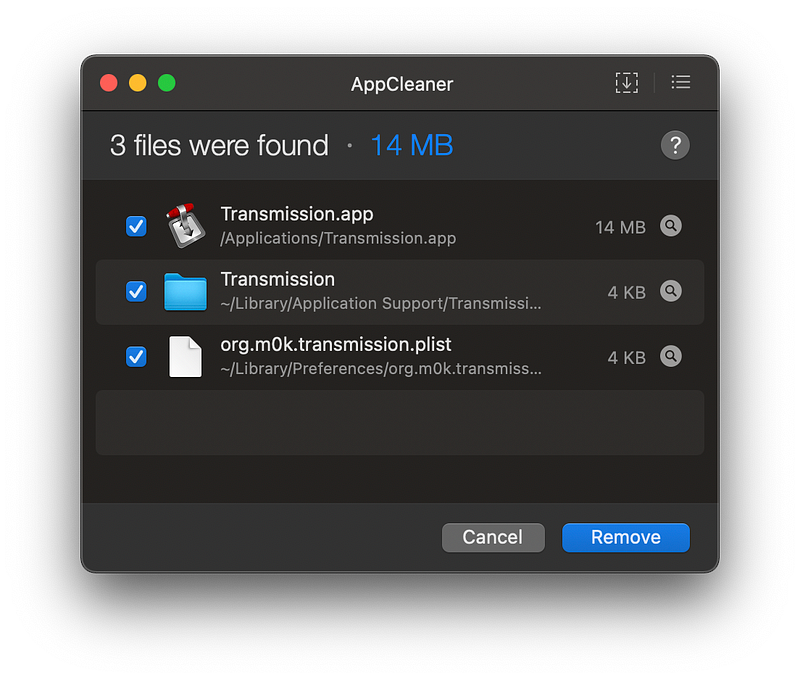
The first app on our list is AppCleaner. Mac OS has a powerful way of installing applications through either the Mac App Store or side-loading those by dragging and dropping them into the applications folder.
However, when installing third-party apps you need some way of properly uninstalling those apps. This is when AppCleaner comes in handy. This application allows you to automatically detect what resources are being used by those applications and remove those properly when you delete the app. Those resources most likely are either in the Application Support or Preferences folder. Deleting those from there might clear up some space.
HandBrake
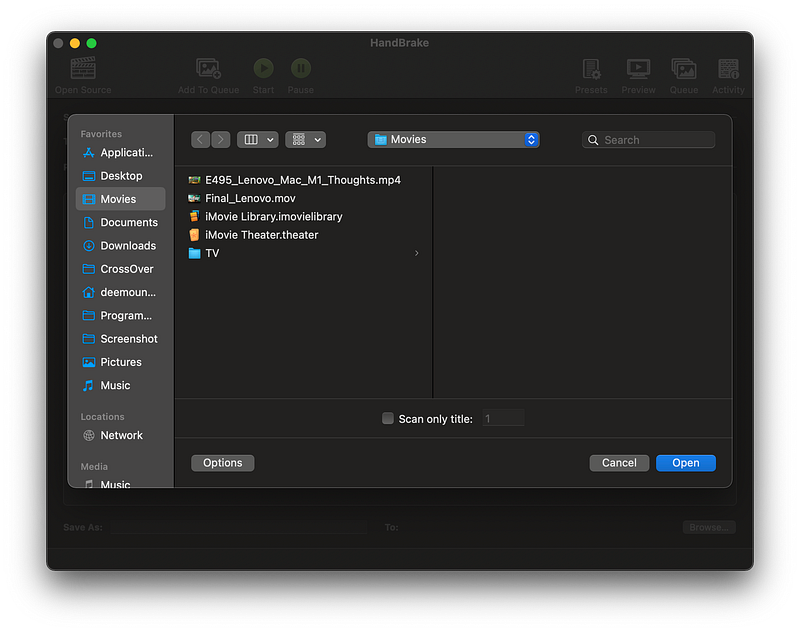
Here comes one of my favorite utilities for Mac. I’ve started using HandBrake back on 10.5 Leopard and it has been a good utility for quickly converting the video files to a resolution or format that you need.
LuLu
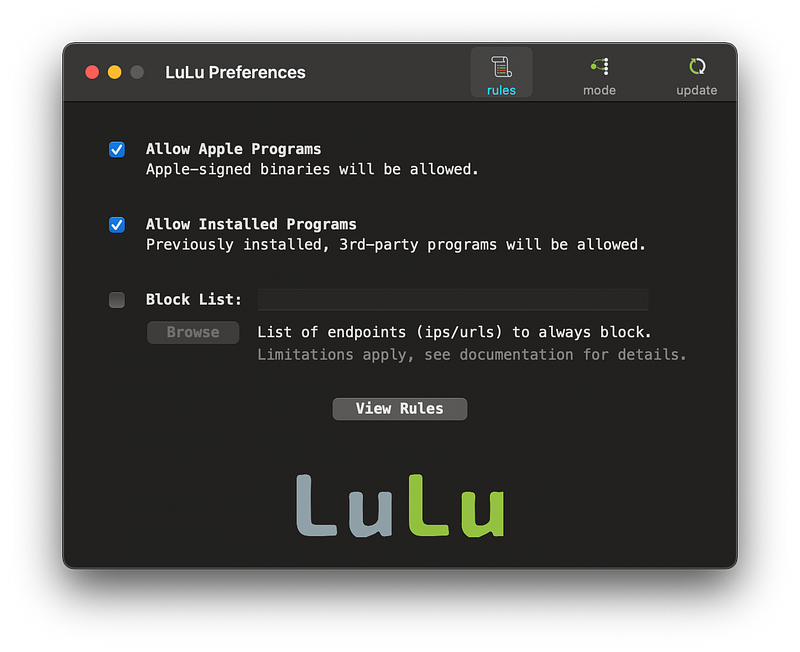
There are primarily two applications available when it comes to protecting your Mac from the outside world.
LuLu firewall is a free app that you can use to monitor outgoing traffic.
You can also use LittleSnitch, but this application is a paid one.
HomeBrew
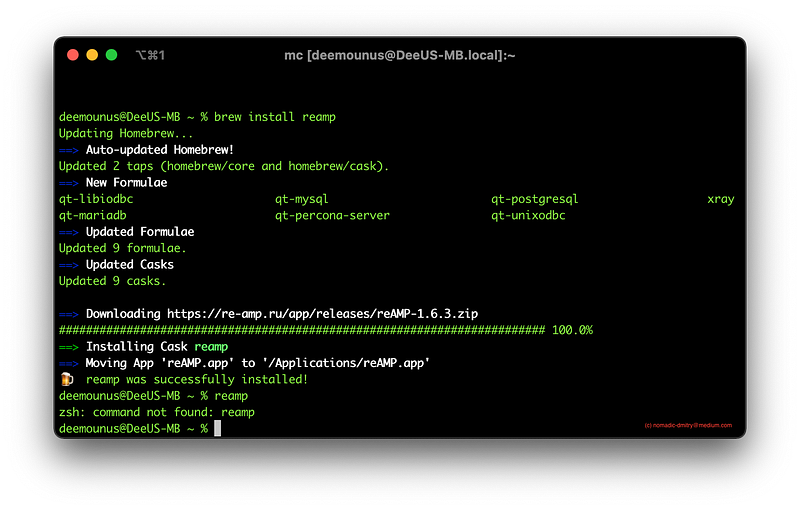
As far as package management goes there are a few good options on Mac OS, but HomeBrew is one of the best options for managing packages and I recommend taking this route.
This is also the best utility if you want to easily install command-line utilities on your Mac computer.
reAMP
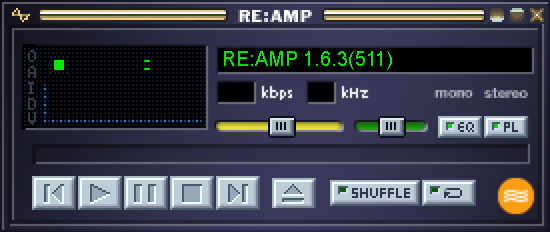
Everyone who has been around in the 1990s probably knows about the WinAMP. It was simple, had a nice UI, and was a pleasure to use overall.
reAMP is a clone of WinAMP specifically designed for Mac OS from the ground up. It even has the support for the WinAMP skins which adds additional sentimental value to it. Try it, it’s free and ready for “brewing” through the HomeBrew package manager or manually.
OpenOffice
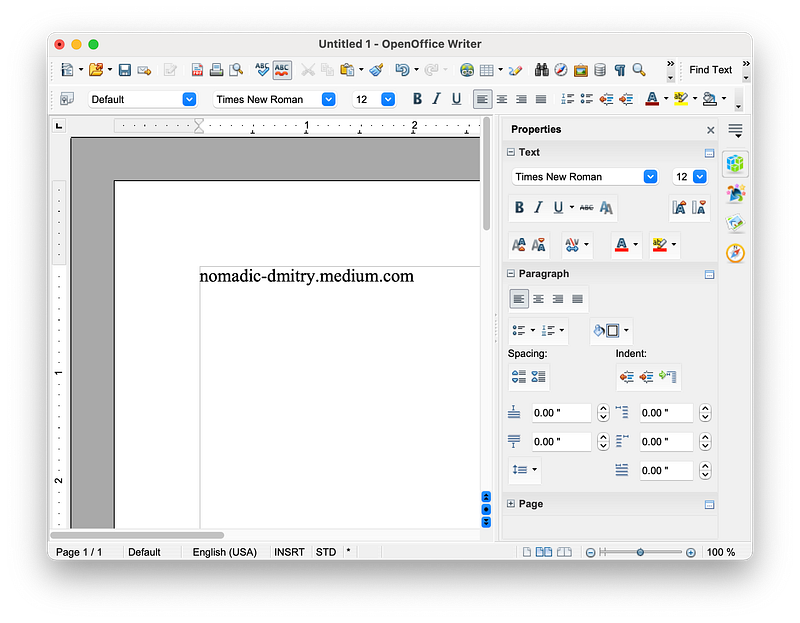
Mac users typically use Pages or Microsoft Word from word processing tasks. However, Open Office is free and has been there for as long as I can remember.
It doesn’t look super pretty, but it gives a decent amount of tools for you to create simple documents.
Oh, and it’s free and requires no account, sign up, or anything like that. Could you imagine that?
Joplin
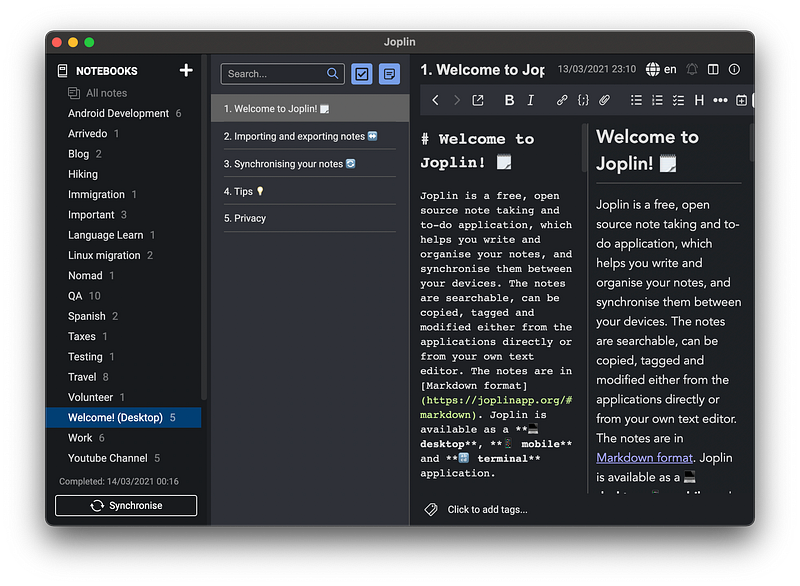
Let me introduce you — a Joplin app. A note-taking application that doesn’t keep you on the hook for subscription fees and doesn’t limit the number of devices that you could sync? In fact, you can sync it with Dropbox and even encrypt the data.
Count me in. I’ve closed my Evernote account after using Joplin for some time.
PlayOnMac
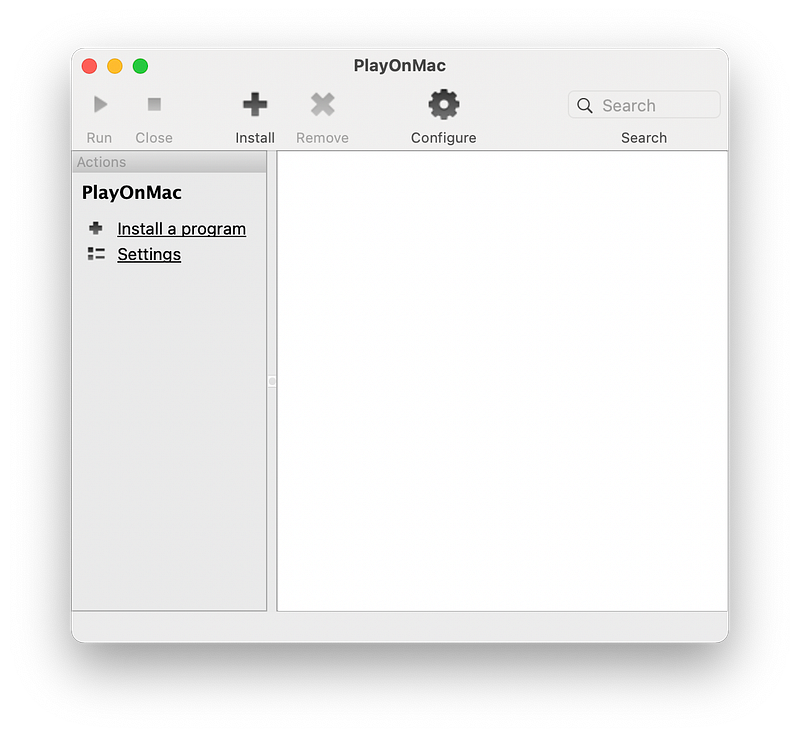
Dual boot? Virtualization of Windows? There is always a third option which is simply running your Windows applications on Mac using a compatibility layer such as WINE.
PlayOnMac uses the WINE engine as a core (backend) and adds a user-intuitive UI on top of it.
WINE project has been with us for a very long time and the solution that PlayOnMac offers is good for occasional use. Don’t get too excited though. Not all applications are working and in some ways, it cannot fully replace Windows.
Thunderbird
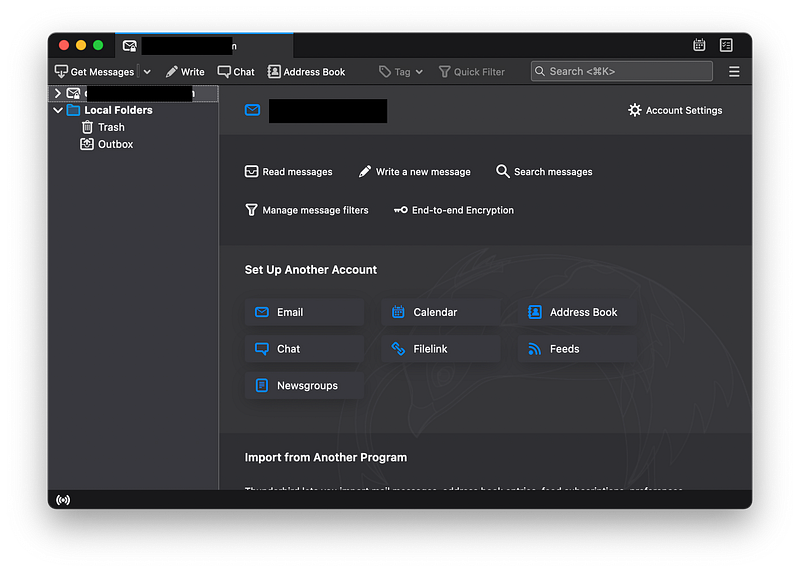
Desktop email clients. Are those a thing yet? Or everyone reads their mail using Web clients?
Well, turns out it’s still popular. I am still using solutions like Thunderbird for receiving and sending emails.
It’s much more customizable than a stock solution from Apple and UI is nice and simple.
Conclusion
Mac platform has a reputation of being a closed environment where many things are controlled by Apple. But there are still free and Open Source solutions available for most of your needs.
I would suggest trying out the solutions provided above and seeing how it works for your needs. Have fun!
Like what you read? Please subscribe to a mailing list for quality Travel and Tech articles and videos. Thank you!


