
Tools that you don’t know you need for development — part 2
Work smart by using the right tools
Click here for part 1.
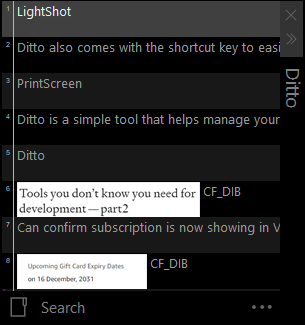
Ditto is a simple tool that helps manage your clipboard. The usual copy and paste we have in our default OS can only paste the last thing we have copied. By using Ditto, it stores unlimited items in a stack. It includes your PrintScreen and also your words. Ditto also comes with the shortcut key to easily access your clipboard by pressing ctrl +`. Ditto has a search bar; it helps with JWT token authentication and authorization access.
PS: Make sure some of your copy and paste URL or terms don’t find out in Ditto by your partner. :)
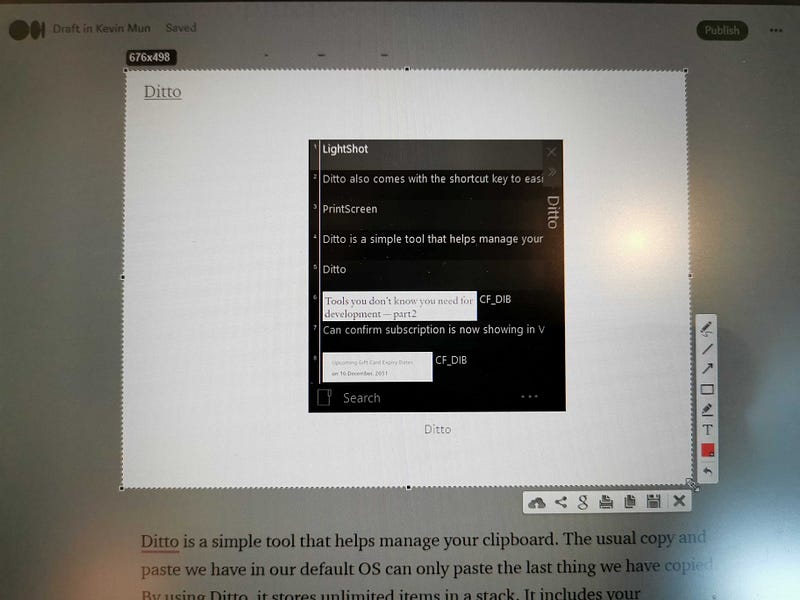
LightShot is another simple tool that lives in my must-install list. A screenshot tool helps me when communicating with my fellow developers to show a quick error message or a bug shown on the screen. All you need to do is press the prt sc button on your keyboard.
What makes it even better is it does not only screenshot the whole screen. You will be able to focus and crop your selected area. On top of that, you can also add some simple editing before you finalize the screenshot. One last thing that I feel is useful is we will be able to share the screenshot on the internet. It will upload to prtnscr.com for 24 hours before it goes expire. It helps a lot when you need to share the image with different parties.
Ditto and LightShot have made a perfect combo like Hadouken and Shoryuken for me in my development process. All my screenshots done by LightShot will always be accessible by Ditto anytime, and share to my team members almost immediately.
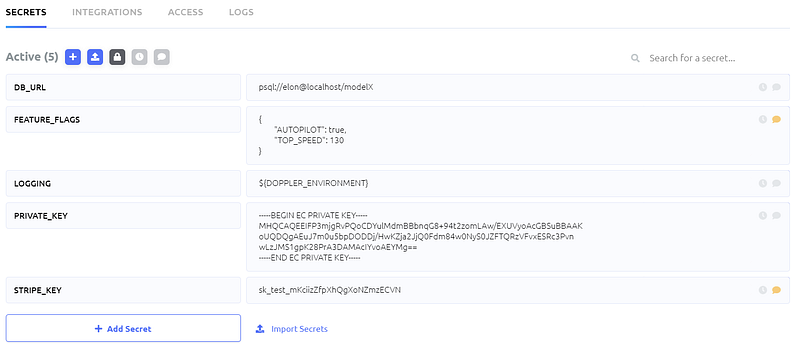
Doppler is an environment management tool that I have used in my few latest projects. It is a tool that helps you sync your environment variables to everywhere you want, whether it is your local, dev, staging, or even production. It saves me a lot of time when I need to switch my environment to point to the dev environment from the local environment. However, Doppler needs some upfront setup to be usable, so be sure you go through their CLI setup tutorial here. It comes with different pricing tiers as the usual freemium SAAS. I have been using the free tier at the moment and planning to pay for premium features.
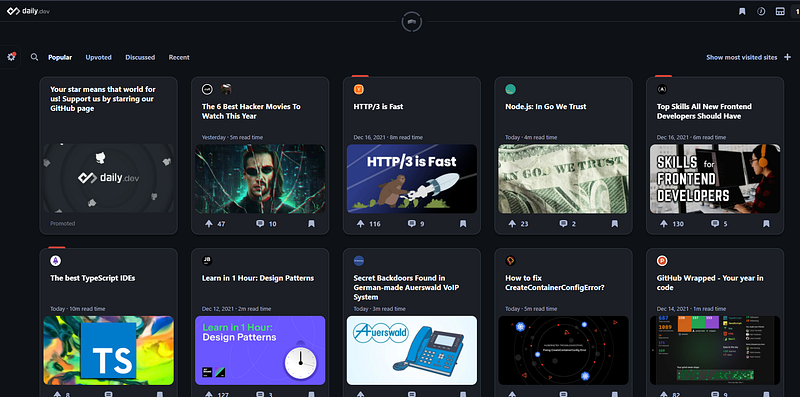
Daily.dev is not a tool but a site that helps me improve my developing knowledge daily. It is a free platform similar to Medium but dedicated to software development. They have their curated team that crafts the list of stories or tutorials that will interest you to read on the internet from more than 400 sources. You can install their chrome extension here. I usually spend 15 to 30 minutes catching up on some knowledge or tips to improve my daily code practices.
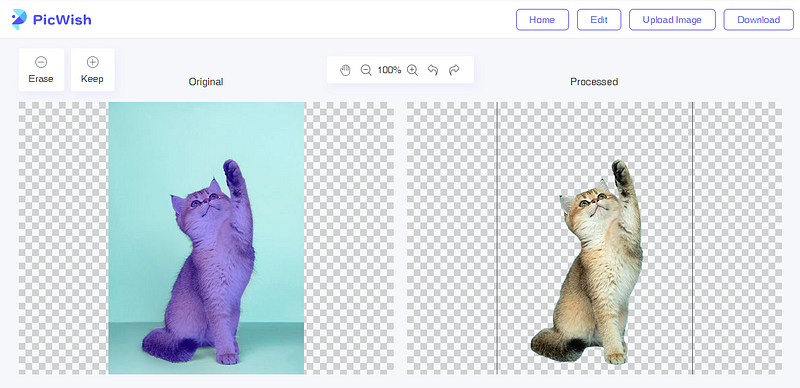
Picwish is a website that only does one thing and one challenging thing for many of us. It allows us to upload a photo, and we’re able to remove the background from it to become transparent and download it as a png, simple as that. As a developer, I hate to edit images. Picwish comes in handy that I use this website a lot when working on the images for my articles and side gigs.
If you wish to support me and read more from me and all the awesome content creators from Medium, you can join as a Medium member here.