
Tools that you don’t know you need for development
Work smart by using the right tools
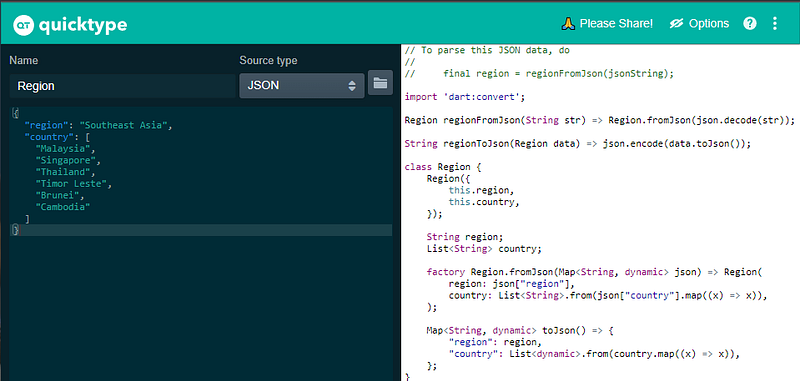
QuickType is a tool that can take JSON as input and parse it to almost all major programming languages such as C#, C++, Javascript, Python, Dart, Objective-C, Kotlin. It helps to save our time from developing boilerplate code for parsing data from and to JSON.
Let’s take a look at an example, we try to input the JSON data below, and we want the Dart class file:
{
  "region": "Southeast Asia",
  "country": [
    "Malaysia",
    "Singapore",
    "Thailand",
    "Timor Leste",
    "Brunei",
    "Cambodia"
  ]
}
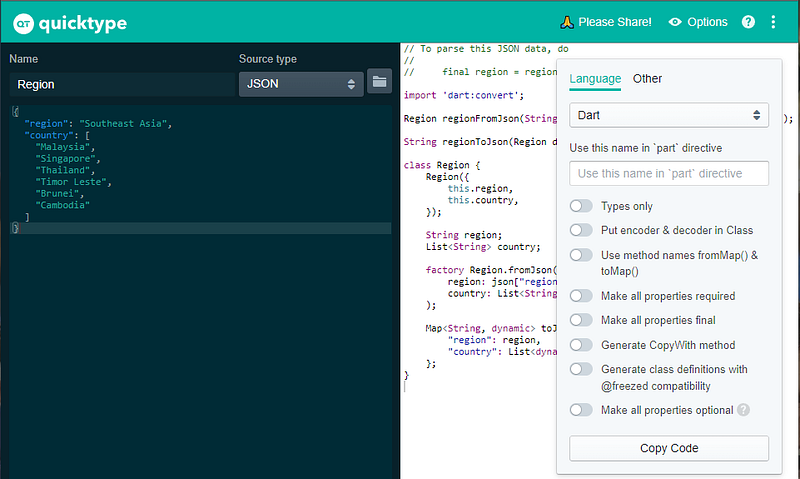
We will get the class file that serializes and deserialize the JSON object. On top of that, there is an options button that enables extra features based on the programming language chosen. For example, for Dart, You will allow ```@freezed``` compatibility and make the properties ```required```.
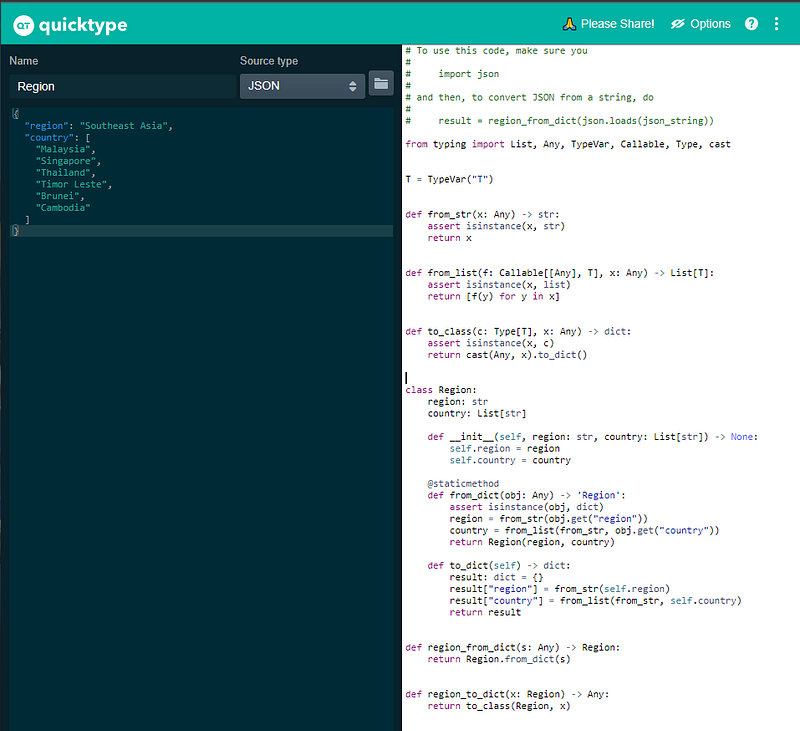
With the same JSON, let’s try it to generate a Python class file.
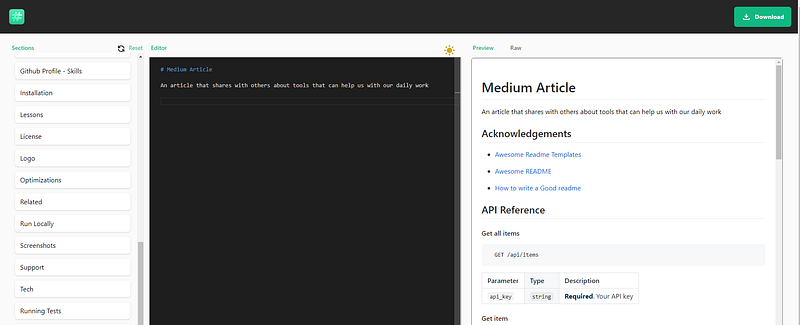
Readme.so is a web app that helps us create a readme file. It has all the sections in place, so you only need to fill in accordingly. Besides, it also has a preview on the right side to see the difference instantly. If there are any sections that you don’t need to include, remove them from the sections. It saves me a lot of time when I’m working on a readme file for my client; perhaps you can give it a try and let me know what you think about it.
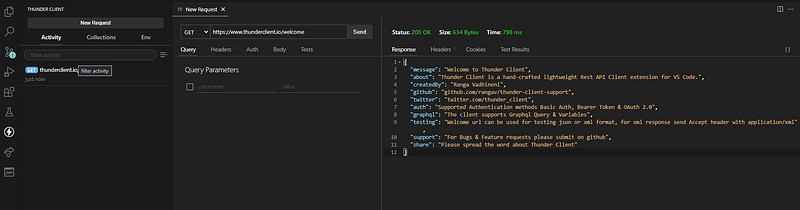
ThunderClient is one of the best unpopular VSCode Extension I have been using for a long time. It is an API Client that works like Insomnia and Postman but is lighter weight and doesn't need to install any extra app on your machine.
You will be able to import the cURL command into it, make a collection from a set of endpoints, set up environment variables. ThunderClient supports both REST and GraphQL. Also, it enables collection export, which lets us share it with our team members. The only missing feature that I’m looking forward to having is file uploading to the endpoint. Hopefully, soon it will be available to use.
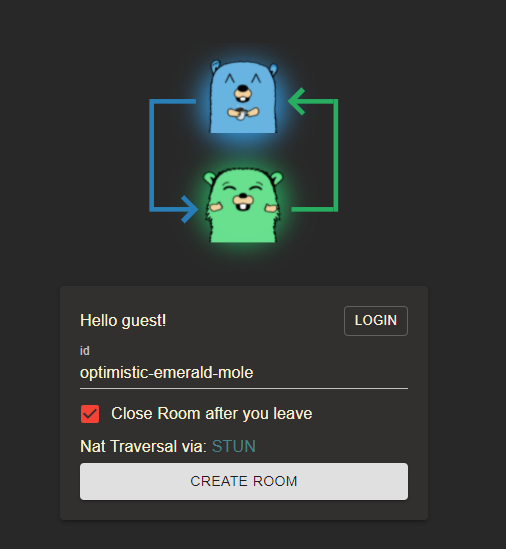
Screego is a webpage that allows you to share your screen with others. It is an open-source project from the community. There will be a randomly generated room id ready to use, but you can change it. Then, after creating the room, you only need to share the URL with others to show your screen. It is simple to use, and you don’t need to log in to use it and close the room after you leave. It covers all the necessities for a quick meeting with others.
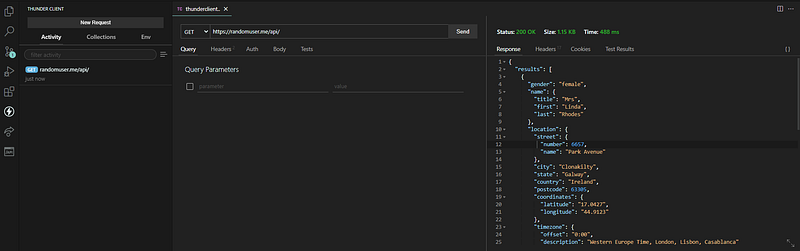
RandomUser is an API that is ready to consume to retrieve a set of randomly generated user data. It covers most of the columns you usually need for an application, such as name, email, password, address, geo-location, and, most importantly, the users’ image. Furthermore, it is entirely free and doesn't need any authentication. Thus, it is conducive to development; we don’t need to mock the data with all the columns.
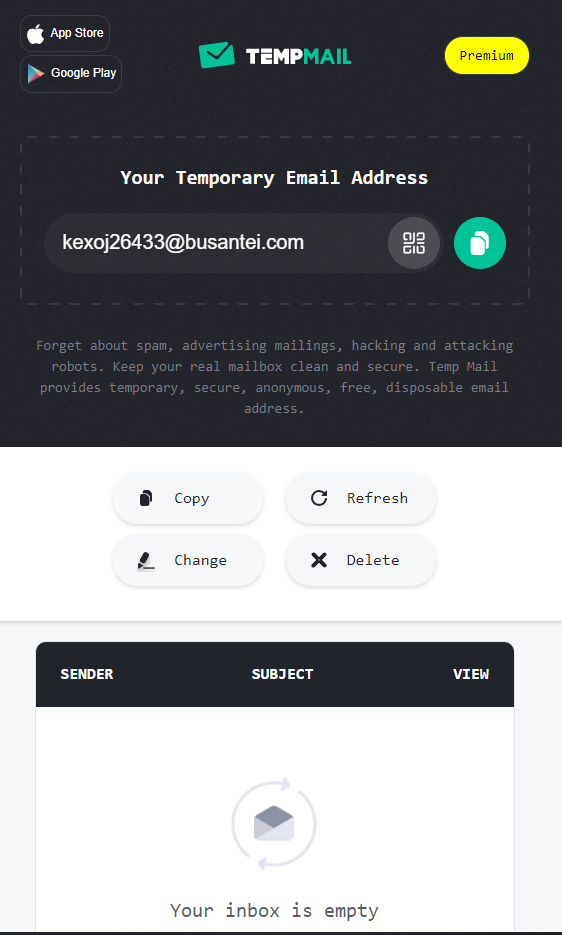
TempMail is another web app that amazes me. It is a free service that allows you to have a usable temporary email address. You will be able to send and receive emails with it. The inbox is also accessible directly and refreshes every few seconds to retrieve the incoming email. It helps me a lot when developing an app that I must test on the registration and login phase. Previously I had to have several email addresses to register and receive OTP codes for confirmation etc. Now, this is available to use within the fingertip.
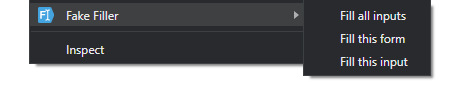
As the name is self-explained, FakeFiller is a chrome extension that helps you fill in all the input forms with random data. After you install it, all you need to do is right-click on any webpage. You will be able to fill in all available inputs, all the input within the chosen form, or only the input you chose. It does help me save a lot of time to fill in all the forms one by one when it comes to testing the form validation.
Final Key Takeaway
There are always tools out there yet to be discovered by us which are very helpful to us. Using the right tools help us focus on the product instead of the repetitive task, and reduce non-product-value task.
If you wish to support me and read more from all the awesome content creators from Medium and me, you can join as a Medium member here.


