
READING | WRITING | WRITING TIPS | SPELLCHECK | GRAMMAR
How to Use Free Tools for Better Writing
Grammarly, Spellcheck, and Find and Replace
Grammarly and spellcheck often have a bad reputation with “professional” writers. Some equate them with cheating on an exam. Others like to point out how often one or both are wrong.
Please, stop right now!
Why wouldn’t you use these handy tools? Are they wrong sometimes? Of course. Do they catch everything? Or course not.
However, these free tools can save you from mistakes you may have missed in proofreading. They won’t find every error. You still have the responsibility to go over your work carefully.
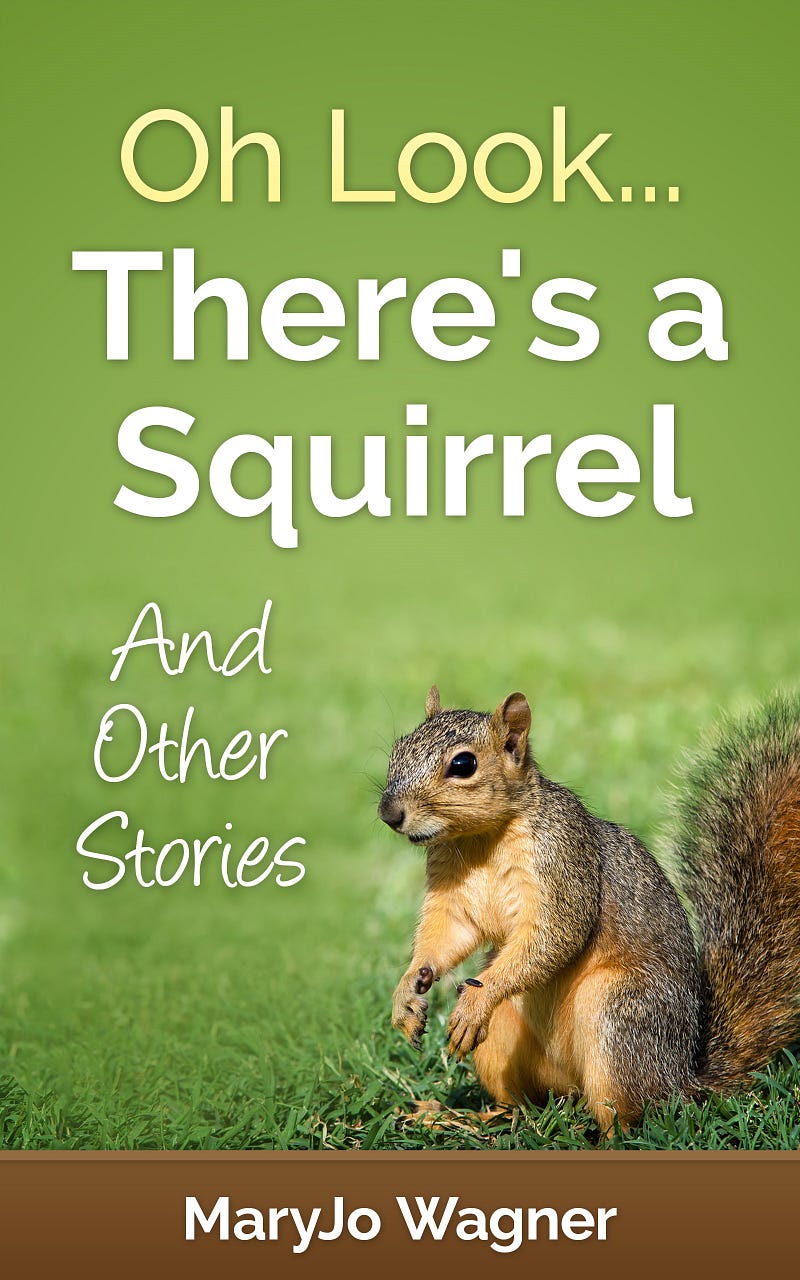
I recently used these tools for my soon-to-be published book, Oh Look . . . There’s a Squirrel and Other Stories.
What Did Grammarly Do?
It caught where I had repeated a word: “ He went to to the store.” Found the duplicate word. Duplicate words, especially short and frequently used words, are easy to miss during proofreading, even when reading out loud. (Read about the importance of reading your work out loud.)
Reminded me to add a comma. Not sure if the punctuation tool on Grammarly is set for finding a lacking third or last comma in a group, i.e. the Oxford Comma. Or if it found that I usually use the Oxford Comma and noted where I had forgotten. Doesn’t matter but means my work is consistent.
Caught a run-on sentence and a couple goofy punctuation marks that seemingly came out of nowhere.
Detected over-used adjectives, awkward sentence structure, and lack of punctuation or too much punctuation.
Did I always agree? Usually but not always. Obviously, you have a choice to accept the suggestion or not.
What Did Spellcheck Do? It found misspelled words. Some were typos, some were my misspellings. I would never have found my misspellings as I thought I’d spelled the words correctly.
And it found words that were correct but spellcheck didn’t recognize. For example, I use the word “ADHDers” for people with ADHD. I made up the word.
Discovered words that have two spellings and mean different things: “capital” and “capitol.” This nudged me to look up the words. Sure enough I’d used “al” when I should have used “ol.”
Picked up names which can be annoying, but can also be a trigger to look carefully to see that the name is spelled correctly.
Even noticed that “cliche” was missing the accent over the e and inserted it!
By the way, although I’ve never used it, if you have a odd word or a name you use a lot, you can add these to Spellcheck’s dictionary.
What Did Find and Replace Do?
Find and Replace has lots of uses. But who ever thought about it as a proofreading helper?
I used it for words I often get wrong: one of my favorites is “its” versus “it’s.” On autopilot I type “it’s” whether it is correct or not. I know the rule, but I’m typing lickety-split, not thinking about rules.
So, I used F & R to look for “it’s.” Then each time the tool found it, I checked to make sure I used “it’s” correctly.
Spellcheck and Grammarly wouldn’t know that the proper title is Gone with the Wind, not Gone with a Wind. But you know which is correct, and Find and Replace can change “a” to “the.”
Most of us probably don’t need a refresher on when to use “there,” “their,” or “they’re.” We know the rules. But our fingers forget the rules when we’re focusing on the content of our blog post. Again, it’s Find and Replace to the rescue.
I’m betting that you have a couple of autopilot words that aren’t always correct. Find and Replace can take care of your issue.
Now if only we had a parargraph-length checker, a tool that would find all long paragraphs and tell me to shorten them. On autopilot, I do 5-sentence paragraphs. (At least that’s shorter than 7 which I learned in school.) I could use such a tool.
What are your autopilot words? You inconsistencies with comma usage? Your tendency for run-on sentences? Take your next post through Grammarly, Spellcheck, and Find and Replace. You may be surprised. And your writing will benefit.
If you’d like to be added to the list to receive a free copy of a short e-book, “9 Tips for Readable Writing” and a free review of one piece you’ve written (no longer than 1,500 words), send an email to [email protected].
Watch for my forthcoming e-book, Oh Look, There’s a Squirrel and Other Stories.


