
How To use Firebase Auth on Node.js Project
I will describe the basic way of implementing Firebase Auth in Node.js project.
Here is a sketch on high.
First, you need a basic step.
- Install the firebase and express with npm module
- Make a new Firebase project on Firebase console.
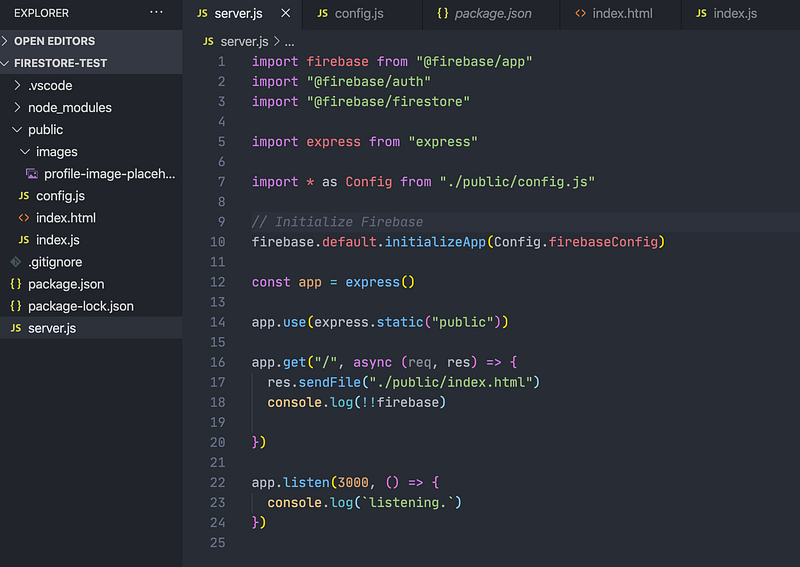
First, Server.js
I’ve made one config.js and used it on both of Front and Server side.
You have to use your own configuration that you can retrieve from your firebase project console.
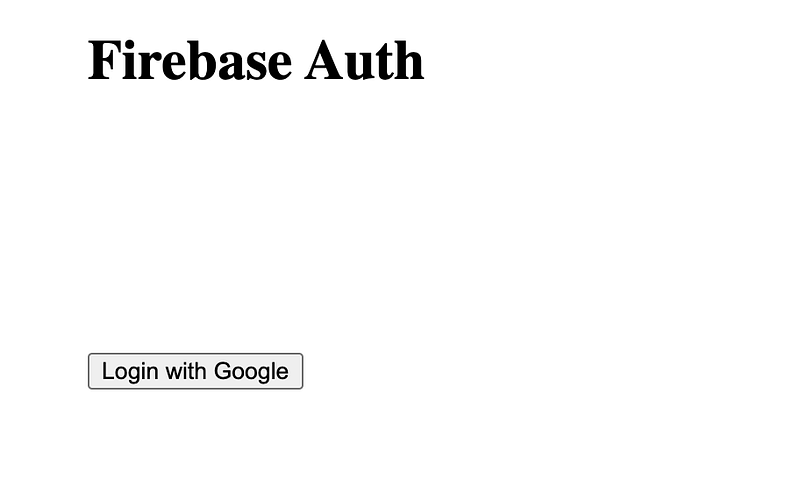
Second, index.html
You might need a placeholder image what like I used.

Just take this.
Third, index.js
I’ve used signInWithPopup rather than use the way with redirecting. Most of the Lines is just for UI handling.
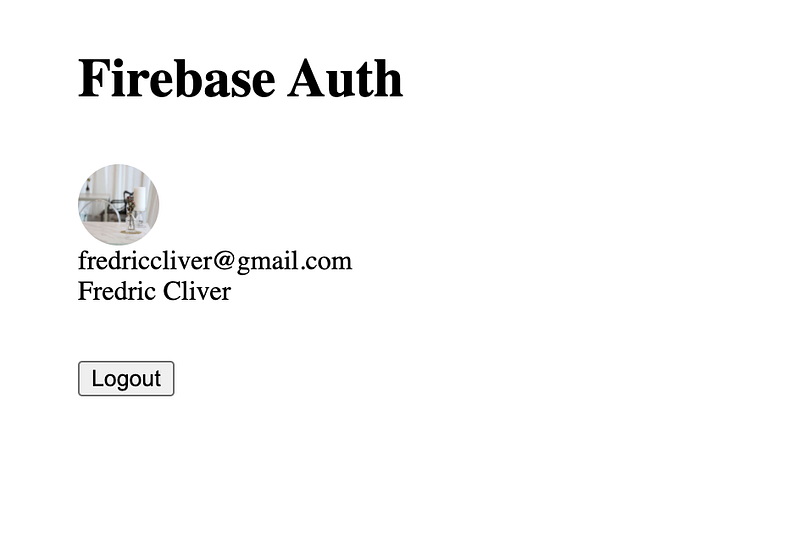
You just have to focus on the method, onAuthStateChanged
It would be fired when Auth status is changed by the user logs in with Google.


