avatarMatthew Hardman

Free AI web copilot to create summaries, insights and extended knowledge, download it at here

2943

Abstract

able to run as an application on your desktop, even when not online.</p><div id="4940" class="link-block"> <a href="https://learn.microsoft.com/en-us/microsoft-edge/progressive-web-apps-chromium/"> <div> <div> <h2>Overview of Progressive Web Apps (PWAs) - Microsoft Edge Development</h2> <div><h3>Progressive Web Apps (PWAs) run natively on Windows 10 or later. Here's everything you need to know about PWAs, as a…</h3></div> <div><p>learn.microsoft.com</p></div> </div> <div> <div style="background-image: url(https://miro.readmedium.com/v2/resize:fit:320/0*Jyoqsc0v4mi0GdYI)"></div> </div> </div> </a> </div><p id="c7e3">Once you have that enabled it appears just like an app in your MacOS Launchpad alongside Excel, Word etc.</p><figure id="0085"><img src="https://cdn-images-1.readmedium.com/v2/resize:fit:800/1*HnMNk2ONKWI7-LSzuBaKHw.png"><figcaption>Microsoft 365 in your MacOS Launchpad</figcaption></figure><p id="d72c">Once installed, it behaves just like any other app. Even looking a little better adopting the colour scheme that your webpage has.</p><figure id="968c"><img src="https://cdn-images-1.readmedium.com/v2/resize:fit:800/1*G1Nx_rCSPiTuVmO_yd2pOQ.jpeg"><figcaption>The PWA for the Microsoft 365 App on MacOS</figcaption></figure><h1 id="4d66">How can it help me?</h1><p id="90e8">There are many use cases I can call out for this particular app, including finding templates for the various applications, creating new content, but there is one use case I want to specifically call out, and that is the Quick Access section which helps you look for documents that have been Shared to you.</p><p id="7277">Honestly I am not sure how many times someone has said they have shared a document with me, and then I have to go through a multitude of chats, team chats, emails etc, and then eventually asking the question that makes you feel like an idiot…</p><blockquote id="1603"><p>“Can you share it with me again?”</p></blockquote><p id="f22c">That question can make the original sharer feel a little less important, and whether you realise it or not, can damage the bond between colleagues.</p><h2 id="e7e4">Enter the Microsoft 365 App</h2><p id="5b29">Clicking on the Home tab on the left, you get a 30,000 foot view of the interactions you have with people and the applications in the Microsoft suite.</p><figure id="35ea"><img src="https://cdn-images-1.readmedium.com/v2/resize:fit:800/1*G1Nx_rCSPiTuVmO_yd2pOQ.jpeg"><figcaption>The home tab of the Microsoft 365 app</figcaption></figure><p id="dd40">Here you can see all the documents you have engaged with, but the secret sauce, is the option where you can filter by “Shared”. This option will show you all the documents that someone has shared with you, regardless of how they shared them with you,

Options

this makes is really powerful to find those documents quickly.</p><figure id="7f7c"><img src="https://cdn-images-1.readmedium.com/v2/resize:fit:800/1*qSu55KFA1hivVXIKJuofWA.jpeg"><figcaption>Clicking on the Share Tab reveals everything shared with you</figcaption></figure><p id="99ab">By clicking on the icons on the far right, next to Upload…</p><figure id="a657"><img src="https://cdn-images-1.readmedium.com/v2/resize:fit:800/1*SUt0gIEccucBmBg0CxPLow.jpeg"><figcaption>Change the view from a list to previews</figcaption></figure><p id="c2ff">… you will also be able to see all the files shared in a preview mode, which can further enhance your search for the files.</p><p id="08d9">Once you have found your file, its simply an act of clicking on it, and opening it up, and getting the job done.</p><h2 id="e089">How does this all work?</h2><p id="1386">If you are intellectually curious about this this all works, well it’s because of a thing called the Microsoft Graph. The Microsoft Graph is a technology that links documents, files, events, people all together enabling you to track the connections between different things, more about it at the Microsoft site below.</p><div id="2dd1" class="link-block"> <a href="https://learn.microsoft.com/en-us/graph/overview"> <div> <div> <h2>Microsoft Graph overview - Microsoft Graph</h2> <div><h3>Microsoft Graph is the gateway to data and intelligence in Microsoft 365. It provides a unified programmability model…</h3></div> <div><p>learn.microsoft.com</p></div> </div> <div> <div style="background-image: url(https://miro.readmedium.com/v2/resize:fit:320/0*fKj0O6Npx7ZetgTi)"></div> </div> </div> </a> </div><p id="0ada">Graph technology (not to be confused with a Chart in Excel), is not owned by Microsoft, but is a clever way to understand how data is interconnected through relationships, companies like Neo4j, TigerGraph have built entire business off this as way to represent data.</p><p id="60e4">The basic concept is that not only is the data valuable, but the relationships between data can be just as valuable, and that in itself holds insights that could be leveraged. Honestly Graph is one of my favourite technologies, and as someone once said, one you get Graph, then every opportunity becomes a Graph opportunity, but we can save that for another article.</p><h1 id="791a">In Conclusion</h1><p id="c516">I am sure people think I write like I talk, constantly, but my hope is to give you that slight edge in the workplace when working with tech. If you want to ensure you not only look like you are on top of things, but actually are… start using the Microsoft 365 app, and you are sure to save precious time, and reinforce the social bonds in your workplace.</p><p id="e59f">Cheers!</p></article></body>

The unused Microsoft app millions download, that can help strengthen workplace bonds!
TLDR: If you are searching for that document someone in the office shared with you, and you weren’t sure if its was through email, or Teams, or if it was a PPTX or a DOCX. Don’t keep asking, use the Microsoft 365 App, this article will show you how you can be a true collaborator. To get to the crux, jump down to “How can it help me?”.

The Microsoft Office suite is a mainstay suite of applications that every commercial environment, academic institution and household has experienced at some point, and while you might be writing a letter, or an annual report, a household budget or fiscal year forecast, a school project, or a presentation on the analysis of genetic research, it has a place in every content creator's life.

So outside of Word, Excel, PowerPoint, Outlook, OneNote… there are always some smaller applications that we may not pay attention to, or even use on daily basis. One of these apps is simply called Microsoft 365 (Office).
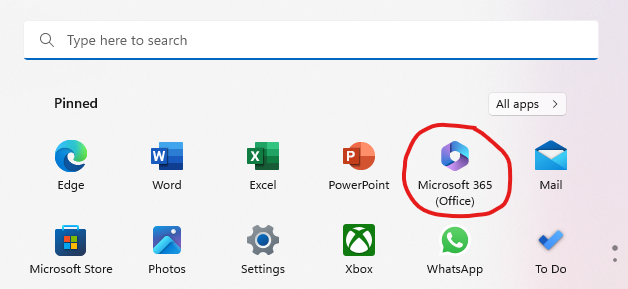
The Microsoft 365 (Office) icon in the Windows Start menu

This application exists as a standalone app on Windows…
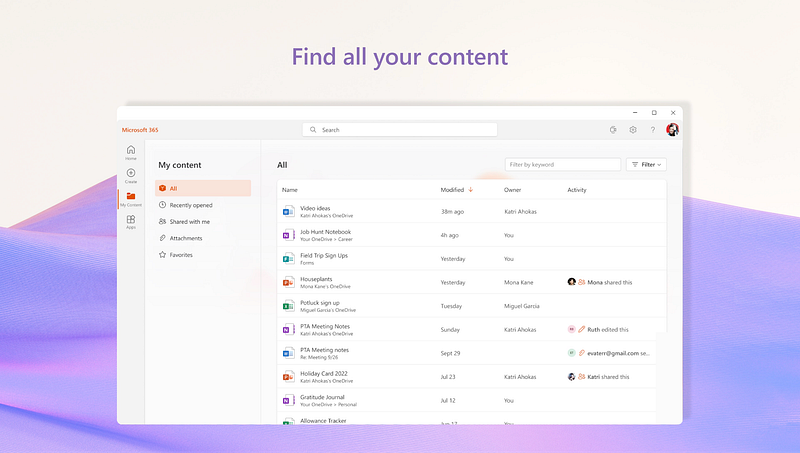
Image of Microsoft Office App on Microsoft Store

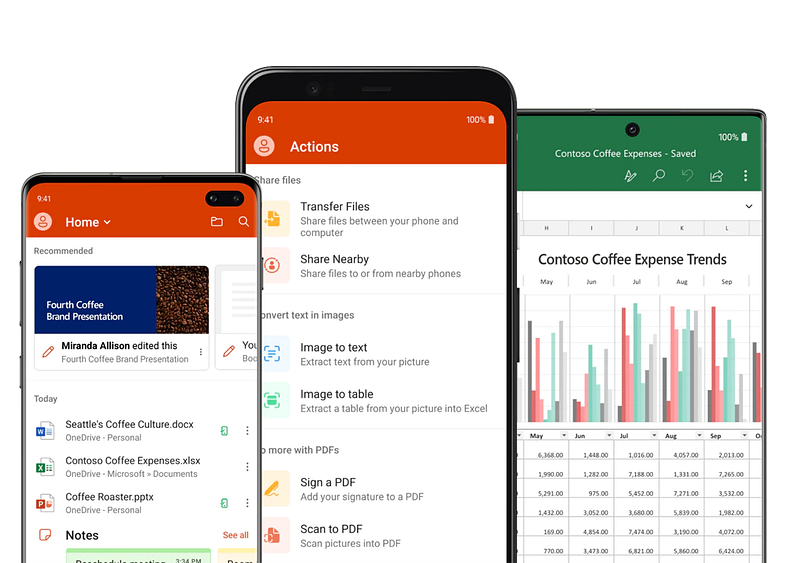
And on Android…

Microsoft Office on Android

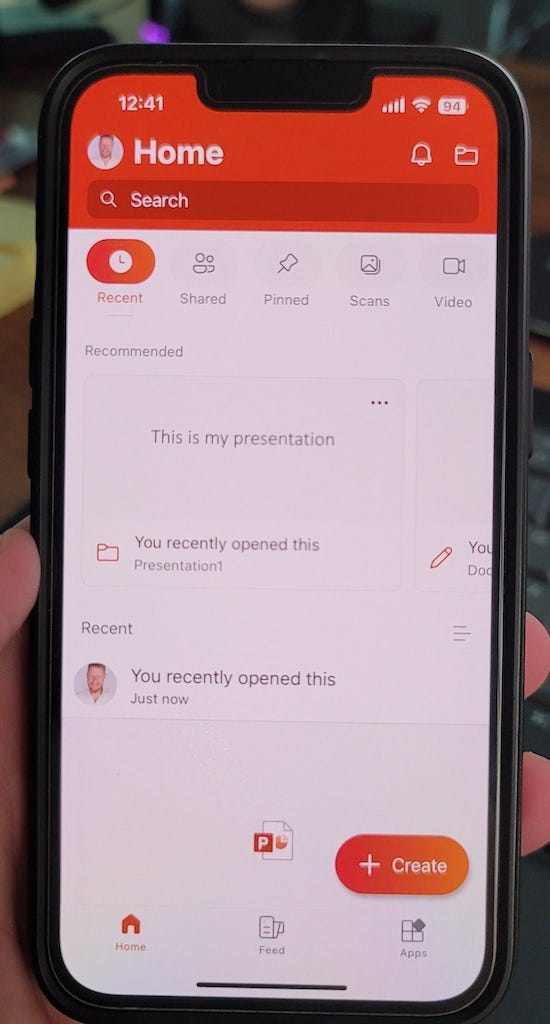
and on iOS, how I use it.

Microsoft Office on iOS

Strange that for all the platforms supported, there is no native MacOS app, although the full experience is still accessible via the web, and if you are using a browser that supports it, you can actually create a Progressive Web App, that will basically give you a full app experience anyway. You can see the option asking you to install it below.
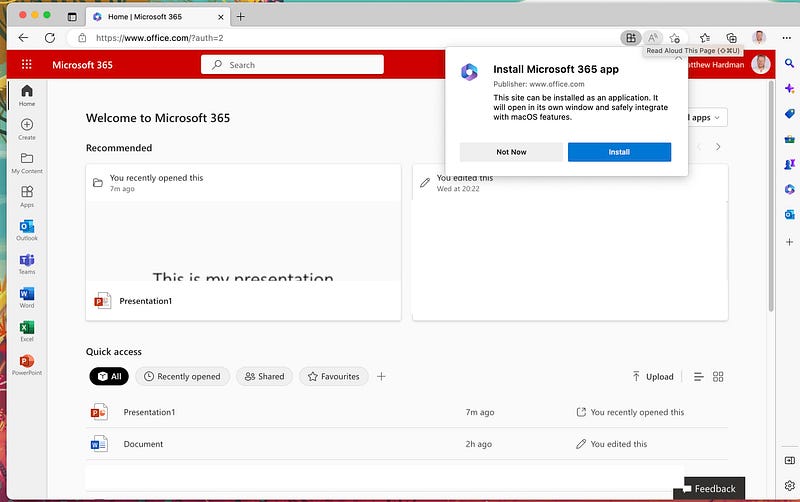
Accessing Microsoft Office through Edge and getting the PWA app installation

If you want a deeper understanding about Progressive Web Apps (PWAs), you can check out the link below, but basically, think about it as if an application in your browser was able to run as an application on your desktop, even when not online.

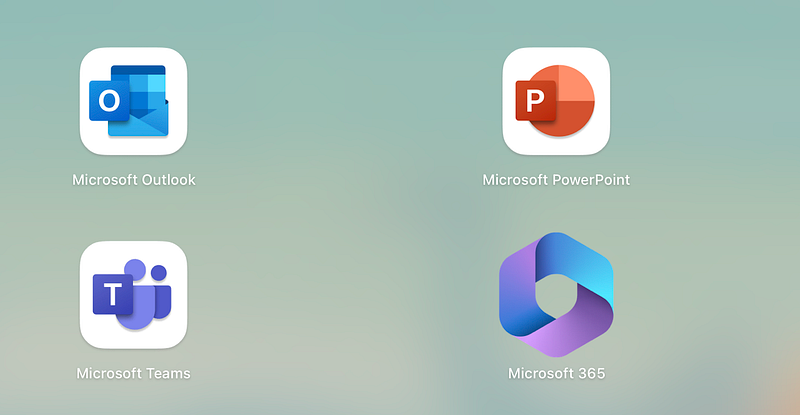
Once you have that enabled it appears just like an app in your MacOS Launchpad alongside Excel, Word etc.

Microsoft 365 in your MacOS Launchpad

Once installed, it behaves just like any other app. Even looking a little better adopting the colour scheme that your webpage has.
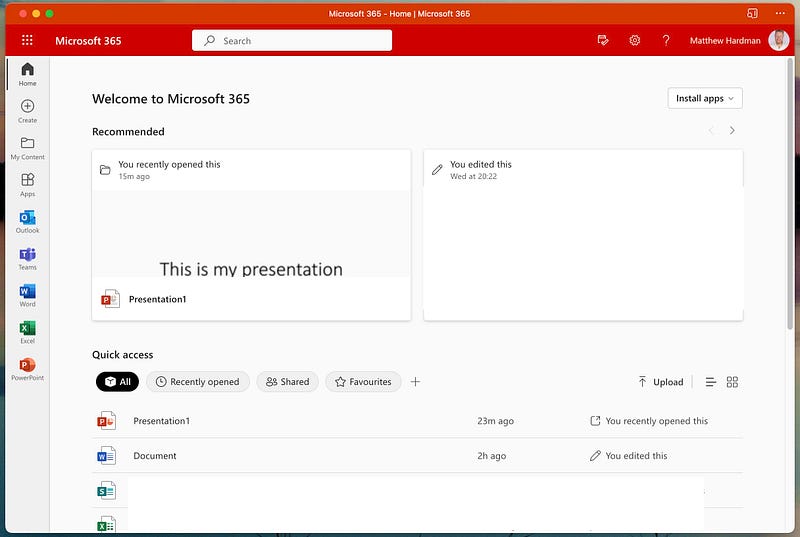
The PWA for the Microsoft 365 App on MacOS

How can it help me?

There are many use cases I can call out for this particular app, including finding templates for the various applications, creating new content, but there is one use case I want to specifically call out, and that is the Quick Access section which helps you look for documents that have been Shared to you.

Honestly I am not sure how many times someone has said they have shared a document with me, and then I have to go through a multitude of chats, team chats, emails etc, and then eventually asking the question that makes you feel like an idiot…

“Can you share it with me again?”

That question can make the original sharer feel a little less important, and whether you realise it or not, can damage the bond between colleagues.

Enter the Microsoft 365 App

Clicking on the Home tab on the left, you get a 30,000 foot view of the interactions you have with people and the applications in the Microsoft suite.

The home tab of the Microsoft 365 app

Here you can see all the documents you have engaged with, but the secret sauce, is the option where you can filter by “Shared”. This option will show you all the documents that someone has shared with you, regardless of how they shared them with you, this makes is really powerful to find those documents quickly.
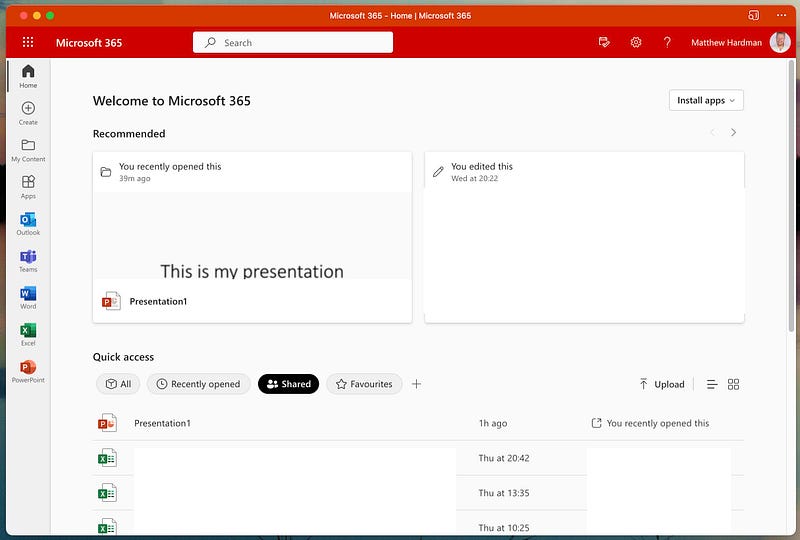
Clicking on the Share Tab reveals everything shared with you

By clicking on the icons on the far right, next to Upload…

Change the view from a list to previews

… you will also be able to see all the files shared in a preview mode, which can further enhance your search for the files.

Once you have found your file, its simply an act of clicking on it, and opening it up, and getting the job done.

How does this all work?

If you are intellectually curious about this this all works, well it’s because of a thing called the Microsoft Graph. The Microsoft Graph is a technology that links documents, files, events, people all together enabling you to track the connections between different things, more about it at the Microsoft site below.

Graph technology (not to be confused with a Chart in Excel), is not owned by Microsoft, but is a clever way to understand how data is interconnected through relationships, companies like Neo4j, TigerGraph have built entire business off this as way to represent data.

The basic concept is that not only is the data valuable, but the relationships between data can be just as valuable, and that in itself holds insights that could be leveraged. Honestly Graph is one of my favourite technologies, and as someone once said, one you get Graph, then every opportunity becomes a Graph opportunity, but we can save that for another article.

In Conclusion

I am sure people think I write like I talk, constantly, but my hope is to give you that slight edge in the workplace when working with tech. If you want to ensure you not only look like you are on top of things, but actually are… start using the Microsoft 365 app, and you are sure to save precious time, and reinforce the social bonds in your workplace.

Cheers!

Microsoft
Graph
Productivity
Workplace
Microsoft Office
Recommended from ReadMedium