
An underrated VS Code extension? Create Guid
When creating tests you may have found yourself in the situation that you need to generate a quick GUID to drop into some mocked data. It can’t be a dynamic GUID in this situation since you want to be able to retrieve that record again across multiple tests. I’ve used a couple of different methods to just simply get a new GUID, the command line, some random GUID generator websites or even stealing a GUID off of another record.
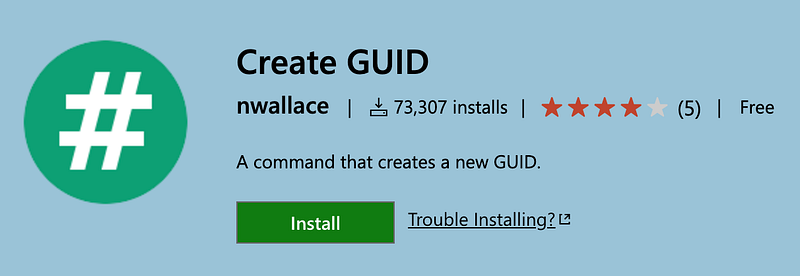
Here we have Create GUID by nwallace
After enabling this extension in VS Code, you can quickly run the Create GUID command by using the shortcut shift — command-p. This will generate a GUID using the node-uuid package and then conveniently add it to your clipboard using the copy-paste package.
Now you’re on your way to completing your test and on to the next feature… or defect :).
For more information about me, visit obrienwritescode.com.


