
The Ultimate Cheat Codes to MidJourney Prompting — Part 1
Sharing the amazing cheat codes to create various unique styles and outstanding images on MidJourney!
If later you find this article valuable, throw me some Medium love! 🥰 What you can do to support me: Claps up to 50, leave a message, highlight some text if you see fit & be sure to follow. 💌
🤯 Without a doubt, AI Text to Image Generators are really AMAZING!
MidJourney is by far one of the most high-quality AI Text to Image Generators available out there. I guess most of you can create some simple prompts like “A man with a beard” or “A wolf in the forest” and be able to generate some pretty decent images on there… However…
If you want to create OUTSTANDING ART with MidJourney, you need to use the cheat codes in this article!
Yes, there are actually some cheat codes you can use to bring out the BEST of MidJourney and generate some pretty darn cool art in styles that you have never imagined! Let’s crack some awesome cheat codes together!🔨
Before we begin this journey, if you haven’t already, check out these latest hot articles about AI Art/ Image Generators:
Let’s dive right in… 🏊🏻
💡 New To MidJourney? No Worries!
Here are some initial steps you need to do before start experimenting our MidJourney cheat codes:
- First you need to have Discord installed and you can join their Discord group here. Click “Join the Beta” and follow the instructions.
- Once you’re accepted to join their Discord group, go to any of the “Newbies” chat rooms.
- You can choose to generate your images in the public chat room. However, I found it easier and more private to do it directly with the bot.
Do this to deal with the Midjourney bot directly
On the right side of the public chat room, you’ll see this member list: (if you can’t see it, then click the “little person icon” next to the “pin” and prompt the list)
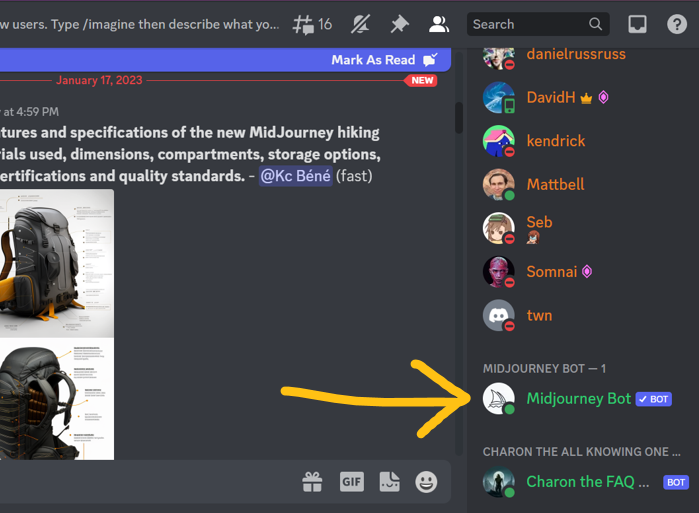
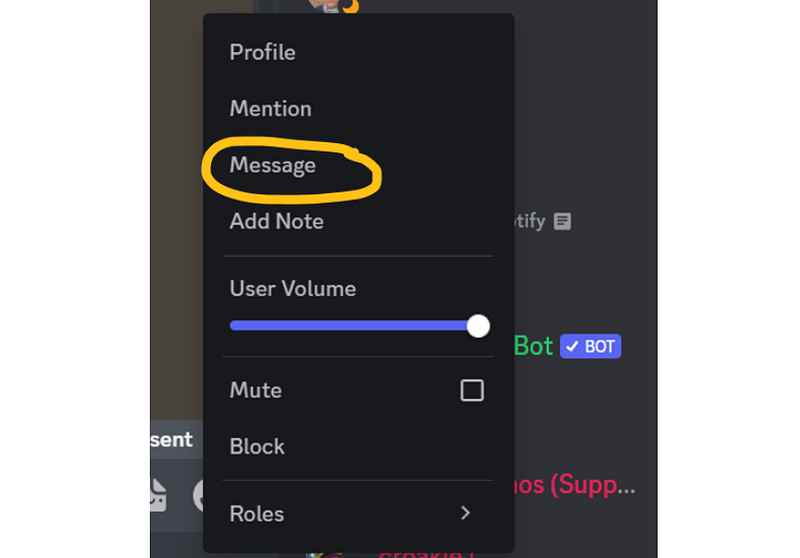
4. Right click “MidJourney Bot” and click “Message”:
5) A separate private chat with the MidJourney Bot will then prompt:
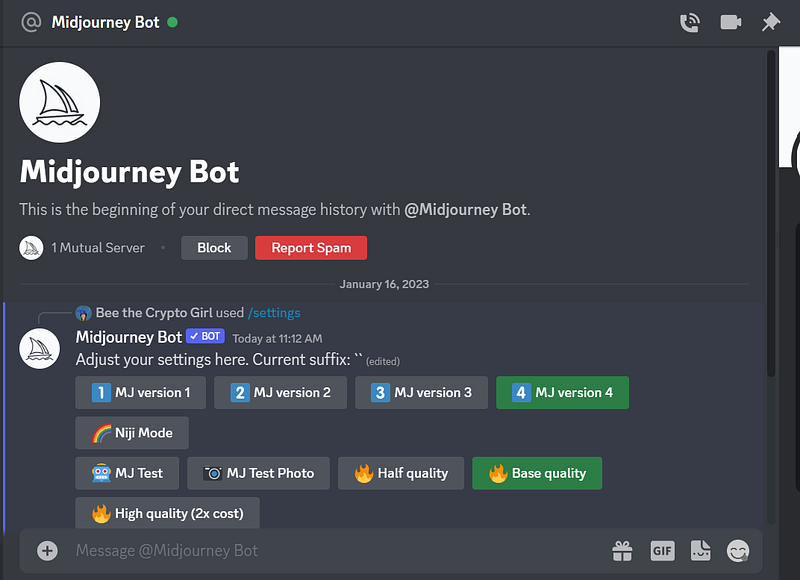
6) Type in the chat box “/settings” and press ENTER, you will then see the below settings.
Make sure you select “MJ version 4” (*update on Oct 2023: You can select any latest available MidJourney version!) and “Remix mode” to enjoy the latest features: (Remix mode is not selected by default)
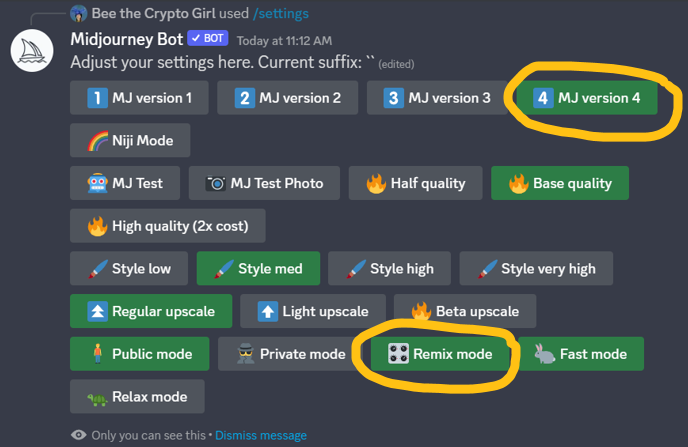
7) You are all set to start exploring MidJourney at its best! To give a prompt, simply type “/imagine” then press SPACE, and start entering your prompt! From here, only sky is the limit!
8) After you send out your prompt, it will generate a grid of 4 images:
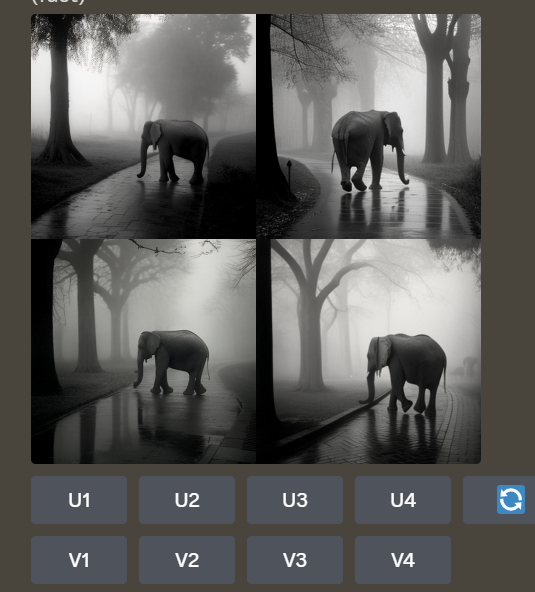
Here is what “U” and “V” means
U- (Upscale): if you like a certain image, click that to get a larger image
V- (different variations of that image): if you like to see different variations of a certain image, click that to prompt “Remix Prompt,” which will allow you to add instructions to make new adjustments you want to see on that image. Or, simply let the AI do its job to generate a different variation for you!
📌 Let’s explore some juicy MidJourney Cheat Codes together
— Cheat Code for Image in square shape: --ar 1:1
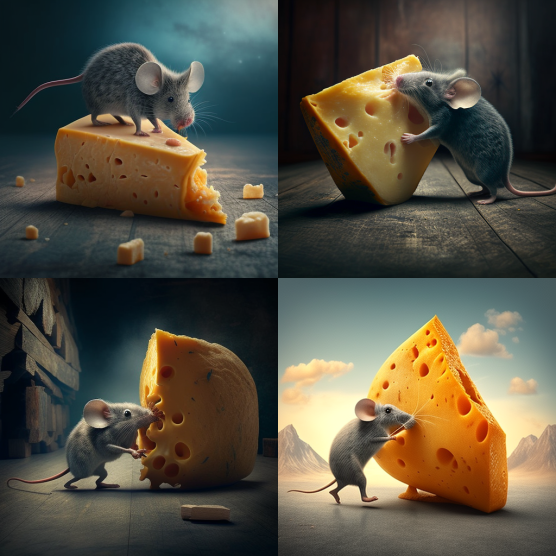
--ar 1:1— Cheat Code for Image in portrait mode: --ar 2:3
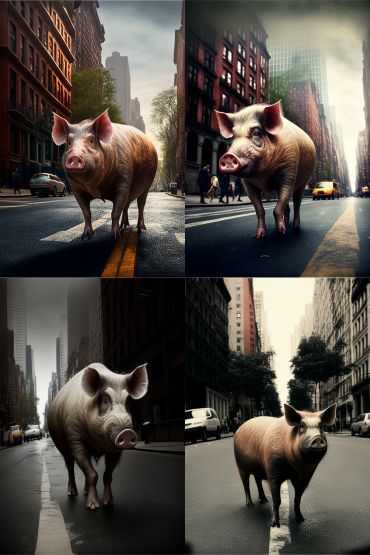
--ar 2:3— Cheat Code for Image in landscape mode: --ar 3:2
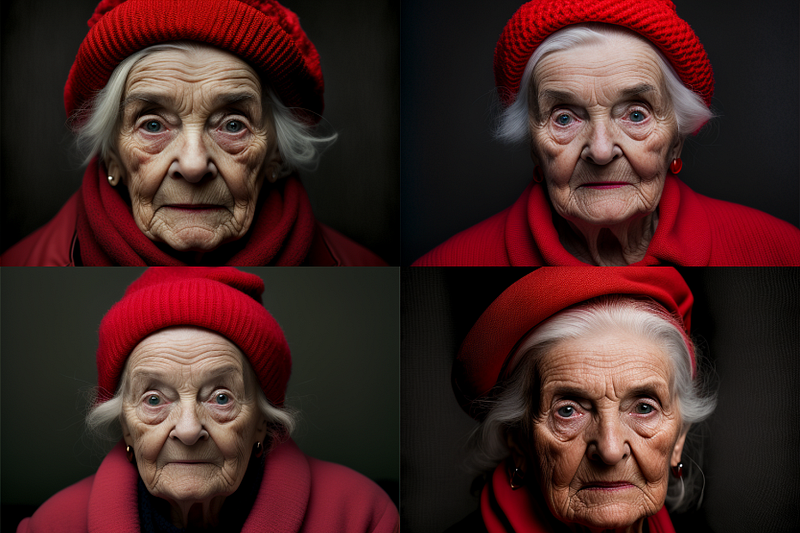
--ar 3:2*If you want to learn more about different aspect ratios, check out the LAST PART of this following article for the Complete Guide of Aspect Ratios:
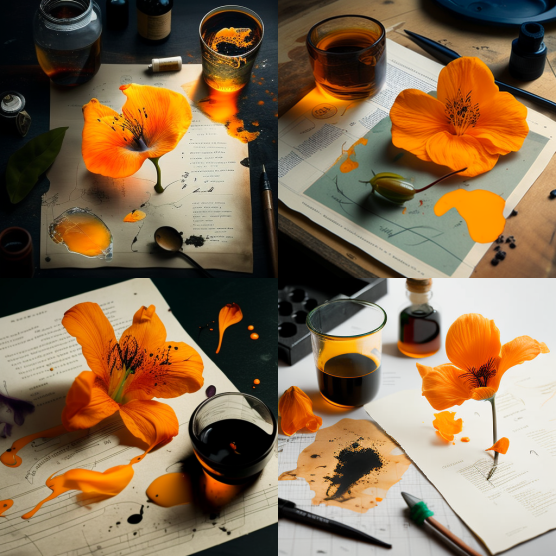
— Cheat Code: Scientific photograph with notes and marks
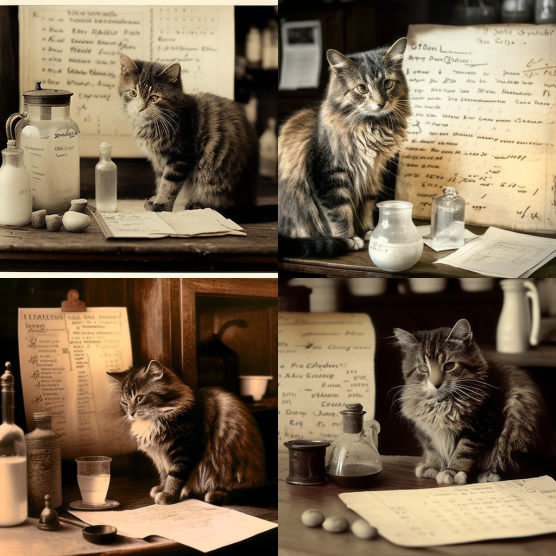
— Cheat Code: 1900 scientific photograph with notes and marks
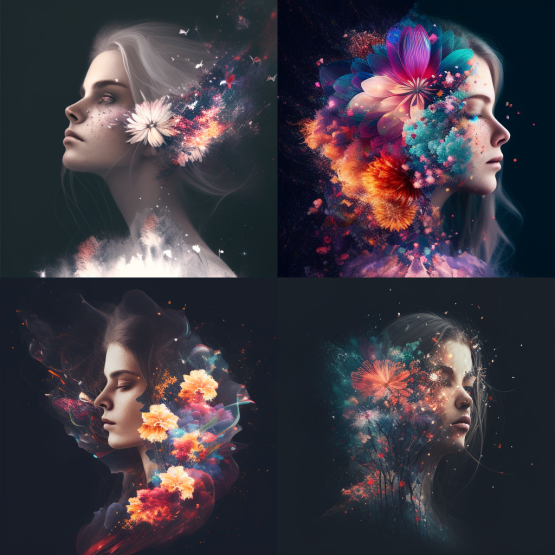
— Cheat Code: Double exposure of…
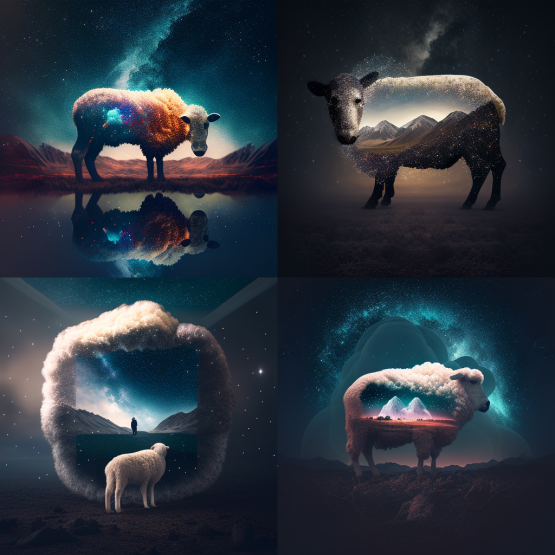
This is a pretty creative result from a simple prompt, right? Cheat codes really help in MidJourney!
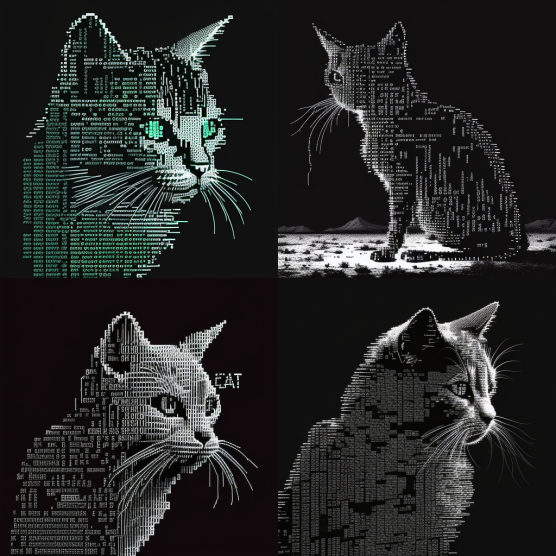
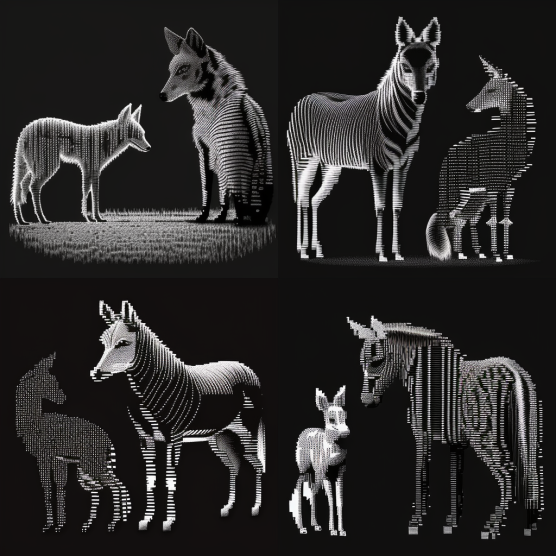
— Cheat Code: ASCII art
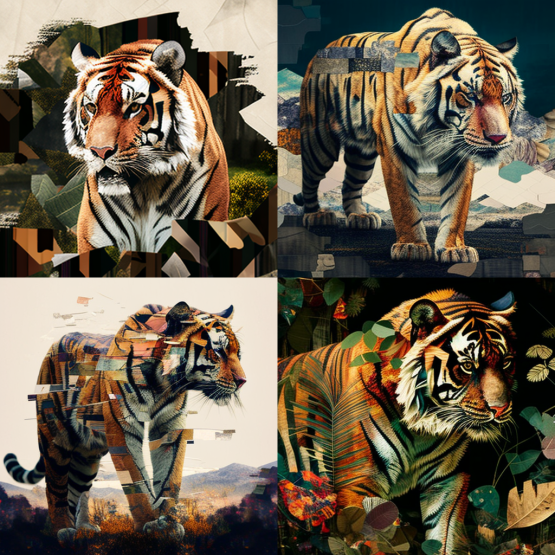
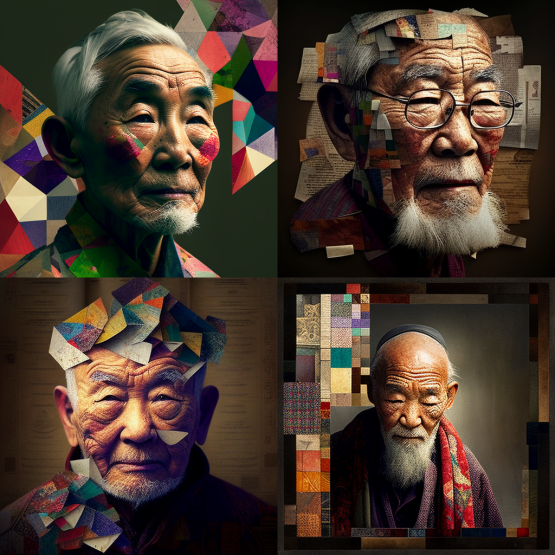
— Cheat Code: Patchwork Collage
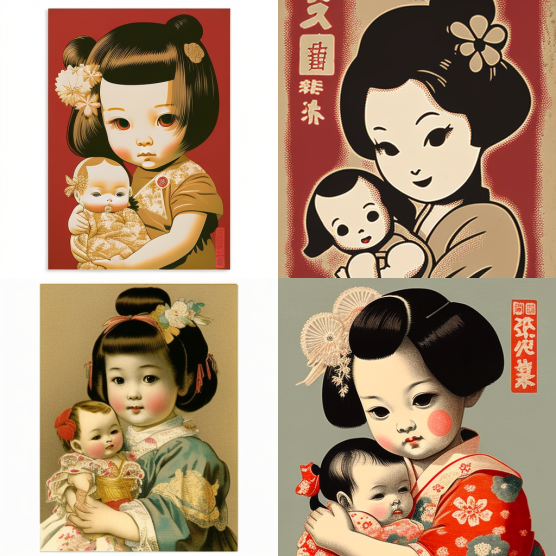
— Cheat Code: Japanese Poster Graphics
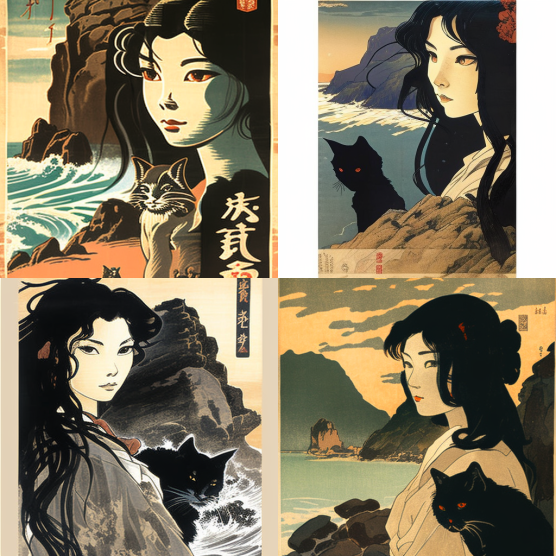
Having fun so far? If you also want to learn how to create unique images with different artist styles, you’ll find this article helpful too:
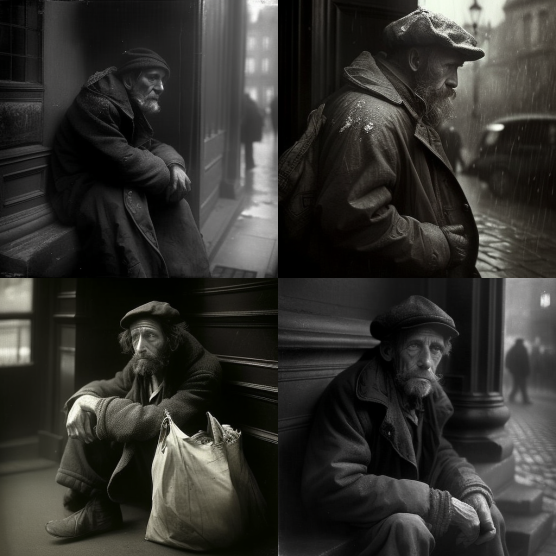
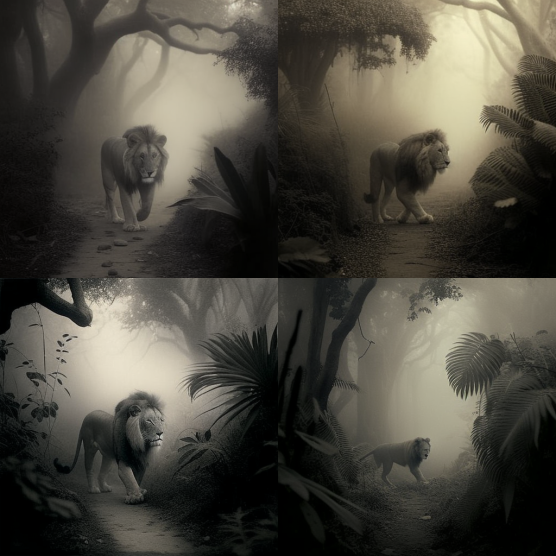
— Cheat Code: By Josef Sudek
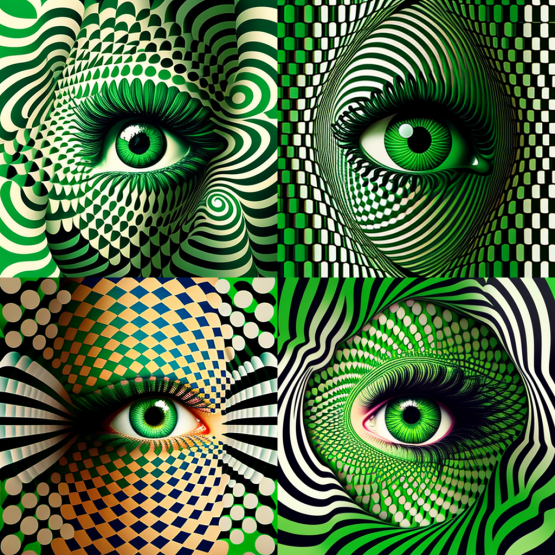
— Cheat Code: Op art
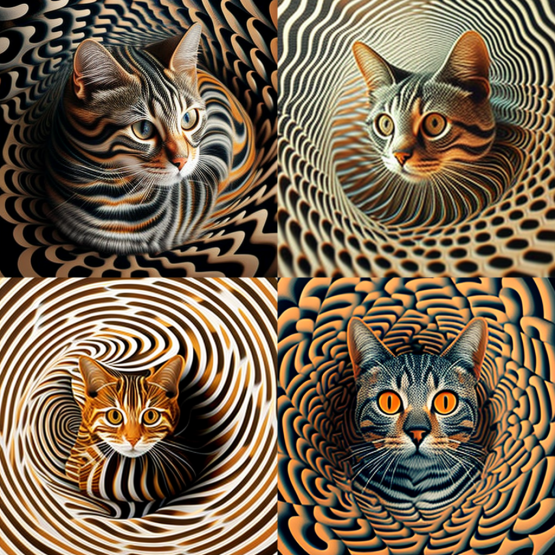
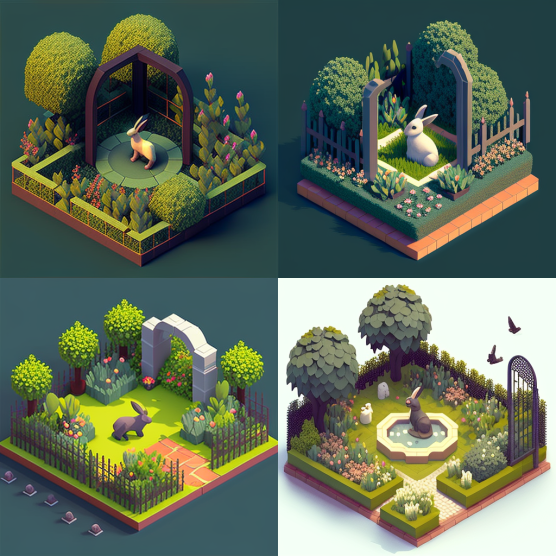
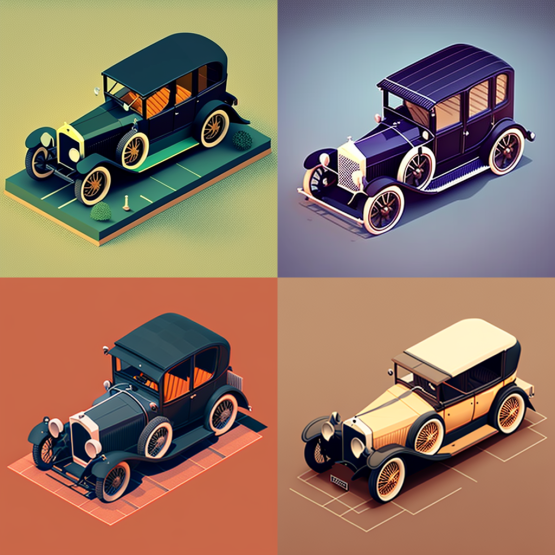
— Cheat Code: 32 bit isometric
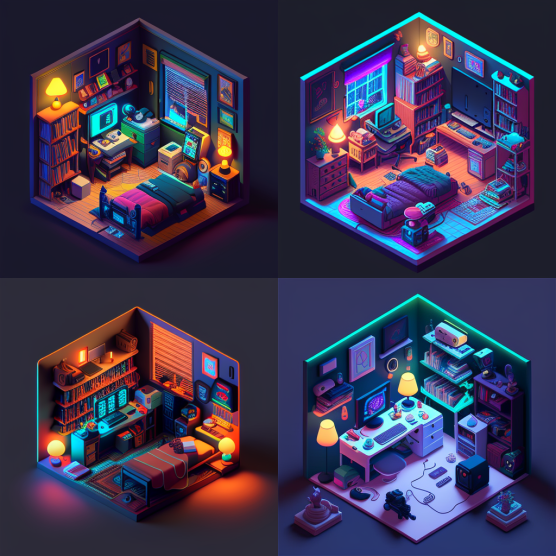
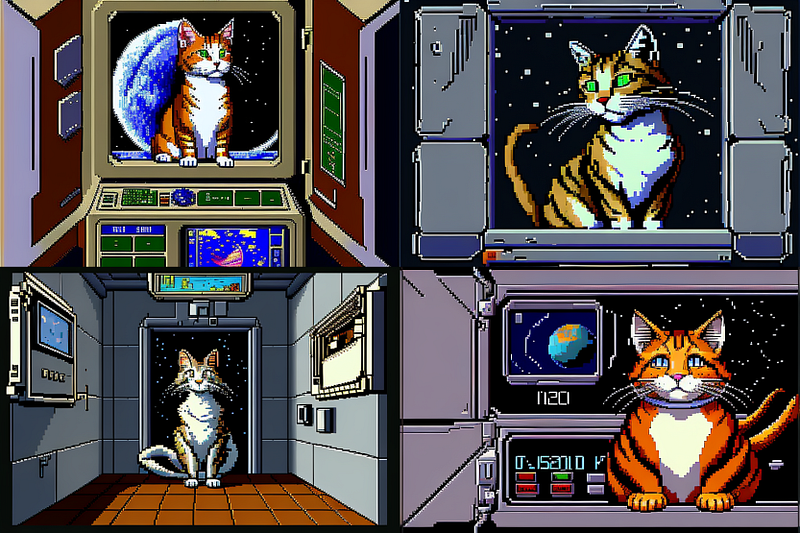
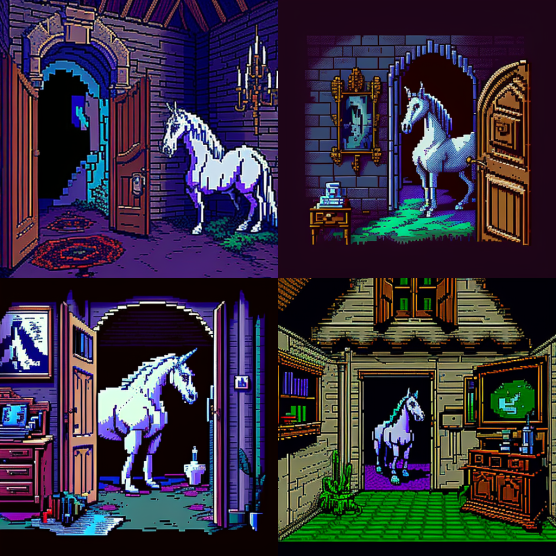
— Cheat Code: 1990s point and click 16bit adventure game
If you’re looking to spark your creativity and learn more latest cheat codes when generating images on MidJourney, check this one:
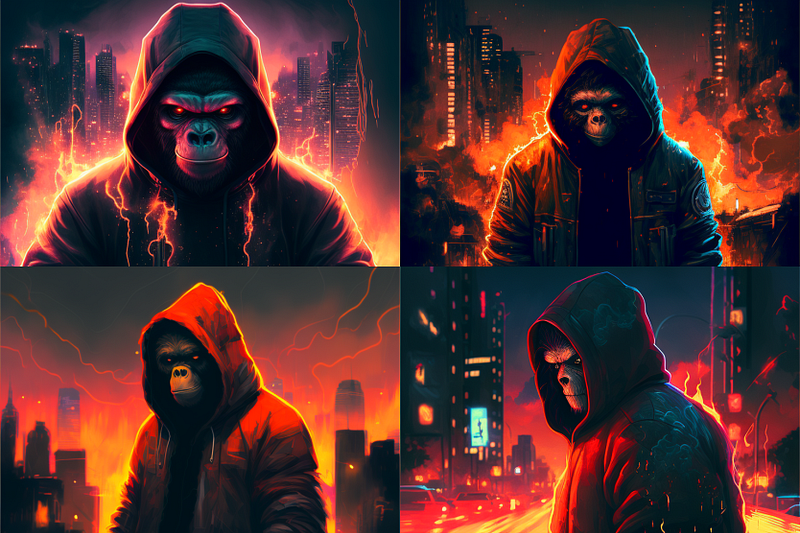
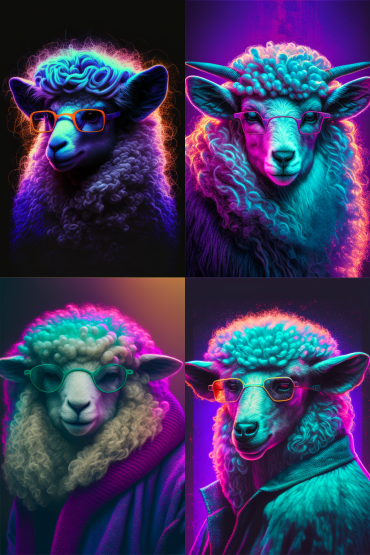
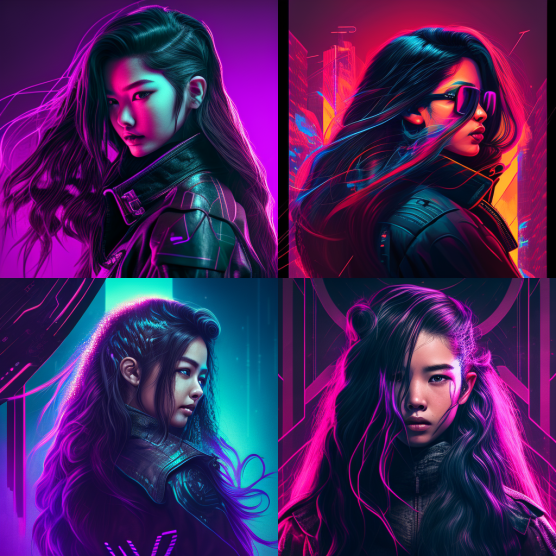
— Cheat Code: Retrowave / Synthwave
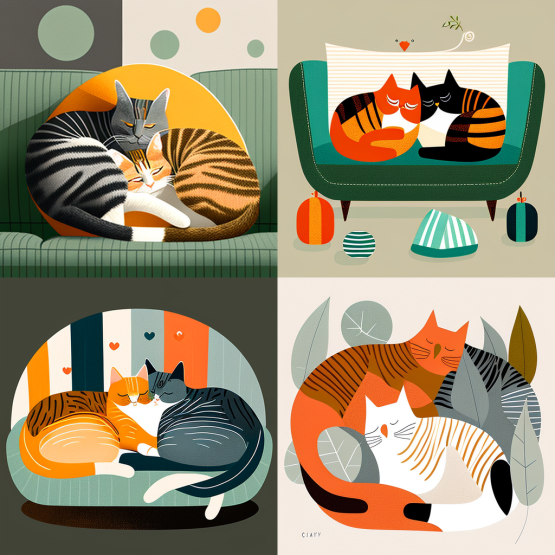
— Cheat Code: In the style of Charley Harper
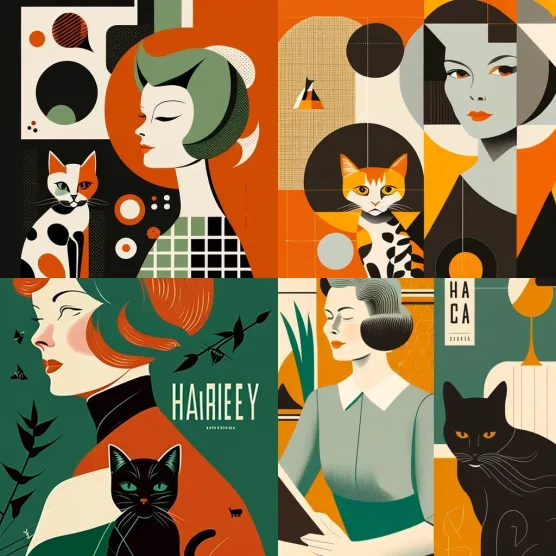
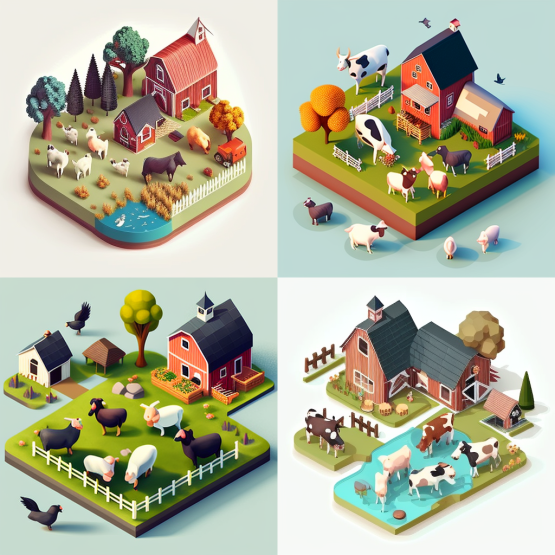
— Cheat Code: Isometric illustration
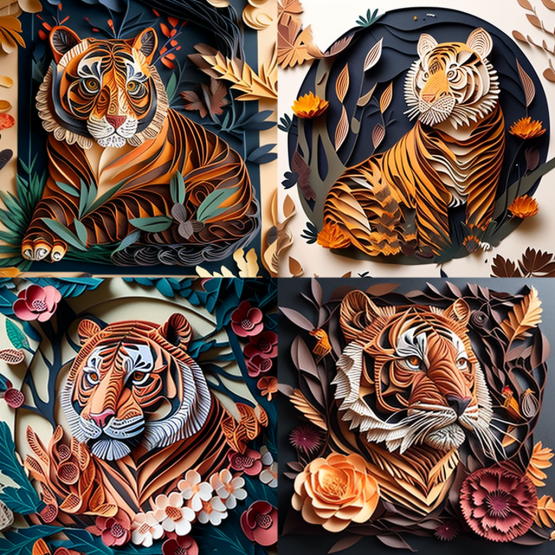
— Cheat Code: Paper quilling
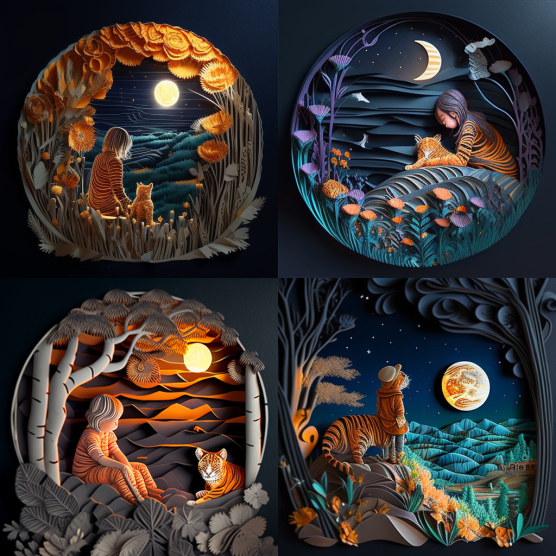
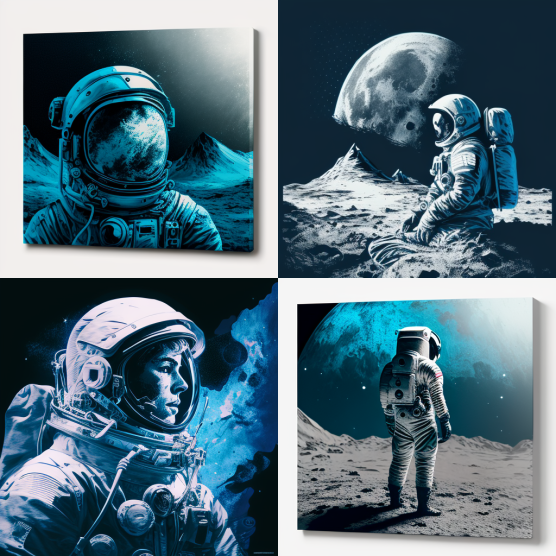
— Cheat Code: DuoTone
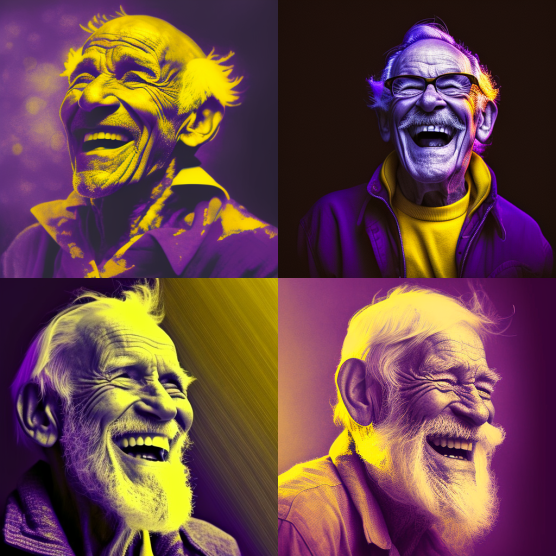
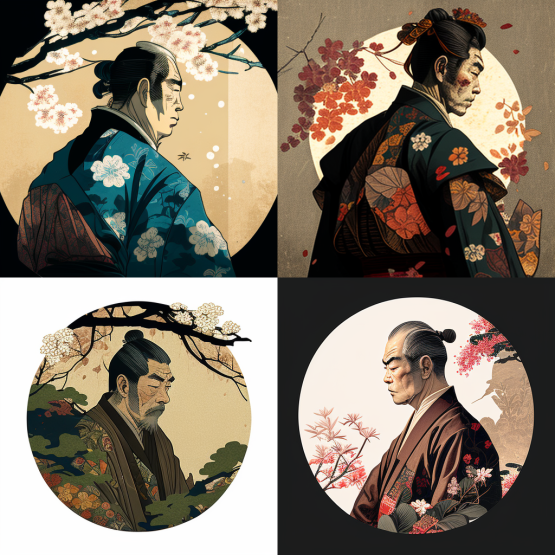
— Cheat Code: Ukiyo-e Art
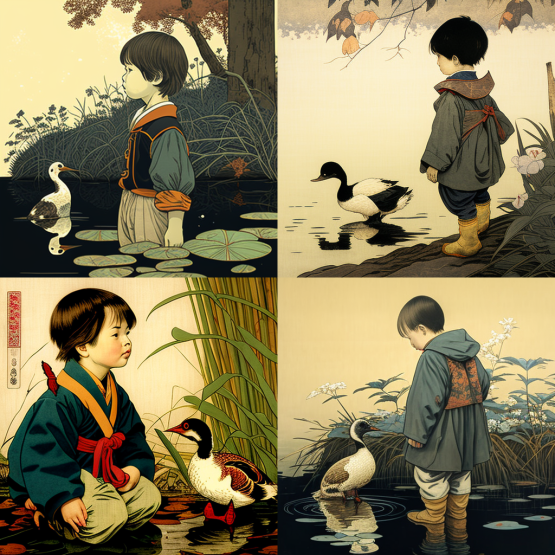
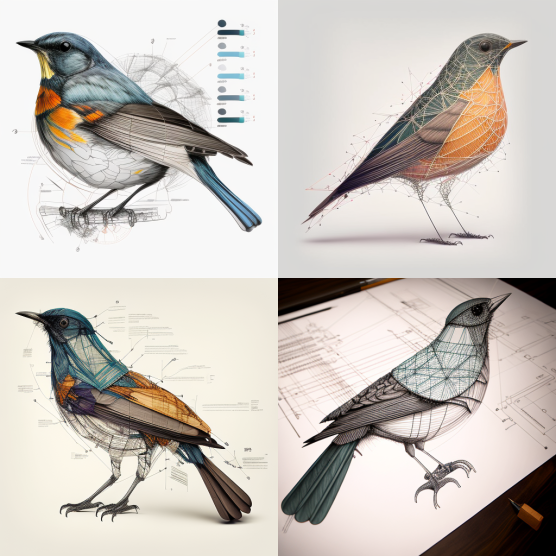
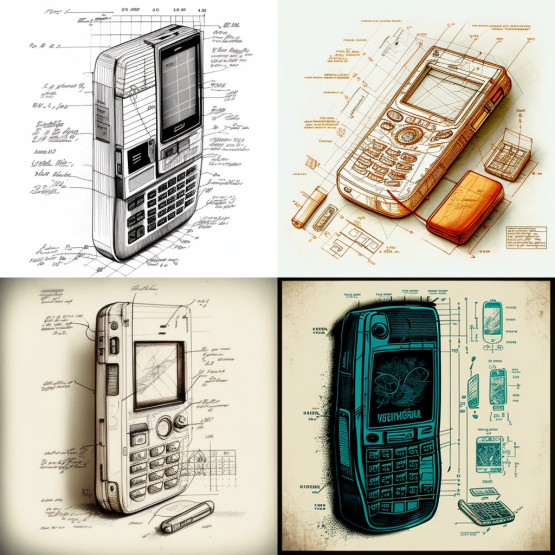
— Cheat Code: Diagramatic drawing
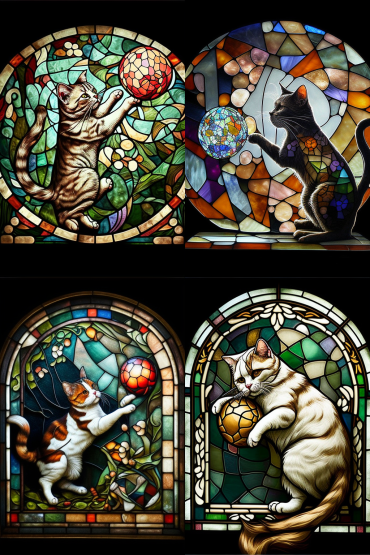
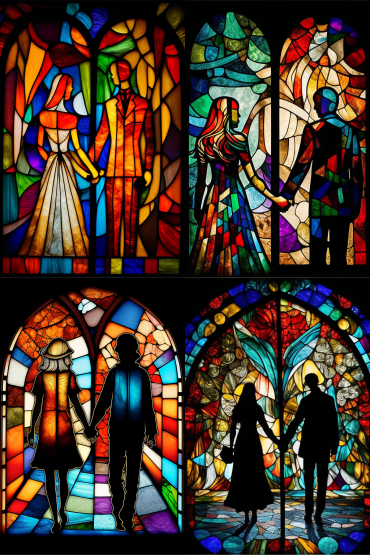
— Cheat Code: Stained glass window
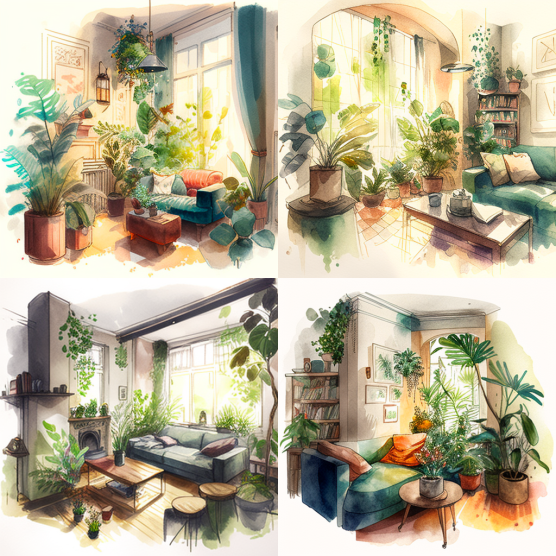
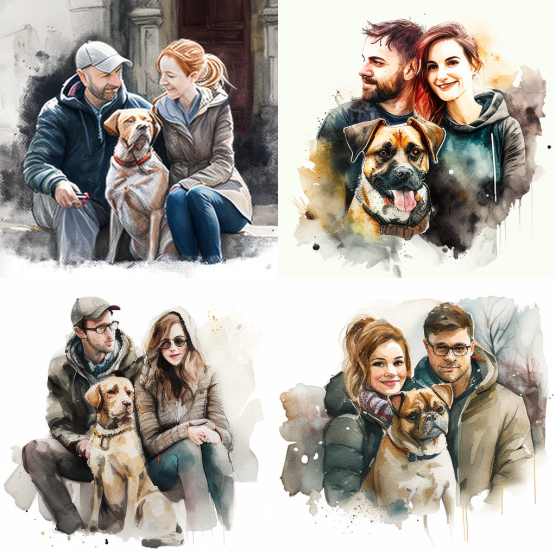
— Cheat Code: Watercolor sketch
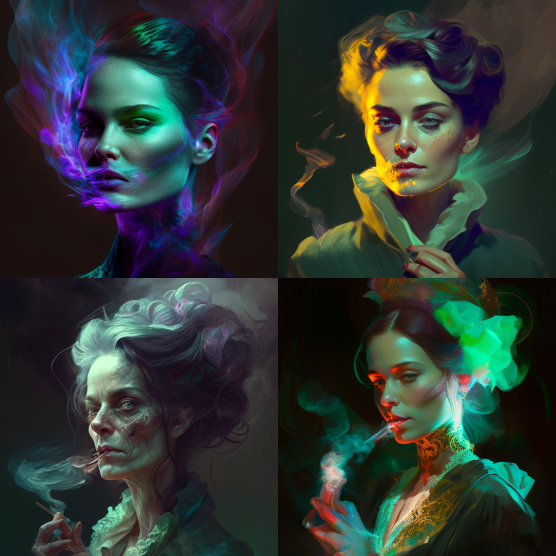
— Cheat Code: Phantasmal Iridescent
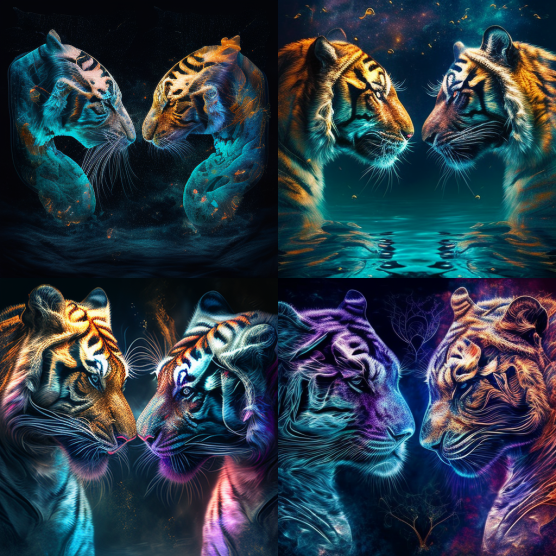
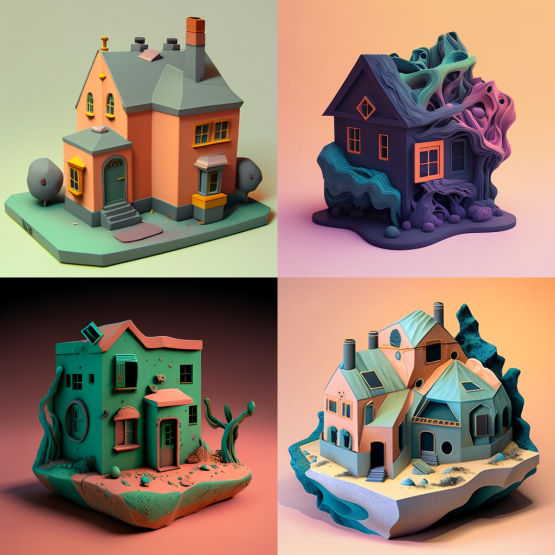
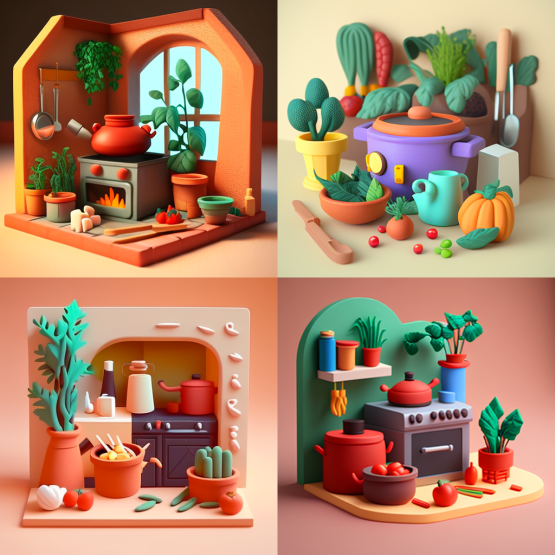
— Cheat Code: Plasticine
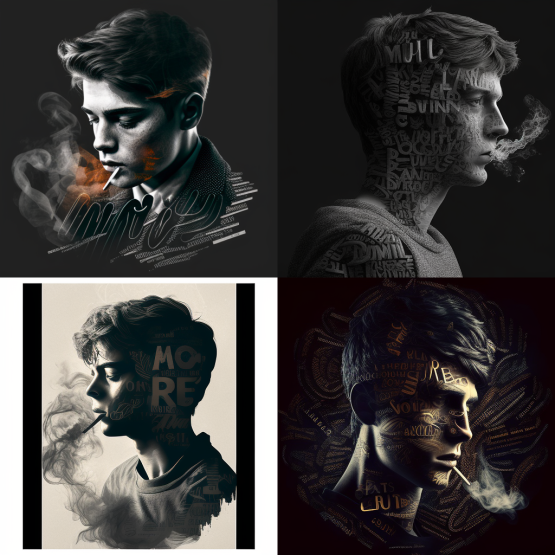
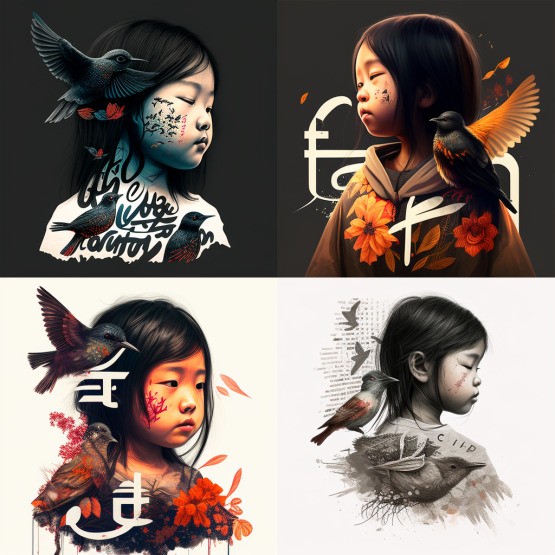
— Cheat Code: Typography art
Last but not least, I leave this one for the grand finale because I find it amazingly cool!
— Cheat Code: Use EMOJIS as your prompts! Yes, emojis! You’ll be amazed how creative the results are…
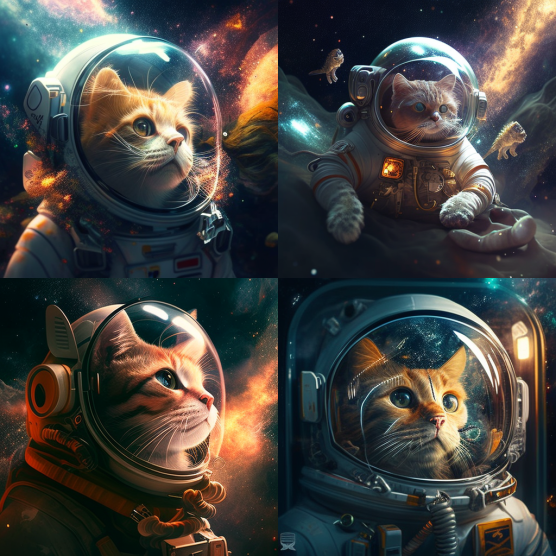
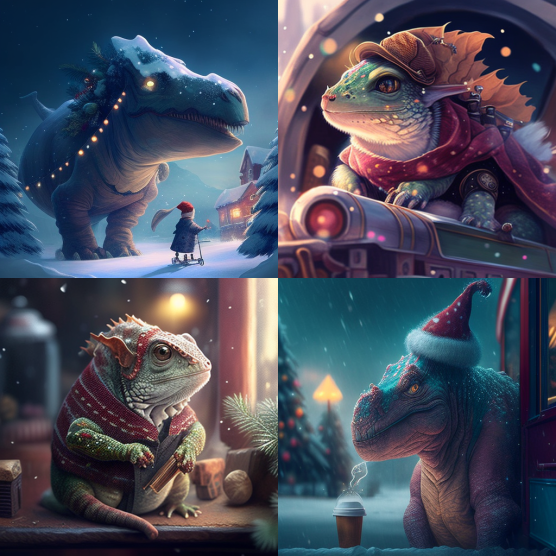
It’s pretty darn cool, isn’t it?! Check out my next article where I explore more on AI and emojis! 😄🤖
Want to explore more MidJourney cheat codes? Check out Part 2 of this article:
📦 To Wrap Up…
I hope you’ve enjoyed all these cheat codes so far, and have fun playing around with all these awesome cheat codes! I can’t wait to share with you more tips and tricks I have explored while using MidJourney, which will open your eyes even more…🤯
Stay tuned for any latest MidJourney updates and more MidJourney Tips & Tricks!
If you found this article valuable, why not throw me some Medium love? 🥰 What you can do to support me: Claps up to 50, leave a message, highlight some text if you see fit & be sure to follow. 💌
Meanwhile, feel free to check out all my other articles here to learn more Tips and Tricks on using MidJourney:
Here’s a special shoutout to Ms. Bee Lee for the crucial effort that contributed to creating this article. Follow her Twitter for her “Daily Dose of AI Art”!
🌞 Stay in touch with me: