
The Science of Ergonomics:
Creating the Perfect Workspace
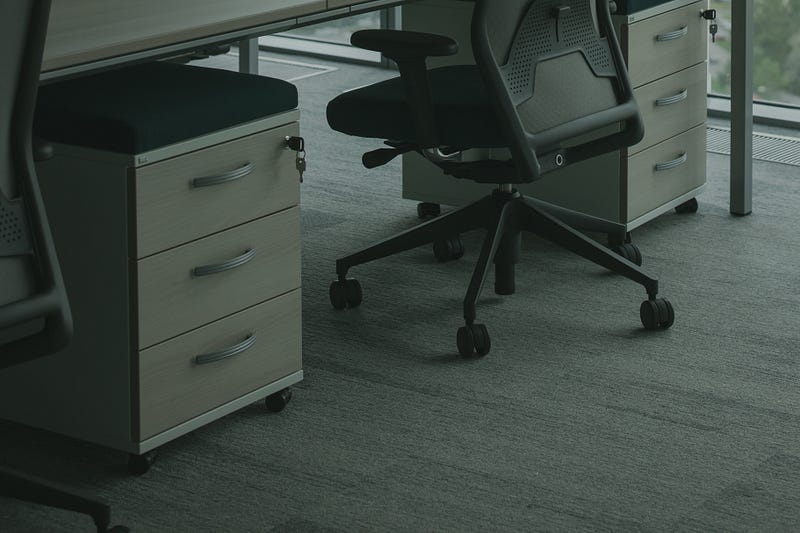
As the world moves towards a knowledge-based economy, more and more people are spending long hours in front of computers. Whether you work from home or in a traditional office, your workspace is becoming an increasingly important part of your life. It’s where you spend most of your waking hours, and it can have a significant impact on your physical health, mental well-being, and productivity. That’s why it’s essential to have a workspace that is comfortable, safe, and supportive.
The Chair
The chair is arguably the most critical component of an ergonomic workspace. A good chair should be adjustable and supportive, with a comfortable seat and backrest. The seat height should be adjustable, and the backrest should be adjustable in both height and angle. The chair should also have good lumbar support to help maintain the natural curvature of the spine.
“A good chair should provide support to your back, shoulders, and neck while allowing you to sit comfortably for long periods without causing pain or discomfort.” — Dr. Rachel Levine, Assistant Professor of Medicine
The Desk
The desk is the second most crucial component of an ergonomic workspace. The desk should be at a comfortable height, allowing you to type and use the mouse without having to raise your shoulders or strain your neck. If you work on a computer, it’s a good idea to invest in a monitor stand that raises the screen to eye level, reducing neck strain.
“The desk height should be adjusted so that your elbows are at a 90-degree angle and your wrists are straight when typing.” — Dr. Jeffery N. Katz, Professor of Medicine
Keyboard and Mouse
The keyboard and mouse should be positioned at a comfortable distance and angle from your body, allowing your arms to rest comfortably at your sides. The keyboard should be at a height that allows your wrists to remain straight, reducing the risk of repetitive strain injuries.
“Using a keyboard that is positioned too high or too low can cause undue stress on your neck, shoulders, and wrists.” — Dr. Alan Hedge, Professor of Ergonomics
Lighting
Good lighting is essential for any workspace. Natural light is best, so position your desk near a window if possible. If you work in a dimly lit office, invest in a good desk lamp that provides bright, even lighting without causing glare or shadows.
“Good lighting can help reduce eye strain and headaches, which can result from prolonged use of computer screens.” — Dr. Michael Kogan, Ophthalmologist
Noise
Noise can be a significant distraction, so it’s important to create a quiet workspace. If you work in a noisy office, consider investing in noise-canceling headphones or earplugs to help block out distractions.
“Noise pollution can lead to decreased productivity and increased stress levels.” — Dr. Mark Tremblay, Environmental Health Scientist
Breaks
Finally, it’s essential to take regular breaks throughout the day. Sitting in the same position for hours on end can be harmful to your health, so make sure to stand up, stretch, and move around at least once an hour. Taking breaks can also help refresh your mind and improve productivity.
“Regular breaks can help reduce the risk of eye strain, back pain, and other health problems associated with prolonged sitting.” — Dr. David Dunstan, Physical Activity Researcher
Creating an ergonomic workspace is essential for anyone who spends long hours in front of a computer. By following the principles of ergonomics and designing a workspace that fits your body, you can avoid pain and injury, boost your productivity and creativity, and enjoy a healthier, happier work environment. So take the time to invest in your workspace today, and reap the rewards for years to come.