
Crediting an Image
The Proper Way To Give Credit On an Image Posted On a Website
What is the best way to give credit to a picture to the owner? A Complete Guide
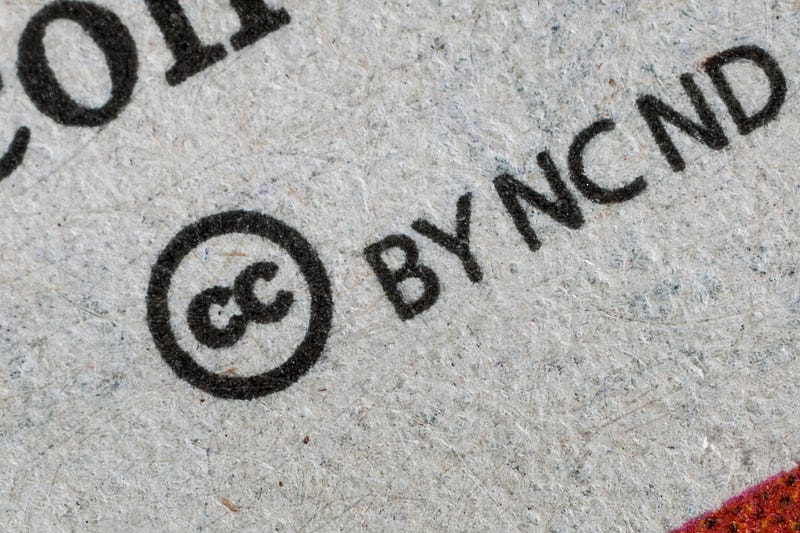
Crediting is the best way to use someone’s Picture taken from a website or a blog and posted it on your own website or any artwork. There are two types of pictures existed — The images that fall under creative commons and the second type of the crediting is copyrighted. You can freely use Creative common pictures on your website, blogs, Videos or any place you want without giving credit to the owner. But, in case images or pictures fall under copyright law, you have to take permission from the owner to use it. The third type of image or picture is those that are bound with giving credits on the image posted on a website or blog. In this blog post, we will discuss that.
What Picture you can use and which picture you can’t?
- If an image falls under the creative commons category then you can use it freely. There are some videos on YouTube that fall under creative commons license and you can use it freely on any of your projects. If you want to you can cite the image source, but that is up to you.
- Not every image or picture or video fall under the creative commons license, to post a picture from a website you have to ask the permission from the Photographer to use. Some sites like Shutterstock act like a third party between the Photographer and the person who is interested to buy the rights of any image. The photographer gets paid for his/her work while the blogger gets image rights.
- The third type of picture sites that give you a picture for free but you have to give credit to the owner of the picture. In this blog post, we have used a picture from Unsplash and if you look into the picture you will find credits to the owner of the picture. In some cases, crediting isn’t important but most people, out of respect, give it.
How to Give Copyright Credit for Images
For every different category, I have shown you how to give credit for images.
- For Copyright-free images: If you want to give credit and cite the source of images that has no copyright attached, you can use it as;
Image by [Photographer name] via [Source link] Copyright-free
For example;
Image by Aamir Kamal Via [Source link] Copyright-free
- For Copyright Images: The first thing you have to do is take permission from the photographer and the second thing is to give them the credit. You can give them credit by just mentioning their source link.
- An Image from news agency: If you are taking images from a news agency like AFP then you can give them credit as;
Photo: AFP — The link where the image appeared.
- An Image or Picture was taken from the Government institutions: If you take a picture or image from a government institution then all you have to do is to give them credit by mentioning the government or the department you are taken a picture from.
For example;
Photo: US Health Department
- A photo was taken from Commercial companies: If you take a photo from ABC, CNN or Fox News or any big corporate then how you can give them credits? You can find a way of crediting the picture in the examples given below.
For examples;
Photo: CNN Co. Ltd, all right reserved.
For more Blogging, writing, and marketing-related articles right into your inbox, you can subscribe to my newsletter here.
In this article, we have first described the different categories of copyright images and then we discuss how you can give credits to the owner of a picture you are using from a website or blog.
Read Related Blog Posts
- Best Strategies To Write Long-form Content
- 15 Ways To Make Money From Your WordPress Blog


