
The only Figma plugins I actually use
Plugins are great, but I keep their use to a minimum and do not rely too much on third parties. However, there are some little helpers that I wouldn’t want to do without. Not all of them may not be the latest hot stuff, but they are the solid ones that accompany me daily.
1. Print Variables
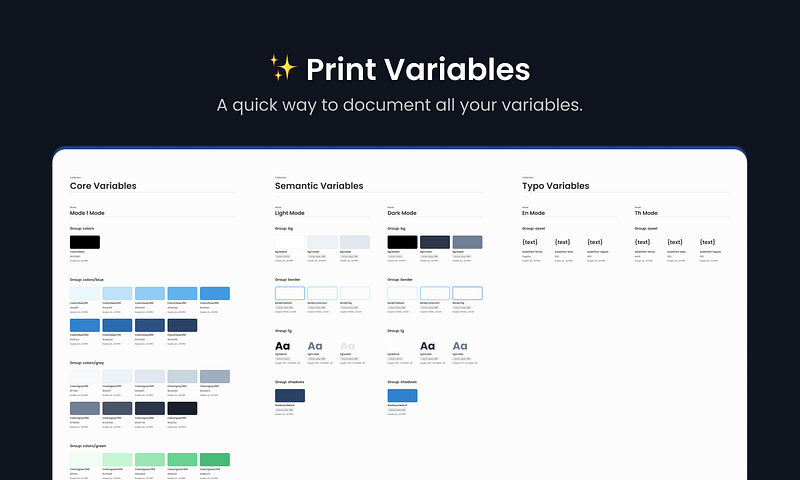
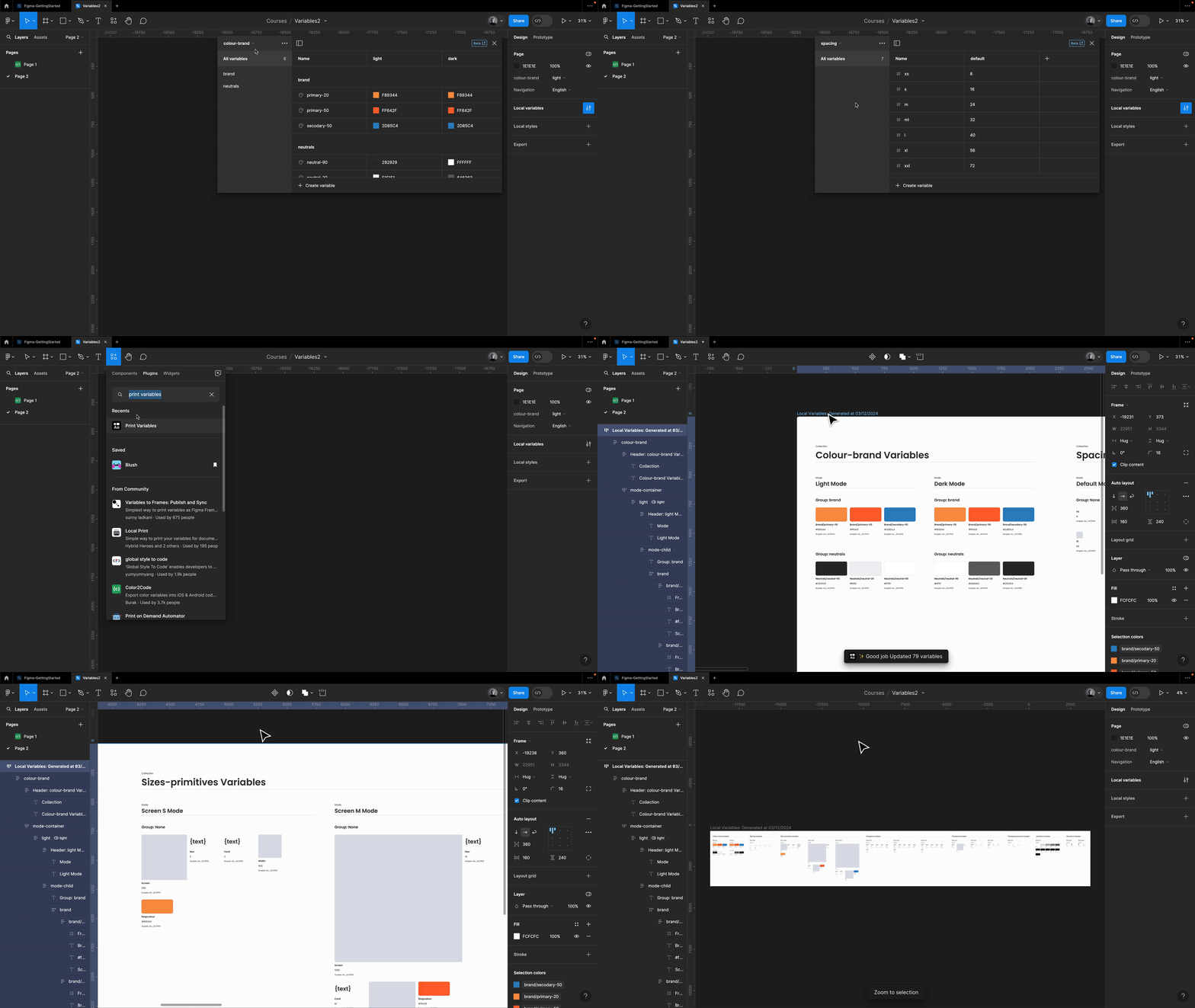
I just added Print Variables to my workflow last week, but I love it! It generates an overview of all your variables in just one click, including scoping. It’s really handy, saving me tons of time, and it’s so fast to update.
2. Loom Embed
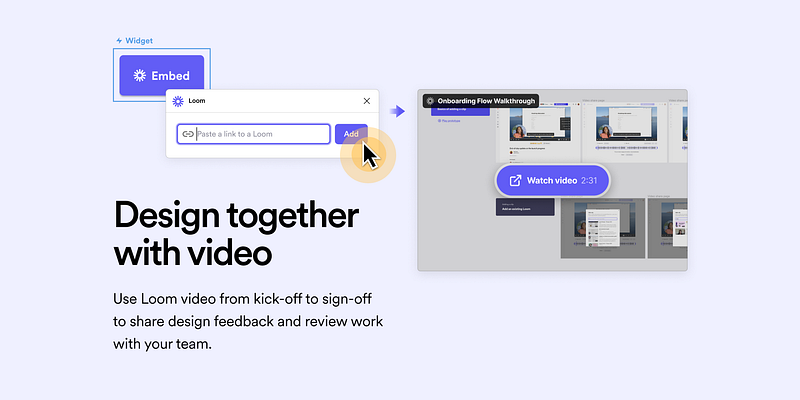
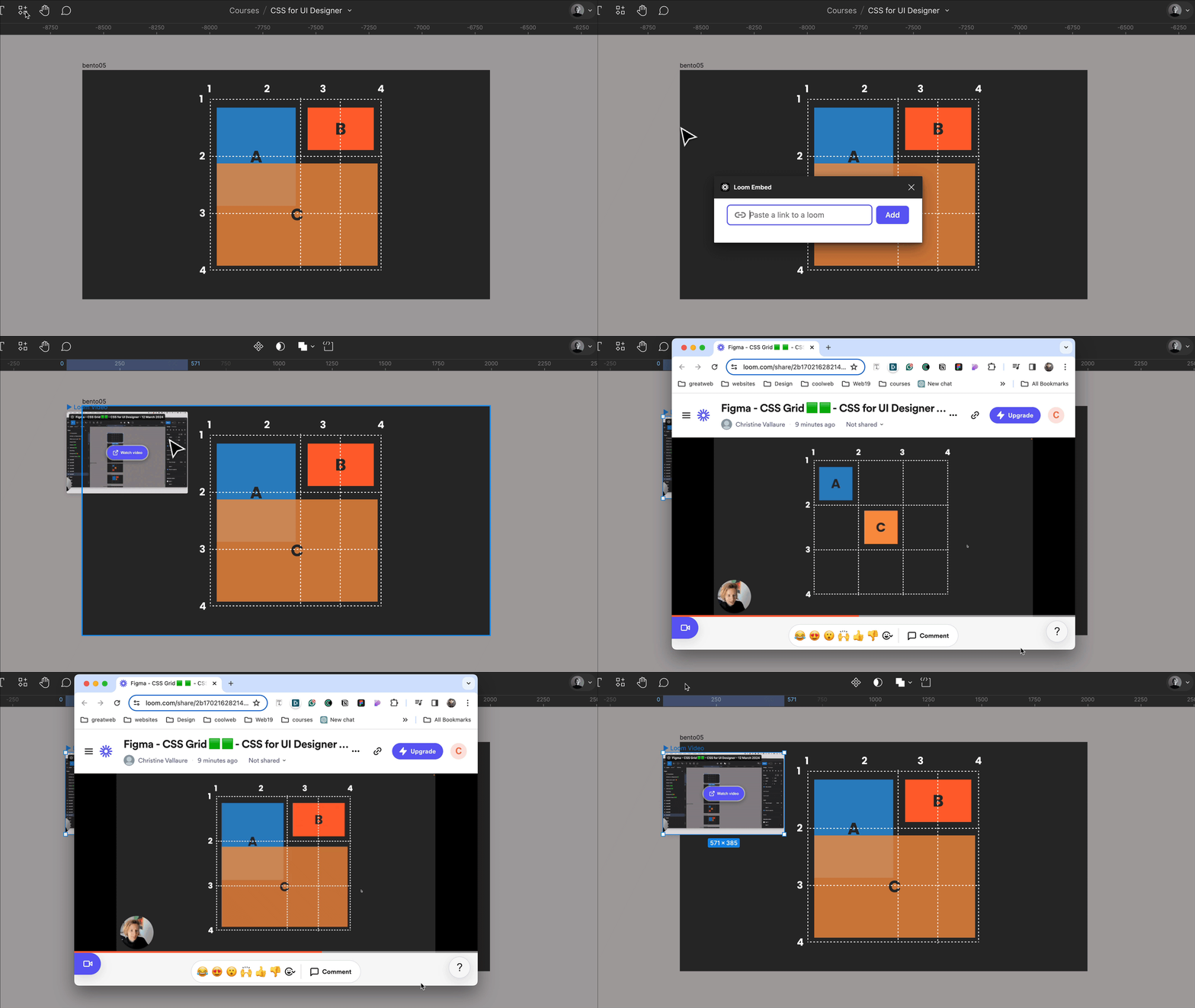
The Loom Embed plugin allows you to embed public Loom videos in Figma, enhancing collaboration with additional video information. Simply paste your Loom share URL, hit Add, and place the video in your design for added context, super handy!
3. Story.to.design
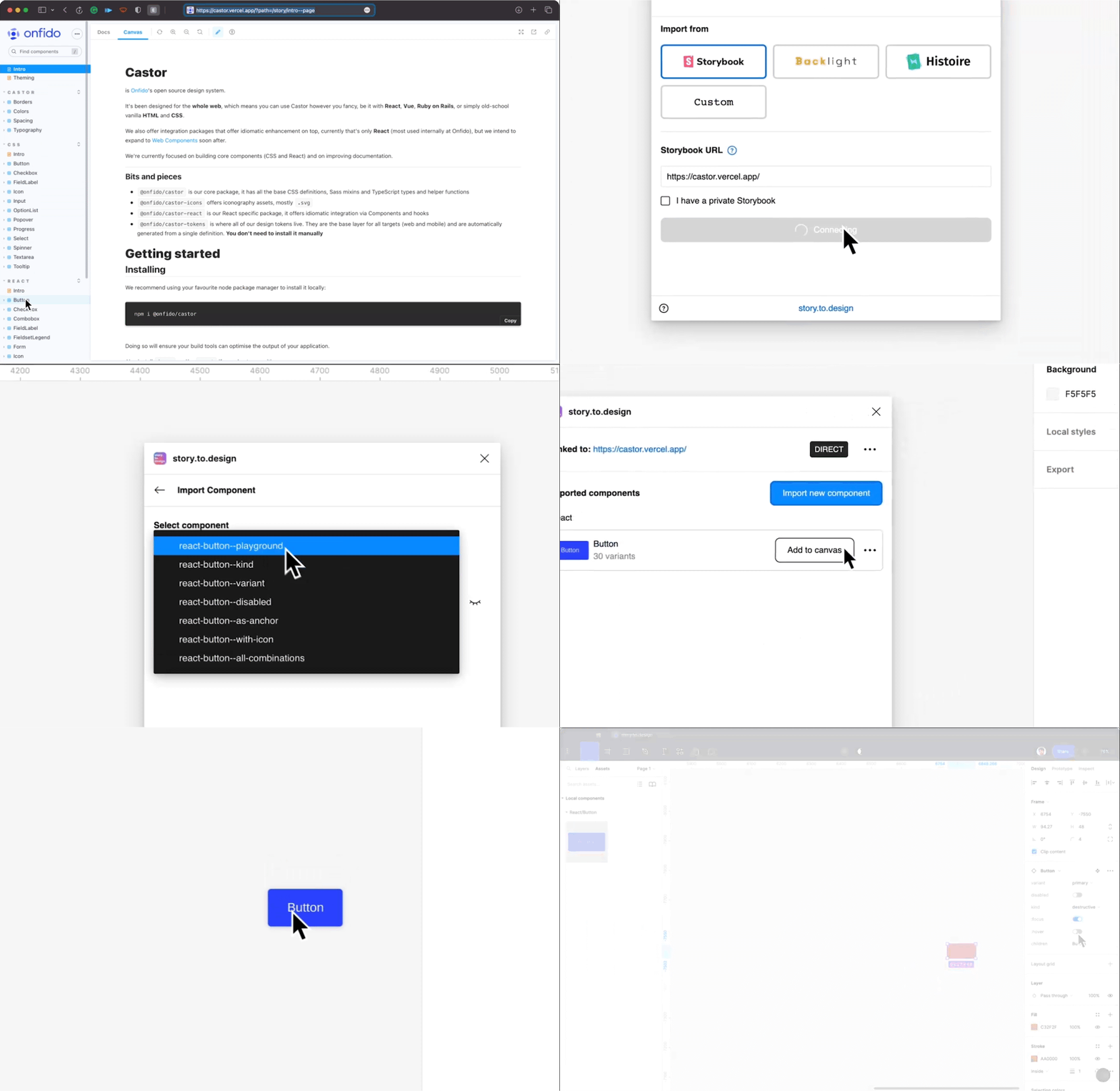
The Story to Design plugin facilitates seamless integration between Storybook and Figma, enabling designers to effortlessly update hundreds of variants with the latest changes in a single click. Whenever there’s a code change in Storybook, the plugin notifies the user, allowing for instant updates to Figma designs. It also offers a visual review feature, ensuring that design and code are consistently aligned by allowing users to visually inspect updates before importing them from Storybook to Figma.
4. Styles to Variables Converter
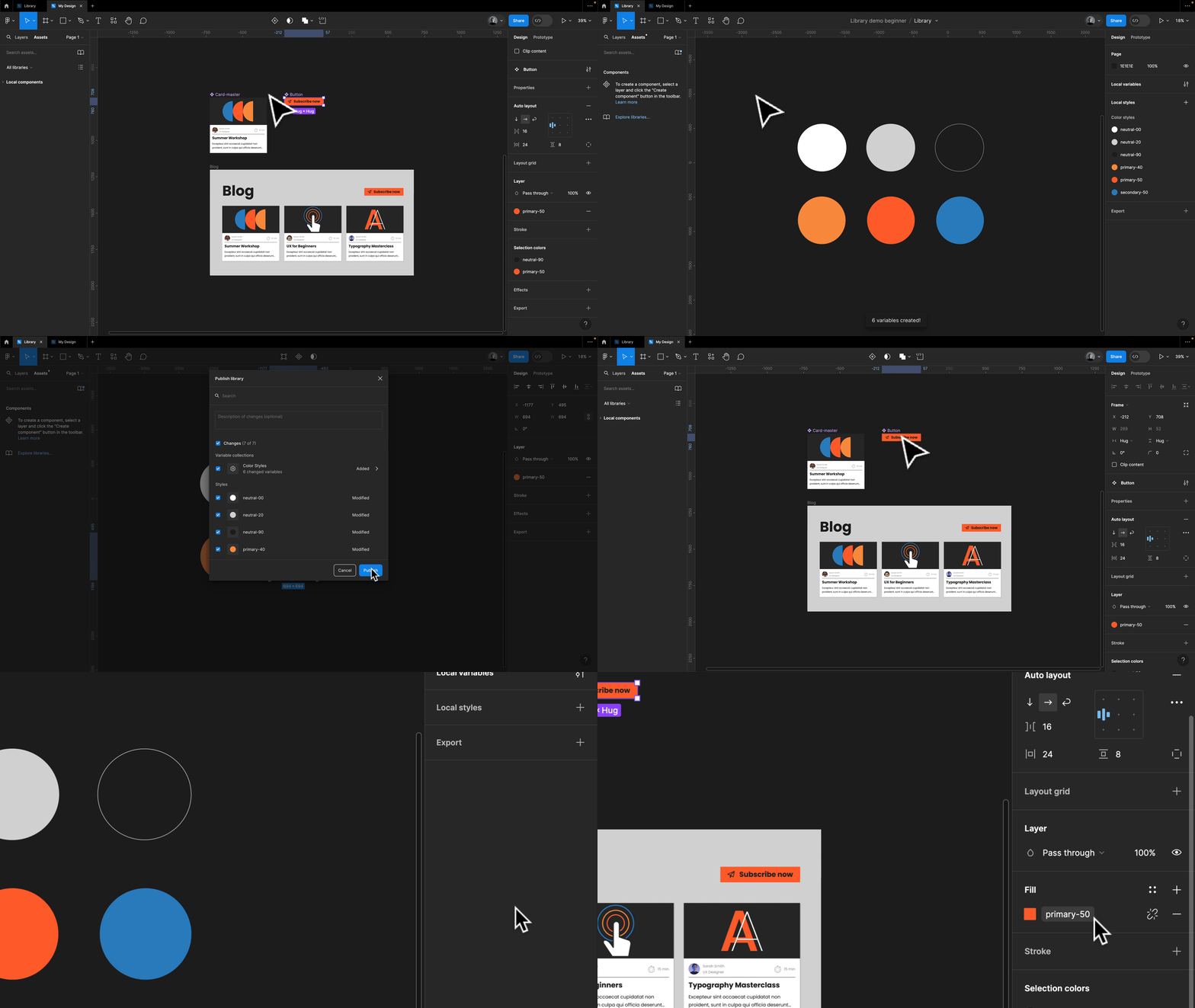
The Styles to Variables Converter allows you to convert your colour styles into variables with just one click and maintains all connections. Simply run the plugin in any colour library, and it will create an additional variable for every style. Once you have updated all your design files connected to this library, you can safely delete the styles entirely. Allow for a generous transition period!
5. Google Sheets Sync
One of my all-time favourite tools, Google Sheets Sync, effortlessly connects your Figma files to spreadsheets, allowing you to import real data. While it offers advanced features like swapping instances and activating component properties, I mainly use it for easily incorporating realistic text and images to test and showcase designs.
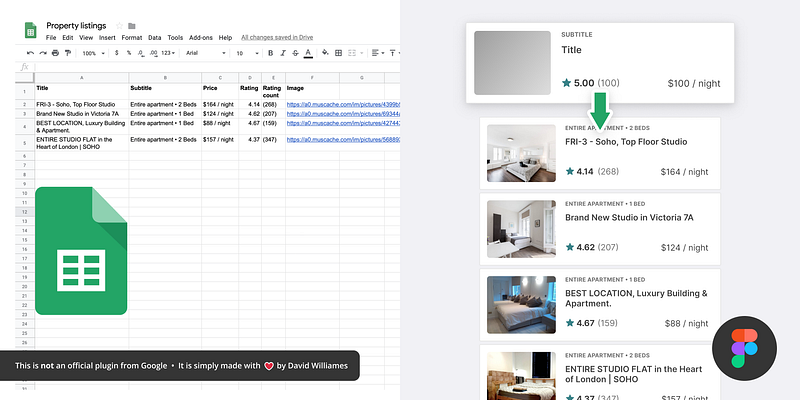
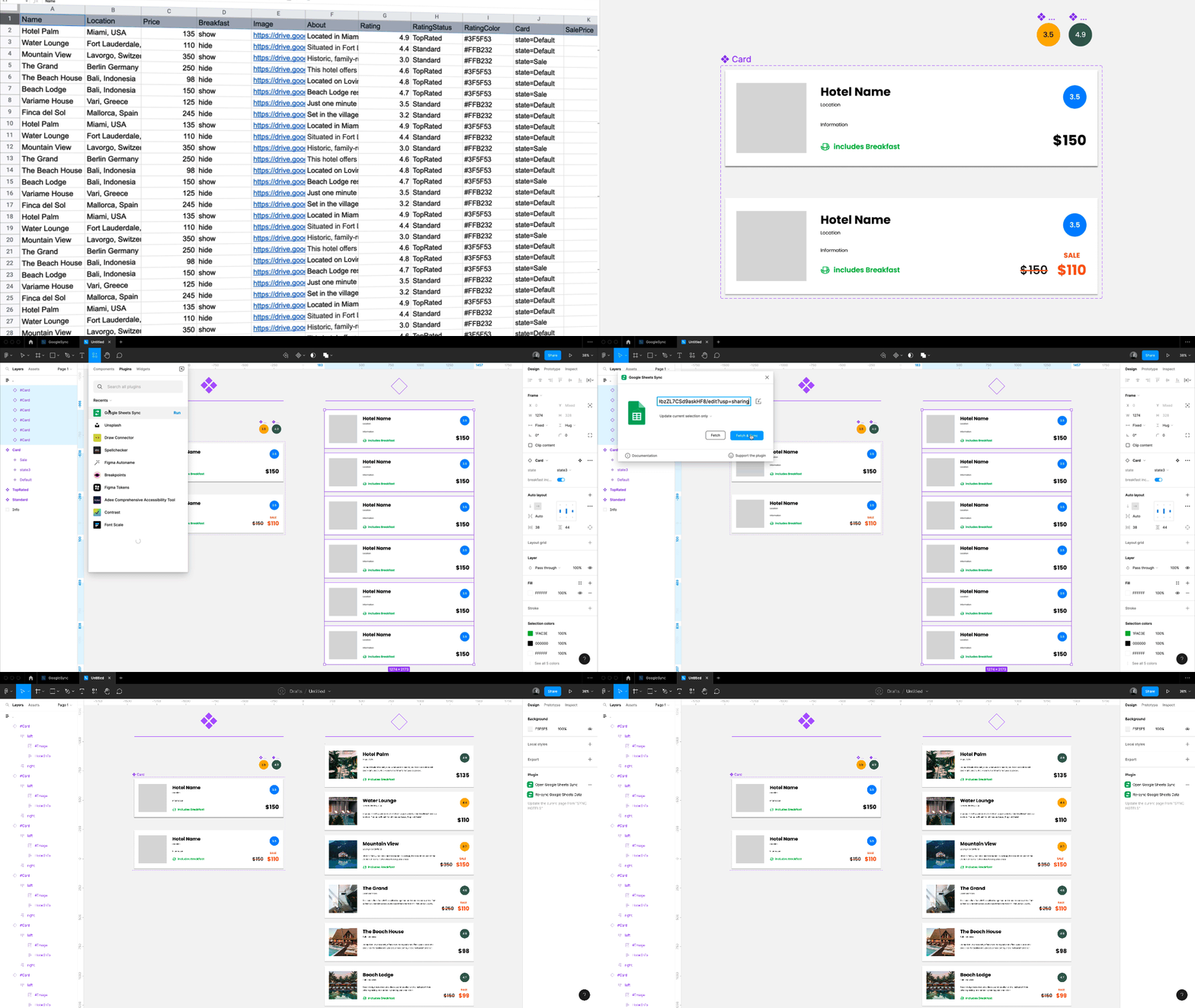
Another plugin you can use for importing data in data.to.design (formerly Kernel). I provided an overview of both plugins at a Smashing Meets (free event), and I’ve also created some complimentary YouTube tutorials and Figma files.
6. Let's enhance
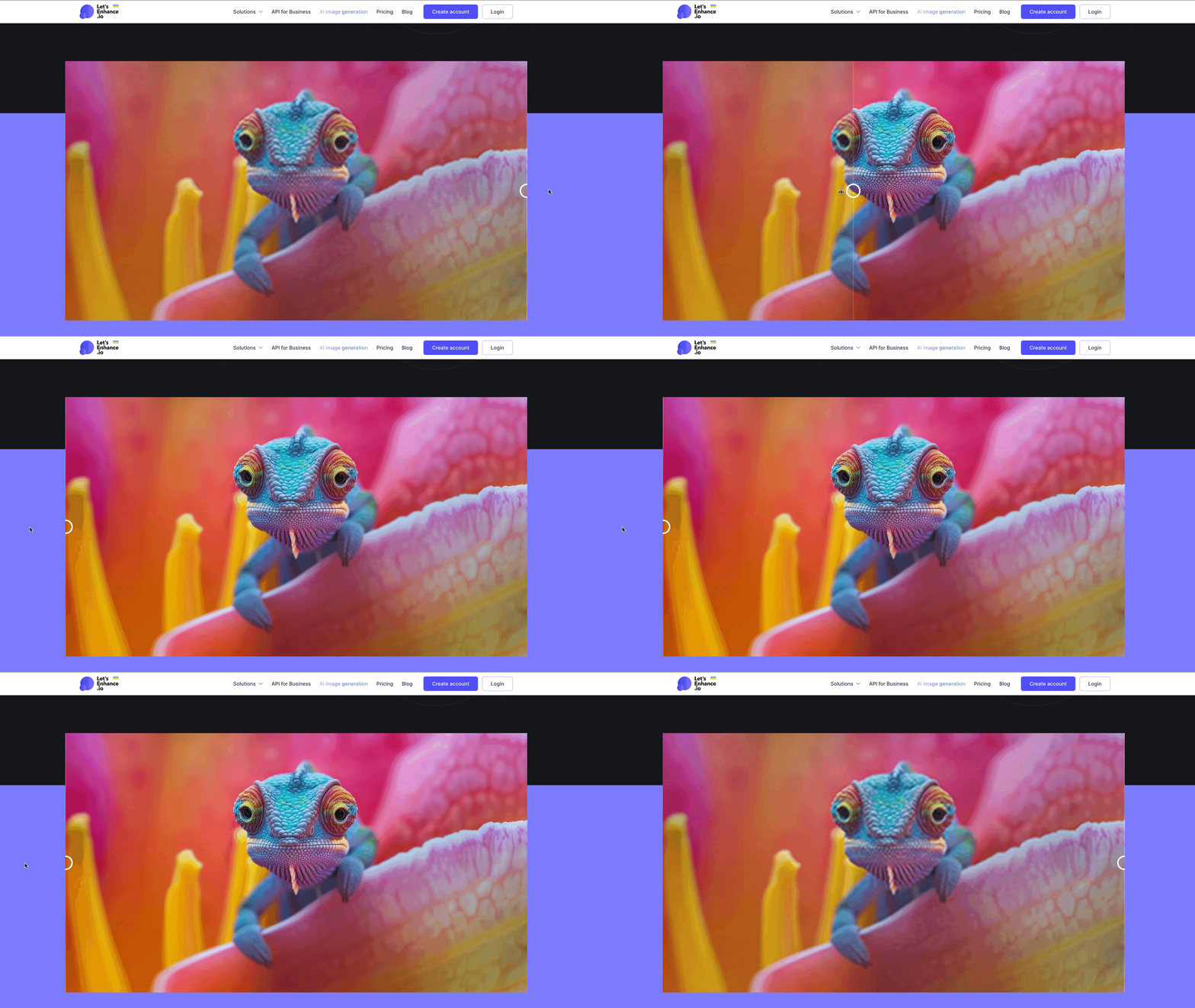
If you have found the perfect image but need better quality to accommodate all resolutions, simply jump to letsenhance.io. It will do a great job fixing it (you get 5 free images). I found it works better than all current Figma Plugins around this topic. However, Upscale looks very promising; it is in beta right now.
7. Unsplash
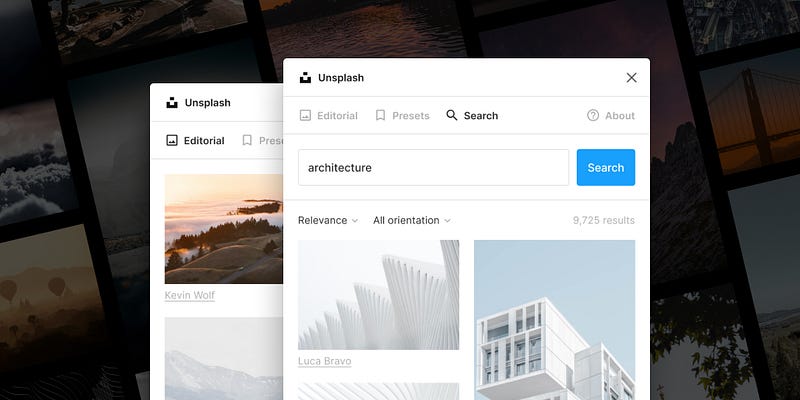
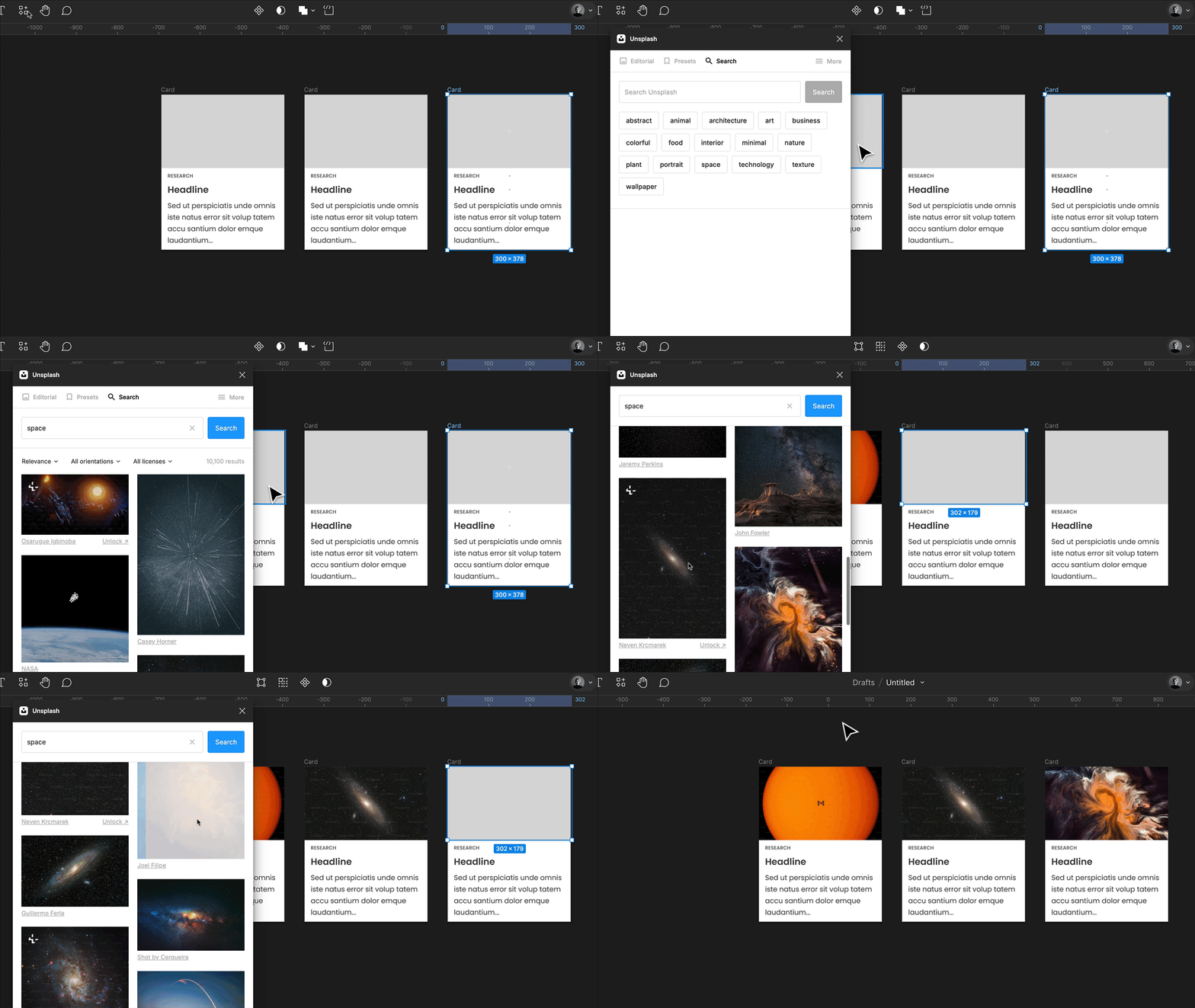
Well, this one might be old, but just in case you are new to the world of UI design and haven’t heard of it, Unsplash is an absolute must-have. High-resolution images for free! With the plugin, I could not do without it. You can browse all images and fill any shape or frame directly in your Figma files.
8. html.to.design
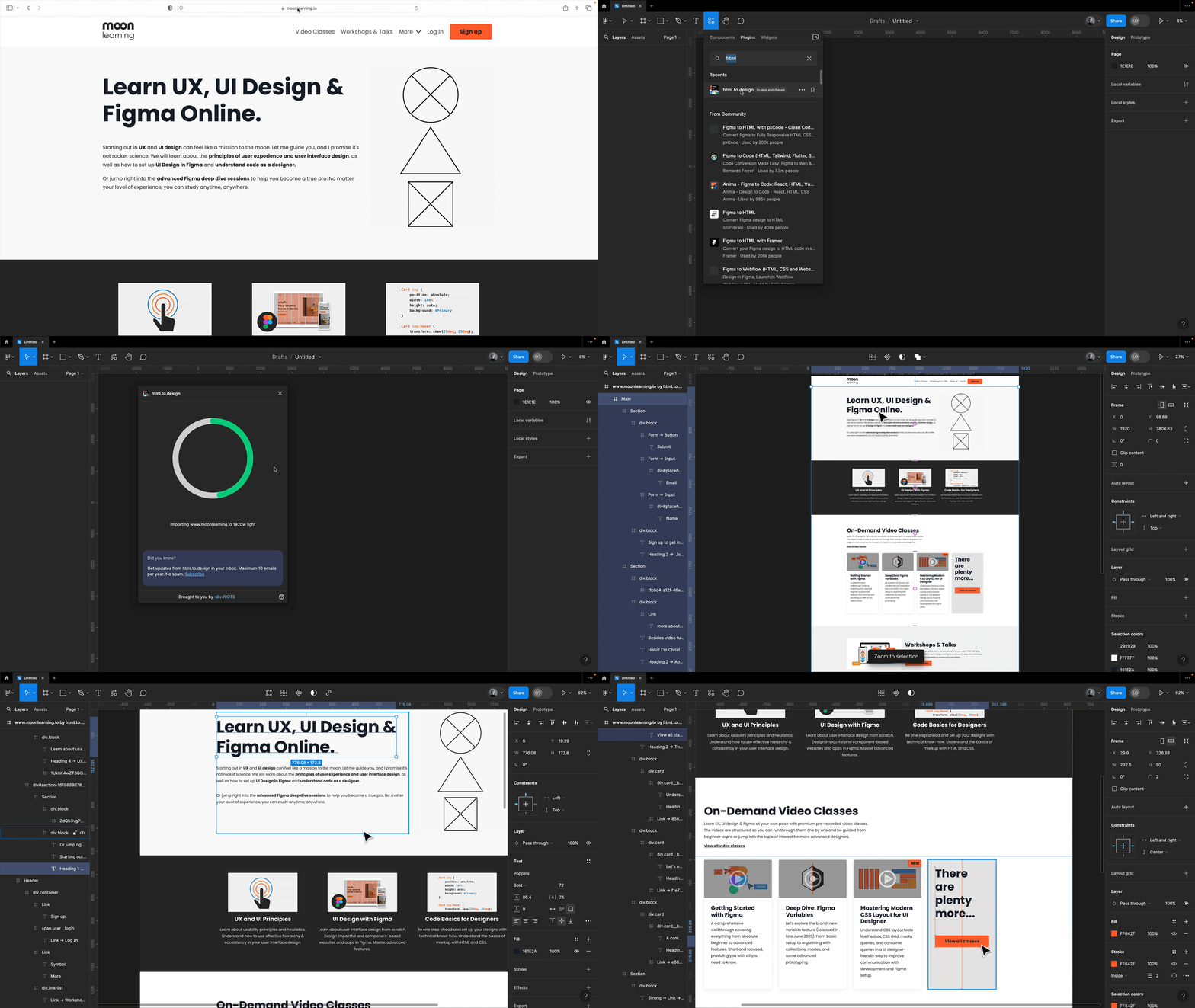
An absolute lifesaver when you need to redo an existing page quickly and there isn’t a Figma file yet. Simply open the plugin html.to.design, add any URL, and it will generate an editable Figma design for you. It’s also super handy if you need to set up some existing live components in Figma. They also have a pdf to design tool now!
9. Stark
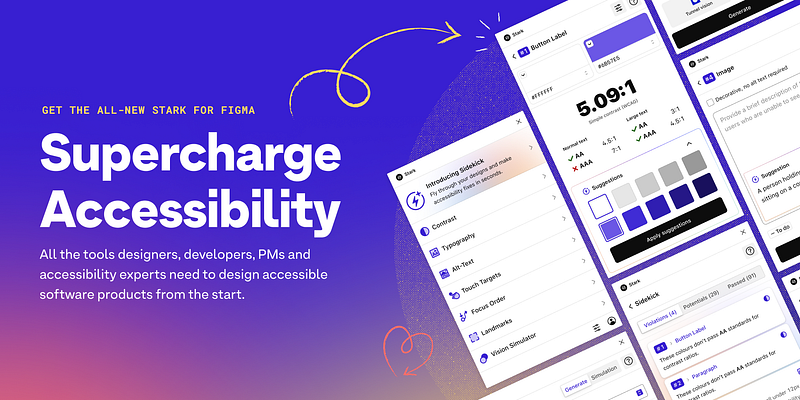
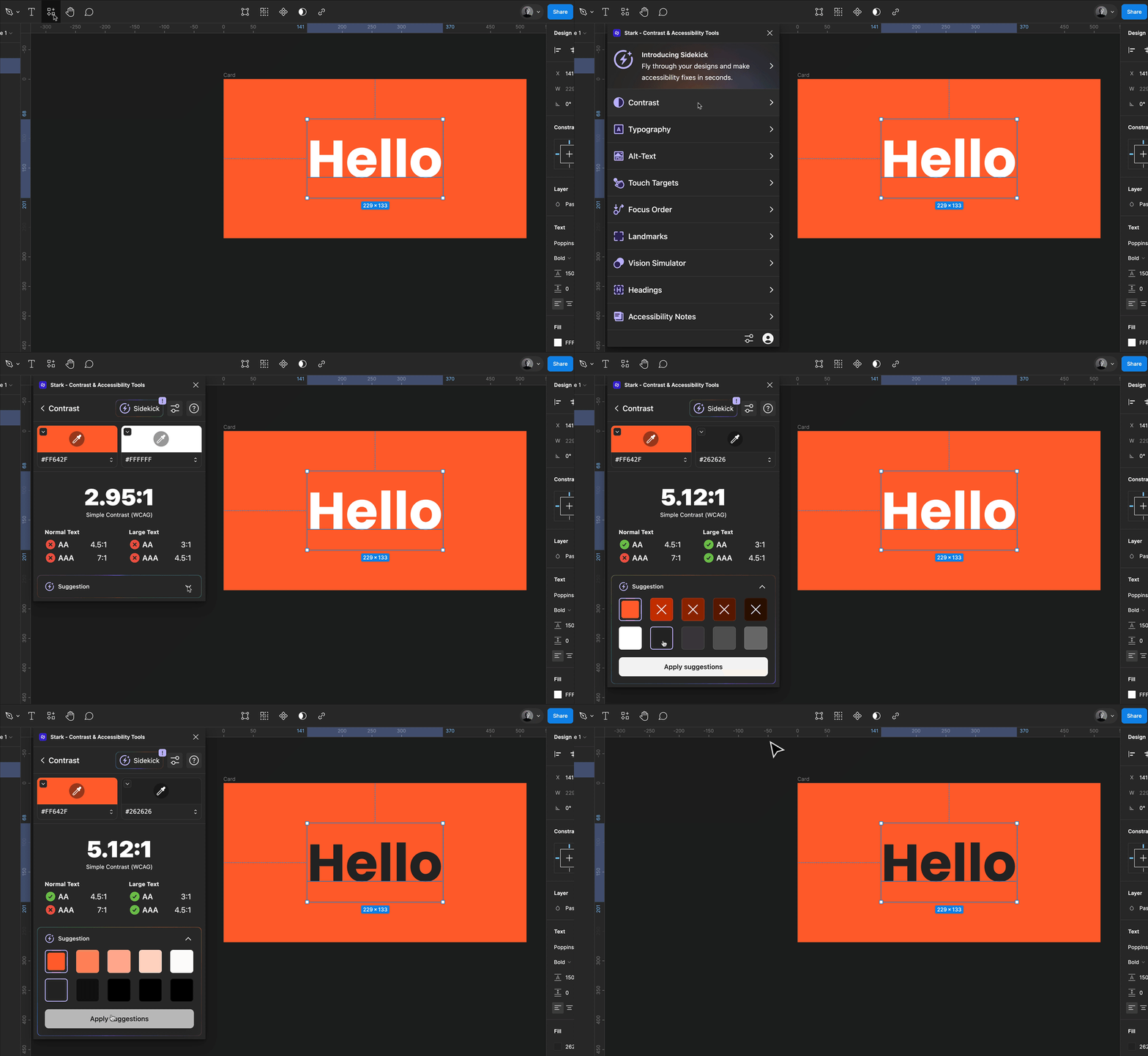
Stark is a fantastic everyday tool for enhancing accessibility workflows. It facilitates your accessibility process by providing quick access to tools such as Contrast Checker, Focus Order, Alt-Text Annotations, Vision Simulator, and more. An alternative option I like is Adee.
10. EightShapes Specs
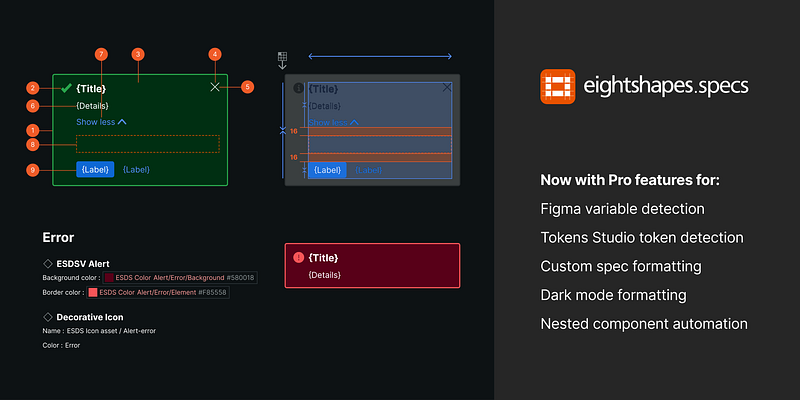
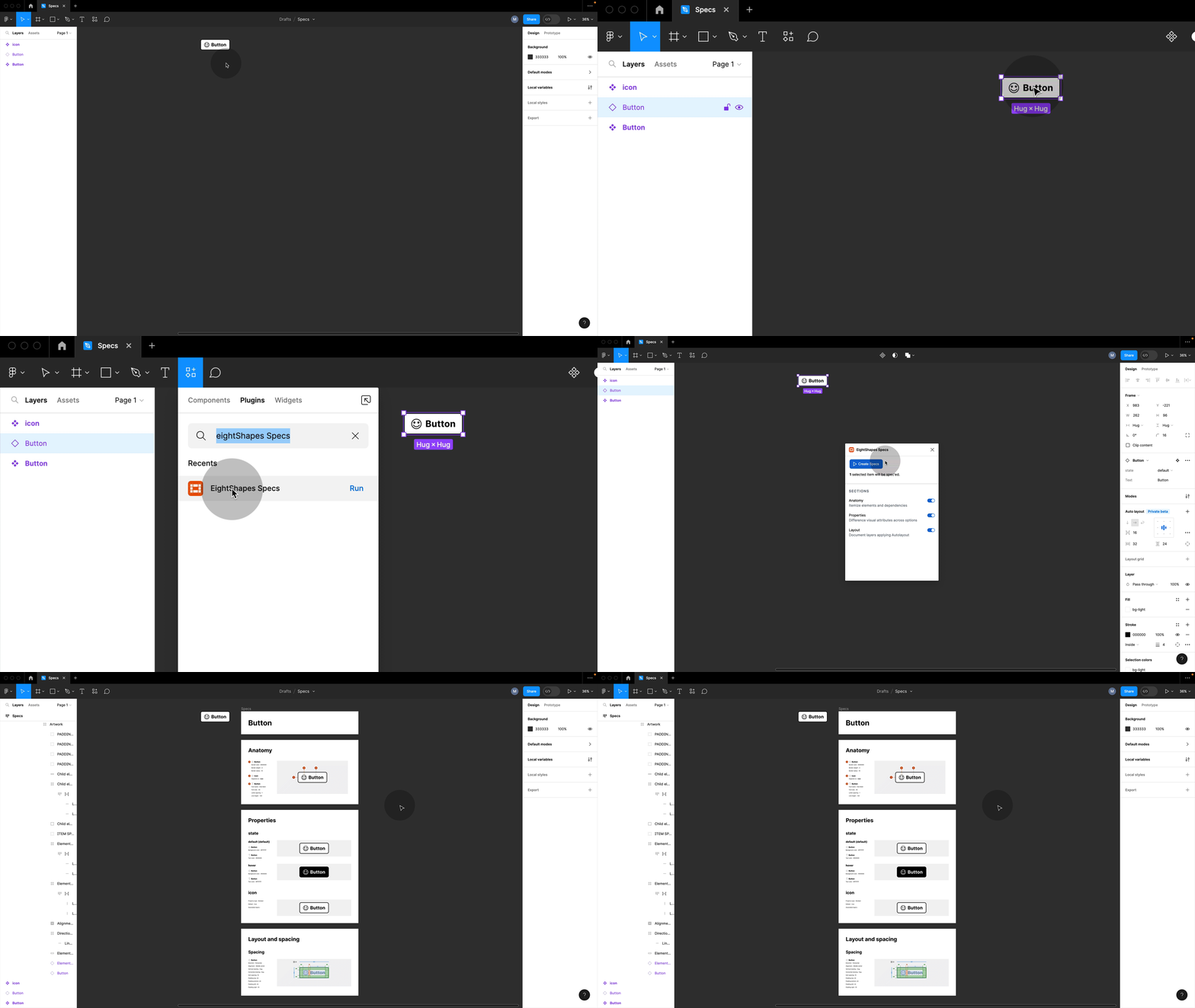
Auto-generate high-quality specs for selected components. I like creating a section for each Figma component and adding the frames created by the Eight Shapes Specs plugin and any additional information I may need. I prefer storing and documenting my components like this rather than using dev mode annotations, as I want the information to be visible to all developers and designers regardless of their plans.
Eight Shapes also has a fantastic contrast grid I love, lets you easily check colour contrast, you can just screenshot it and add it to your file for a quick
11. Token Studio
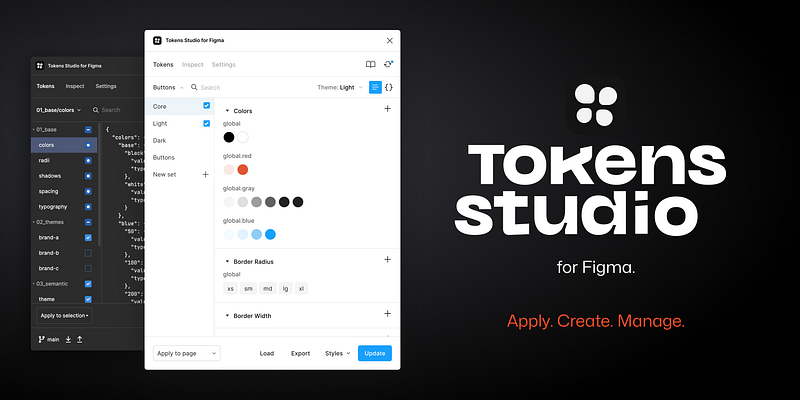
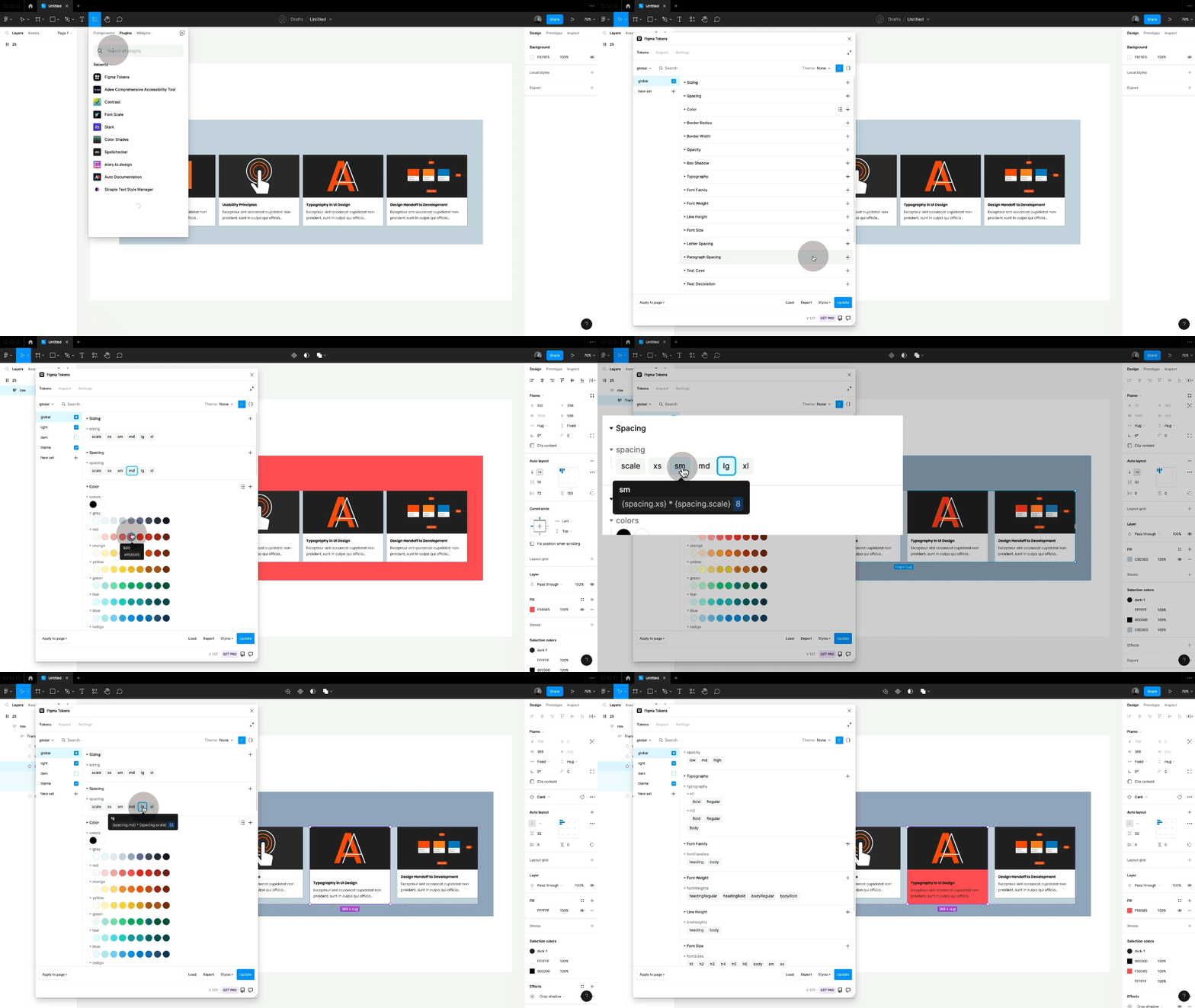
While we eagerly anticipate Figma updating its variables, especially its Typography variables, Token Studio is your best bet for keeping your tokens aligned between design and development.
12. Colour Shades
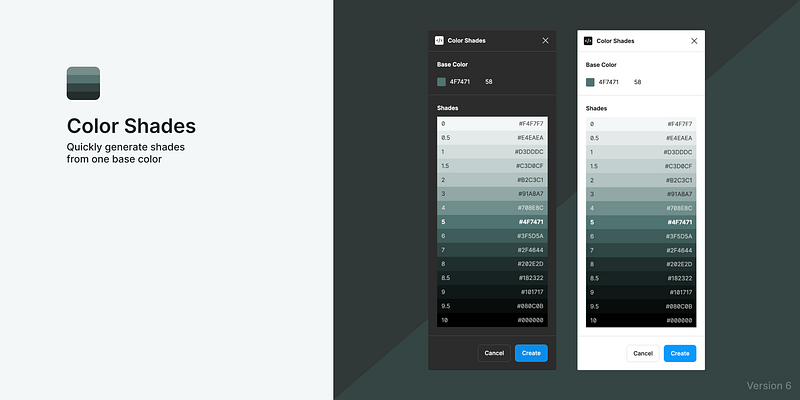
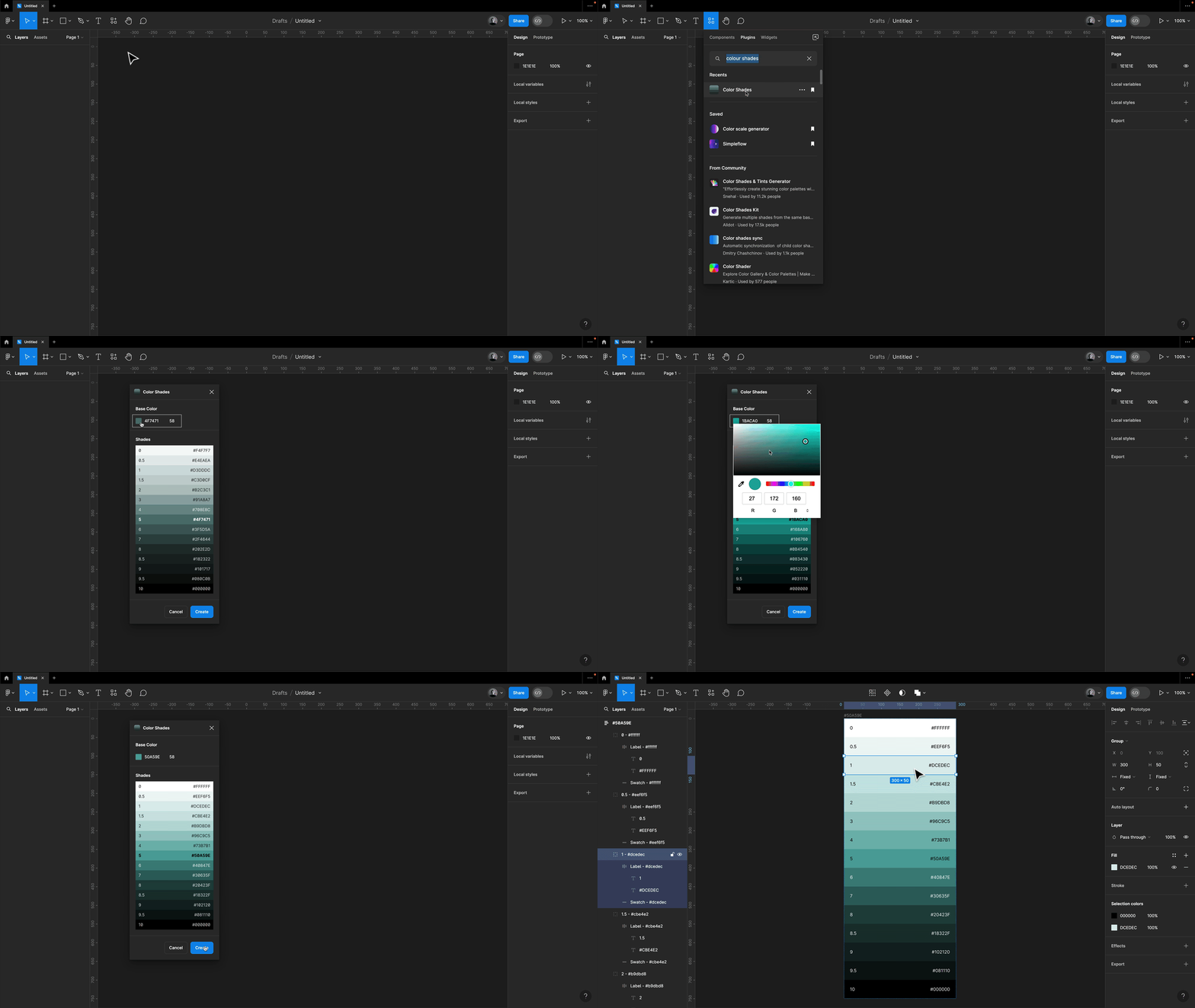
A handy plugin I frequently use in Figma is Colour Shades, it swiftly creates shades from a base colour. I then organize them into a variable collection and label them according to my naming convention. Especially nice, now that we can have primitives and semantics in Figma.
By the way, if you’re still experimenting with finding the perfect colours, I highly recommend checking out the Happy Hues website!
Stay in touch!
I hope you found this article helpful! Make sure to subscribe to my articles here on Medium and follow me on moonlearning.io, Twitter, or LinkedIn where I teach and talk about UI Design, Figma + Code.


