
The Most Useful iOS 15.4 Feature You Should Start Using Regularly
Your Photos app is about to become much more helpful.

Apple released the iOS 15.4 update to all supported iPhones this week. There were a lot of new features added, including the ability to unlock newer iPhones with Face ID while wearing a mask, 30+ new emojis, Apple Wallet updates, and more.
However, one interesting caught my eye that I will be using regularly from now, and here is why I think you should too.
I am talking about the Visual Lookup feature, which was announced during the iOS 15 launch and was only available to iPhone users in the US.
This feature is now available to users outside of the US, and you can finally benefit from its incredible capabilities.
To use the Visual Lookup feature, open a photo in your Photos app, swipe up, and click on the Look Up icon.

According to Apple, the visual lookup feature works best in the pictures with popular art and landmarks around the world, plants and flowers out in nature, books, and breeds of pets.
Once you swipe up on the image and click on the Look Up icon, the Visual Lookup feature will detect whatever is on the image and will display detailed relevant information.
It might show the location or name of a famous landmark, details about art, relevant photos and information about plants or animals, and more.
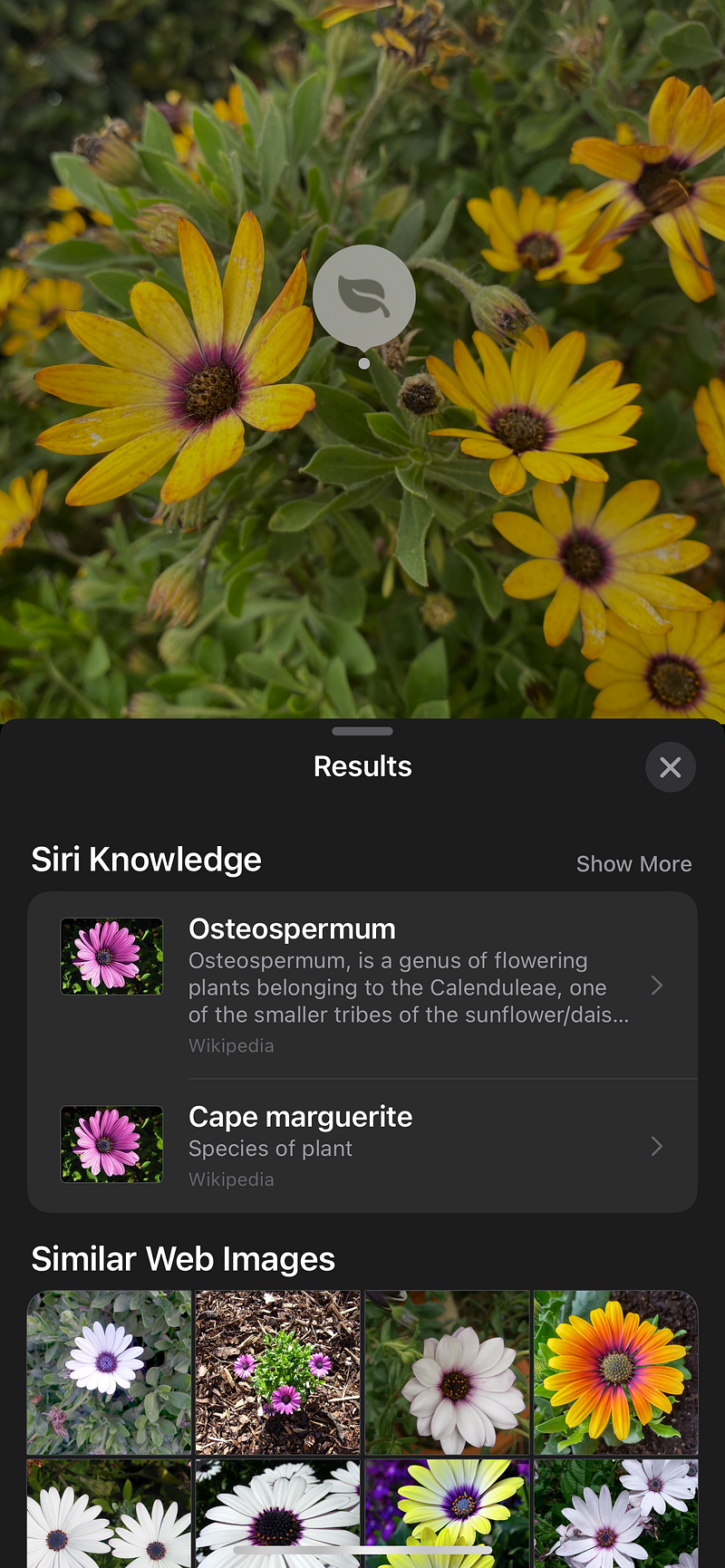
The more you this feature, the more you will realize how cool and useful it is, are looking to learn more about flora and fauna in the wild, or trying to get more info about famous landmarks and buildings while traveling.
Note: According to the information from Apple, visual lookup is available to iPhone users with A12 Bionic and later and is available in English (Australia, Canada, India, Singapore, UK, US), French (France), German (Germany), Italian (Italy) and Spanish (Mexico, Spain, US).
Make sure you update to the iOS 15.4 update soon and try out the new Visual Lookup feature and let me know your thoughts in the comments section.