The Joy of Plain Text
How I learned to stop worrying and love unformatted text files

When I was in Grade 6, we were taken down to the computer lab one day to try out a fancy new piece of software that the school board had gotten access to. They called it “Google Drive” , and it was one of the most amazing things I had ever seen.
It came with a word processor called Google Docs, which ran entirely inside of the web browser. It had its own file system. It synced across any computer you used. It saved automatically. And incredibly, it allowed users to edit a documents collaboratively in real time. After being shown the software, we spent the rest of the period screwing around with shared docs and writing rude messages to each other.
Something clicked in me that day. For my whole life, I’d been writing documents in Pages or Word. But these apps were clunky; they needed desktop applications and they required you to carry a USB stick around. When Google Docs became an option for me, I made an unconscious decision to gradually switch and never look back.
I realise that this is sounding like a pretentious r/thathappened post. I was not a visionary or productivity guru when I was 12. It’s just that I, like many of my classmates, knew a better solution when I saw one.
The reason I share all this is because right now, 9 years later, I might be on the cusp of another transition. Just as Google Docs killed Pages for me, another format is slowly taking over my workflow. It’s not some new innovative technology, nor is it a product owned by any one tech company.
It’s called plain text. And I think you will agree with me that it is the single best way to write, store, and work with information.
Plain text vs. Rich text
Okay, the pompous LinkedIn-bro introduction is over. I’m sure most people reading this know what plain text is, but a quick review to get everyone in on the ground floor:
In order for computers to work at any large scale, there needs to be an interface through which us humans can write data into the machine. Initially, this was done through paper punched cards, but engineers eventually came up with standardised systems such as ASCII to write and save text entirely digitally, stored on a computer and etched into a disc.
The 1960s and 70s marked the first time when a person could write something down and save it digitally. And because the world of computing was so small back then (compared to today), it was easy to enforce standards. Every computer network at every company and university would be required to conform to ASCII, for example, so that any text written by Person A at Stanford could be easily interpreted by Person B’s machine at MIT.

This idea of low-level text encoded directly onto a computer’s operating system is what we call plain text. It is the simplest format in which a machine can store human-readable information.
The big problem with plain text is that it’s not very versatile. ASCII (which, to be fair, is American) only gave early writers ~100 English-language characters to play with. The modern encoding standard for text, the Unicode standard, is far more useful for the rest of the world but is still limited.
Plain text offers no native formatting: no headings, no italics or underlines or bullet points. Because there are no margins, breaking up paragraphs with whitespace can be kind of clunky, so it’s no wonder that technology moved on to help non-programmers use computers to write text.
Rich text formats (.rtf, .doc, .pdf, .pages, etc.) were created to solve this problem. Fully virtual word processors such as Word suddenly allowed anyone to create a beautiful text document with very little barrier of entry, fully digital.
So what’s my beef with rich text?
It come back to encoding. Including detailed formatting in a file requires more complexity. The actual human-readable text needs to be fed through a program that converts the text into code that Word or Pages can understand.
So I can’t just open up Windows command prompt and run type myfile.doc like I could with a text file. There is a new layer of abstraction between the actual information and the human-readable text.
This matters. Not just for my or your work specifically, but for the nature of information in general.
On Dependence
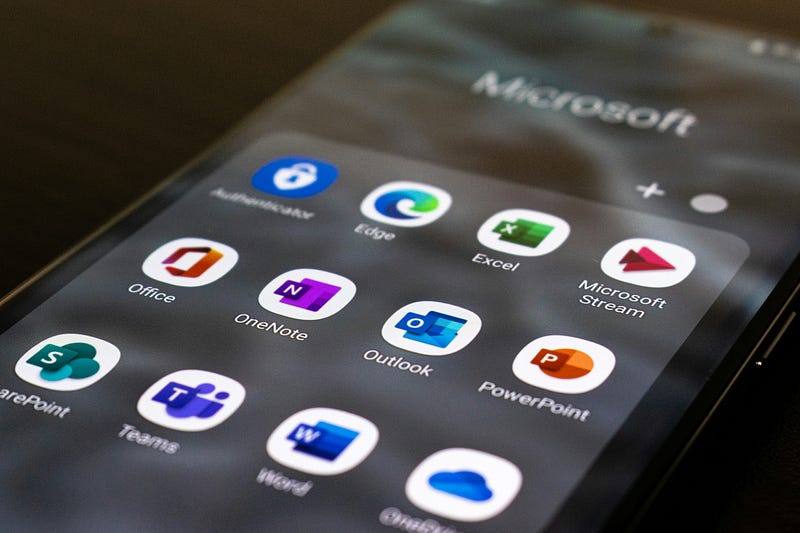
Because rich text is encoded, it cannot be read natively on any system. If you want to read my .doc file, you need to have an app that can read that format. And if you want to edit it, you’ll probably need to buy a licence from Microsoft to use word.
Rich text formats are not core concepts in computing. They are software products like any other. This means that any information that you write in rich text is dependent on the specific, possibly closed-source and proprietary format you choose.
Nothing about dependence is bad. You and I are both dependent on a functioning power grid and an efficient food system, for example. But when it comes to data, to your hard work, it is worth reducing dependency as much as possible.
To be fair to the tech industry, many companies have made efforts to thoroughly document their encoding systems. Adobe’s .pdf and Microsoft’s .docx files are decently written up, and if Microsoft went belly up tomorrow (don’t count on it) it’s unlikely that there would be much data that truly could not be unrecovered.
But documenting a rich text format doesn’t solve the inherent problem here: encoding plain text into rich text adds a layer of abstraction that is, at best, extremely difficult to parse directly without the appropriate software.
Playing with Plain Text
All the logistical and moral complications of rich text formatting aside, there are many situations in which plain text is clearly the superior choice for writing. For one, it’s less likely to get corrupted.
I talked about abstraction earlier. The more layers of abstraction on a file, the more complexity, and the more chance for something to break. Microsoft Word is notorious for file corruption issues, and just about anyone who has worked with complex files (video editing, 3D modelling, etc.) will tell you what a hassle it is when a file is damaged during transfer.
It’s not that plain text is immune to file corruption. But it’s hard to deny the appeal of using something simpler that is less likely to break when changing or moving it.
And by the way, changing and moving plain text files is extremely easy; not only are they incredibly light on storage requirements, but they can easily used with Git, the most widely-used version control software in the world. Git is mostly used by programmers, but there is an entire community of writers that work with Git as well.
Git is free, open source, and utterly fantastic because it allows writers to track changes line-by-line. You can delete then restore a whole block of text, work on two versions simultaneously, and, yes, sync your work between any two computers anywhere.
I also talked about formatting. Yes, plain text has no mechanism for bolding or bullet points or tables, but there are a whole host of markup languages that allow you to decorate your text with rich text-like decorations in a way that is still plain text-based. Markdown is my favourite. With this kind of tech, you can have the best of both worlds: beautiful documents that human readable on any system with no abstraction or encoding.
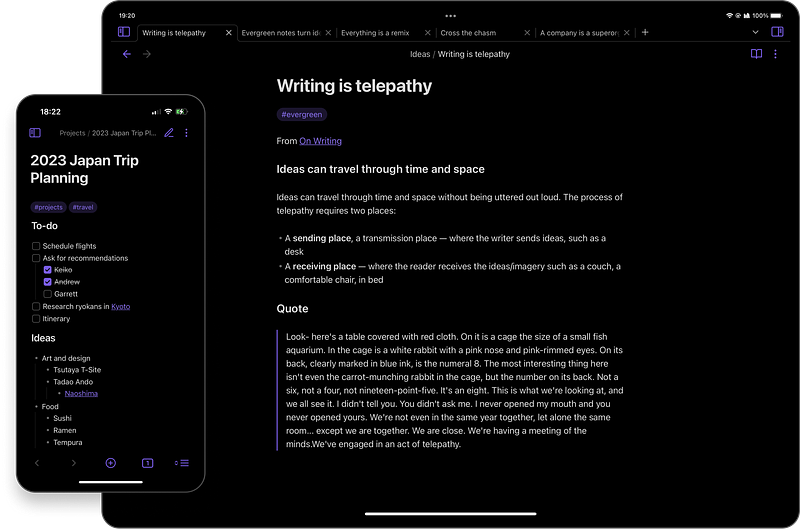
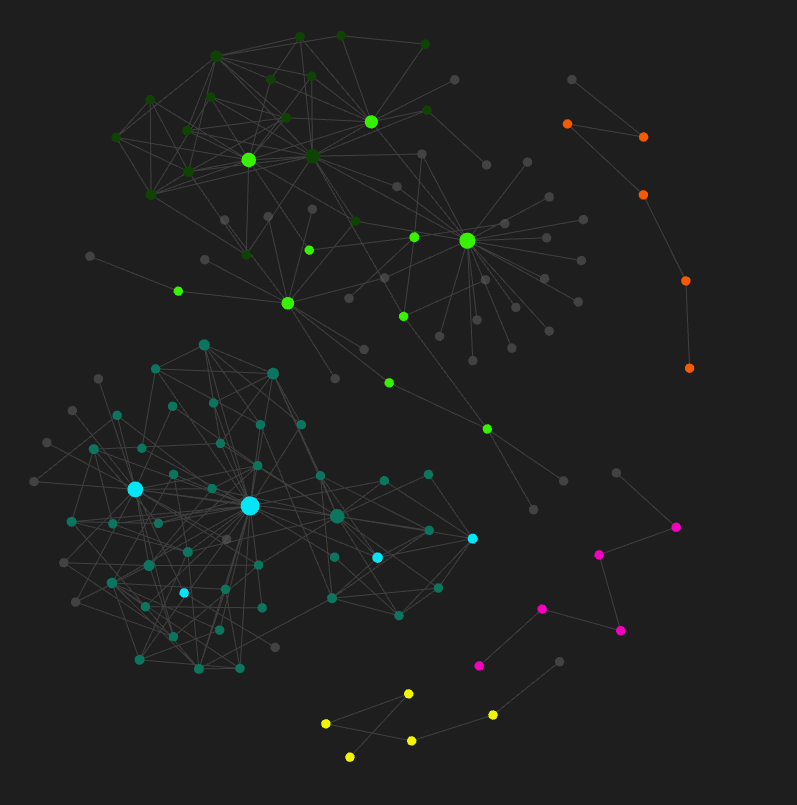
I have to acknowledge one of the main hangups with plain text: organisation. When compared to Word or Google Docs or Pages, chucking a bunch of .txt files into a folder on your hard drive seems rather primitive. But for every problem, there is usually a free solution. Amazing software like Notion offers a modern text editor feel, and my beloved Obsidian makes organising your files not just easy, but better than anything other system you’ve ever used.
Plain text and your workflow
I’ll level with you: I still don’t use plain text for everything. Sometimes I really need more control over my font sizes and page counts. Other times I just like the convenience of a rich text editor — you can change the colour of your text and everything! Of course, there are many fun and interesting tools in plain text that I’m growing to love, but I would be lying if I told you that the first draft of this article wasn’t written in Google Docs.
There is no such thing as a one-size-fits-all workflow. Not in 2024. Whether unformatted data is the right solution for you, or is even useful at all, is a personal decision. All I mean to say is that when I open up Notepad to jot something down in plain text, I still feel a glimmer of that awe I felt in that computer lab in Grade 6.