
FOCUS
The Forest App: Get Focused While Growing Trees
A feel-good application

“Blessed is he who plants trees under whose shade he will never sit.” — Indian proverb
As I’m writing this article, I’m growing a tree on my smartphone. Yes, this is what you do with the Forest App. There’s a small visual representation of a tree on your screen. And the tree grows as time goes by.
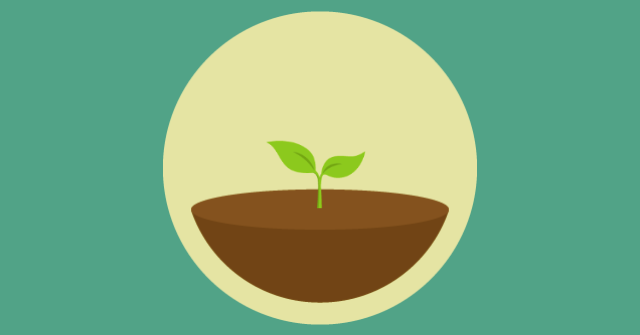
Why I’m doing this? Simple: it makes me laser-focused on my work, and as a bonus, I can grow actual trees!
Here’s how…
Forest will shield you from distractions
The key feature of Forest is to gently nudge you into ignoring other tempting phone applications (please note it requires setting the “Deep focus mode”).
Remember this tree I’m growing on my cell phone? Well, if I switch applications, it dies. Let’s suppose you have an urge to check your emails or reply to a tweet. Once you’re away, the small visualization in the Forest app turns into a dead tree. When you are back on the Forest App, you see the poor dead tree and feel sad about it.
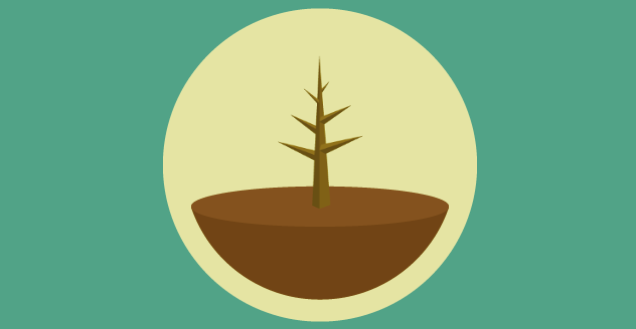
Fortunately, you get a warning when you switch applications. Forest will ask you if you really mean to let this poor little tree die. Sometimes you really need to switch apps for an urgent matter. But many times, this is enough to gently nudge you into staying on the App Forest and continuing your work.
Forest is a Pomodoro timer
While your tree is growing, there’s a timer appearing on the screen. You can set the amount of time you like. For example, you can set it as 25 minutes if you want to follow the famous Pomodoro technique. That is: you work for 25 minutes, then you take a 5-minute pause and repeat the process.
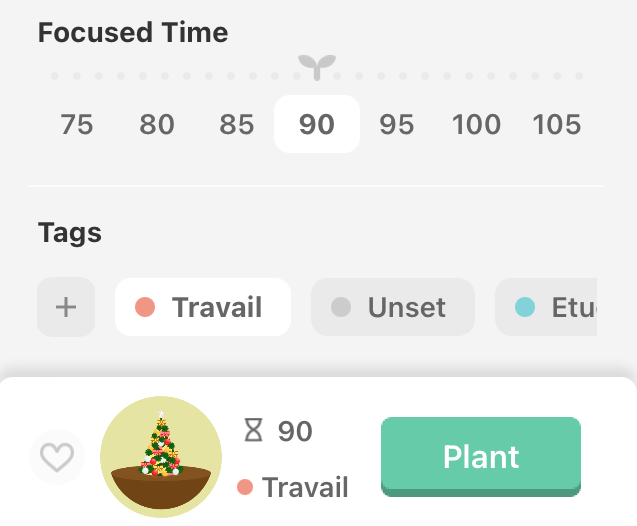
You can also use larger time intervals. For example, some of my colleagues like to use a double Pomodoro. That is: working for 50 minutes, then taking a 10-minute pause. In my case, I like triple Pomodoros, as I mentioned in this article: Maximize Your Productivity With 90 Minutes Work Intervals.
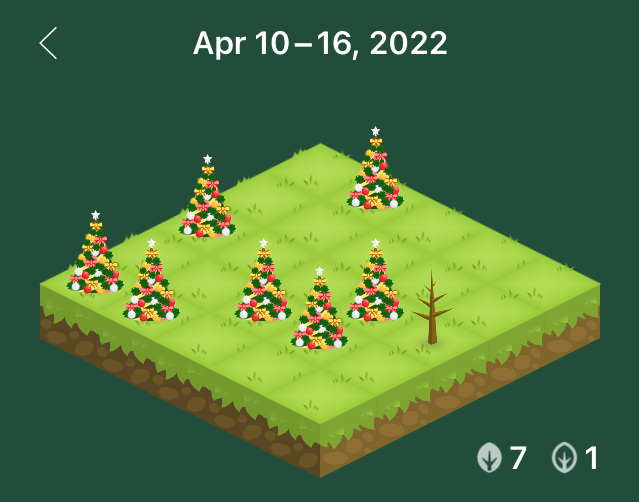
When the timer is over, your tree is mature. t is then added to your forest. And you can happily see the trees you’ve grown lately (yes, I’m growing a Christmas tree forest!):
Forest will enchant you with rainforest noises
While you work on the time chunk you have set, you can also listen to natural noises. The default one is taken from a forest rain. You can hear birds singing and rain noises. This really makes you feel like you are in a forest!
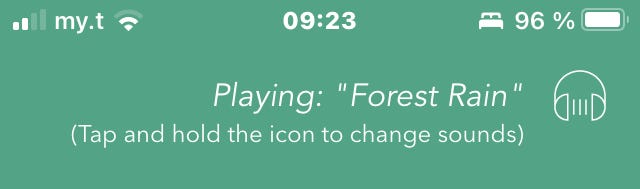
Of course, it is entirely optional, but I really like this feature. Sometimes, you can forget that you are in an actual timed work session. So the forest rain atmosphere helps you remember you are growing trees!
The noises also make your brain busy. This is especially useful when you are doing a boring task. When you do a repetitive task, your brain doesn’t receive enough inputs to grind. So these noises help to get some much-needed stimulation.
Forest will motivate you
Another feature I like is the little messages that get displayed on the screen. You must know by now that it is pointless to stare at the screen too much. You are supposed to work, right? You set your timed sessions, then start working on your task.
To help you actually get busy on your task, Forest App will tell you things like:
- Don’t look at me!
- Put down your phone
- Go back to your work!
- Hang on there
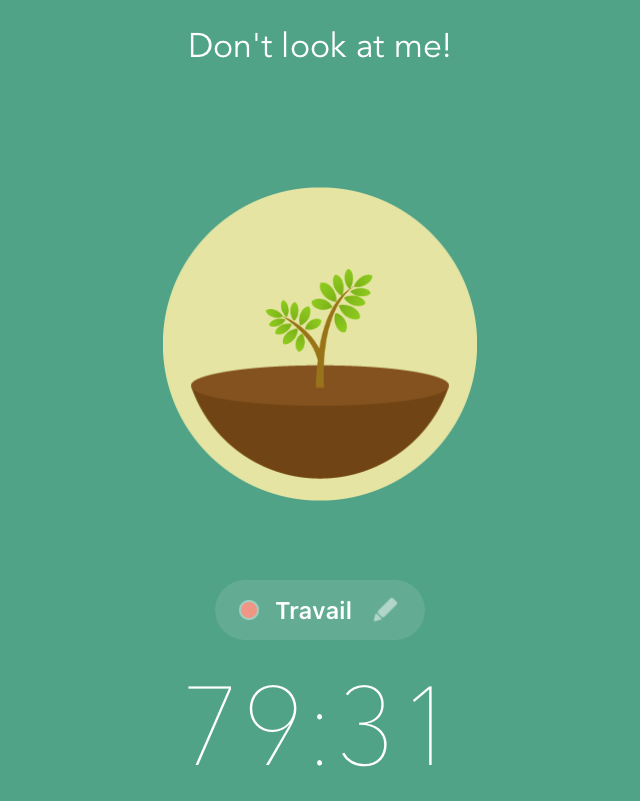
I often smile when I stare too much at the app and it tells me to “stop looking at it!”.
Forest will plant actual trees
Forest does not only grow digital trees, it also donates to a company planting trees! I think this is brilliant!
The app relies on credits you earn while growing your virtual trees. You need 2500 credits to plan an actual tree:
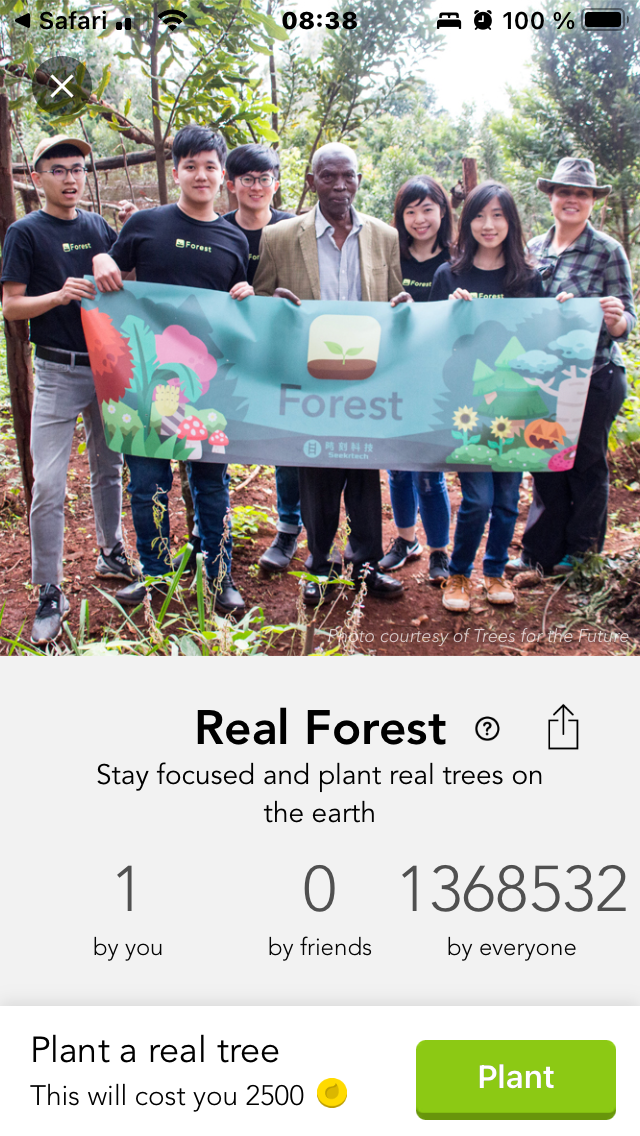
With the free version, it takes a lot of focused sessions to generate credits. But you can get more credit with in-app purchases.
And there’s a kind of virtual shop where you can buy many things, such as different kinds of trees to grow:
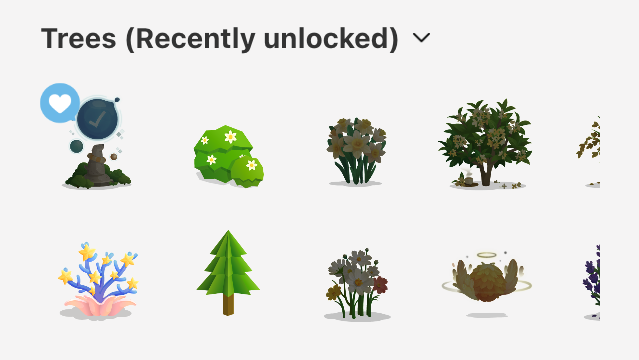
This is obviously a way to monetize the app. And since it is donating to grow actual trees, you can feel good about financing the company.
However, you can use the app totally free if you like. In my case, I haven’t purchased the app yet. But maybe I’ll give it a try one day. One of the premium features is to grow trees as a team. And I would love to experiment with this one day.
Apparently, you can also help me get “friendship credits” to get this functionality. When you get to the download screen, just put my code: “HB5HQMSG”. Thank you!
For all those bells and whistles, I don’t recommend going crazy on the advanced features. Or else, you might spend too much time “playing” with the app rather than actually working.
—
I hope you enjoyed this little overview of the Forest App. If you can’t resist the temptation of using your cell phone while working, it is totally worth a try!
At first, I was a bit afraid of falling in love with the software gamification options (I’m a geek, you know…). But it turns out you can use the app without going crazy on the gamification options.
In the end, this has become my default timer to practice time chunking. And I would warmly recommend it to you 😀
On February 1st, 2022, I embarked on a 100 days writing challenge. This is post number 72.
Originally published at https://alexphili.com on April 13th, 2022.


