
The Essential Tools for Improving My Writing
If you are a writer, or if you are in the process of calling yourself one, you know that it is hard work.
The constant search for ideas and inspiration, the writing, the editing, not to mention the whole SEO, Social Media, and mailing list management, it’s a lot to do.
Besides all this, most of the writers are lonely souls. Writing is mostly a personal exercise, and only a small part of authors can delegate some of these tasks to others, so every help we can get is very welcome.
I’m no different from this majority so I rely on deeply on these little helpers.

Grammarly
This is no surprise, as it is a favorite of many writers. Unless you’re super confident in your grammar, this tool is a must-have, especially if, like me, you’re not a native English speaker.
Grammarly will check for spelling errors and make suggestions based on context, something that a regular spelling checker won’t do.
I used the free version for several months and it was great, but I recently upgraded to the premium version and I’m glad I did it. It checks for even more errors and offers more suggestions, offering explanations at the same time, so not only your work will look better, but your knowledge will also improve and you become a better writer too, at least technically.
It is true that content matters more than the form, but I wouldn’t hit publish without the green light of Grammarly, I wouldn’t feel confident enough to share my thoughts with my readers.
Google Translate
This one won’t be a must for most people, but since English is my second language sometimes I need to check some words.
I also use it as a last layer of editing, translating the whole English text to my first language to be sure that everything makes sense.
For English native speakers, Google Translate will be redundant, but you can always play around and learn how to say “writing routines” in dozens of different languages, among other useful words.
Thesaurus
I use it to enrich my vocabulary, or should I say, I utilize it to augment my glossary?
Thesaurus is great for searching alternative words for what I want to say, to make my work different from the rest.
It‘s even more important for non-native English speakers like me.
It can both show you synonyms and antonyms, which is very helpful in some situations.
I sometimes use Thesaurus as an online dictionary too, because it is very simple to get all the synonyms and antonyms of any given word.
Title Case Converter
Have you Ever struggled to Figure Out what Words should Be Capitalized on The title Of a Story?
I know I did, but then I found out about this little tool and never thought about that again.
I just copy/paste the title to the text field and click “Title Case” et voilá, A Correctly Capitalized Title for Your Article!
This detail plays a tiny role in your esthetic presentation, but it will help you strengthen your brand among your readers.
A coherent brand image will make your communication with your readers much simpler and effective.
Besides that, Title Case Converter solves this small problem in seconds, removing this one more task from your to-do list and releasing mental bandwidth for the more important stuff.
CoShedule Headlines Analyzer
It’s a well-known fact (or at least it should be) that the headlines of your articles are the single most important factor for grabbing the attention of your potential readers.
This free analyzer gives precious help to optimize your headline while explaining the logic behinds it.
Don’t overthink by spending 2 hours tweaking every word of your headline to get a super score, but please don’t use the first thing that comes up to your mind for the title of your story!
I’m guessing you spent a reasonable amount of time researching, writing and editing your story, so why wouldn’t you pay the same level of attention to this crucial part of your work? CoShedule Headlines analyzer makes it easier as never.
Scribd
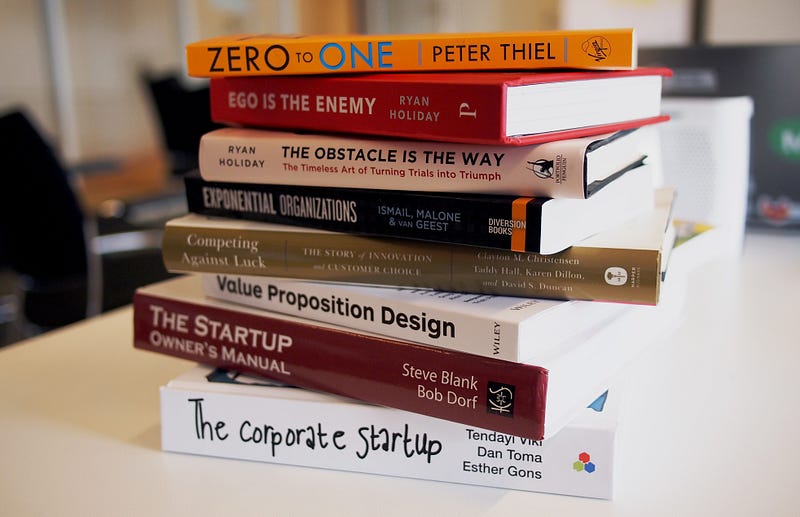
I don’t use Scribd as a tool to enhance my writing but it’s one of my sources of knowledge and inspiration for my stories.
Scribd is basically Netflix for books. It allows you to read thousands of books, magazines, and documents, as well as listen to the audiobooks.
Before using Scribd, I used to read about half a dozen books per year. Since I started using it, I’ve read/listened to almost 100 books in less than 2 years.
Sometimes I read books on my phone using the Scribd App but usually, I use it to listen to the audiobooks as I commute, do chores, or work out in the gym.
Pro tip: for non-fiction/technical books, listen to the audiobooks with augmented speed. I use 2.0x or 2.5x, depending on the book and the narrator.
Reading and listening to audiobooks are essential ways to improve your writing because not only they deliver knowledge and ideas from other authors, they will also give you weapons in the form of words and styles to your writing arsenal.
A Notebook and a Pen
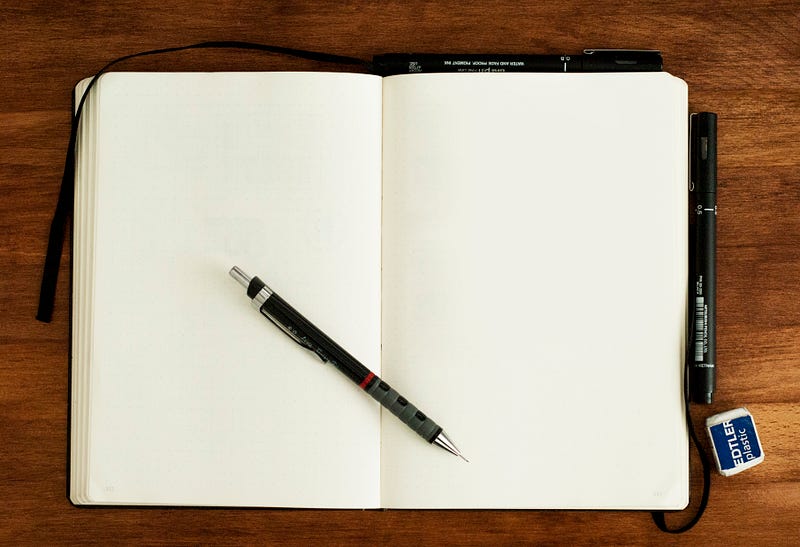
No, not an app or a digital notebook, I mean our old and reliable physical friends.
I’m all in favor of the digital, but I found out that using a notebook and handwriting on it sparks my creativity and structures my work a lot better than writing my content directly on the computer.
I write lose thoughts and ideas and then, like magic, I hit some topic that interests me and I start writing about it, usually using bullets and keywords.
This way my stories gain a body much faster and I minimize the risk of forgetting cool ideas that I come up with while idealizing my texts in my mind.
I have several notebooks in different places so I can have one in hand all the time, which allows me to write down all the ideas that I have during the day.
This is a recent habit, I’ve only been doing it for a couple of months now, but I see very positive results since I’m doing it, mainly on my creativity and productivity.
Tools are great, but always remember to focus on the important stuff
In this modern world ruled by apps and hacks, it’s easy to get absorbed by the “unfair advantage of the day”. That’s not what I intend with this small list of tools.
Like any other creative process, writing is a skill, and like any other skill, it is developed by practice and learning, and that is what these tools offer me by helping me to practice and to learn faster and easier, but I still have to do the work.
The good news is that the more you do the work, the easier it gets.
Like Maya Angelou once said:
“you can’t use up creativity. The more you use, the more you have”.
Use these, use others, use none, it’s up to you, but whatever you do, do the work, go be creative!
Note: Some links present in this post are affiliate links.


