
VS Code productivity
The best VS Code extensions for Python developers for 2021
A collection with the best VS Code extension for Python developers.
Some time ago, I wrote this article, and since then, VS Code has expanded a lot. New extensions are now available on the store, and some others I discovered, some suggestions of fellow readers, while others were digging and investigating on my own.
As you may know, I’m a big fan of the Jetbrains family of products, so PyCharm and WebStorm are my go-to for IDEs and working with projects, but I’ve been using VS Code a lot more lately for editing quick files or even working in small projects.
I feel more comfortable now with the editor, and some of the areas where it was behind PyCharm are now doing much better on their own or with the help of plugins. In particular, there’s a new plugin I was recently introduced to, which changed the way I use VS Code and how much more comfortable I feel coding in it. But I don’t want to jump-start, so please follow through the article to find out more about it.
Let’s discover my favorite VS Code extensions for Python, and please let note that they are not in order. They are all just awesome!
Python

If you work with Python, you need this extension. I know VS Code supports Python out of the box, but this extension takes it to a whole new level. It is so much so that VS Code will suggest you install the extension when you open a Python file.
The extension is officially supported by Microsoft, the same company behind VS Code, so it is really a no-brainer, but what exactly will it do for you? Let’s take a look into the most important features:
- IntelliSense: Edit your code with auto-completion, code navigation, syntax checking, and more
- Linting: Get additional code analysis with Pylint, Flake8, and more
- Code formatting: Format your code with black, autopep or yapf
- Debugging: Debug your Python scripts, web apps, remote or multi-threaded processes
- Testing: Run and debug tests through the Test Explorer with unittest, pytest, or nose
- Jupyter Notebooks: Create and edit Jupyter Notebooks, add and run code cells, render plots, visualize variables through the variable explorer, visualize dataframes with the data viewer, and more
- Environments: Automatically activate and switch between virtualenv, venv, pipenv, conda, and pyenv environments
- Refactoring: Restructure your Python code with variable extraction, method extraction, and import sorting
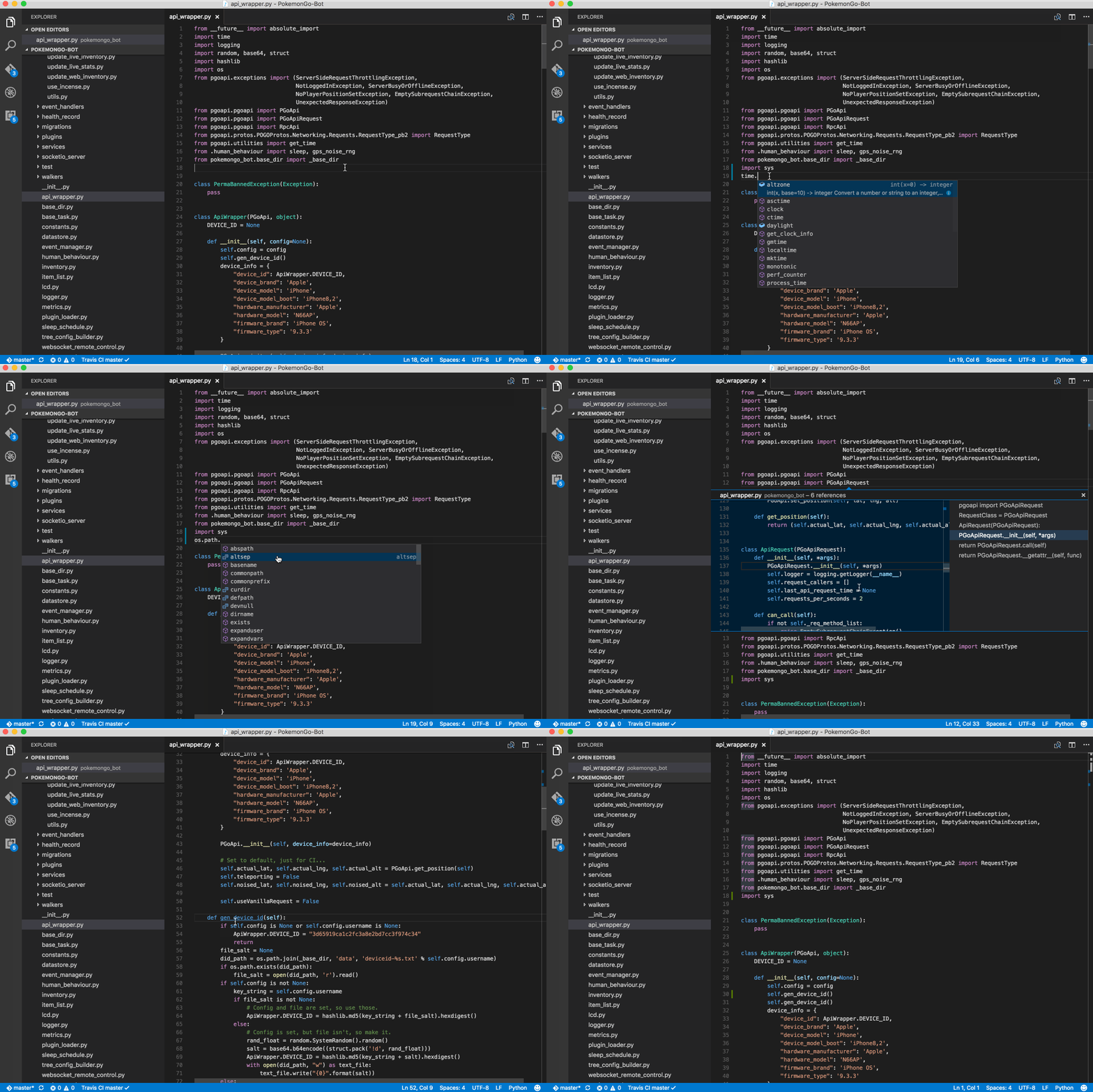
Look at it in action:
Python Docstring Generator
Documenting is super essential, but it is a tedious task, and sometimes we take shortcuts because we lack the tools to make it easier or more efficient. Python Docstring Generator diminishes developers’ endeavor by auto-creating docstrings, and though it may sound trivial, it is a time-saver. Perhaps PyCharm is spoiling me, but I was so used to it that finding this extension was a big deal for me.
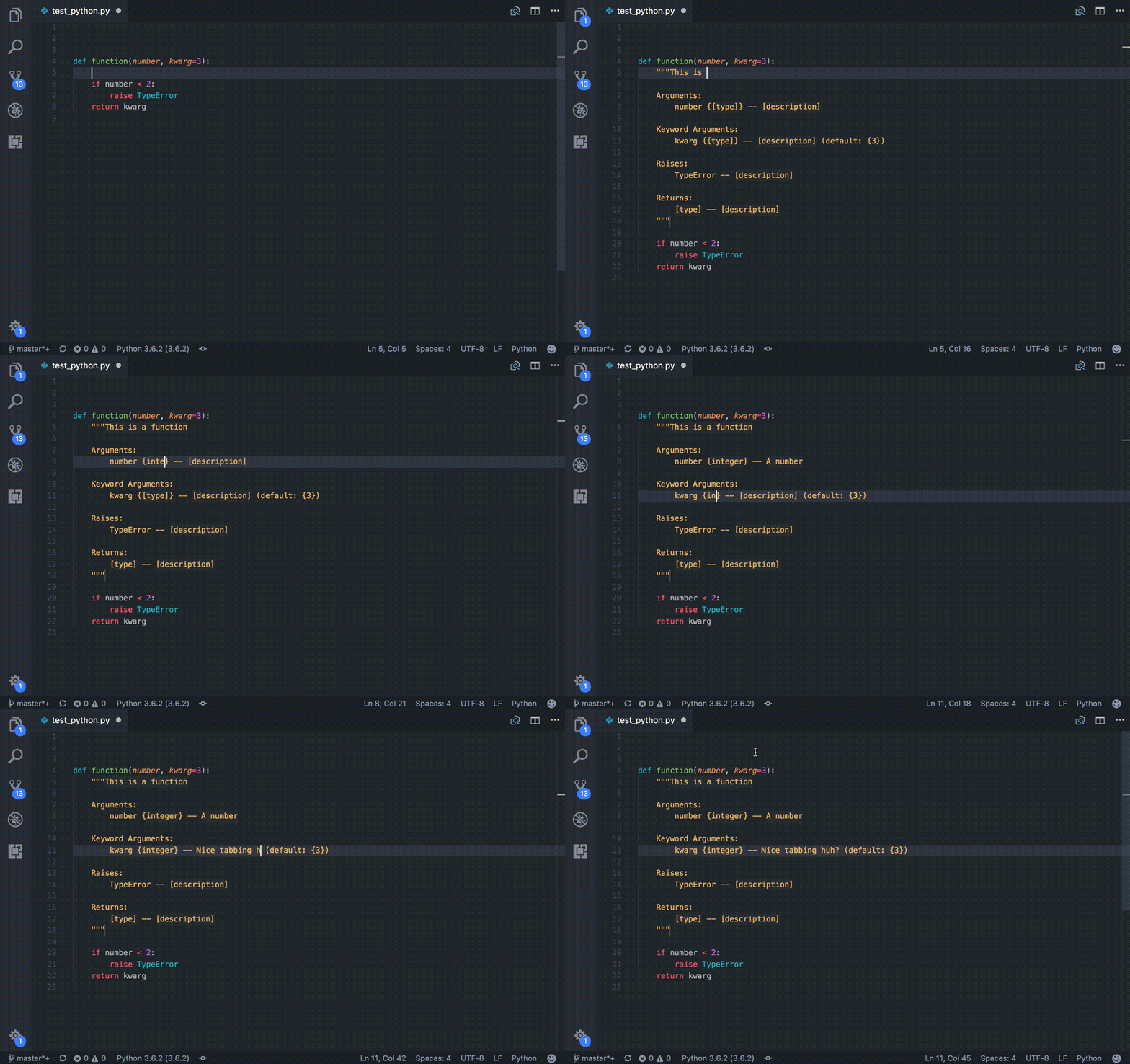
The best thing about this extension is that it follows all standard formats of docstring (including Google, docBlockr, Numpy, Sphinx, and PEP0257 is coming soon), and that is cool. Moreover, this docstring generator supports args, kwargs, decorators, errors, and parameter types with multiline commenting features.
Just see it in action and be amazed:
Download Python Docstring Generator
Python Test Explorer for Visual Studio Code
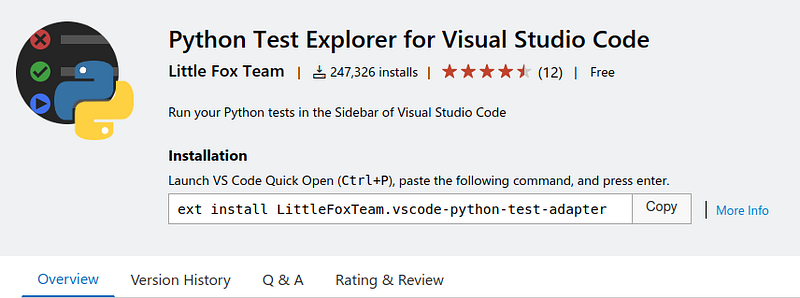
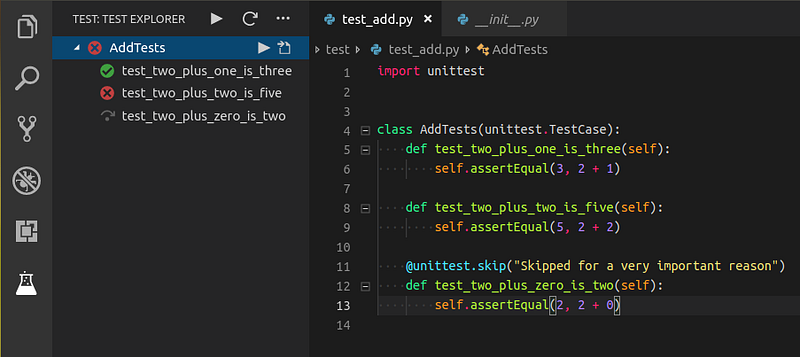
The Python Test Explorer extension allows you to run your Python unittest or Pytest tests with the Test Explorer UI. This small and handy tool will enable you to test your code from VS Code’s comfort with an excellent user interface and debugging capabilities.
We know the importance of unit testing so having a tool like this on your IDE or code editor is a must-have.
Python Type Hint
Type Hints is not a very popular feature yet, though it was introduced already some time ago. If you are not familiar with it, think of it as what TypeScript is for JavaScript, and remember, once you go TypeScript, you don’t go back.
I believe the same will apply to Python. Over time, we will see more codebases using type hints, and modern frameworks will be directly built on top of them like FastAPI .
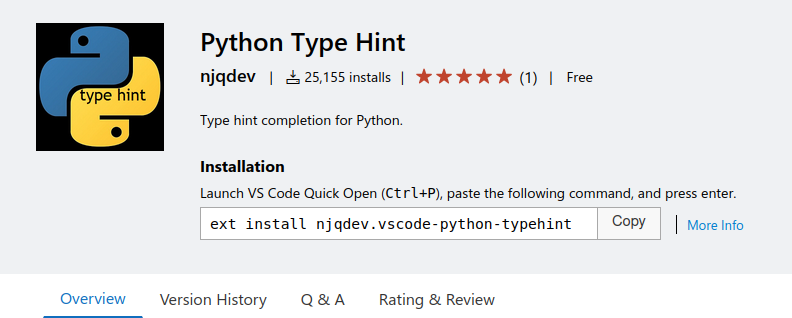
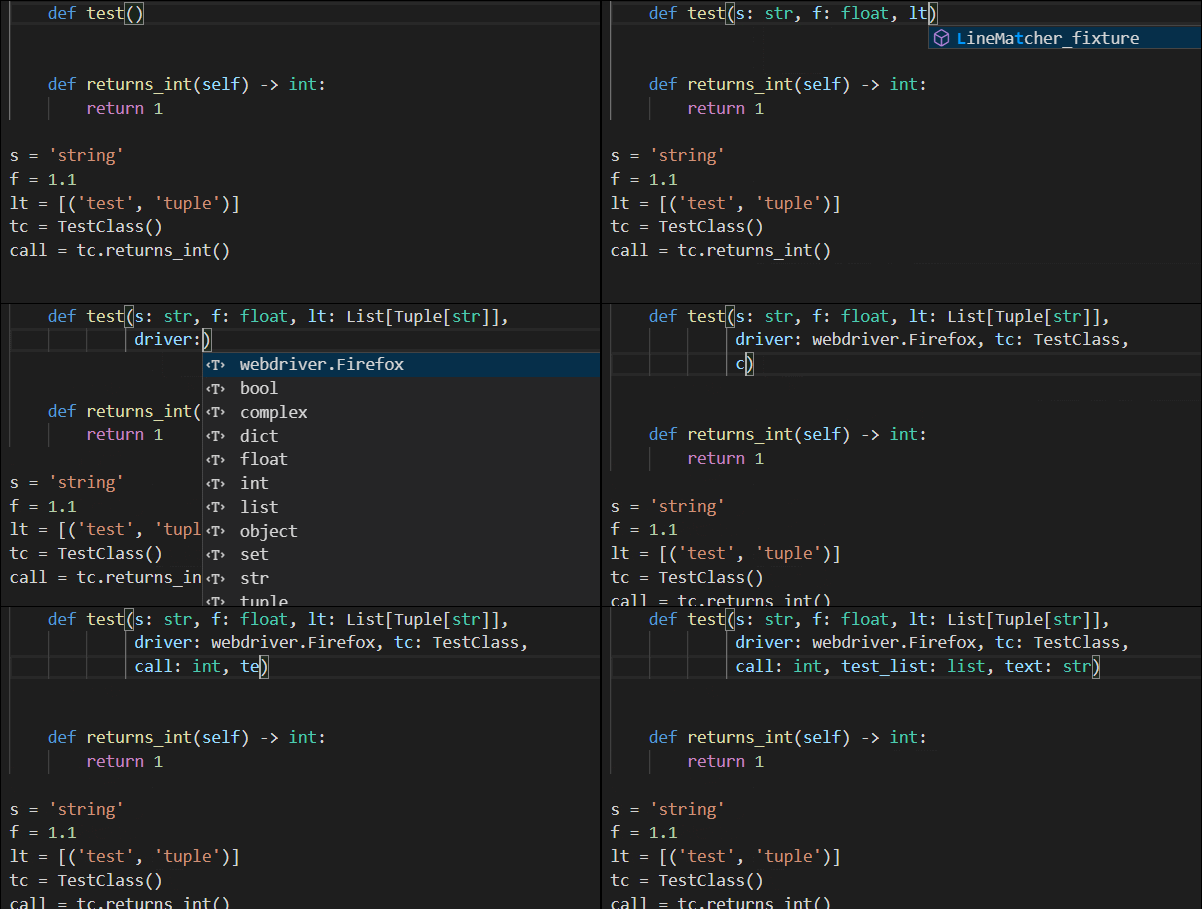
Python Type Hint provides type hint completion items for built-in types, estimated types, and the typing module. Moreover, it can search for Python files in the workspace for type estimation purposes.
Jupyter
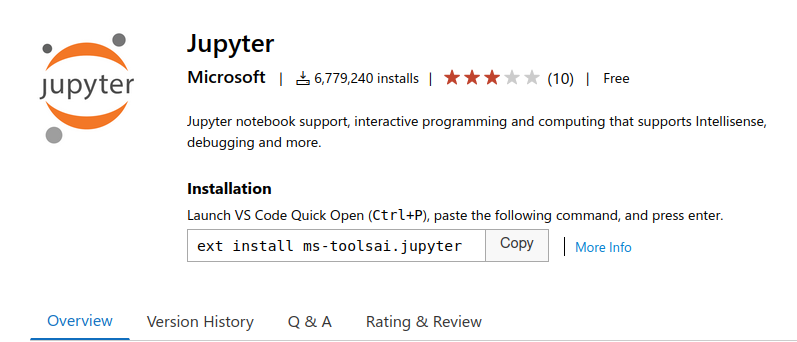
Another of my favorite features of PyCharm, now available for VS Code. Code, run and analyze with Jupyter Notebooks directly in VS Code, without ever having to leave to your browser.
Edit your notebooks with the help of VS Code auto-completion, checks, syntax highlighting, and all you love about VS Code.
Python Preview
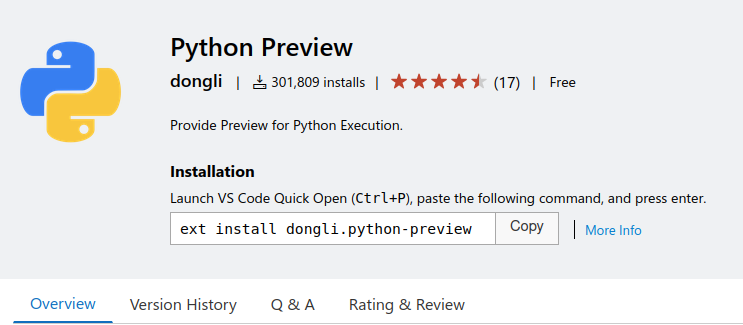
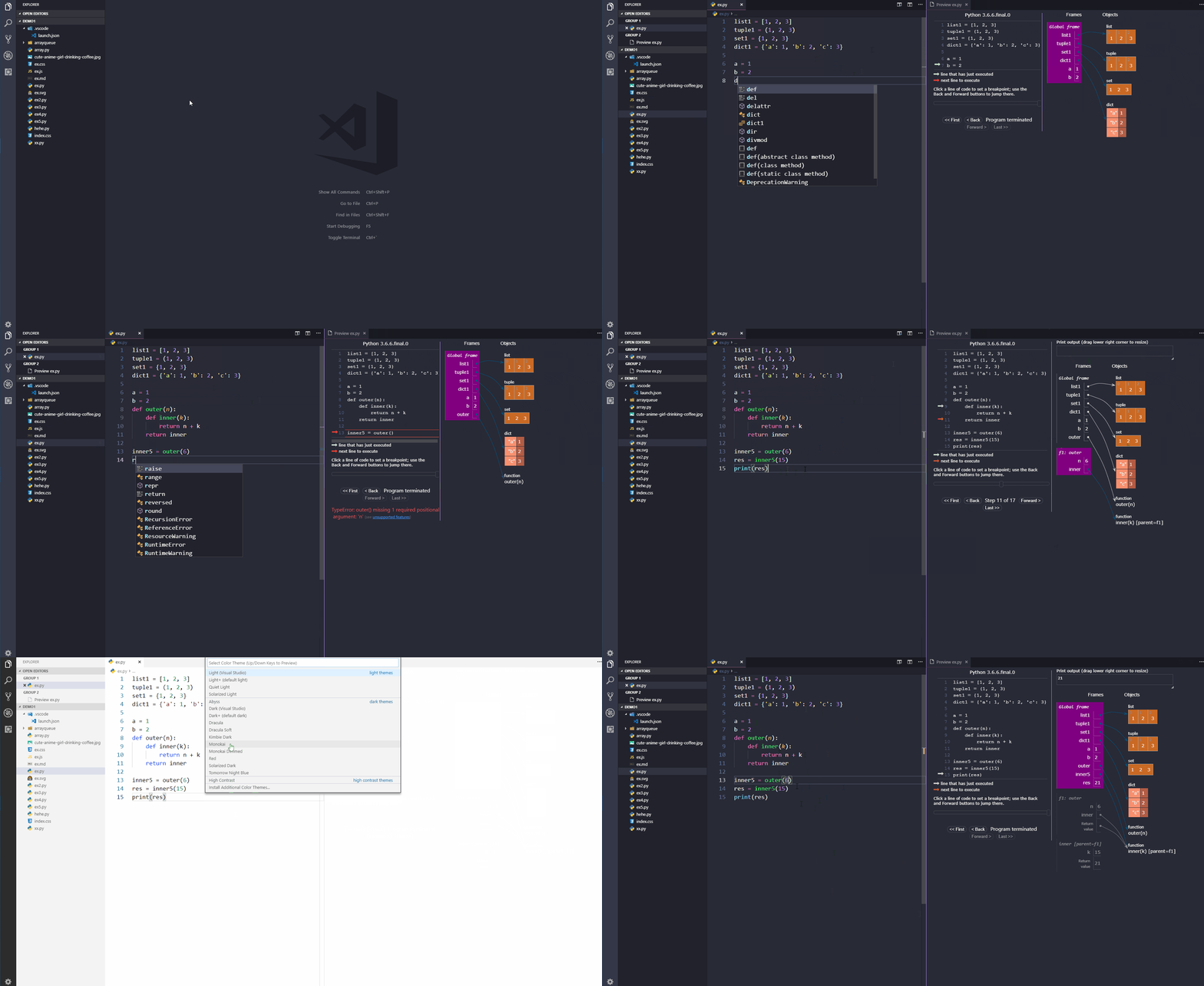
Python Preview is an extension that adds visual debugging to your Python code. It transforms debugging code into an interactive session with animations and graphic elements to represent your application status. You just have to see it:
Python Snippets
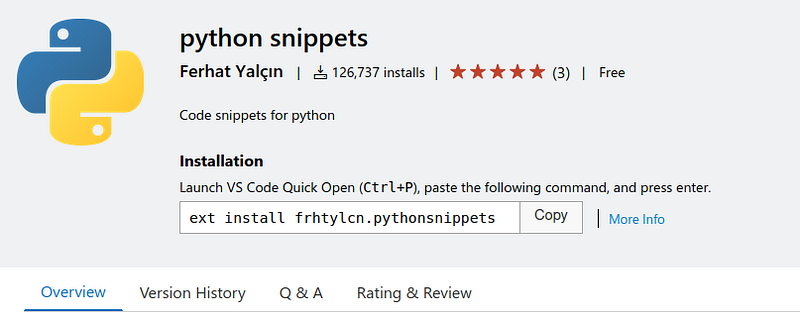
Python Snippets is an extension full of in-built snippets packs developed by Ferhat Yalçın. This extension is great for any developer but especially for beginners in Python. It contains numerous in-built snippets such as string, list, sets, tuple, dictionary, class, and much more. Another advantage of using this plugin is that it also provides at least one example of each snippet, making it awesome while learning Python.
AREPL for Python
Did you ever need to write a simple script for one-time use, or did you want a small program to perform a particular task, so you open your terminal and start coding on the Python command-line interface? How was your experience there? Terrible?
AREPL for Python aims to solve that problem, by providing a real-time Python scratchpad. Do you want to see how it works?
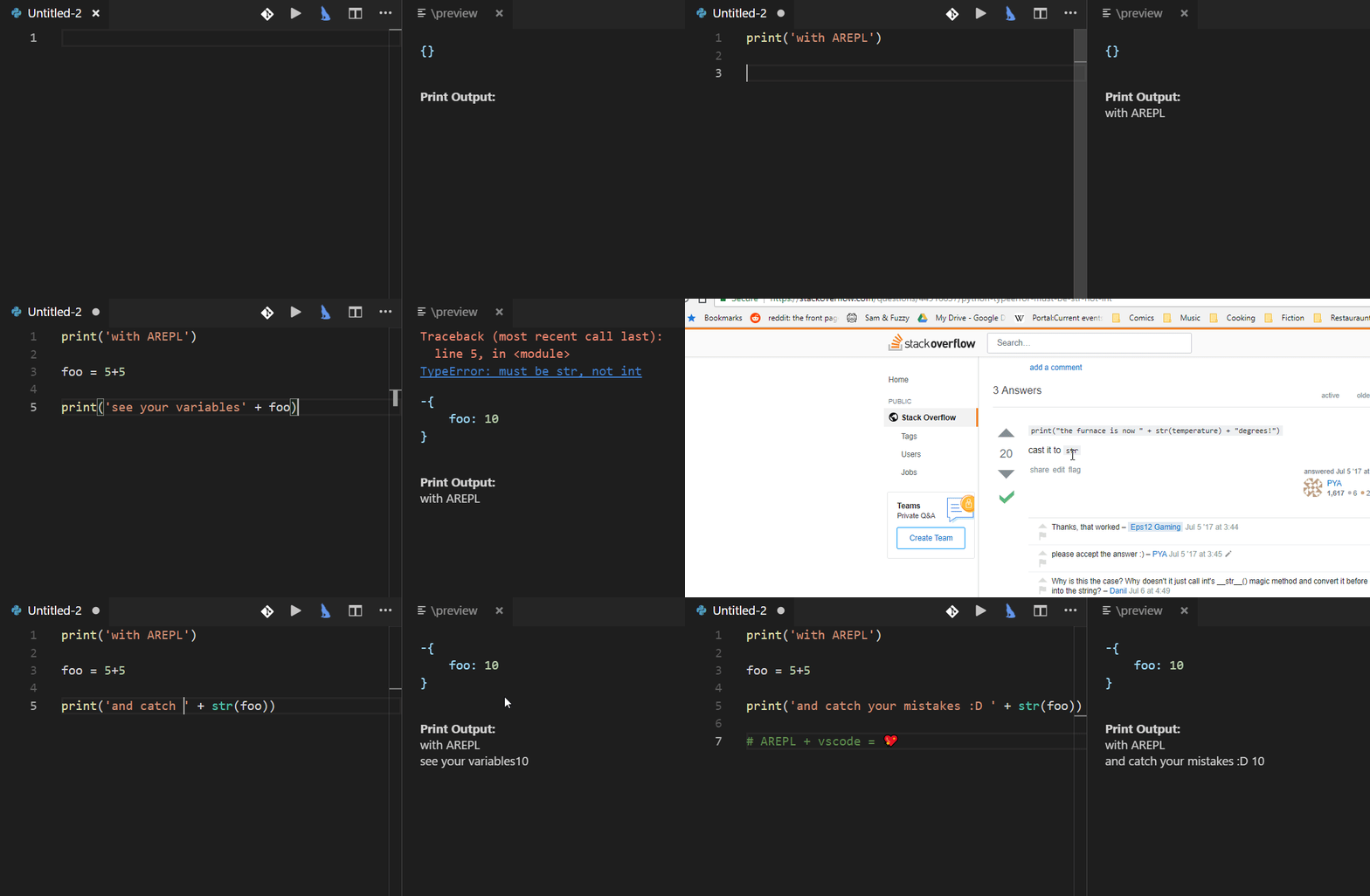
Features:
- Real-time evaluation: no need to run — AREPL evaluates your code automatically. You can control this (or even turn it off) in the settings.
- Variable display: The final state of your local variables are displayed in a collapsible JSON format.
- Error display: The instant you make a mistake, an error with stack trace is shown.
- Settings: AREPL offers many settings to fit your user experience. Customize the look and feel, debounce time, python options, and more!
TabNine
In the intro, I mentioned one plugin that changed my perspective of VS Code. Well, that’s TabNine . Being so familiar with PyCharm, one of the things I struggled with the most when trying VS Code was autocompletion. And don’t get me wrong, VS Code is decent, but PyCharm is just on a completely different level.
TabNine changed that by implementing AI-based suggestions. The models are trained using open-source projects, but once you install it, it also learns from your projects while keeping all activities local, so your code is not sent to the cloud.
I heard about TabNine for the first time a bit ago, but I was always a bit skeptical of how well it would perform, so I never even tried it. To be fully transparent with you all, some weeks ago, I had conversations with someone from the TabNine team, who convinced me to try it, and it only made a list because I enjoyed it, and for me, it is a keeper.
It was a bit weird at the beginning. Still, after just a few hours, I was very productive, accepting many of their suggestions and feeling very comfortable with it, so much that I even installed their extension on WebStorm, and it is fantastic.
Let’s discuss some of their features:
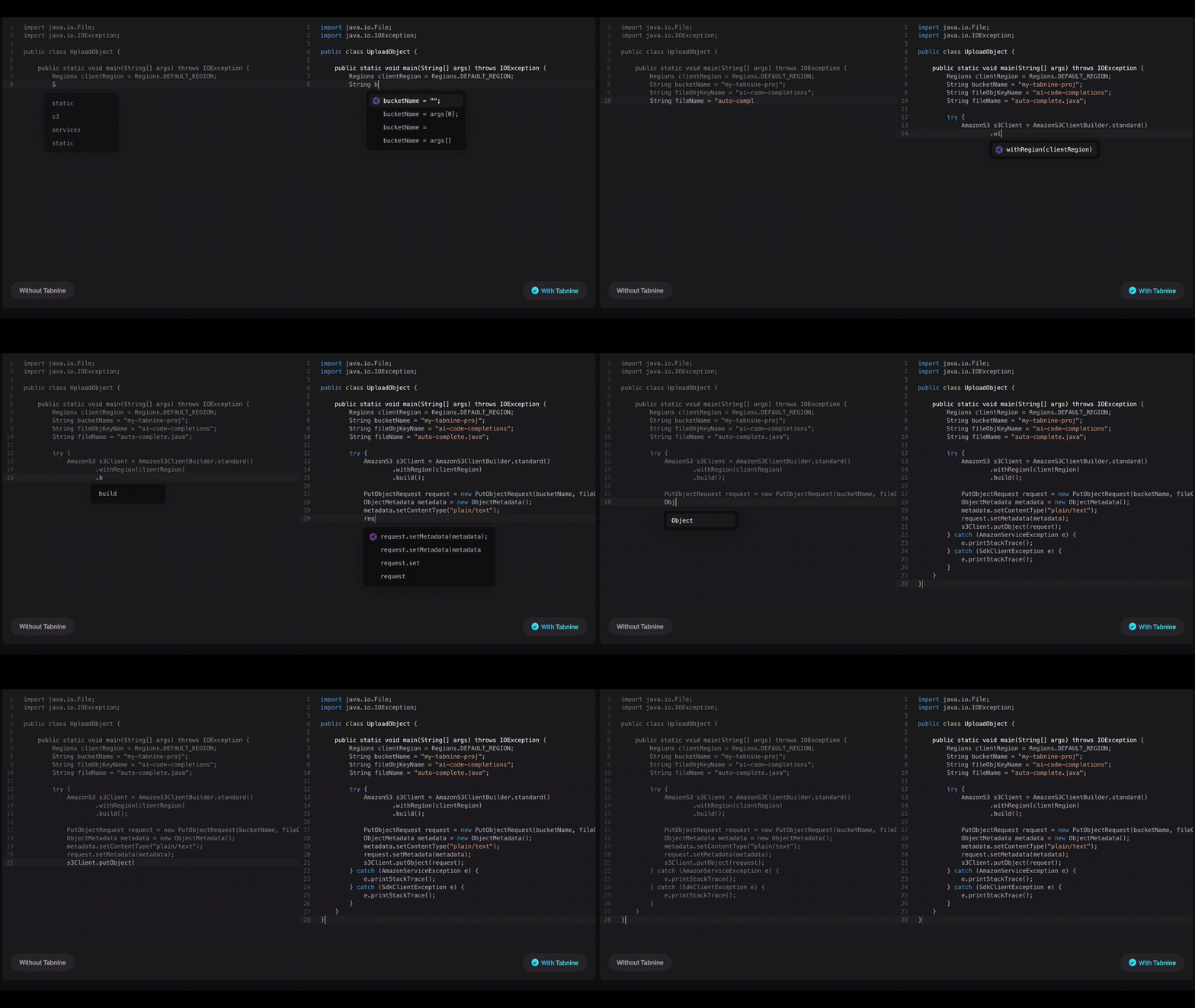
- Insane code completion
- Ability to learn from your own and your team’s projects
- Privacy, users can choose to run models locally or get cloud completions, in which case the developer’s code is encrypted and immediately deleted.
- The models are trained on open-source code
- No licensing issues
- Free and paid versions
Demo:
Conclusion
VS Code is a great editor, but what makes it so special is the ecosystem of extensions that takes it to the next level.
It still doesn’t surpass the experience I get from Jetbrains products, but for a free ecosystem, it is really good.
I hope you enjoyed this article, and as always, if you have any suggestions on what are your favorite VS Code extensions, please let me know in the comments, twitter or by email.
Thanks for reading!


