The best subscriptions for researchers and academics
Subscriptions to journals, newspapers, and apps can help us stay informed and productive. Here, I’m reviewing my favourite subscriptions for research and academic life.

Consumption
Here, I review subscription that are mostly about getting information or consolidating it.
Paperpile
Link: https://paperpile.com/ | Cost: £36 per year
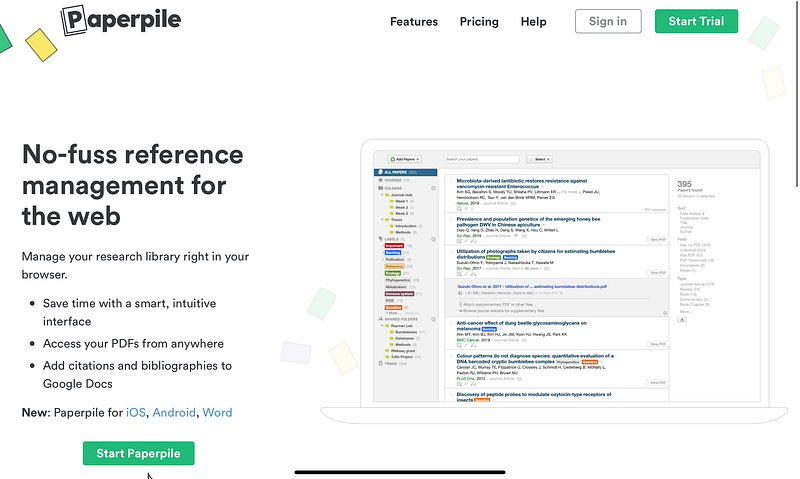
The phrase “reference management” sends shivers down my spine. Keeping track of reference materials such as books and scientific journal articles is an important part of any academic’s workflow. Unfortunately, the majority of apps designed to assist with this are completely useless. For some reason, university-sponsored reference managers are the worst (I’m looking at you, Endnote). The Papers app for Mac was a rare exception. It used to be the undisputed king of Mac reference management. Unfortunately, the company was acquired a few years ago, and the most recent version is a colossal letdown. I persevered for a while, but eventually admitted defeat and tried a few different approaches. Paperpile, a web app, is currently my favourite reference solution. It has a simple interface, excellent browser integration, and excellent Word and Google Docs reference options. For me, the most significant advantage of Paperpile is its flawless ‘cite-as-you-write’ functionality. I can write my article, look up the appropriate reference, and update the reference style as needed. It simply does the job without any complications. It also has a fantastic iPad companion app for downloading and reading papers on the go. The subscription is worth every penny, if you ask me.
Nature+
Link: shop.nature.com | Price: £24.55 per month
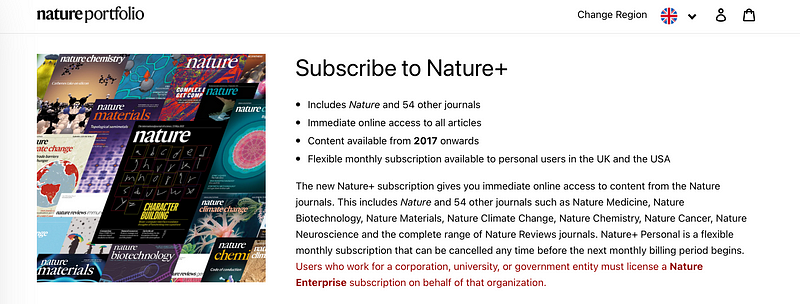
There is a lot of debate about traditional publishers, and I agree with a lot of it. Most publishers charge exorbitant fees, around £5,000 for a top-tier journal, to host research articles submitted and reviewed by scientists they did not pay. On the other hand, many open platforms began to publish dubious research. For example, after launching dubious journals and expanding its offering of special issues, the Frontiers journals were plagued by controversy after starting dubious journals and expanding its offering of special issues. There are many excellent articles in these journals, but there are also many of questionable quality. Nature Publishing Group (NPG) top journals employ professional full-time editors who independently evaluate all articles submitted to their journals. Editors are typically highly trained scientists who have left active research to focus solely on scientific publishing. NPG charges a high subscription and publication fee, but the content is exceptional. NPG journals have published many of the most influential papers in any field of science. Unfortunately, the subscription costs are prohibitively expensive for many universities. However, in the United States and the United Kingdom, NPG began offering personal subscriptions to a wide range of their top-tier journals. The private Nature+ subscription includes online access to Nature Human Behaviour, Nature Neuroscience, and Nature Reviews Neuroscience, among many other journals. It also includes online access to the flagship journal Nature. In addition to scientific articles, these journals include magazine content covering all aspects of science and academic life. For instance, I found their series of articles in careers in academia to be extremely insightful. If you read a lot of NPG journals in your field and your institution doesn’t have a subscription, I think the Nature+ subscription is a great deal.
Shortform
Link: https://www.shortform.com/ | Price: £20 per month
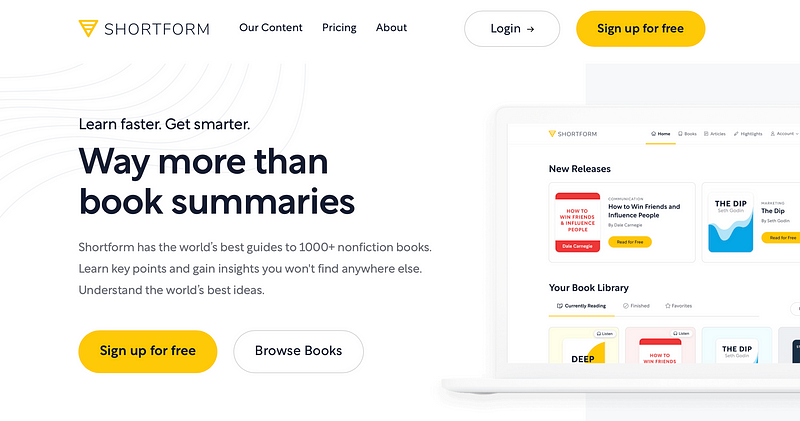
There are numerous excellent non-fiction books available that contain nuggets of information that can help you improve your life in a variety of ways. There are books on management, productivity, mental health, diet, exercise, and a variety of other subjects. However, there is only so much time in the day to read them all. Furthermore, deciding whether a book is worth reading in its entirety can be difficult. Many nonfiction books are full of fluff or rehash the same points over and over. Shortform provides magnificent summaries of a growing number of nonfiction books. They already cover the most influential non-fiction books that can be found on the shelves of most bookstores. They provide a one-page summary as well as an extended summary for each book. These summaries are clear and precise. They also go beyond the original text, for example, by providing action steps or comparisons to other books on the same subject. I usually read the Shortform summary of a book before diving into the full text. When I finish the book, I use the extended summary to consolidate my notes and understanding. This enables me to devote my reading time to books that add the most value to my life and aids me in remembering their key points. I highly recommend Shortform if you read a lot of nonfiction.
Newspaper
Link: https://www.theguardian.com/ | Price: £11.99 per month
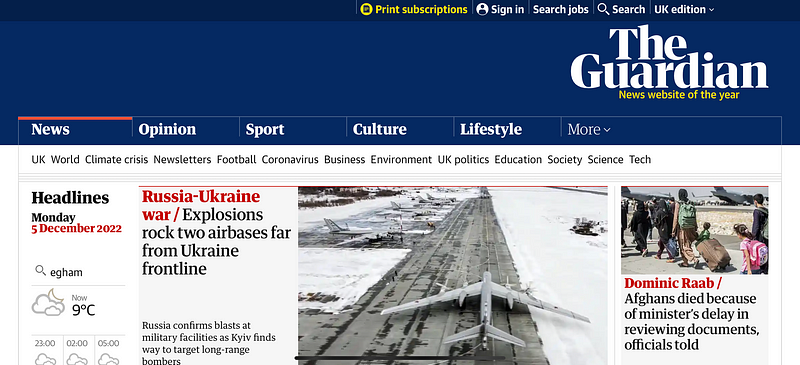
The cliché of the lone scientist pursuing his thoughts in an ivory tower with no connection to the real world no longer applies. Modern science aims to address some of the world’s most pressing problems and needs to stay abreast of political and cultural developments. Therefore, it is not enough to read journal articles on specialist issues. I think it’s imperative that every researcher or academic reads a good-quality newspaper from time to time. I do not mean that we should all follow the 24-hour news cycle that largely consists of attention-grabbing headlines. Instead, we should read long-form articles with more in-depth analyses of current issues, especially when they are relevant to our area of research. There are many excellent national and international newspapers across the political spectrum. I think it’s well worth supporting their work by subscribing to their print or online offering. Personally, I prefer the Guardian online edition. I typically browse their newsletter headlines and save long-form articles to read when I have the time, e.g. on the weekend or on my commute.
Readwise
Link: https://readwise.io/ | Price: $96 per year (premium) or $54 pa (lite)
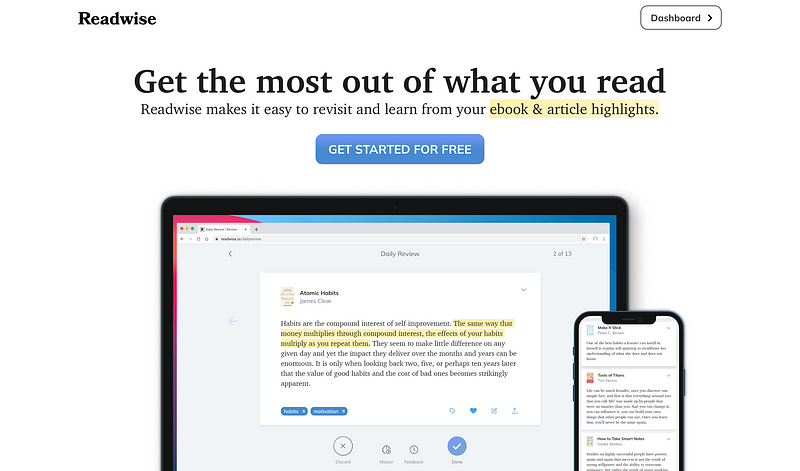
All of this reading will be useless unless we remember the most important point. It felt like I was pouring all of this knowledge into a sieve with massive holes at times. Of course, the most committed readers create flashcards to memorisecontent. I tried this approach, but found it too time-consuming to incorporate into my hectic schedule. Fortunately, Readwise offers a straightforward but brilliant solution. Readwise integrates with a variety of reading services, including Kindle, Apple Books, Medium, Instapaper, and many others. Any highlights are synced with your Readwise library and used to generate a daily review. To maximise memory, they use an algorithm that optimises the selection of highlights. So, you may see more recent highlights but be reminded of older ones occasionally. It is also possible to browse highlights by book, create flashcards from highlights, and tag highlights for themed reviews. I’ve been using Readwise for several years, and my current streak stands at 900 days. It had a profound effect on my reading. I’m becoming more selective about the books I read and the passages I highlight. I also recall much more from those books. Furthermore, I’m currently beta-testing their native reading app for web articles as well, and it’s far superior to any competitors currently available. I would like to point out that I’m paying for the subscription myself and do not get any sponsorship or freebies from the developers. I just really like their product. You should definitely subscribe to Readies if you read a lot of nonfiction.
Management & Creation
Here, I review subscriptions that help with managing our lives or sharing output with others.
Fantastical
Link: https://flexibits.com/fantastical | Price: £38 per year
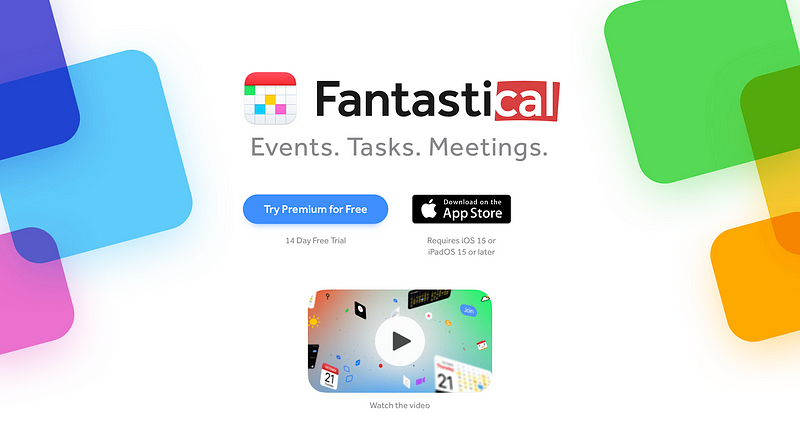
I thought I’d never need a calendar app subscription, but after using Fantastical, I can’t live without it. I use a Fantastical to keep track of my appointments. It supports multiple time zones, making it much easier to stay on schedule when travelling or meeting with people in another country. It also works directly with many video conferencing platforms, including Zoom and Microsoft Teams. Because of that integration, I can simply click on the meeting in my calendar rather than searching through my emails for the link. It also has natural language processing for fast data entry. For example, typing “project meeting on Monday at 11” will automagically add a meeting with the title ‘project meeting’ for next Monday at 11 am to my calendar — no clicking and selecting required. Different viewing features can be toggled on and off. For instance, I switch between private calendars (appointments, birthdays, shared calendars) and work-related calendars (meetings, deadlines etc.) to get the most important information depending on context. It may seem excessive to pay for a subscription rather than using one of the free calendar apps, but I think the price for the Fantastical subscription is worth it if you have to manage a busy schedule.
Dropbox
Link: https://www.dropbox.com/ | Price: £7.99 per month for 2 TB
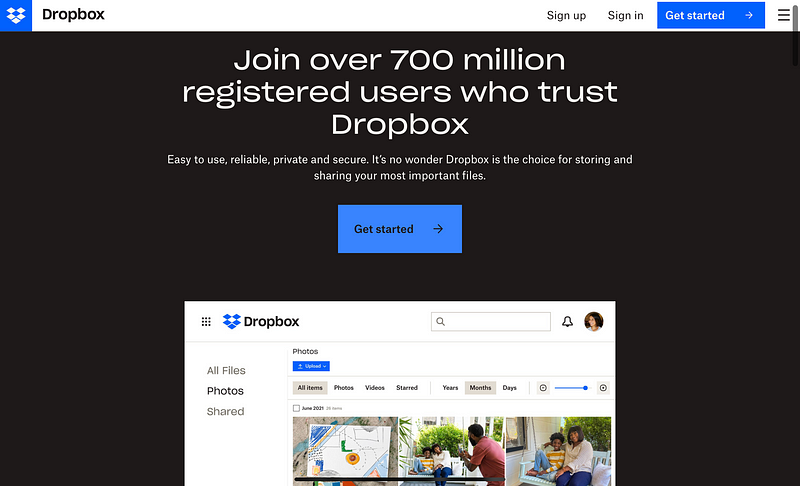
As researchers or academics, we live a lot of our lives on our digital devices. A lot of the output from our work exists as a digital artefact, like a spreadsheet with results from an experiment, code to run a simulation, or digital slides for lectures or conference presentations. Switching between devices is also common these days. You may start writing a report on your work computer and then edit on a laptop at home, or even share it with a colleague via a smartphone while on the go. Storing our digital lives on the cloud makes it easier to jump between different physical devices and to prevent any data from being lost automatically. If you are lucky, your university may provide access to a cloud storage provider. However, some of these providers are better than others. For instance, if you mostly use Apple devices, you may find the integration of Microsoft’s OneDrive less than optimal. In contrast, Dropbox works well across platforms. On Windows or macOS, Dropbox provides folders that are automatically uploaded and synced to the cloud. It also provides a history of files, in case you want to go back to a previous version of the file. It works so well that it mostly disappears into the background. If you work across platforms or if you wish to share files with users on different platforms, Dropbox is a reliable option that starts at a very low price for a decent amount of storage.
Ulysses
Link: https://ulysses.app/ | Price: £38.99 per year
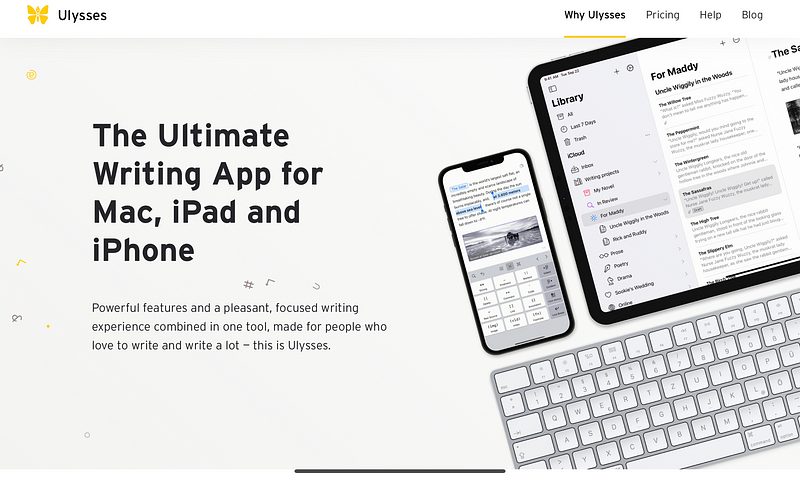
Ulysses is a wonderfully minimalist writing app. It provides a minimal user interface that is elegant and well-designed. This makes it a pleasure to write on any device, be it a laptop, tablet, or even a smartphone. The minimal interface removes all the distractions that make writing in traditional text processors such a pain. For instance, Microsoft Word is overloaded with different buttons for a million functions that most users will never touch or even care about. The constant access to all of these buttons is also distracting. When you were planning to write something, how often have you felt tempted to play around with the formatting of a text? Ulysses just displays the text and uses Markdown for minimal logical structuring, e.g. to distinguish a heading from the text. Other features like spell-checking are hidden away until they are useful. For instance, after writing a draft, the user can switch to revision mode when grammar and spelling checks can be performed. Sophisticated formatting can also be applied at a later stage through a style sheet that applies consistent formatting to the entire document. Ulysses seamlessly exports to Word or PDF formats, or can publish text to WordPress or Medium. I use Ulysses to write all my manuscript drafts and to write this blog. I think it’s well worth its annual prize for anyone who writes a lot and appreciates a well-designed application.
Evernote
Link: https://evernote.com/ | Price: £7.49 per month
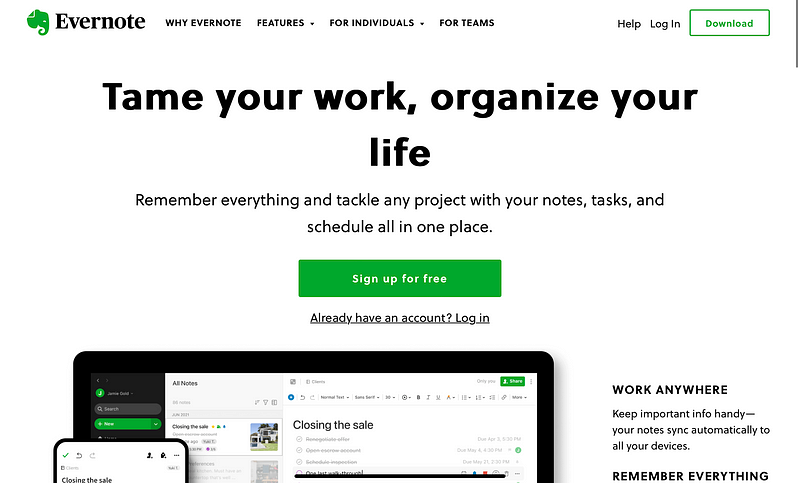
Meeting notes, intermediate results from an experiment, lists of recommended, scanned copies of receipts, and important emails are all typical parts of any academic’s digital life. However, it is difficult to store them in a way that makes it easy to find them again. Evernote is a juggernaut that used to reign supreme in the land of digital note-taking. I have been using Evernote for the last 10 years. There have been many revolutions in the digital note-taking space since then, and Evernote has not weathered all of them as well as I would have hoped. However, Evernote remains the most user-friendly app. It’s easy to throw all kinds of data files at it, including images, drawings, tables, PDFs and more. It’s also easy to create digital notes without much hassle, even when integrating multimedia elements. For instance, pictures can just be dropped into the note and tables can be inserted via copy-and-paste. Because of this low friction entry, I use Evernote as a digital lab notebook. I think every research or academic will benefit from a dedicated digital notes app, and Evernote is still a solid choice.
Netflix
Link: https://www.netflix.com/ | Price: £10.99 per month (Standard)
We all have our creature comforts. For me, there are few greater pleasures than indulging in a bit of “Netflix and chill” during those long winter weekends. Netflix seems to have made an outsize impact with their original series that quickly became cultural phenomena, e.g. Stranger Things, Sex Education, and Squid Game. The protagonists in these series are often outcasts with an obsession that motivates them to pursue unusual paths. A description that also fits many academics and researchers. To me, this entertainment provides the perfect escapism and is regularly a lively topic of conversation with my colleagues. If you ask me, The price for the vast amount of original and high-quality content is also more than reasonable.
Interested in more tips and tricks for academics and researchers? Check out my other articles: Best Websites for Academics and Researchers, Best Mac Apps for Academics and Researchers, and Best iPad Apps for Academics and Researchers
Please comment and sign-up for my newsletter if you found this article interesting.
Consider to become a member for full access to all of my articles and the entire Medium library. I will earn a small commission, if you sign-up through my personalised link.


