The best iPad apps for researchers and academics
Like most knowledge workers, I spent a lot of time consuming content and then distilling it into new insights or plans for future projects. The iPad has been truly transformative for my workflow. Here, I share my favourite apps for the tasks that are central to my work as a researcher and academic.
Reading
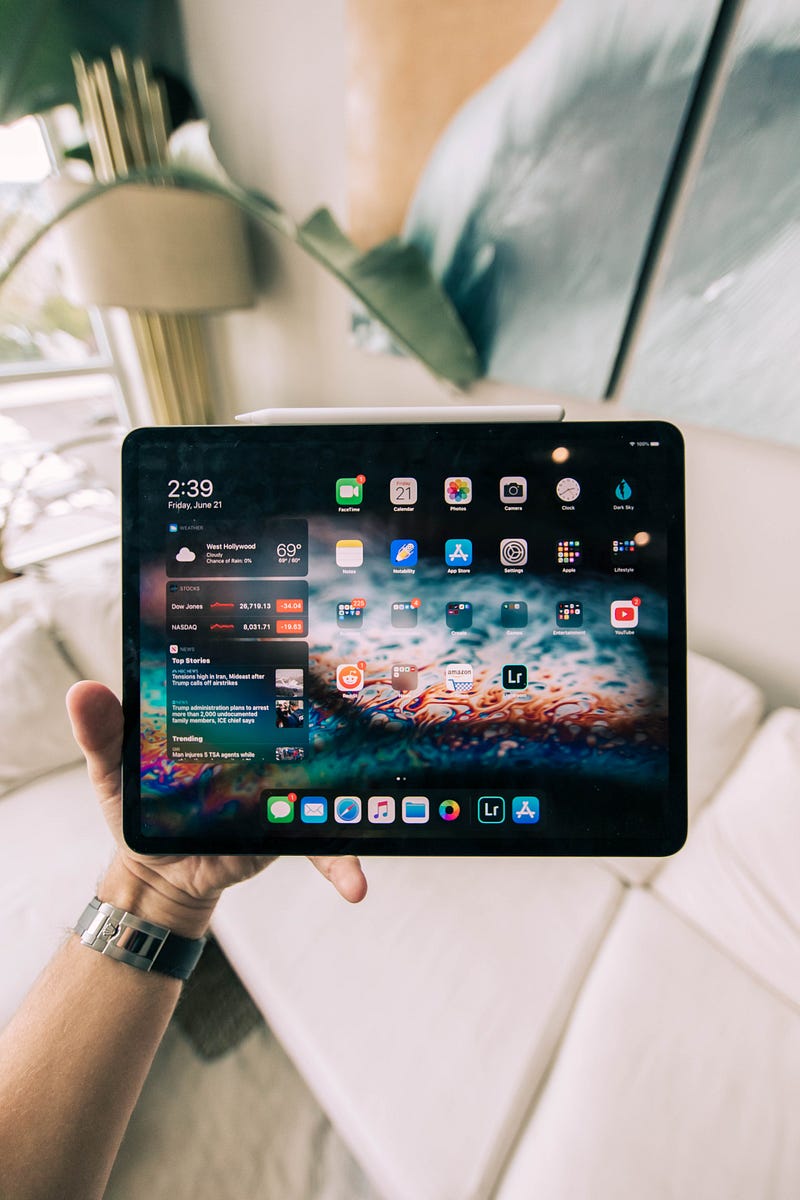
Reading is one of the areas in which the iPad really shines. It’s much more comfortable to read on a touch device that can be held like a book or magazine. I greatly enjoyed reading on the iPad ever since the first generation came out, but the addition of the Apple Pencil has elevated the usefulness of the iPad for my work even further. For instance, reading scientific papers is a breeze as the integration with my note-taking app allows me to expert my highlights for future reference. Furthermore, I also use the iPad when reviewing papers or marking student’s work by writing notes in the margins of the PDF with the Apple Pencil.
The Kindle app
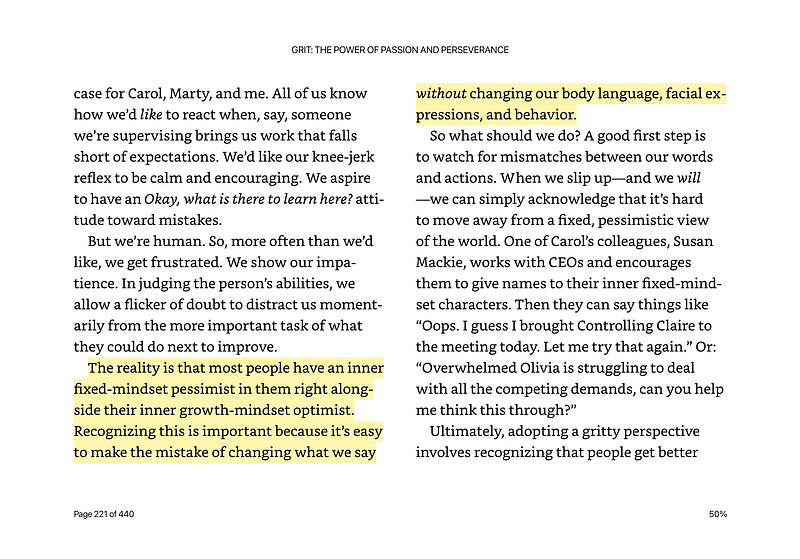
The Kindle app is the absolute king when it comes to ebooks. Even though I sympathise with many people who are against this type of market dominance, it is hard to get around the Kindle app for reading ebooks. That’s because of the massive choice of ebooks that are available via the Kindle store. It also provides smooth integration when you switch between different devices, e.g. a Kindle ebook reader and the app on your phone. The advantage of reading on the iPad is that it’s easier to flick through the book and review notes across multiple chapters.
Readwise
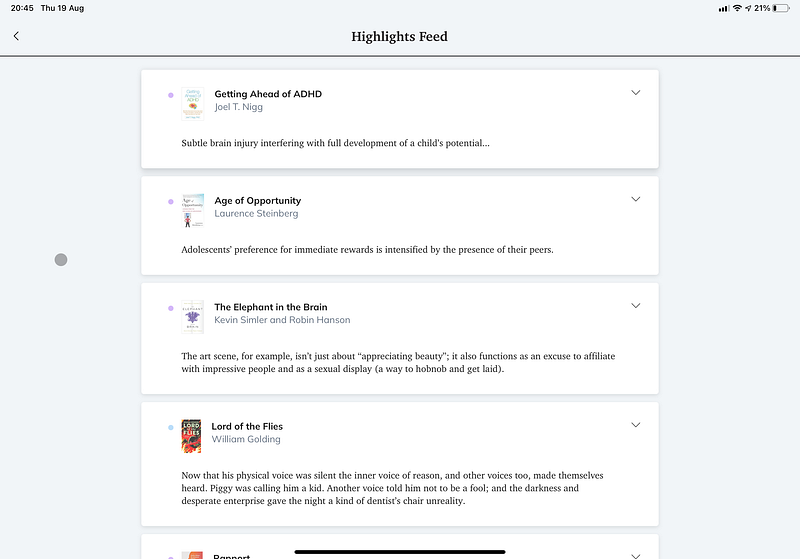
Readwise is an app and a service that takes text that you highlighted in ebooks and other texts and presents you with a selection of them for a regular review. I started using Readwise more than a year ago. Before then, I felt like reading one factual book after the other was mostly a waste of time because I would have forgotten most of it a few weeks later. Now, I remember much more of the many books that I read. It also has some great integration with other apps that help me to integrate my reading with my other notes (more on that below).
Instapaper
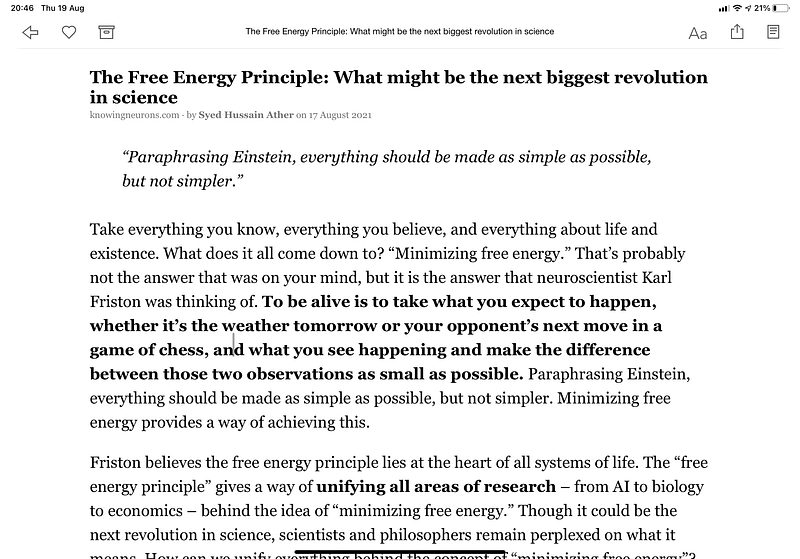
Instapaper is a read-it-later app that presents articles in a simplified format that is much easier to read. It also helps to curb the temptation to read every superficially interesting article that I come across while browsing the web. I save all articles that I find interesting to Instapaper first, and often decide later that they are not actually worth my time. Thanks to the Readwise integration, you can also sync your highlights and review them regularly.
Feedbin
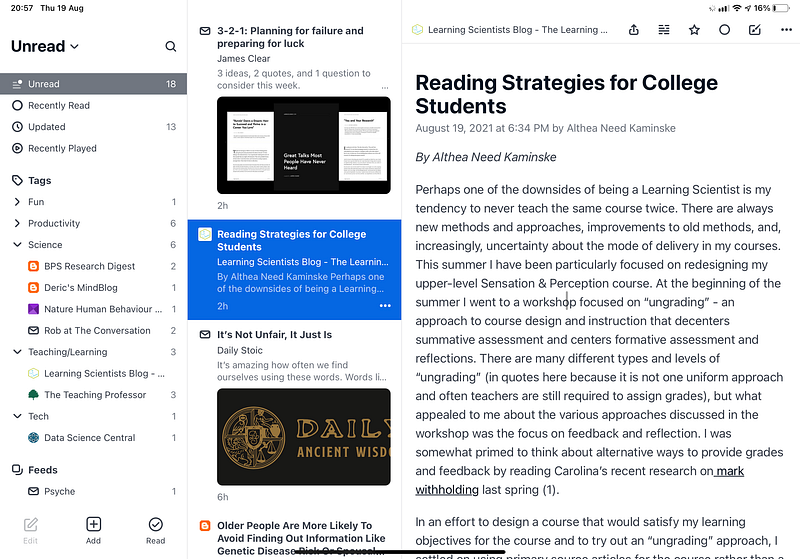
The web is full of a myriad of websites and blogs that are relevant for me, but I don’t want to manually check if something new has been published. I also do not want to clog up my email inbox with various newsletters. Instead, I use Feedbin to subscribe to RSS feeds and subscribe to newsletters with my Feedbin address. The articles are presented in a pleasing interface, so I can peruse them at my leisure.
PDF Expert
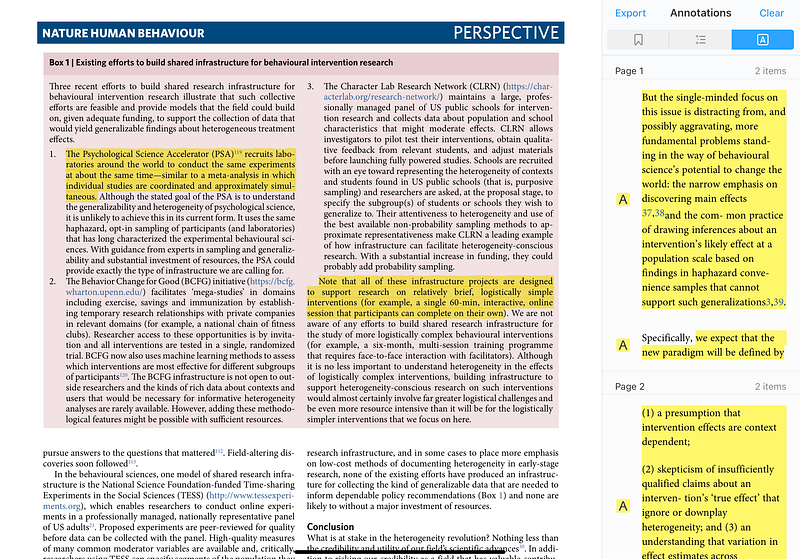
As a scientist, I read many articles published in academic journals, which means that I mostly read PDFs. Many apps are specifically designed for storing and reading PDF libraries, e.g. Mendeley, Readcube Papers. However, in my opinion, the reading experience is suboptimal for most of these apps. They often have terrible re-sizing issues, and their annotation features are clunky at best. With PDF Expert, the experience is so smooth that I don’t really think about the interface when using it. Plus, it can export the text that I highlighted, which is vital for my note-taking workflow.
Writing
In my professional life, I collaborate with many people on documents and usually default to the apps that other people are already using. That means editing Word documents with so many tracked changes in them that it looks like a crime scene, or trying to figure out how to insert references in Google Docs for the 100th time. Unfortunately, the iPad apps for both are too basic and too unstable for serious work. Therefore, I use the iPad mostly for note-taking and for personal writing that does not require bespoke formatting or collaboration features.
Evernote
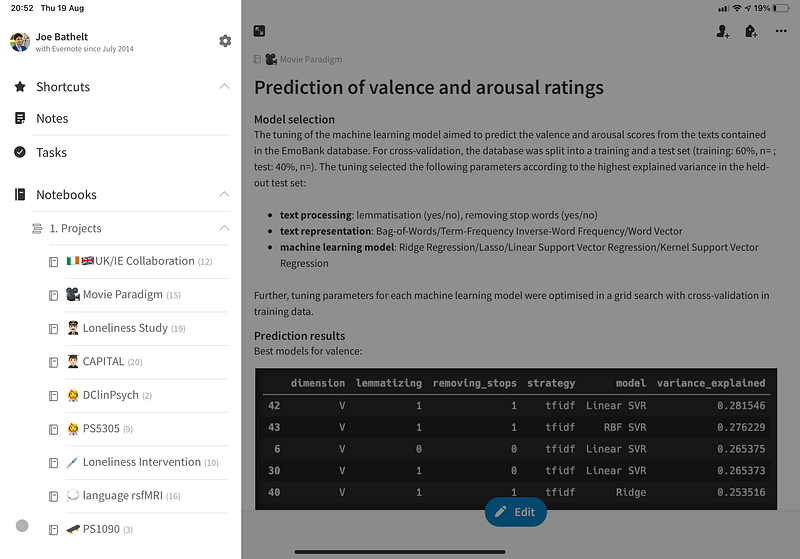
I have gone through many note-taking apps, but I keep coming back to Evernote. They recently overhauled their app completely and made some controversial changes, but it remains one of the most solid note-taking apps out there. I throw all possible content at it, e.g. a website that I need for a project, a table with results from an analysis, my outline for the next lecture. Evernote makes it effortless to deal with all sorts of content without any hassle. It’s also straightforward to organise everything without having to come up with a complete architecture — I’m looking at you, Notion. This simplicity makes it my favourite app to serve as my digital inbox.
Obsidian
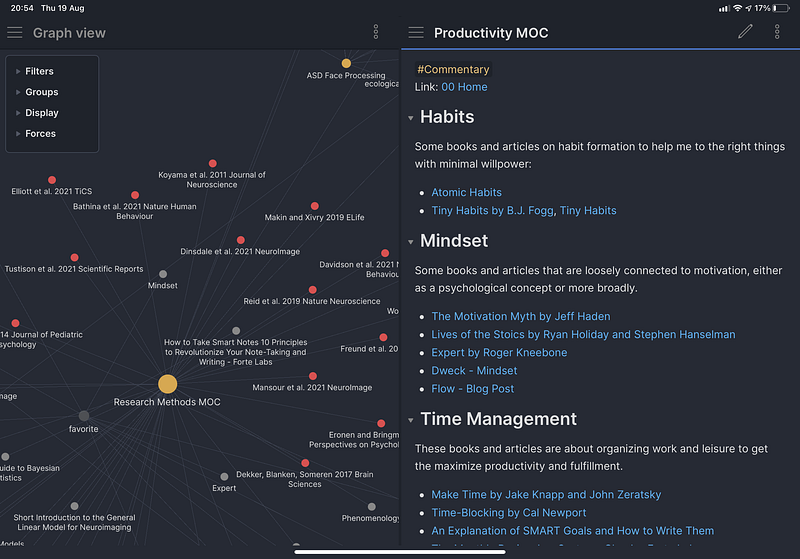
I got into Obsidian on the Mac a few months ago and greatly enjoy it. Discoverability was always an issue with notes for me. For instance, I may take notes on a research paper that may become relevant to something I’m working on in a few months or even years. If I have it filed in an obscure folder in Evernote, I may never find it again. In Obsidian, the note will be linked to other notes that make it much more likely that I will come across it again when I need it. The interactive visualisation of the notes and their links is also great to play around with one’s notes and see themes or ideas emerging. It takes some effort to learn how to use the app efficiently, and some things are harder to do. For instance, inserting a table or a picture is less easy than in Evernote. But I think it’s worth it for the notes and ideas that you want to keep for the future. They recently published a mobile version that works great and allows me to add, view, and edit notes on the go or from the comfort of the sofa.
Ulysses
Ulysses is simply a beautiful writing app with an extremely pleasing minimal interface. I often start my writing with a draft in Ulysses because the interface removes all distractions. I also write all of my blog posts in Ulysses and then publish them directly to Medium. The interface never gets in the way, but still offers all the functionality that I need for that type of writing. Unfortunately, there is no easy option to insert academic references. Otherwise, I would use it for all of my writing.
Do you have any app recommendations? Please share them in the comments below.
Please comment and sign-up for my newsletter if you found this article interesting.
Consider to become a member for full access to all of my articles and the entire Medium library. I will earn a small commission, if you sign-up through my personalised link.


