
Test run
Please ignore
This is a test of Microsoft Flow. It’s supposed to tweet whenever I publish an article. I may have a bug…

It worked!
As it happened, I didn't have a bug, it just took a while to work and I gave up as it was three in the morning and I was tired and frustrated. Am I a proper computer programmer now? Can I call myself a coder and have steamy adventures in the computer room like the real software jockeys do?
When I woke up again, I checked Twitter — as one does at dawn — and oh, joy, there was a fresh tweet with pretty much the output intended:
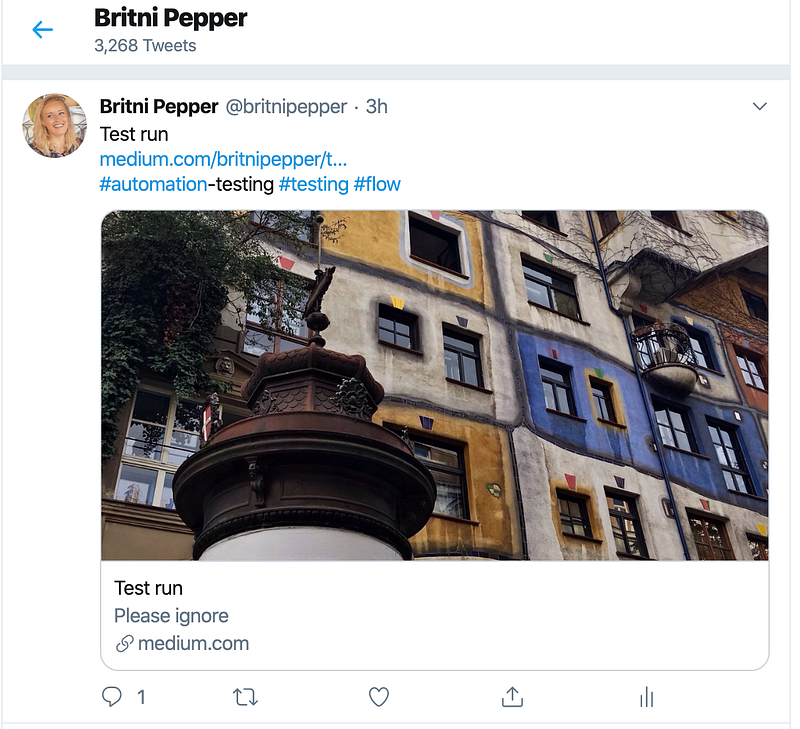
Even better, some helpful soul had cheerily notified that my test had worked.
Well, almost. One of the hashtags hadn’t come through properly.
What the hell you talking about, lady?
Oh, sorry. I read a story yesterday, about how to set things up so that whenever I published a story a tweet was automatically posted. Because, well, you know, sometimes I forget. Here’s the thing:
Excellent article, by the way. Thanks, John Gruber, you rock!
I had to do a whole lot of technical things, like set up an account with Microsoft Office online, create a new “flow”, push scary-looking buttons with gibberish on, copy chunks of code, and follow instructions — all way outside my comfort zone — but John had provided step by step details, with screenshots and it wasn’t nearly as awful as I imagined it would be.
To be honest…
I’ve done things like this before. I used to work with spreadsheets and run macros, and even set up databases with this cute little app called Access, which is apparently still going somewhere, just not for Mac drivers like me.
I am way rusty with that kind of carry on. Spreadsheets are no problem at all. Well, up to a certain point, anyway.
But when I am asked to enter some code that reads — I kid you not! — like this…
replace(replace(join(triggerBody()?[‘categories’], ‘~#’), ‘ ‘, ‘’), ‘~’, ‘ ‘)
…well, holy crap, Batman! What language is that in, anyway? Looks like Princess Fluffypants strolled across my keyboard. And sneezed.
It didn’t quite work, but, did it?
No. Those of you with eagler eyes than mine will have spotted that the script didn’t render the tag “Automation testing” into a proper hashtag correctly. Puzzling out how to strip out blanks from tags may well overburden my resources. I hope there’s a manual for this somewhere!
It seems that Microsoft has changed the name of the thing. What was called Flow when John wrote his story is now renamed to “Power Automate”.
Catchy name, hey? Those marketing wonks are certainly earning their pay.
I really hate to give Bill Gates any more exposure, but this is all part of a freebie set of tools called “Office Online”. Just open an account, and you get most of the regular features of Microsoft Office over the web. It seems that you get even more features if you sign up with a work or school email instead of a personal one.
So that means I’ll have to work out how to give myself a “britnipepper.com” email account. No, that’s not at all personal, that isn’t!
Joking aside
I’ve been looking for something that can automate a few routine tasks. I tried Zapier, and back in the mists of time I even signed up for an IFTTT account which I promptly put in the too-hard basket.
But Microsoft looks like it has produced an integrated suite of really handy free stuff, and if instead of cutting and pasting things into a spreadsheet, I can get Flow, ‘scuse me, Power Automate, to do this for me, well, there’s no telling where I’ll end up.
Drinking a crate of red a day, most like. The learning curve looks fairly vertical from where I’m sitting. Maybe I can get my cat to do the hard parts.
Britni
Britni Pepper writes for Kindle Direct Publishing. She runs a blog where she reviews erotica and rambles on about this and that. She may be reached on Twitter and Facebook.
More on what I might do with this awesome power:


