
Take Your Disk Space Back from Docker
Docker is amazing. It has absolutely revolutionized the development, deployment, and management of applications. I use it every single day.
Gone are the days of downloading some version of Postgres or MySQL, running through the install instructions, and manually setting up the database to accept connections from your app. Now we can just pull the image, seed the database with some initialization scripts, and voila! We’re up and running in no time, with very little busy work. It’s fast, repeatable, and comparatively painless.
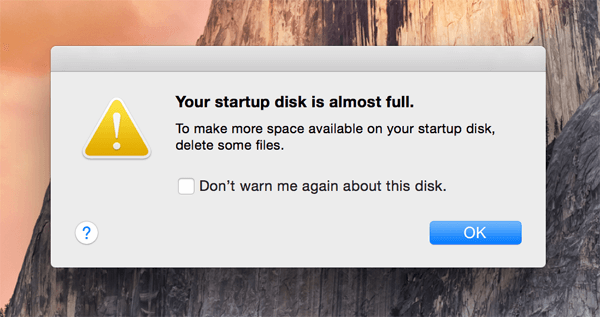
But something happens after running Docker images for a while. The disk footprint starts to build up, and if you’re working on a machine with 128GB or fewer, it can happen pretty quickly. All of those intermediate containers and unused images and volumes start to add up.
It’s really nice to work on a machine with a larger hard drive, but if you run out of space and you just need to start over, here is how to do it.
Warning: This will delete all containers, images, and (optionally) volumes. Run these commands at your own risk.

If you are running at least version 1.25 of the Client and Daemon API, you can run the prune command:
docker system prune
By default, this does not remove volumes. So if you also want to do that, you can add an optional flag:
docker system prune -a --volumes
Older Versions of Docker
If you are running an older version of Docker, and you don’t have this handy command available, you can run this script to effectively do the same thing:
Phew! It sure feels good to get that space back. Unfortunately, my experience has been that if I need to do this once, I usually need to do it somewhat frequently. It’s annoying when Docker has to re-download images again, but cest la vie.
I hope this is helpful for those of us that find disk space hard to come by during development. Thanks for reading!