
SwiftUI: Read the Average Color of an Image.

Get the average color of an image and set it as our background similar to Instagram Stories.
I recently came across this tutorial on Hacking With Swift and thought I would implement it similar to Instagram Stories but in SwiftUI
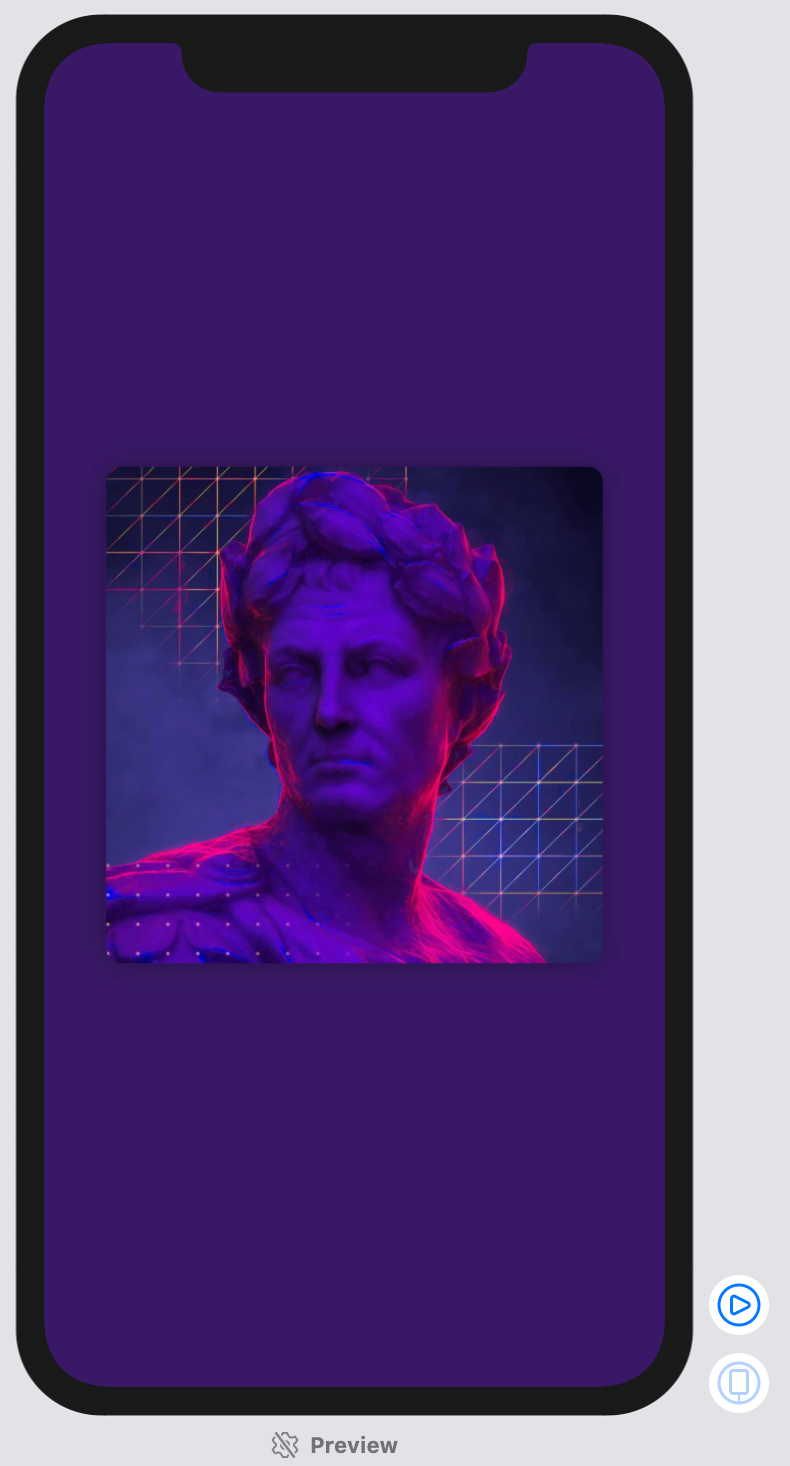
This is what we will be creating by the end of this tutorial:
Getting Started
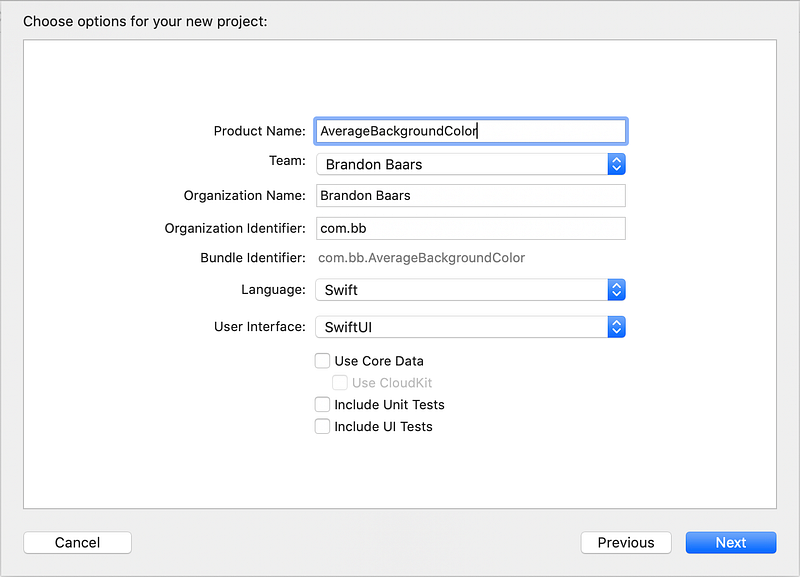
Create a new SwiftUI Project in Xcode. Make sure you’re running macOS Catalina and have Xcode 11 installed. (That allows you to use SwiftUI.)
Open Xcode → File → New → Project
I called mine AverageBackgroundColor, but feel free to name it whatever you’d like.
Make sure you have User Interface set to SwiftUI.
Implementation
Let’s get started with our layout.
I went to pexels.com, searched abstract, and grabbed around 7 photos that varied in colors to be used in this tutorial.
In Assets.xcassets. I have labeled my background colors background0 through background6
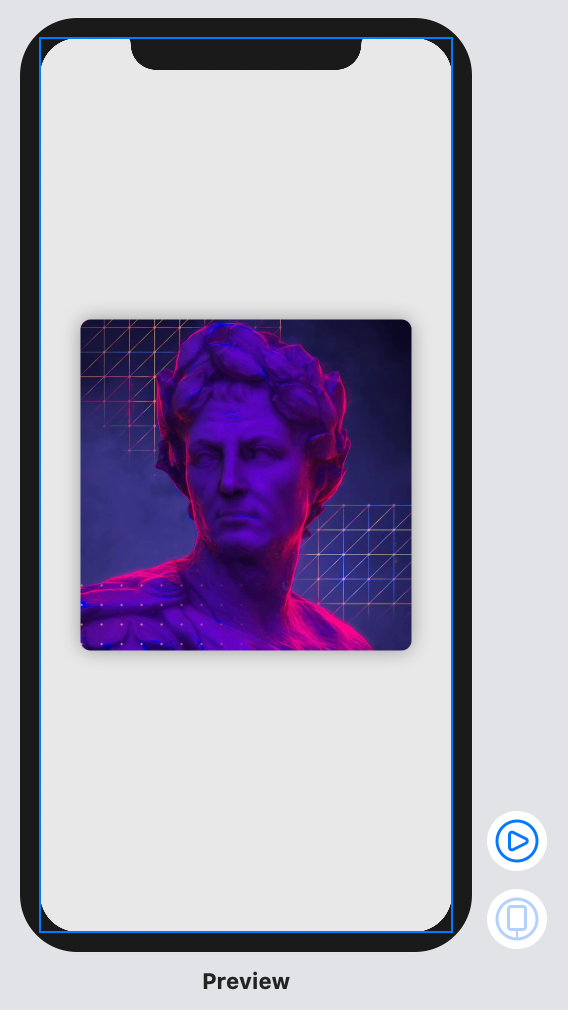
Let’s just add our first image and a generic background color to create our layout.
Open up ContentView.swift and add the following.
We create our image based off of a current index.
Make sure the frame width and height is 80% of the width of the screen.
And add a generic background color of Gray with an opacity of 20% for now, with ignoring the safe area so it extends to the edges of the screen.
We have this right now:
Next, what we want to do is get the average color of the image on screen.
Once we obtain that color, we need to update the background color to match.
Later on we will add a tap gesture to change the current image and to then update the background color with the new images average color.
To get started, create a new Swift file and name this one UIImage+Extension.swift .
Add this code below:
The above code allows us to read our resized CIImage average color.
Now that we have the ability to read an average color, we can apply it when our SwiftUI view loads.
Add the follow function and code to our existing ContentView.swift
Here we add a new state variable to hold our current background color
We update our background color of our GeometryReader to be the current background color State variable.
When the view first appears, onAppear gets called and we updated our background color to be the color found from our input image.
We should now have something like:
Next we can add a tap gesture to our Image, that when triggered, updates our current index.
Add the following closure just after the .shadow(radius: 10) on our image
.onTapGesture {
    if (self.currentIndex == self.images.count - 1) {
        self.currentIndex = 0
    } else {
        self.currentIndex = min(self.currentIndex + 1,
                                self.images.count - 1)
    }

    self.setAverageColor()
}
We make sure we’re not going past the bounds of our image array. If we aren’t, we add one to our currentIndex .
At the end, we call our private function again to update our average color.
Just like that we have implemented our tap gesture to cycle through our images!
That’s It!
I have added a SwipeGesture and DragGesture in the github page if you’re interested to get it closer to Instagram Stories.


