
Style Your Obsidian Vault with Custom Color Palettes
Feeling truly comfortable with the look and feel of my Vault is an oddly unique sensation. Good design often works that way- you don’t really know you’re satisfied until it hits you.
After making the executive decision to keep using the Minimal theme, I found myself unsatisfied with the color palettes that were available out of the box. I wanted my Vault to be more personal, to make it distinctive and reflective of my taste, so I took to pulling in and curating inspirational images that made me feel a certain way, that truly me. Drawing from those images, I began crafting unique color palettes using the Style Settings provided with the Minimal theme, and I thought it would be worthwhile to share these here, on the chance that others might similarly resonate with my aesthetic choices. This page will be regularly updated, and you can download all of the themes on the store.
Read First
- These color palettes are all based on the Minimal theme, and you must have Style Settings installed in order to import them.
- This will alter other Minimal Style Settings that I have toggled on and off, outside of the color palettes. You can of course choose to modify these yourself by adding/removing lines from the included .json files.
- To import, download any of the themes, open Style Settings in Obsidian, then click
Import>Import File. - Icons on the sidebar are from the
Folder Iconsplugin, with the Lucide pack installed. - The Abyss Color Palette is included in all of them, simply toggle on Dark Mode.
The Themes
All photos are my own unless otherwise stated.
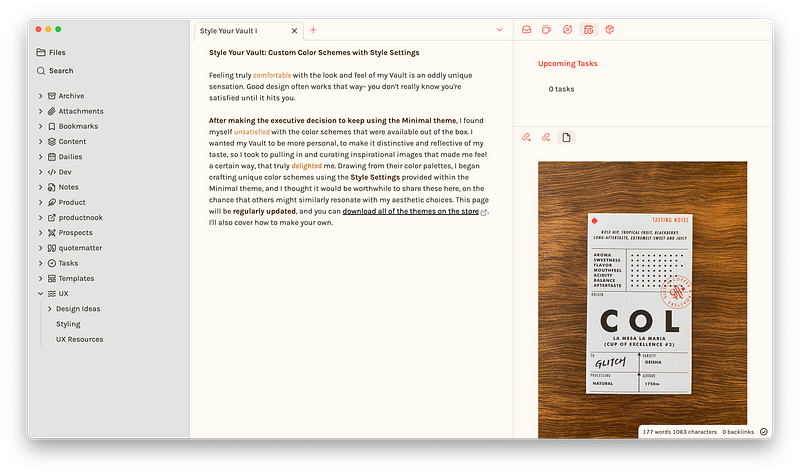
Glitch
Glitch is based on a small coffee shop in Tokyo of the same name. It’s a Light palette with a beautiful burnt orange off-set. I also highly recommend their coffee.
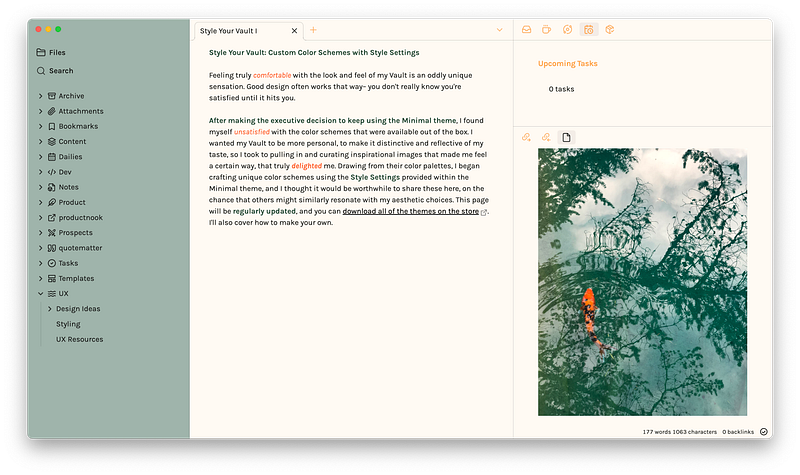
Koi
There’s a lot of “Japan Inspired” color palettes. This one is based on a Koi fish photographed in Shinjuku Gyoen National Garden.
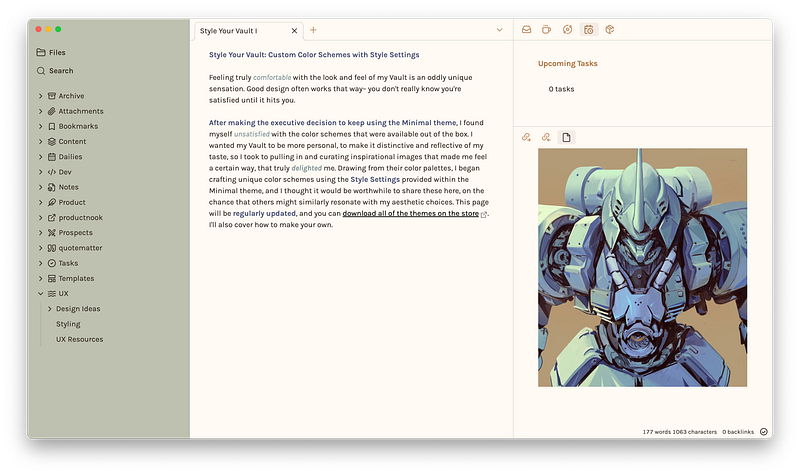
Gundam
Based on Kurganov Nikolay’s kit-bash sketch.
Abyss
Abyss is based on the Bearded Brewing Storm color theme in VS Code. It’s a Dark theme with some tweaks to make bold and italics more readable.
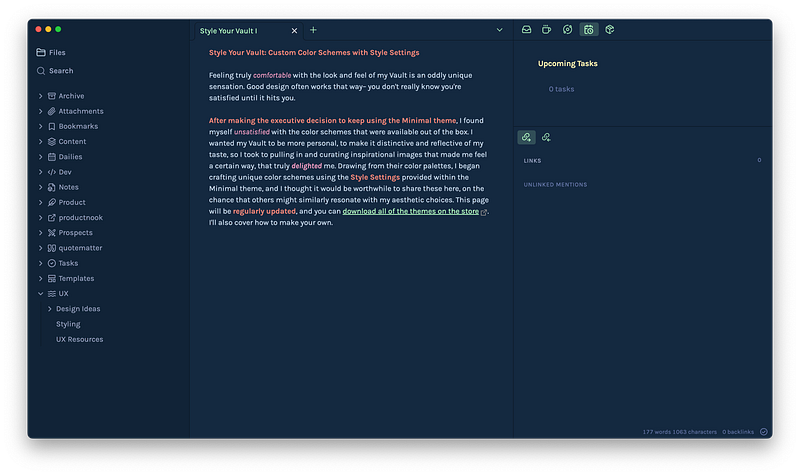
Tempest
Tempest is based on the Bearded Midnight Void color theme in VS Code.
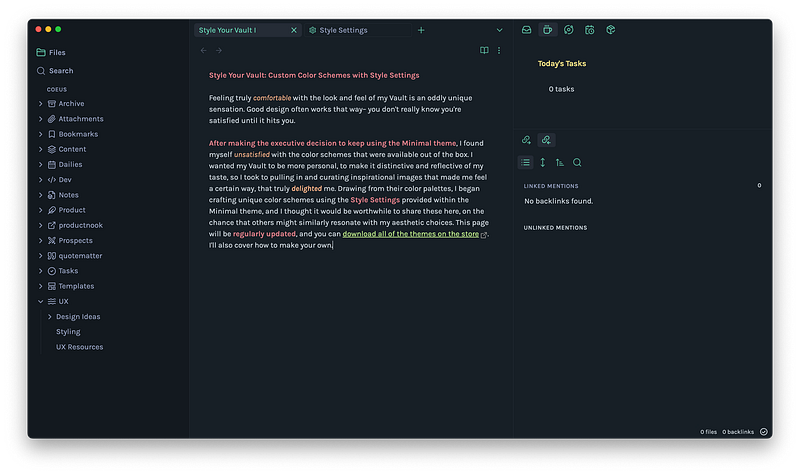
Direct Download
Available on the productnook store.
Originally published at https://www.productnook.com on August 6, 2023.


