
Straighten an image of a page using OpenCV
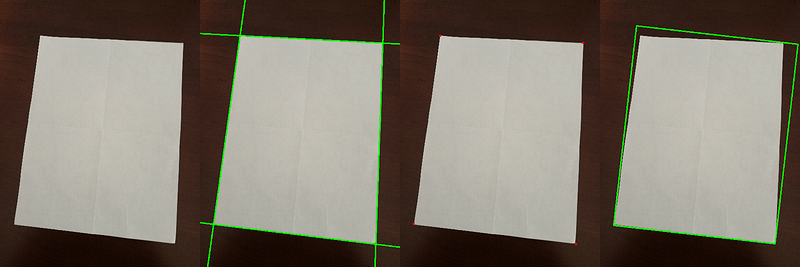
This is an application of an article I published a couple of years ago on how to process the output of HoughLines from OpenCV.
I am using the functions from the previous post opencv-hough_lines.py, to get the corners of the page which I will use to straighten a page in an image.
There are 4 snippets of code that will help us get a straighten page: 1. Get an edge detected image 2. Get the corner points using opencv-hough_lines.py 3. Fit a rotated rectangle to edge image to get the straight image dimensions 4. Warp the corner points to an image using the width and height from step 3
This is the image that we will try to straighten.
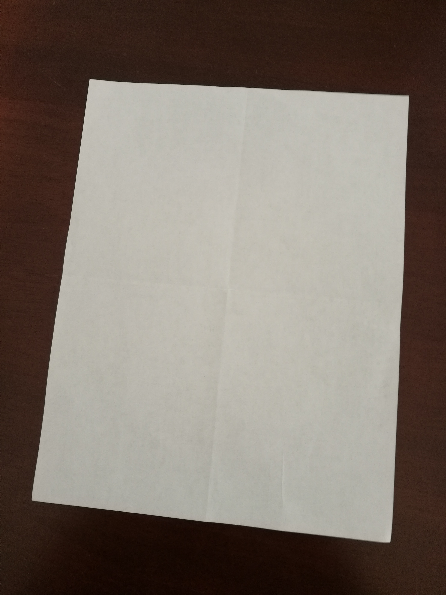
Step 1
Read the input image and use the Canny edge detector to obtain the edge detected image.
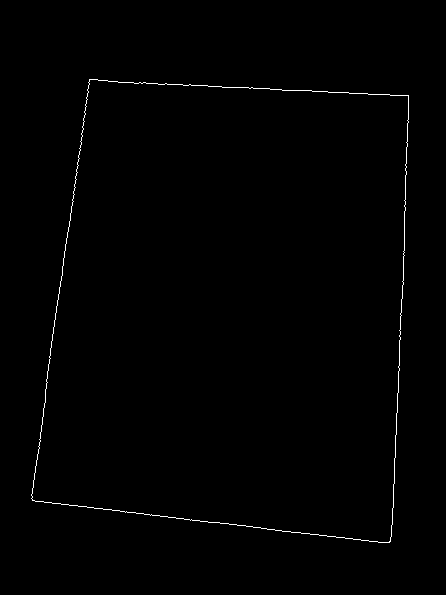
Step 2
Use the hough_lines_intersection function from opencv-hough_lines.py to get the corner points.
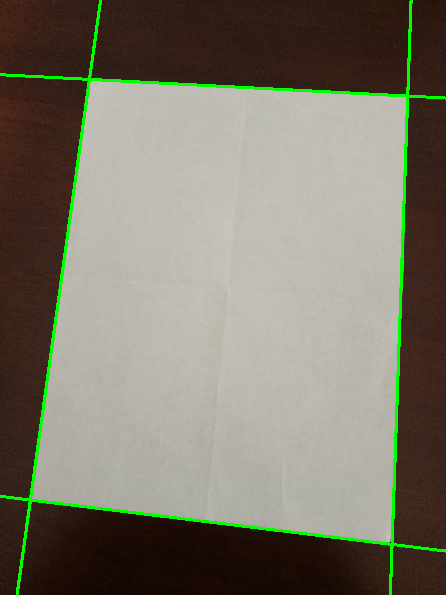
I am using a helper function cyclic_intersection_points to Sorts 4 points in clockwise direction with the first point been closest to 0,0.
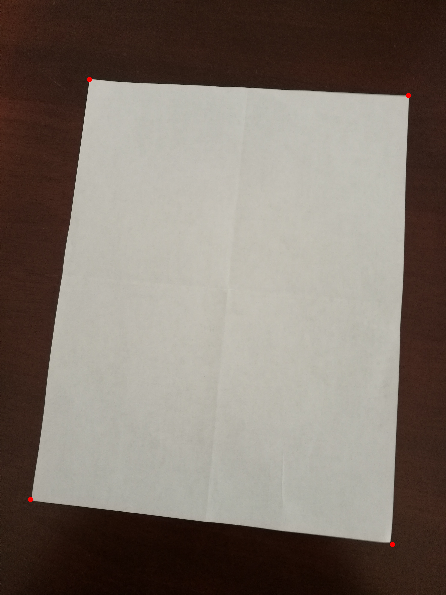
Step 3
Using the minAreaRect function from OpenCV, get the width and height of the closest fitting rectangle.
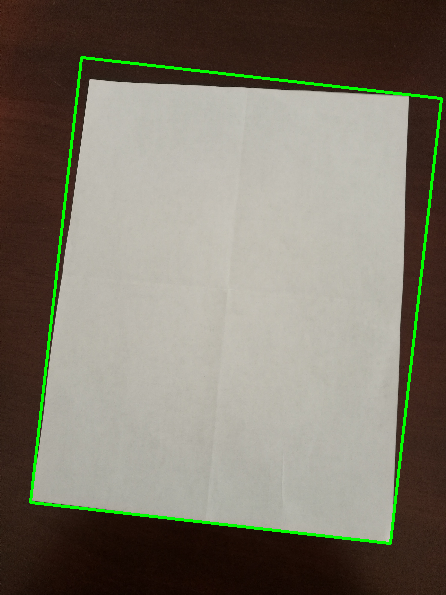
We want to use the rectangle with the smallest area or closest fitting rectangle so that we don’t transform the image more than what we need to straighten the image. This will preserve the aspect ratio of the contents in the page, giving a cleaner output.
Step 4
Transform the image using the warpPerspective transform to a rectangle.
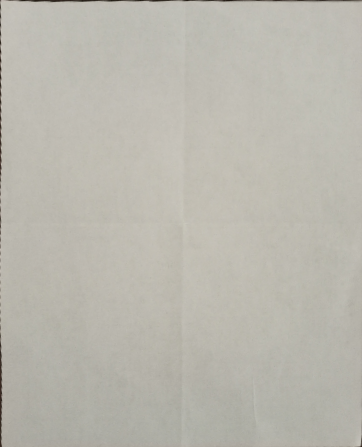
Even though I have used a very simple and clean image as an example in this post. The aim of this post is to define the steps to obtain a straight page from an image and provide sample code to do so. There are a lot of corner cases that needs to be tackled which we won’t discuss here.
However, it's good to keep the page to be scanned on a dark background and take the picture while maintaining the aspect ratio of the page as much as possible.
Lastly, I would like to mention that there are other ways by which you can tackle the problem. For example, you can use a corner detection algorithm to detect the page corners instead of Hough transform.
Update 22 March 2022
Adding code for the drawHoughLines method.
Thanks to a reader for pointing it out.


